


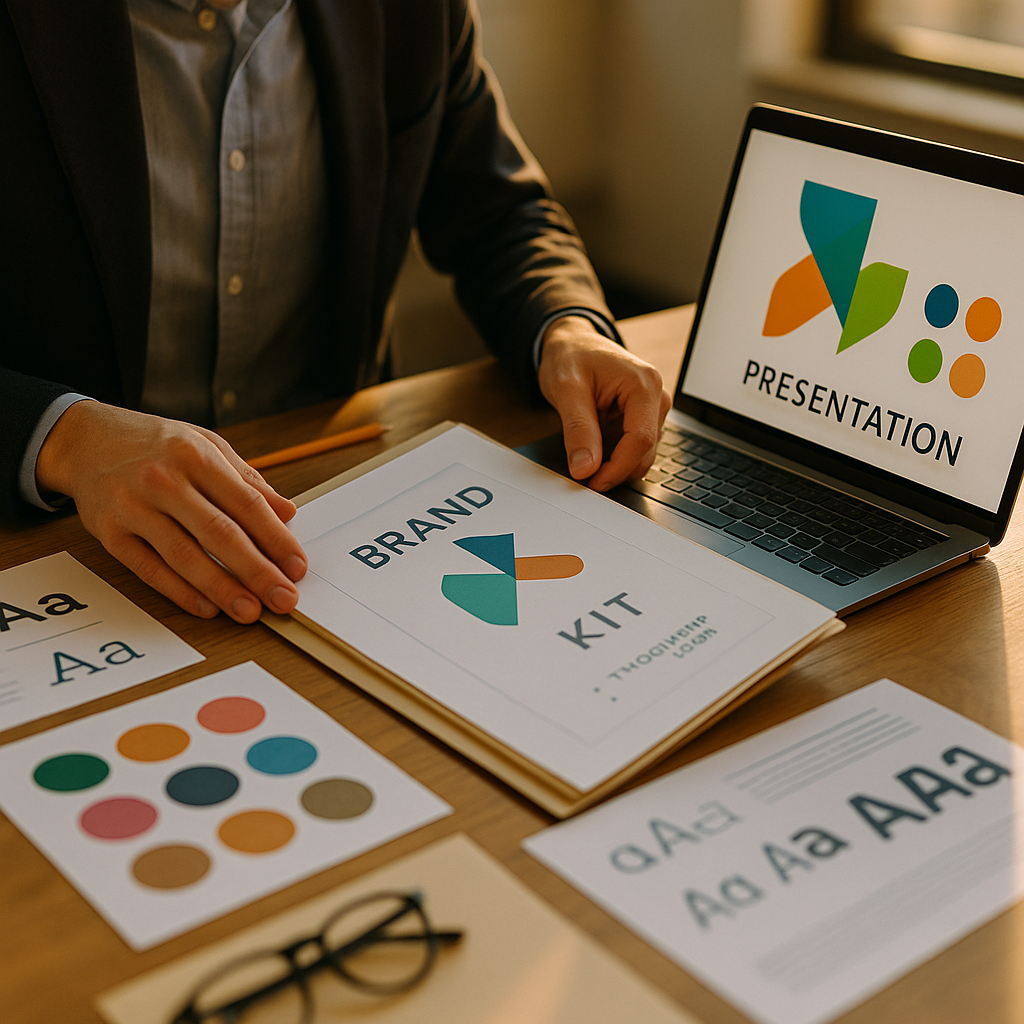
Crafting a compelling sales presentation requires more than persuasive language—it demands visual consistency. A brand kit for your sales presentations unifies your messaging and maximizes impact with every slide. In this guide, learn how to create, customize, and use a brand kit that sets your proposals apart and ensures professional delivery at every stage.
Why a Sales Presentation Brand Kit Matters for Consistent Messaging
Establishing a strong, memorable brand presence is crucial in today’s competitive sales landscape. A well-designed brand kit ensures that your sales presentations reflect your company’s values, story, and professionalism. Consistency across your materials builds trust—the Edelman Trust Barometer (2024) shows 81% of buyers make purchasing decisions based on trust in the brand. A brand kit helps cement your visual identity across every pitch, bringing immediate recognition and reinforcing your credibility.
When every slide, handout, and proposal look like they’re from the same company—through consistent logos, colors, and fonts—your prospects see a unified, polished team. Inconsistent visuals, by contrast, can distract from your message and undermine confidence, no matter how strong your offering.
Essential Elements to Include in Your Brand Kit
Building a brand kit for sales presentations starts with assembling the core visual components that represent your brand’s unique identity. Here’s what to include:
- Logo files: Have multiple logo formats (PNG, SVG, transparent background) for dark and light slides, and set guidelines for minimum size and placement.
- Brand colors: Define your primary and secondary color palette with exact HEX or RGB codes. This ensures consistency, whether your team uses PowerPoint, Google Slides, or proprietary tools.
- Typeface and fonts: Specify heading, subheading, and body text fonts. Include fallback options for compatibility across devices and software.
- Imagery guidelines: Suggest photography or iconographic style (e.g., clean, high-contrast photos, or flat icons), and offer a small ready-to-use image library for quick access.
- Template slides: Provide branded master slides for titles, content, section breaks, and thank-you pages. These reinforce consistent structure and style.
- Brand voice and tone: Include guidance on messaging, terminology, and tone—should copy be formal, consultative, or energetic? This keeps messaging aligned even when different team members customize slides.
Centralizing these elements in a single, accessible resource eliminates confusion and ensures quick onboarding for your sales team, whether in-house or remote.
Steps to Develop and Customize Your Brand Kit
Creating a practical, easy-to-use brand kit involves more than simply collecting design files. Follow these actionable steps for building and customizing a brand kit tailored for high-impact sales presentations:
- Audit existing materials. Review your top-performing sales decks, marketing collateral, and digital assets. Identify key branding elements you want to reinforce.
- Engage your design team or a brand consultant. Collaborate with professionals to standardize logos, select optimal color codes, and specify compatible fonts for all devices and operating systems your team uses.
- Develop branded templates. Create master slides for common presentation needs—introductions, testimonials, data charts, case studies, and next steps. Use your brand colors, fonts, and layout rules throughout.
- Write clear brand usage guidelines. Make usage simple with short, visual instructions on correct logo placement, color ratios, and tone of language. Avoid jargon and aim for clarity.
- Centralize and share. Store all assets and guides in a cloud-based folder or your company’s digital asset management platform. Ensure everyone in sales and marketing can access the latest versions.
Regularly revisit your brand kit—at least quarterly—to update assets in line with feedback or evolving branding. Involving both design and sales staff in this process guarantees the kit addresses practical needs in real-world pitches.
Best Practices for Using Your Presentation Brand Kit
Once your brand kit is ready, teaching your sales team how to use it effectively is key. Here are actionable best practices to drive impact:
- Training sessions: Run short, focused workshops on applying templates, using image libraries, and following voice guidelines. Record these sessions for on-demand reference.
- Checklist for every presentation: Encourage your team to review a quick checklist—are approved fonts, color palettes, and correct logos in place? Are all graphics high-resolution and on-brand?
- Enforce version control: Designate one team member or central contact to manage templates and update assets, reducing the risk of outdated materials spreading through your organization.
- Gather feedback: Ask sales staff and clients for input on your materials’ visual clarity, professionalism, and brand alignment. Use this feedback to refine your kit over time.
- Customize within guardrails: Encourage sales reps to tailor slides for specific prospects—adding custom logos or references—while always using the approved brand components.
Following these practices ensures consistency across every sales touchpoint, helping you stand out and communicate your company’s unique value clearly and confidently.
Tools and Resources for Efficient Brand Kit Creation
Numerous digital tools streamline the process of creating and distributing a brand kit for your sales presentations. As of 2025, the most reliable options include:
- Canva: Offers drag-and-drop branding features, team folders, and a brand kit section to pre-set fonts, colors, and logos for presentations.
- Google Workspace: With Google Slides master templates and Shared Drives, teams can collaborate in real time and maintain current branding.
- Microsoft PowerPoint: Use Slide Master and theme settings for uniform branding, and lock brand-specific components so only approved edits can be made.
- Digital Asset Management (DAM) platforms: Systems like Bynder, Frontify, or Brandfolder provide one central hub for all brand assets, complete with permission settings and analytics.
When selecting tools, prioritize ease of use, security, and compatibility with your team’s workflows. Automating updates and using cloud collaboration reduces errors and ensures every sales presentation remains on-brand.
Measuring the Impact: Brand Kit Success Metrics for Sales Teams
To prove the value of your brand kit, focus on metrics that tie branding consistency to sales outcomes. Here’s what to track:
- Brand recognition in pitches: Use surveys and feedback forms post-presentation to gauge if audiences recall your brand elements afterward.
- Proposal acceptance rates: Analyze whether branded materials correlate with higher proposal win rates or faster client response times—software like Salesforce can help attribute deals to assets used.
- Sales cycle length: Monitor whether increased professionalism and clarity reduce buyer hesitation, speeding up deal closures.
- Internal adoption: Track how many sales team members use the brand kit and templates, and when they last updated their assets.
Regularly share these findings with stakeholders. Celebrating improvements in brand perception and conversion rates incentivizes continuous adoption—and ensures your brand kit remains a strategic asset rather than a static document.
FAQs about Creating a Brand Kit for Sales Presentations
-
How often should we update our sales presentation brand kit?
Review and update your brand kit at least quarterly, or whenever you rebrand, update your offering, or receive feedback indicating changes are needed. -
Who should be responsible for maintaining the brand kit?
Typically, marketing or brand managers oversee updates, but involve sales leaders to ensure practical alignment. Assign a central contact for version control. -
Can we customize branded templates for specific clients?
Yes, encourage customization within approved guidelines—such as inserting a client’s logo or tailored messaging—while always using your core brand elements. -
Is creating a brand kit expensive?
Costs vary. For most companies, using tools like Canva or Google Slides is very affordable. Investment in design or digital asset management pays off through improved win rates. -
What if our team uses both PowerPoint and Google Slides?
Create brand kit assets compatible with both platforms, and distribute templates in all required formats to ensure consistency across all presentations.
In summary, a robust brand kit for your sales presentations aligns your visuals, messaging, and professionalism. Consistent branding boosts trust, drives results, and streamlines your sales process. Invest time in developing, distributing, and maintaining your kit to ensure every presentation delivers your best brand impression—every single time.
Top Influencer Marketing Agencies
The leading agencies shaping influencer marketing in 2026
Agencies ranked by campaign performance, client diversity, platform expertise, proven ROI, industry recognition, and client satisfaction. Assessed through verified case studies, reviews, and industry consultations.
Moburst

-
2

The Shelf
Boutique Beauty & Lifestyle Influencer AgencyA data-driven boutique agency specializing exclusively in beauty, wellness, and lifestyle influencer campaigns on Instagram and TikTok. Best for brands already focused on the beauty/personal care space that need curated, aesthetic-driven content.Clients: Pepsi, The Honest Company, Hims, Elf Cosmetics, Pure LeafVisit The Shelf → -
3

Audiencly
Niche Gaming & Esports Influencer AgencyA specialized agency focused exclusively on gaming and esports creators on YouTube, Twitch, and TikTok. Ideal if your campaign is 100% gaming-focused — from game launches to hardware and esports events.Clients: Epic Games, NordVPN, Ubisoft, Wargaming, Tencent GamesVisit Audiencly → -
4

Viral Nation
Global Influencer Marketing & Talent AgencyA dual talent management and marketing agency with proprietary brand safety tools and a global creator network spanning nano-influencers to celebrities across all major platforms.Clients: Meta, Activision Blizzard, Energizer, Aston Martin, WalmartVisit Viral Nation → -
5

The Influencer Marketing Factory
TikTok, Instagram & YouTube CampaignsA full-service agency with strong TikTok expertise, offering end-to-end campaign management from influencer discovery through performance reporting with a focus on platform-native content.Clients: Google, Snapchat, Universal Music, Bumble, YelpVisit TIMF → -
6

NeoReach
Enterprise Analytics & Influencer CampaignsAn enterprise-focused agency combining managed campaigns with a powerful self-service data platform for influencer search, audience analytics, and attribution modeling.Clients: Amazon, Airbnb, Netflix, Honda, The New York TimesVisit NeoReach → -
7

Ubiquitous
Creator-First Marketing PlatformA tech-driven platform combining self-service tools with managed campaign options, emphasizing speed and scalability for brands managing multiple influencer relationships.Clients: Lyft, Disney, Target, American Eagle, NetflixVisit Ubiquitous → -
8

Obviously
Scalable Enterprise Influencer CampaignsA tech-enabled agency built for high-volume campaigns, coordinating hundreds of creators simultaneously with end-to-end logistics, content rights management, and product seeding.Clients: Google, Ulta Beauty, Converse, AmazonVisit Obviously →