


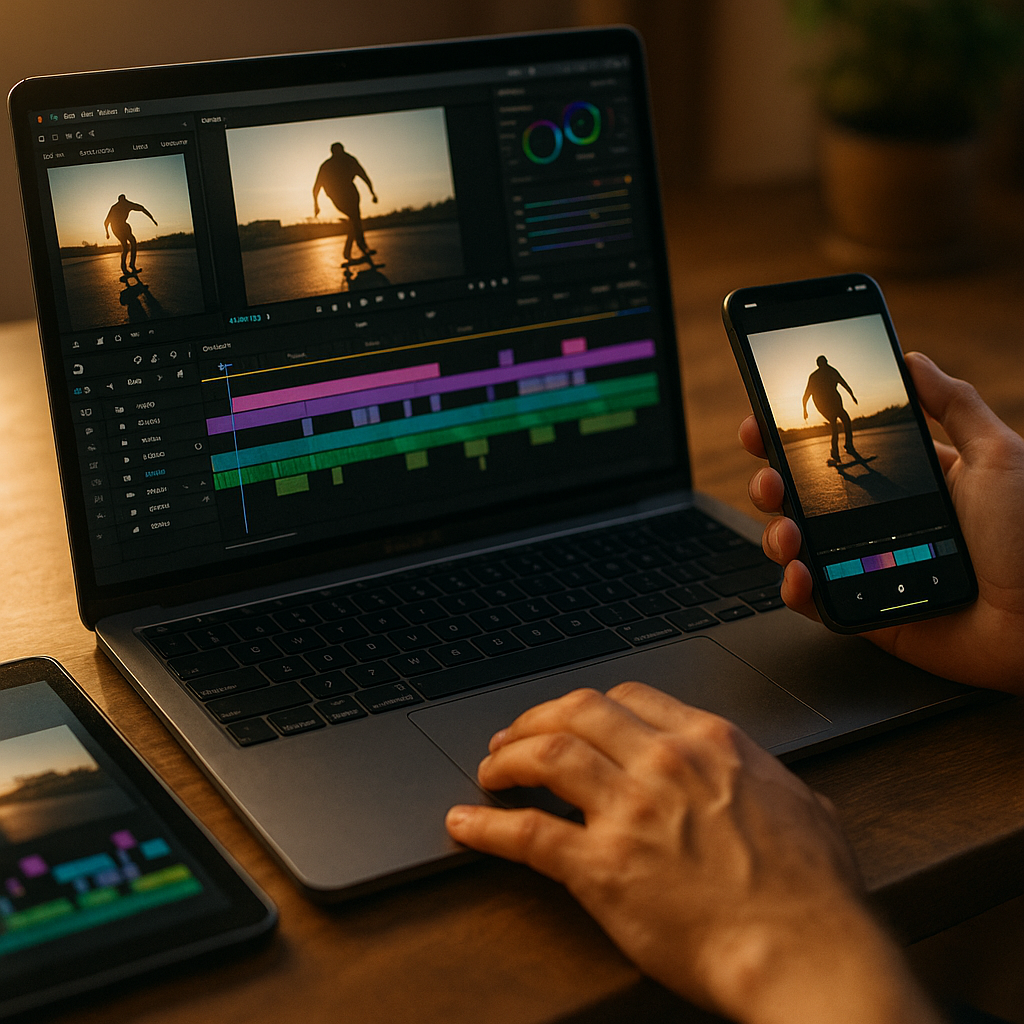
Learning how to build creator edits that work across all platforms is essential for maximizing your content’s reach and effectiveness. With the rise of diverse social media channels in 2025, repurposing creator content for cross-platform compatibility can make or break your digital presence. Here’s how you can design edits that perform everywhere—while staying creative, efficient, and on-brand.
Understanding Cross-Platform Creator Content Expectations
Before you edit, analyze each platform’s unique requirements. TikTok rewards short, vertically aligned videos with bold overlays, while YouTube values longer content in a 16:9 ratio. Instagram and Facebook, meanwhile, embrace both square and vertical formats. Recognizing these expectations helps creators tailor media for each audience without diluting their brand’s voice.
- TikTok & Instagram Reels: Vertical format (9:16), fast-paced, trending audio.
- YouTube: Horizontal (16:9) for long-form; vertical for Shorts.
- Facebook: Square (1:1) or vertical (4:5), engaging captions.
Study content performance metrics from 2024 and 2025 to see which formats excel where. Adapt, don’t just repost, for improved reach and audience engagement.
Strategic Planning for Multi-Platform Edits
Begin each project by mapping content goals and ideal outcomes for every platform. Storyboarding is vital: sketch or outline parts of your video or image set that will resonate universally, and parts to swap out depending on the channel. For example, keep the core message consistent but tweak length, transitions, and CTA wording.
To plan smarter edits:
- List platforms and their preferred aspect ratios, video length, and interactive elements.
- Identify universal hooks or moments that will connect with all audiences.
- Design flexible assets (e.g., overlays, graphics) for easy swapping in various formats.
- Tag key CTAs and brand mentions to be editable or localized.
Invest time up front to save hours—and maximize ROI—at the repurposing stage.
Best Editing Tools for Cross-Platform Optimization
Selecting the right editing tools can streamline your workflow and ensure top-quality edits. In 2025, AI-powered platforms like Adobe Premiere Pro, CapCut, and DaVinci Resolve offer built-in templates for resizing and adapting content to multiple platforms automatically.
Key features to look for:
- Auto-resizing for saving time when switching image/video ratios.
- Template libraries designed for TikTok, YouTube, Instagram, and Facebook.
- Batch-export options for simultaneous production of platform-friendly versions.
- AI-enhanced suggestions for effective cropping, pacing, and text placement.
Use platform-specific previews within your editor to verify visual quality before publishing. This prevents awkward cropping or cutoff captions that can harm viewer retention.
Maintaining Brand Consistency Across All Channels
Your edits should look and feel familiar no matter where they’re viewed. Consistent branding increases recognition and trust, regardless of algorithmic trends or formats. Set brand guidelines detailing color palettes, logo placement, font choices, and typical video intros/outros.
To keep your branding sharp and adaptable:
- Use brand asset packs in all editing projects so logos and overlays are always at hand.
- Opt for font sizes and styles that remain legible in all video ratios.
- Develop a signature intro or “hook” segment that fits both vertical and horizontal formats.
- Automate repetitive branding tasks with editor macros or presets.
When collaborating with other creators, share these guidelines to foster a seamless, cohesive message across every post, share, and embed.
Optimizing Engagement with Platform-Savvy Edits
Platform-aware editing goes beyond format: it’s about speaking the native visual language of each channel. On TikTok, you might open with an eye-catching jump cut, while on YouTube a hook followed by a detailed intro works better. Strategic placement of stickers, captions, and calls to action keeps audiences attentive.
For better engagement rates:
- Start strong—the first 3 seconds determine whether users keep watching.
- Add captions and animated texts for silent autoplay viewers (especially on Facebook and Instagram).
- Incorporate trending music or effects suited for each channel.
- Use analytics tools to test different edit versions and double down on what works.
Monitor recent engagement trends (2025 data points to increased importance of interactive stickers and polls) and adapt your editing style accordingly. Be open to rapidly iterating your content based on feedback and real-time numbers.
Measuring & Iterating with Real Data
The final key to building creator edits that work everywhere is a robust measurement and iteration process. Use platform analytics to track retention, shares, and comments. Examine what’s resonating, then apply those learnings to future edits.
Follow this feedback loop:
- Review performance for each platform separately; patterns will emerge.
- Gather audience feedback—comments often highlight what to double down on or fix.
- Test new edit elements on lower-stakes posts before making them staples.
- Schedule monthly or bi-monthly reviews to update strategy as algorithms change.
Don’t make assumptions: let the data guide you. Tweak, refine, and watch engagement rates climb as you deliver what your audience really wants—wherever they find you.
Conclusion
Building creator edits that work across all platforms in 2025 demands a thoughtful blend of platform knowledge, smart planning, and data-driven refinement. By tailoring content with respect to each channel’s audience and technical needs, you’ll expand your reach and amplify your brand’s impact. Start applying these strategies—your cross-platform success depends on it.
FAQs: Building Cross-Platform Creator Edits
-
What is the best video format for all social platforms?
There is no universal “best” format, but vertical (9:16) suits most platforms, especially TikTok and Instagram Reels. For YouTube and Facebook, horizontal (16:9) or square (1:1) often works better. Editing tools can help produce multiple versions from a single master file.
-
How do I maintain video quality after resizing for different platforms?
Always begin editing with the highest resolution possible. Use editing software with intelligent resizing features, and preview your videos in each format before publishing to spot quality issues.
-
Which editing tools are best for cross-platform content in 2025?
Leading choices include Adobe Premiere Pro, CapCut, and DaVinci Resolve—all offering AI-powered templates, auto-resizing, and batch exports tailored for multi-platform use.
-
How often should I update my editing strategy?
Review your performance data monthly or at least every two months, especially after major platform updates. This ensures your content stays effective and relevant.
-
What’s a quick tip for boosting post engagement?
Always include engaging captions and interactive elements like stickers or polls, and optimize the first three seconds of your video to capture attention fast.
Top Influencer Marketing Agencies
The leading agencies shaping influencer marketing in 2026
Agencies ranked by campaign performance, client diversity, platform expertise, proven ROI, industry recognition, and client satisfaction. Assessed through verified case studies, reviews, and industry consultations.
Moburst

-
2

The Shelf
Boutique Beauty & Lifestyle Influencer AgencyA data-driven boutique agency specializing exclusively in beauty, wellness, and lifestyle influencer campaigns on Instagram and TikTok. Best for brands already focused on the beauty/personal care space that need curated, aesthetic-driven content.Clients: Pepsi, The Honest Company, Hims, Elf Cosmetics, Pure LeafVisit The Shelf → -
3

Audiencly
Niche Gaming & Esports Influencer AgencyA specialized agency focused exclusively on gaming and esports creators on YouTube, Twitch, and TikTok. Ideal if your campaign is 100% gaming-focused — from game launches to hardware and esports events.Clients: Epic Games, NordVPN, Ubisoft, Wargaming, Tencent GamesVisit Audiencly → -
4

Viral Nation
Global Influencer Marketing & Talent AgencyA dual talent management and marketing agency with proprietary brand safety tools and a global creator network spanning nano-influencers to celebrities across all major platforms.Clients: Meta, Activision Blizzard, Energizer, Aston Martin, WalmartVisit Viral Nation → -
5

The Influencer Marketing Factory
TikTok, Instagram & YouTube CampaignsA full-service agency with strong TikTok expertise, offering end-to-end campaign management from influencer discovery through performance reporting with a focus on platform-native content.Clients: Google, Snapchat, Universal Music, Bumble, YelpVisit TIMF → -
6

NeoReach
Enterprise Analytics & Influencer CampaignsAn enterprise-focused agency combining managed campaigns with a powerful self-service data platform for influencer search, audience analytics, and attribution modeling.Clients: Amazon, Airbnb, Netflix, Honda, The New York TimesVisit NeoReach → -
7

Ubiquitous
Creator-First Marketing PlatformA tech-driven platform combining self-service tools with managed campaign options, emphasizing speed and scalability for brands managing multiple influencer relationships.Clients: Lyft, Disney, Target, American Eagle, NetflixVisit Ubiquitous → -
8

Obviously
Scalable Enterprise Influencer CampaignsA tech-enabled agency built for high-volume campaigns, coordinating hundreds of creators simultaneously with end-to-end logistics, content rights management, and product seeding.Clients: Google, Ulta Beauty, Converse, AmazonVisit Obviously →