


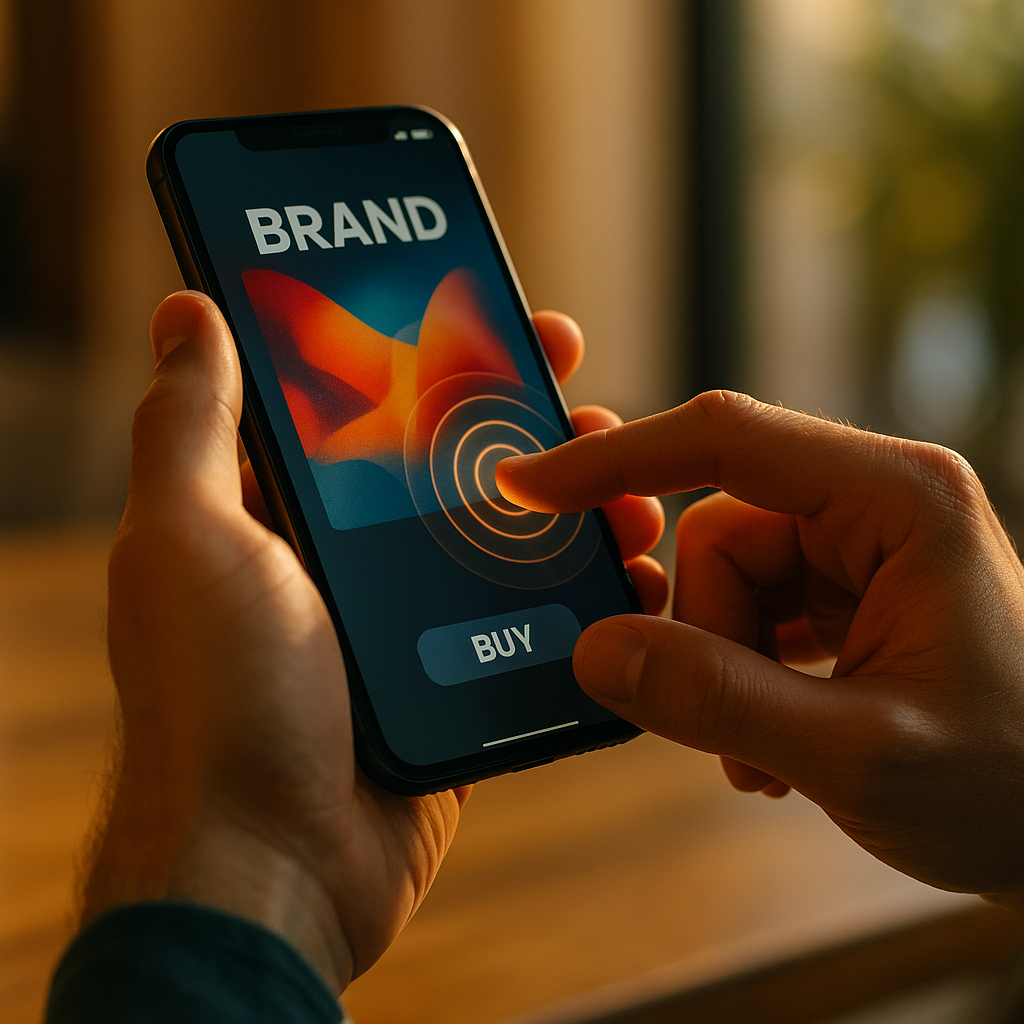
In 2025, people judge mobile experiences in milliseconds, often before reading a single word. The Role Of Haptic Feedback In Enhancing Mobile Brand Experiences is no longer a niche design topic; it is a practical way to make interactions feel clear, premium, and trustworthy. When executed well, haptics reduce uncertainty, guide behavior, and reinforce identity. But which patterns actually strengthen brands?
Mobile brand experience design: why touch belongs in your brand system
Mobile brand experience design is typically discussed in visual and verbal terms: colors, typography, tone, and motion. Yet a mobile device is also a physical object in the hand, and touch feedback can function like a “tactile signature” that supports recognition and preference.
Haptic feedback turns invisible software states into felt outcomes. That matters because many brand moments in mobile are micro-moments: a tap, a swipe, an error, a confirmation. When those moments are ambiguous, users hesitate or backtrack. When they are clear and consistent, users move forward with confidence. Confidence is a brand attribute, and haptics can help deliver it.
To treat touch as part of a brand system, align haptics with your existing identity attributes:
- Premium and precise: short, crisp confirmations that feel controlled and minimal.
- Playful and energetic: slightly richer patterns used sparingly for delight, not noise.
- Calm and supportive: gentle confirmations and clear “boundaries” for errors.
The goal is not to add vibration everywhere. The goal is to make key interactions feel intentional, consistent, and legible. That is how touch contributes to brand equity rather than becoming a gimmick.
Haptic UX patterns: where feedback improves clarity and conversion
Haptic UX patterns work best when they answer a specific user question: “Did my action register?” “Did something change?” “Is this allowed?” “What just happened?” Those questions appear constantly in mobile funnels. Done well, haptics reduce cognitive load and friction without adding UI clutter.
High-impact patterns to prioritize:
- Tap confirmation for primary actions: A subtle “tick” on key buttons (e.g., Add to cart, Save, Pay) reinforces completion and can reduce repeat taps that cause errors.
- Boundary and constraint feedback: A brief pulse when a user reaches the end of a list, hits a minimum/maximum value, or attempts an invalid gesture. This communicates “no” without requiring a modal.
- Progress and state change cues: Lightweight feedback when toggles switch, a payment method is selected, or biometric authentication succeeds. Users feel state transitions, not just see them.
- Error differentiation: Use a distinct, slightly longer pattern for failures (e.g., payment declined) so users immediately recognize the need for attention. Pair it with clear copy and a next step.
- Gesture reinforcement: Feedback at the “commit point” of a swipe-to-archive or pull-to-refresh helps users learn interactions faster.
Brand teams often ask whether haptics can improve conversion. The practical answer is: haptics improve interaction certainty. When users trust that inputs are recognized and outcomes are predictable, they complete tasks more smoothly. That can contribute to conversion, fewer support contacts, and better app store sentiment, especially when paired with fast performance and clear messaging.
One important follow-up: avoid using vibration as a proxy for animation. If you already have strong motion cues, haptics should complement them, not duplicate them. Redundant feedback can feel heavy and lower perceived quality.
Tactile branding strategy: creating a recognizable “haptic signature”
A tactile branding strategy defines how haptics express your brand across journeys, not just screens. Think of it as a library of tactile “tokens” that map to meaning and emotional tone. This improves consistency and makes your experience feel designed rather than assembled.
Build a simple haptic language with three layers:
- Functional layer (must-have): confirmation, error, boundary, selection. These support usability and accessibility.
- Brand layer (nice-to-have): subtle variations that reflect personality (e.g., crisp vs. soft) while keeping semantics intact.
- Delight layer (rare): carefully chosen moments such as a milestone, reward, or successful onboarding step.
To keep it recognizable, define constraints. For example:
- Intensity ceiling: set a maximum strength so nothing feels aggressive.
- Duration rules: keep confirmations short; reserve longer patterns for critical alerts.
- Semantic mapping: the same meaning always triggers the same category of feel (users learn it).
Then document it like any other brand asset. Include:
- Use cases: what triggers each pattern and what it should communicate.
- Do-not-use list: where haptics cause annoyance (e.g., every keystroke, repetitive scrolling ticks).
- Fallback behavior: what happens on devices with limited haptic engines or when users disable vibration.
Consistency is the differentiator. If haptics feel random across the app, users notice the lack of craft. If they feel cohesive, users experience your brand as “thoughtful” even if they cannot articulate why.
Accessibility and inclusive haptics: designing for control, comfort, and trust
Accessibility and inclusive haptics are essential because touch feedback can either empower users or overwhelm them. People vary widely in sensory sensitivity, attention contexts, and device settings. A brand that respects control builds trust.
Key inclusive practices:
- Honor system settings: if a user disables vibration or haptics at the OS level, your app should not override it.
- Provide in-app control for non-essential haptics: allow users to reduce or disable “delight” feedback while keeping functional confirmations where appropriate.
- Never rely on haptics alone: pair tactile cues with visual and, when relevant, audio cues. Haptics should reinforce meaning, not carry it exclusively.
- Differentiate signals clearly: confirmations and errors should not feel similar. Ambiguous haptics create stress and repeated actions.
- Use restraint in high-frequency flows: repeated pulses during typing, rapid swiping, or continuous interactions can become fatiguing.
Common reader question: “Do haptics help accessibility?” They can, especially for users who benefit from additional non-visual confirmation. But inclusion requires optionality and clarity. In brand terms, the takeaway is simple: giving users control over tactile intensity and frequency often increases perceived care and reduces churn from irritation.
Cross-platform haptic implementation: ensuring consistency on iOS and Android
Cross-platform haptic implementation is where many brand intentions break. Different devices produce different sensations, and operating systems provide different APIs and capabilities. The solution is to design for semantic consistency rather than identical waveforms.
Practical guidelines for 2025 mobile teams:
- Design by intent, not by hardware effect: define “success confirmation,” “warning,” “error,” and “boundary” as semantic events, then map them to the best available system haptics on each platform.
- Prefer platform-native haptics for standard events: native patterns feel familiar and “right” to users, improving trust and reducing the uncanny feel of custom vibration.
- Use custom patterns sparingly: reserve for brand moments that truly benefit from uniqueness, and test across a representative device set.
- Calibrate for device variance: the same instruction can feel stronger on one phone than another. Create safe ranges and avoid extreme intensities.
- Build a “haptic token” layer: in your design system and codebase, define tokens such as haptic.success, haptic.error, haptic.selection. This makes consistency enforceable.
Follow-up question: “Should we standardize haptics in design specs?” Yes. Add haptic tokens to your component documentation the same way you document spacing, motion, and accessibility states. This supports EEAT by showing disciplined, reproducible practice rather than subjective preference.
Measuring haptic impact: metrics, testing, and brand perception signals
Measuring haptic impact requires both product analytics and brand signals. Since haptics are often subtle, you want to confirm they improve outcomes without adding noise or battery concerns.
Recommended measurement approach:
- A/B testing on key flows: compare completion rate, time-to-complete, error rate, and backtracking (e.g., repeated taps, undo actions) with and without specific haptic events.
- Funnel health indicators: watch for reductions in form abandonment, payment retries, and navigation mis-taps after adding clearer confirmations and boundary feedback.
- Qualitative testing: in moderated sessions, ask users to describe how the app “feels” and whether interactions seem reliable. Users may not mention haptics directly, but they will describe confidence, clarity, and polish.
- In-app sentiment prompts: target them after major tasks (checkout completed, onboarding finished). Track language like “smooth,” “responsive,” and “glitchy.”
- Support and review mining: monitor complaints about “annoying vibrations” or “no feedback” and correlate with device models and OS settings.
Also plan for governance. Assign ownership (often a partnership between design systems, mobile engineering, and brand) and create a lightweight review checklist:
- Is the haptic event necessary for clarity or confidence?
- Does it match the semantic meaning (success vs. error)?
- Is it consistent with the haptic tokens?
- Does it respect user and OS settings?
This is how you operationalize quality: you treat haptics as measurable UX, not as decoration.
FAQs
What is haptic feedback in mobile apps?
Haptic feedback is tactile response generated by a phone (such as a brief vibration or “tap” sensation) to confirm actions, signal errors, or reinforce gestures. It helps users feel that an interaction occurred and understand the result.
How does haptic feedback strengthen brand experiences?
It adds a consistent tactile layer to the brand system. When confirmations, errors, and selections feel deliberate and cohesive, users perceive the app as more reliable, polished, and premium, which supports trust and preference.
Where should brands use haptics for the biggest impact?
Prioritize primary actions (submit, pay, save), boundary states (limits reached, invalid actions), and critical state changes (authentication success/failure). Use delight haptics sparingly for meaningful milestones.
Can haptic feedback annoy users?
Yes. Overuse, high intensity, or repetitive patterns (especially in high-frequency actions like typing) can feel intrusive. Respect OS settings and offer in-app controls for non-essential haptics.
Should haptics be the same on iOS and Android?
Aim for semantic consistency rather than identical sensations. Use a shared token system (success, error, selection) and map each token to the best native implementation on each platform, then test on real devices.
How do you measure whether haptics improve performance?
Use A/B tests on key funnels, track error rates and repeated taps, and run usability sessions focused on perceived responsiveness and clarity. Monitor reviews and support tickets for feedback about vibration behavior.
Haptics translate digital actions into physical certainty, which is why they can elevate mobile experiences from usable to memorable. In 2025, the strongest brands treat touch feedback as part of the design system: consistent, purposeful, and respectful of user control. Prioritize functional confirmations, define a tactile language, and validate impact with testing. The takeaway: well-governed haptics build trust you can feel.
Top Influencer Marketing Agencies
The leading agencies shaping influencer marketing in 2026
Agencies ranked by campaign performance, client diversity, platform expertise, proven ROI, industry recognition, and client satisfaction. Assessed through verified case studies, reviews, and industry consultations.
Moburst

-
2

The Shelf
Boutique Beauty & Lifestyle Influencer AgencyA data-driven boutique agency specializing exclusively in beauty, wellness, and lifestyle influencer campaigns on Instagram and TikTok. Best for brands already focused on the beauty/personal care space that need curated, aesthetic-driven content.Clients: Pepsi, The Honest Company, Hims, Elf Cosmetics, Pure LeafVisit The Shelf → -
3

Audiencly
Niche Gaming & Esports Influencer AgencyA specialized agency focused exclusively on gaming and esports creators on YouTube, Twitch, and TikTok. Ideal if your campaign is 100% gaming-focused — from game launches to hardware and esports events.Clients: Epic Games, NordVPN, Ubisoft, Wargaming, Tencent GamesVisit Audiencly → -
4

Viral Nation
Global Influencer Marketing & Talent AgencyA dual talent management and marketing agency with proprietary brand safety tools and a global creator network spanning nano-influencers to celebrities across all major platforms.Clients: Meta, Activision Blizzard, Energizer, Aston Martin, WalmartVisit Viral Nation → -
5

The Influencer Marketing Factory
TikTok, Instagram & YouTube CampaignsA full-service agency with strong TikTok expertise, offering end-to-end campaign management from influencer discovery through performance reporting with a focus on platform-native content.Clients: Google, Snapchat, Universal Music, Bumble, YelpVisit TIMF → -
6

NeoReach
Enterprise Analytics & Influencer CampaignsAn enterprise-focused agency combining managed campaigns with a powerful self-service data platform for influencer search, audience analytics, and attribution modeling.Clients: Amazon, Airbnb, Netflix, Honda, The New York TimesVisit NeoReach → -
7

Ubiquitous
Creator-First Marketing PlatformA tech-driven platform combining self-service tools with managed campaign options, emphasizing speed and scalability for brands managing multiple influencer relationships.Clients: Lyft, Disney, Target, American Eagle, NetflixVisit Ubiquitous → -
8

Obviously
Scalable Enterprise Influencer CampaignsA tech-enabled agency built for high-volume campaigns, coordinating hundreds of creators simultaneously with end-to-end logistics, content rights management, and product seeding.Clients: Google, Ulta Beauty, Converse, AmazonVisit Obviously →