


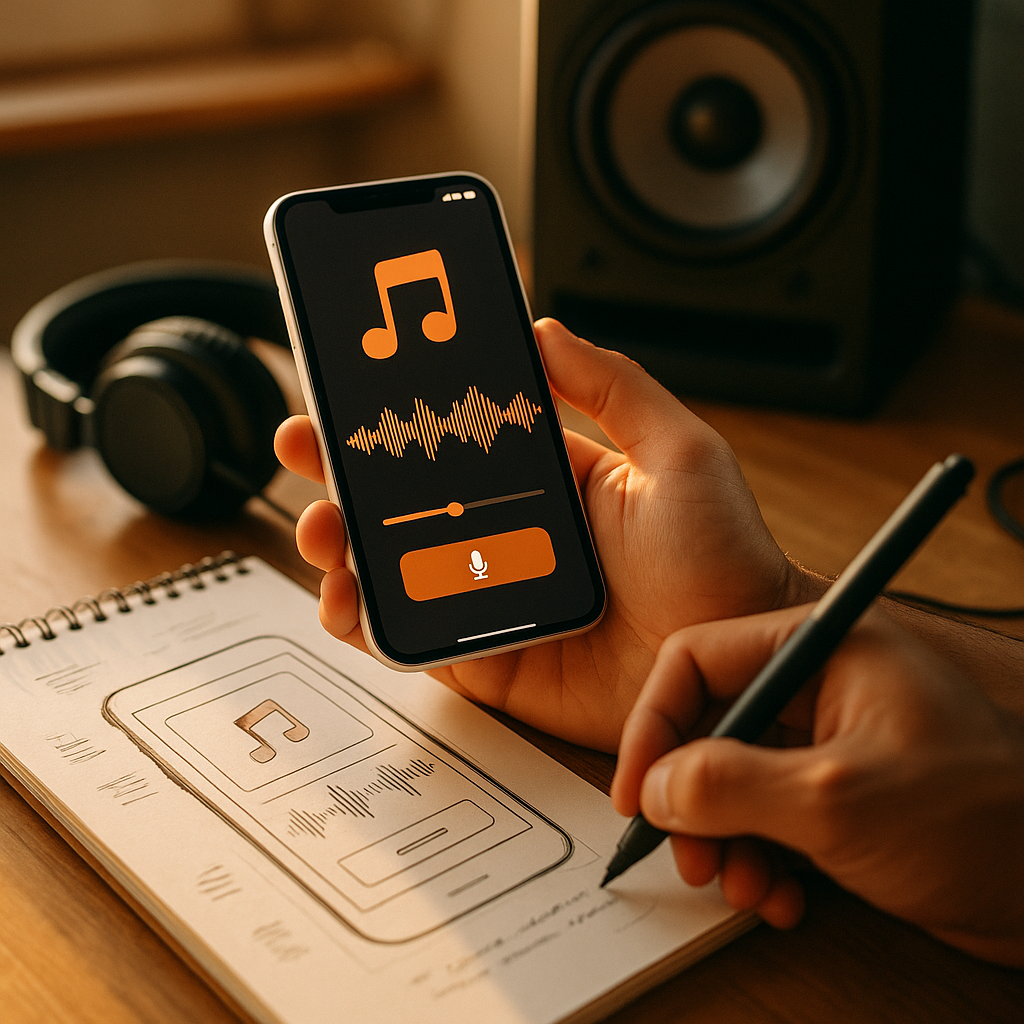
In 2025, mobile experiences compete for attention in seconds, and sound is often the fastest route to meaning. The Psychology Of Soundscapes And Audio Branding In Mobile Application Design explains why a single tone can reassure, warn, or delight—sometimes more effectively than visuals. When you shape audio with intention, you reduce friction, build trust, and strengthen recall. Ready to hear what your interface is really saying?
Soundscape psychology in app UX: how the brain interprets audio cues
Sound reaches users even when they are not looking at the screen, which makes it uniquely powerful in mobile contexts like walking, driving, or multitasking. From a cognitive perspective, app audio works because the brain is constantly scanning for meaningful signals in the environment. A well-designed soundscape can feel “invisible” while still guiding behavior; a poorly designed one becomes noise that triggers stress and abandonment.
Three psychological mechanisms matter most:
- Attention capture: Brief, high-contrast sounds pull attention faster than subtle visual changes. This is why notification tones can interrupt effectively—but also why excessive alerts harm user perception.
- Predictive processing: Users learn patterns. When an action produces a consistent, appropriate sound, the brain treats the interface as reliable. When sounds are inconsistent, delayed, or mismatched, users experience uncertainty and make more errors.
- Affective priming: Timbre, pitch, rhythm, and reverb can prime mood. “Warm” tones can reduce perceived effort; “sharp” tones can signal urgency. You can influence emotional response without manipulating users, as long as the intent is clarity and comfort.
Designers often ask whether sound should be “pleasant” or “informational.” In practice, it should be both. Informational audio prevents mistakes; pleasant audio reduces the cost of interruptions. The key is to tune intensity and frequency of use: the more often a sound occurs, the more it must fade into the background without becoming irritating.
Practical implication: Map every sound to a user need: confirmation, warning, navigation, progress, or brand identity. If a sound has no functional or emotional job, remove it.
Audio branding strategy for mobile apps: building trust, recall, and identity
Audio branding is the deliberate use of sound to create a consistent identity across touchpoints. In mobile apps, it includes micro-sounds (tap, toggle, success), system-like feedback, voice, earcons, and sometimes a short sonic logo. The goal is not to make your app louder; it is to make it more recognizable and more understandable.
What strong audio branding achieves:
- Faster recognition: A consistent sonic palette helps users identify your app’s feedback even when the device is not in view.
- Perceived reliability: Clean, consistent sounds imply polish and competence. Users often generalize “this sounds well made” into “this product is well made.”
- Emotional positioning: A finance app may use restrained, precise tones; a kids’ learning app may use playful, rounded sounds. Each choice communicates values.
Design your audio brand like a system: Start with a small set of core sound attributes—tempo, pitch range, harmonic complexity, and texture. Document them as brand guidelines, just like typography and color. Then create variants for different states (success, neutral, caution, error) using the same “family” of sounds.
Answering a common follow-up: “Do we need a sonic logo?” Not always. Many apps benefit more from consistent micro-feedback than from a single signature sound. If you do create a sonic logo, keep it short, distinct at low volume, and usable in multiple contexts without becoming intrusive.
EEAT note: Treat audio branding as a cross-functional discipline. Involve UX, product, accessibility, and legal/privacy stakeholders early so the system is safe, inclusive, and compliant.
Mobile app sound design principles: feedback, usability, and emotional regulation
Mobile sound design lives at the intersection of usability and emotion. The best sounds reduce uncertainty, shorten learning time, and prevent errors—especially when users are moving, distracted, or using assistive technologies.
Core principles for effective in-app audio:
- Immediate response: For direct manipulation (tap, swipe, toggle), audio feedback should be perceived as instantaneous. Delayed sound feels “buggy” and can increase repeated taps.
- State clarity: Make “success,” “warning,” and “error” distinguishable without relying only on pitch. Use differences in timbre and rhythm so users with hearing variation can still interpret meaning.
- Hierarchy and restraint: Not all events deserve sound. Reserve audio for moments where it prevents mistakes, confirms a meaningful action, or helps navigation without visual attention.
- Emotional calibration: Error sounds should be clear, not punitive. Harsh alarms can shame users and increase anxiety, especially in health, finance, or safety contexts.
Common high-impact use cases:
- Checkout and payments: A subtle success tone can reduce doubt and support trust, while a distinct error tone can prevent duplicate transactions.
- Health and habit apps: Gentle, consistent reminder tones can support adherence without feeling nagging.
- Messaging and social: Differentiated tones for sent, delivered, and received can reduce confusion, but only if users can customize them.
A design decision many teams miss: Decide whether your app’s sounds should behave like the operating system (minimal, utility-driven) or like a branded product (more character). Either approach can work, but inconsistency across screens undermines both usability and brand identity.
Notification sounds and user attention: reducing fatigue while increasing clarity
Notifications are where sound can either build loyalty or cause churn. Users tolerate interruptions only when they feel relevant and controllable. In 2025, attention is a scarce resource; your notification audio strategy should treat it that way.
Design for attention without causing fatigue:
- Prioritize by consequence: Use sound for time-sensitive or safety-relevant alerts. For low-urgency updates, prefer silent notifications or in-app badges.
- Limit repetition: Repeated tones create irritation and stress. Introduce intelligent batching and quiet hours, and avoid sounding multiple times for the same event.
- Use semantic mapping: Urgency should correlate with acoustic intensity. A critical alert may be sharper and more noticeable; a routine confirmation should be soft and short.
- Offer user control: Let users customize notification categories, sound on/off, and intensity where the OS allows. Control increases perceived respect and reduces uninstall risk.
Answering a likely follow-up: “Should we use different sounds for different notification types?” Yes, but only if users can learn the mapping quickly. Keep the set small (often 3–5 categories) and ensure each sound is distinct even on small phone speakers.
Privacy and context matter: Some sounds can disclose sensitive information in public. For example, a distinctive tone tied to medical results or financial alerts can reveal more than you intend. Provide discreet sound options and consider neutral tones for sensitive categories.
Accessible audio UX and inclusive soundscapes: designing for everyone
Inclusive audio design improves the experience for all users, not only those with disabilities. Accessibility in soundscapes means clarity, choice, and compatibility with assistive settings. It also means acknowledging that users experience sound differently depending on hearing ability, neurodiversity, environment, and cultural expectations.
Accessible audio UX checklist:
- Never rely on sound alone: Pair critical sounds with visual and, when appropriate, haptic feedback. Sound should reinforce meaning, not be the only carrier.
- Support system settings: Respect OS mute, Do Not Disturb, and accessibility preferences. Unexpected audio breaks trust.
- Design for frequency range and device limits: Phone speakers may distort low bass and very high frequencies. Keep key information in mid-range frequencies that reproduce reliably.
- Avoid sensory overload: Continuous ambience or frequent chimes can overwhelm some users. Provide a “minimal sounds” mode and reduce non-essential audio.
- Ensure differentiation beyond pitch: Users with hearing differences may not perceive pitch changes clearly. Use rhythm, duration, and timbre to distinguish states.
Answering a practical question: “What about users who prefer silent apps?” Design silence as a first-class option. If your app’s value depends on alerts, make the silent experience still functional through visual indicators, lock-screen summaries, and optional haptics.
EEAT best practice: Validate accessibility with real users, including people who use hearing aids, cochlear implants, and audio-processing accommodations. Lab tests alone miss real-world constraints like public noise and device variability.
User research and testing for audio branding: metrics, methods, and governance
Sound decisions should be tested with the same rigor as layout and copy. Because audio can affect emotion and perceived trust, you should treat it as a product system with measurable outcomes and ongoing governance.
High-value research methods:
- Contextual testing: Evaluate sounds in realistic environments: commuting, busy offices, quiet bedrooms, and outdoors. The same tone can be soothing in one context and annoying in another.
- A/B testing with guardrails: Compare alternative sounds for key flows (e.g., payment success) while monitoring complaint rate, opt-outs, and support tickets. Ensure you do not create harmful interruption patterns during experiments.
- Recognition and recall studies: Test whether users can correctly identify states (success vs error) and attribute sounds to your brand after limited exposure.
- Qualitative interviews: Ask how sounds affect confidence, perceived effort, and trust. Users often reveal whether a sound feels “cheap,” “aggressive,” or “calming,” which correlates with brand perception.
Useful metrics to track:
- Opt-out rate: How many users disable sound or notifications after exposure to your audio system?
- Task success and error recovery: Do users complete key tasks faster or with fewer mistakes when audio feedback is present?
- Support contacts: Do sound-related complaints increase? Are there reports of embarrassment, privacy concerns, or annoyance?
- Retention impact: For apps where sound is integral, measure whether sound customization correlates with longer-term engagement.
Governance keeps audio consistent: Create a lightweight “audio design system” with named tokens (e.g., sound.success.short, sound.error.urgent), usage rules, and examples. Require review for any new sound to prevent a fragmented library that confuses users.
Answering the build question: “Who owns audio decisions?” Ideally, a product designer and a sound designer co-own the system, with engineering responsible for implementation quality and performance. If you cannot hire a sound designer, partner with an experienced audio specialist for initial creation and documentation, then maintain the system internally.
FAQs
What is a soundscape in a mobile app?
A soundscape is the overall audio environment your app creates, including micro-interaction sounds, alerts, voice, and any ambience. It shapes how users interpret actions and states, even when they are not looking at the screen.
How is audio branding different from notification sounds?
Audio branding is a cohesive identity system across the product, while notification sounds are one channel within it. A strong audio brand includes consistent feedback tones, a defined sonic palette, and optional signature elements—not just alerts.
Do in-app sounds improve usability?
Yes, when used sparingly and mapped to clear meanings. Audio can confirm actions, warn about errors, and support navigation during low-attention moments. Overuse or inconsistent sounds can reduce usability by increasing distraction and stress.
How do we design sounds that work on different phones?
Keep key information in a mid-frequency range, avoid overly complex layers, and test on multiple devices at low volume. Validate in noisy and quiet environments, and ensure sounds remain distinct without relying only on bass or extreme highs.
What accessibility considerations matter most for mobile audio UX?
Never convey critical information through sound alone, respect OS sound settings, provide user control, and differentiate meanings using rhythm and timbre as well as pitch. Offer a minimal-sound mode and pair key cues with visuals and haptics.
Should every app have a sonic logo?
No. Many apps get more value from consistent micro-feedback than from a standalone sonic logo. If you add one, keep it short, non-intrusive, and compatible with the app’s overall sonic palette.
Sound is not decoration; it is interface. When you apply psychology to soundscapes and treat audio branding as a system, your app becomes clearer, calmer, and more recognizable—especially in real-world, distracted use. Focus on meaningful cues, restraint, accessibility, and user control. The takeaway: design audio with the same rigor as visuals, and users will feel the difference.
Top Influencer Marketing Agencies
The leading agencies shaping influencer marketing in 2026
Agencies ranked by campaign performance, client diversity, platform expertise, proven ROI, industry recognition, and client satisfaction. Assessed through verified case studies, reviews, and industry consultations.
Moburst

-
2

The Shelf
Boutique Beauty & Lifestyle Influencer AgencyA data-driven boutique agency specializing exclusively in beauty, wellness, and lifestyle influencer campaigns on Instagram and TikTok. Best for brands already focused on the beauty/personal care space that need curated, aesthetic-driven content.Clients: Pepsi, The Honest Company, Hims, Elf Cosmetics, Pure LeafVisit The Shelf → -
3

Audiencly
Niche Gaming & Esports Influencer AgencyA specialized agency focused exclusively on gaming and esports creators on YouTube, Twitch, and TikTok. Ideal if your campaign is 100% gaming-focused — from game launches to hardware and esports events.Clients: Epic Games, NordVPN, Ubisoft, Wargaming, Tencent GamesVisit Audiencly → -
4

Viral Nation
Global Influencer Marketing & Talent AgencyA dual talent management and marketing agency with proprietary brand safety tools and a global creator network spanning nano-influencers to celebrities across all major platforms.Clients: Meta, Activision Blizzard, Energizer, Aston Martin, WalmartVisit Viral Nation → -
5

The Influencer Marketing Factory
TikTok, Instagram & YouTube CampaignsA full-service agency with strong TikTok expertise, offering end-to-end campaign management from influencer discovery through performance reporting with a focus on platform-native content.Clients: Google, Snapchat, Universal Music, Bumble, YelpVisit TIMF → -
6

NeoReach
Enterprise Analytics & Influencer CampaignsAn enterprise-focused agency combining managed campaigns with a powerful self-service data platform for influencer search, audience analytics, and attribution modeling.Clients: Amazon, Airbnb, Netflix, Honda, The New York TimesVisit NeoReach → -
7

Ubiquitous
Creator-First Marketing PlatformA tech-driven platform combining self-service tools with managed campaign options, emphasizing speed and scalability for brands managing multiple influencer relationships.Clients: Lyft, Disney, Target, American Eagle, NetflixVisit Ubiquitous → -
8

Obviously
Scalable Enterprise Influencer CampaignsA tech-enabled agency built for high-volume campaigns, coordinating hundreds of creators simultaneously with end-to-end logistics, content rights management, and product seeding.Clients: Google, Ulta Beauty, Converse, AmazonVisit Obviously →