


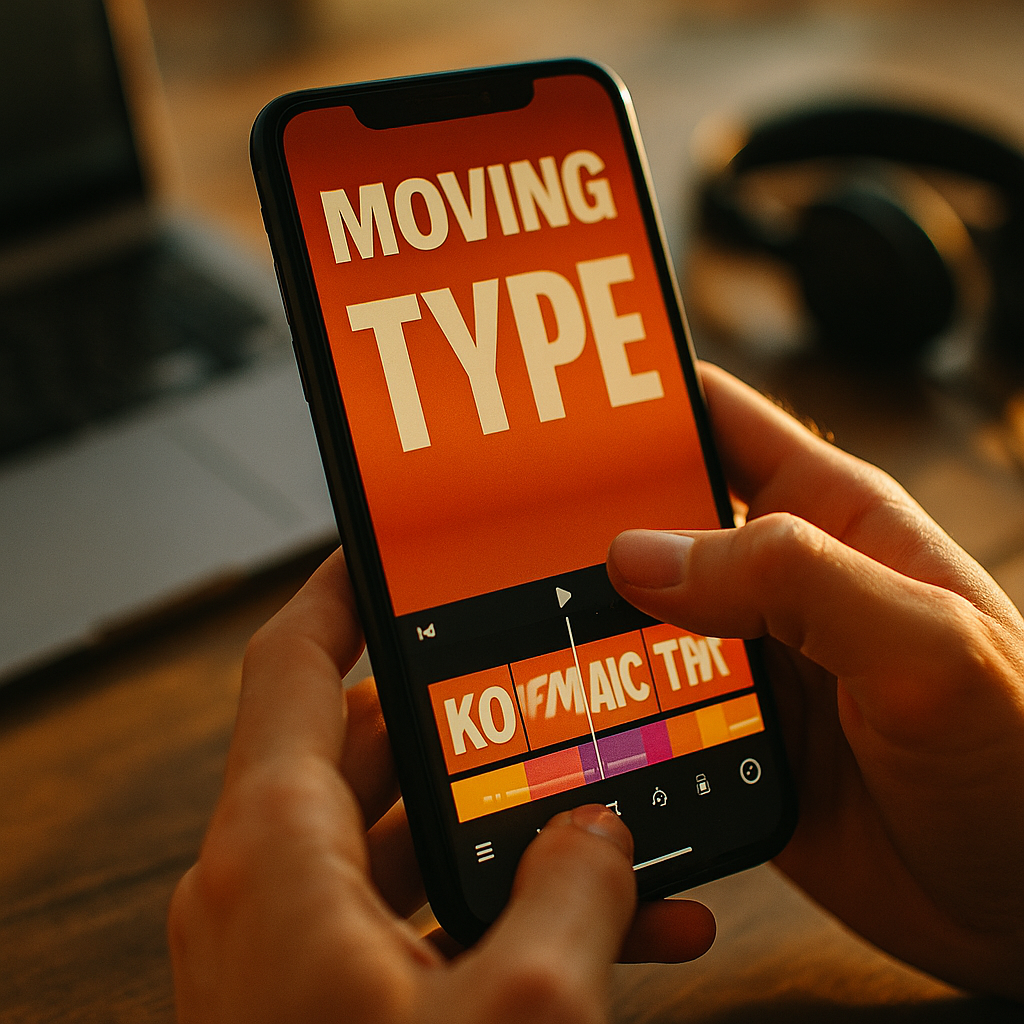
In 2025, short-form video competes for attention in milliseconds, and viewers scroll past anything that feels unclear or slow. The Power of Kinetic Typography in Enhancing Short-Form View Rates lies in making messages instantly readable, emotionally charged, and impossible to ignore—without relying on sound. When words move with meaning, they guide the eye, clarify intent, and keep people watching. Ready to turn text into momentum?
Why kinetic typography boosts short-form view rates
Kinetic typography is animated text designed to communicate faster and more memorably than static captions. In short-form video, it works because it aligns with how people actually consume content: quickly, often silently, and while multitasking. When you animate key words to match the voiceover, beat, or story turn, you reduce cognitive friction—viewers don’t have to “work” to understand what’s happening.
Short-form view rates typically rise when three things happen early: viewers understand the premise, they feel a reason to keep watching, and the video signals professional quality. Kinetic typography supports all three by:
- Increasing immediate comprehension: A moving keyword (“STOP,” “3 mistakes,” “Do this instead”) clarifies the premise within the first second.
- Creating visual hierarchy: Motion can rank information—big, bold, and kinetic for the point; small and steady for context.
- Building rhythm: When text hits on the beat or emphasizes transitions, the viewer subconsciously anticipates the next moment.
- Improving silent viewing performance: Many users watch with audio off at first; kinetic text can carry meaning without needing narration.
Creators often ask whether kinetic typography feels “too salesy” or “too loud.” The answer depends on intent. If motion highlights clarity—rather than clutter—it feels modern and helpful. If everything moves, the viewer loses the message. The goal is not constant animation; it’s purposeful emphasis.
Kinetic captions and readability: designing for retention
Readability is the foundation of retention. If your audience can’t read your message instantly, they will scroll. Kinetic captions—animated captions that follow speech or structure—can raise view-through when they are designed for scanning, not decoration.
Use these readability principles to keep viewers engaged:
- Make the first line legible in under one second: Short-form is unforgiving. Lead with 5–9 words that land immediately.
- Prioritize contrast: Use high-contrast text against the background. If footage is busy, add a subtle solid backdrop behind text.
- Limit line length: Aim for two short lines rather than one long line, especially on mobile.
- Respect safe zones: Keep text away from interface elements (bottom captions area, right-side buttons). If your platform overlays controls, design around them.
- Animate for meaning, not novelty: A word that “pops” can signal importance; a word that “shakes” can signal urgency; a word that “slides away” can signal contrast or correction.
Creators also worry about accessibility. Treat it as performance, not compliance. When typography is readable, paced, and consistent, it helps everyone—including viewers with hearing loss, viewers in noisy environments, and viewers who process information better with text cues. If you can’t read it on a small phone at arm’s length, it’s not ready.
Motion text storytelling: hooks, pacing, and watch time
Short-form storytelling is not just “what you say”—it’s when the viewer understands it. Motion text storytelling uses animated words to structure micro-narratives: setup, tension, payoff. Done well, it keeps the brain predicting what comes next, which is a practical driver of watch time.
Apply kinetic typography to each phase of a short-form narrative:
- Hook (0–2 seconds): Animate one bold promise or problem. Keep it concrete: “Fix your resumes in 10 minutes,” “3 errors killing your lighting,” “This one setting changes everything.”
- Context (2–6 seconds): Use smaller, steadier text to explain the “why.” Avoid excessive motion here; clarity matters more than flair.
- Steps or proof (6–18 seconds): Use kinetic bullet beats—each step appears with a consistent animation style so viewers learn the pattern and stay oriented.
- Payoff (final seconds): Animate the result or transformation. If you want a rewatch, add a final kinetic summary that’s fast but readable.
Pacing is where many videos fail. If text appears too slowly, viewers scroll. If it appears too quickly, viewers feel lost. A reliable approach is to align each key text beat with a spoken beat or visual change. When the text “lands” exactly as the idea lands, viewers feel the video is tight—even if it’s simple.
If your content has no voiceover, kinetic typography can become the primary narrator. In that case, reduce the number of ideas. One clear idea with excellent motion text often outperforms five ideas that compete.
Short-form video editing tips for kinetic typography that converts
Conversion in short-form often means “next action”: watch to the end, follow, click, save, share, or comment. Kinetic typography supports these actions by making value obvious and by creating moments people want to revisit.
Use these editing practices to make motion typography drive results:
- Build a typography system: Choose 1–2 fonts, 2–3 weights, and a small set of motion presets (pop, slide, underline, highlight). Consistency builds brand trust.
- Emphasize nouns and numbers: Animate the “what” (tool, mistake, outcome) and the “how much” (time, steps, dollars). Verbs can remain steady unless you need urgency.
- Use kinetic highlighting: Instead of moving every word, keep the sentence stable and animate a highlight bar behind the key phrase.
- Match motion to emotion: Calm content (education, wellness) performs better with smooth easing. High-energy content (sports, trends) can use sharper cuts and bouncier curves.
- Design for rewatch: Add a final kinetic recap that’s slightly faster than first-pass reading. Viewers often rewatch to catch the details.
Many teams ask how to avoid looking like “template content.” The solution is customization: adjust timing, spacing, and hierarchy so motion follows your voice, not a preset. Even small tweaks—like delaying the emphasized word by two frames—can make typography feel bespoke.
If you sell products or services, avoid turning kinetic typography into constant calls-to-action. Instead, use it to prove value: show steps, results, before/after labels, and key constraints. Then add one clear CTA at the end, designed for readability first.
EEAT and brand trust: making animated typography credible
Eye-catching motion can earn the click, but credibility earns the follow and the share. Google’s EEAT principles—Experience, Expertise, Authoritativeness, and Trust—map well to short-form content because viewers judge trust instantly. Kinetic typography can strengthen EEAT when it reinforces clarity, honesty, and proof.
Here’s how to align kinetic typography with EEAT best practices in 2025:
- Experience: Animate real observations, not vague claims. For example, “What changed my retention” is stronger than “Secret hack.”
- Expertise: Use kinetic text to define terms, show steps, and clarify constraints. “Only works if…” builds trust because it’s specific.
- Authoritativeness: Cite credible sources when you reference data. If you show a statistic on-screen, add the source name in smaller static text so viewers can verify it.
- Trust: Avoid misleading typography like fake “system alerts” or exaggerated numbers. If you use before/after, label conditions clearly.
Viewers often ask, “Will kinetic typography hurt authenticity?” Not if the content is honest and the motion is restrained. Authenticity comes from accurate claims, transparent context, and consistent tone. If your typography makes promises your content doesn’t deliver, your view rate might spike—but your retention and trust will drop.
A practical trust-building technique is to use kinetic typography to show your process: “Step 1: baseline,” “Step 2: change one variable,” “Result.” This makes your content feel testable, not performative.
Measuring impact: analytics for view-through and audience retention
Kinetic typography is only “powerful” if it improves measurable outcomes. In 2025, you can evaluate its impact with a simple testing mindset: change one variable, track the result, and iterate quickly.
Focus on metrics that reflect viewing behavior, not vanity:
- 3-second view rate: Did the hook typography clarify the premise instantly?
- Average watch time and retention curve: Do you see fewer drop-offs at explanation points after adding kinetic step labels?
- Rewatches: Recap typography and fast summaries often increase rewatch behavior.
- Saves and shares: Educational kinetic text (steps, checklists, “do this / not that”) tends to increase saves when it’s readable.
- Comment quality: Look for comments that repeat your keywords or steps. That’s a sign your typography improved comprehension.
Run A/B-like tests without overcomplicating them. For example, publish two videos with the same script and footage style, changing only:
- Static captions vs. kinetic emphasis on key terms
- One font system vs. multiple fonts
- Highlight-bar animation vs. bouncing word-by-word motion
Then answer the follow-up question most creators miss: where did retention improve or drop? If viewers leave when a dense paragraph of text appears, split it into two beats. If viewers rewatch at the end, your recap is working—double down on that pattern.
FAQs
What is kinetic typography in short-form video?
Kinetic typography is animated text that moves to emphasize meaning, timing, and hierarchy. In short-form video, it often appears as dynamic captions, highlighted keywords, and step-by-step on-screen text designed for fast mobile viewing.
Does kinetic typography help with silent viewing?
Yes. Many viewers start with audio off. Clear, well-paced kinetic text can communicate the core message without sound, which improves comprehension and can increase early retention.
How much motion is too much?
If every word moves, nothing feels important and readability drops. Animate only the key terms, numbers, or transitions. Keep supporting text stable so the viewer’s eyes can rest and process.
What are the best font choices for kinetic typography?
Use highly legible sans-serif fonts with clear letter shapes, consistent spacing, and multiple weights. Limit to one primary font family and use weight, size, and color—plus minimal motion—for hierarchy.
Can kinetic typography improve conversions like follows or clicks?
It can, when it clarifies value and reduces confusion. Typography that highlights outcomes, steps, constraints, and proof typically drives more saves, shares, and end-of-video actions than flashy motion alone.
What’s the fastest way to start using kinetic typography?
Create a simple template system: one font, two weights, a highlight style, and two motion presets (pop-in for keywords, slide-in for steps). Apply it consistently across videos and iterate based on retention data.
Kinetic typography improves short-form performance when it makes your message faster to understand, easier to remember, and more compelling to finish. Prioritize readability, animate only what matters, and use motion to structure the story—not to decorate it. Track retention curves, test small changes, and refine your text system over time. The takeaway is simple: motion text should earn attention by delivering clarity.
Top Influencer Marketing Agencies
The leading agencies shaping influencer marketing in 2026
Agencies ranked by campaign performance, client diversity, platform expertise, proven ROI, industry recognition, and client satisfaction. Assessed through verified case studies, reviews, and industry consultations.
Moburst

-
2

The Shelf
Boutique Beauty & Lifestyle Influencer AgencyA data-driven boutique agency specializing exclusively in beauty, wellness, and lifestyle influencer campaigns on Instagram and TikTok. Best for brands already focused on the beauty/personal care space that need curated, aesthetic-driven content.Clients: Pepsi, The Honest Company, Hims, Elf Cosmetics, Pure LeafVisit The Shelf → -
3

Audiencly
Niche Gaming & Esports Influencer AgencyA specialized agency focused exclusively on gaming and esports creators on YouTube, Twitch, and TikTok. Ideal if your campaign is 100% gaming-focused — from game launches to hardware and esports events.Clients: Epic Games, NordVPN, Ubisoft, Wargaming, Tencent GamesVisit Audiencly → -
4

Viral Nation
Global Influencer Marketing & Talent AgencyA dual talent management and marketing agency with proprietary brand safety tools and a global creator network spanning nano-influencers to celebrities across all major platforms.Clients: Meta, Activision Blizzard, Energizer, Aston Martin, WalmartVisit Viral Nation → -
5

The Influencer Marketing Factory
TikTok, Instagram & YouTube CampaignsA full-service agency with strong TikTok expertise, offering end-to-end campaign management from influencer discovery through performance reporting with a focus on platform-native content.Clients: Google, Snapchat, Universal Music, Bumble, YelpVisit TIMF → -
6

NeoReach
Enterprise Analytics & Influencer CampaignsAn enterprise-focused agency combining managed campaigns with a powerful self-service data platform for influencer search, audience analytics, and attribution modeling.Clients: Amazon, Airbnb, Netflix, Honda, The New York TimesVisit NeoReach → -
7

Ubiquitous
Creator-First Marketing PlatformA tech-driven platform combining self-service tools with managed campaign options, emphasizing speed and scalability for brands managing multiple influencer relationships.Clients: Lyft, Disney, Target, American Eagle, NetflixVisit Ubiquitous → -
8

Obviously
Scalable Enterprise Influencer CampaignsA tech-enabled agency built for high-volume campaigns, coordinating hundreds of creators simultaneously with end-to-end logistics, content rights management, and product seeding.Clients: Google, Ulta Beauty, Converse, AmazonVisit Obviously →