


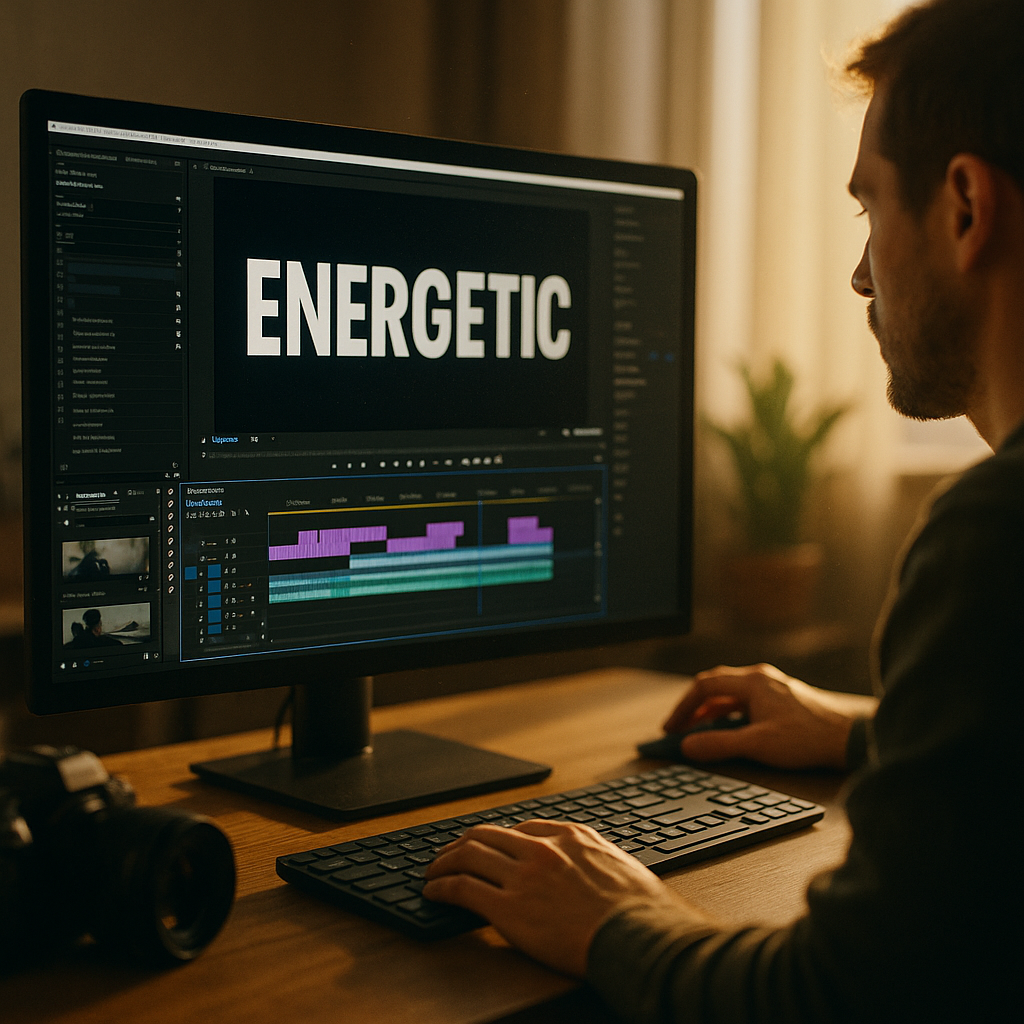
In 2025, attention is the most expensive currency in social media. Using Kinetic Typography to Enhance Short Form Video View Rates gives creators a practical way to keep viewers watching by turning key words into motion-led cues. When text moves with intent, it improves comprehension, pacing, and emotion. Want higher retention without louder audio or faster cuts? Start with your words.
Why Kinetic Typography increases audience retention
Kinetic typography is animated text designed to reinforce meaning through movement, timing, and hierarchy. In short-form video, it does three critical jobs at once: it clarifies your message in silent viewing, it guides attention through the story, and it creates micro-moments that stop thumbs. These factors directly support higher audience retention, which most platforms reward with wider distribution.
Retention improves when viewers never feel lost. Short videos often fail because the viewer misses the point in the first second. Motion text can establish context instantly—who, what, and why—before the audience decides to swipe.
It also reduces cognitive load. Instead of forcing viewers to parse fast speech or dense visuals, kinetic text breaks ideas into readable, timed chunks. This matters because many viewers watch on small screens, in noisy environments, or with sound off.
Use kinetic typography for:
- Hook reinforcement: Animate the core promise in the first 0.5–1.5 seconds.
- Step structure: Turn “Step 1/2/3” into paced beats with consistent motion.
- Proof points: Emphasize numbers, outcomes, and claims with controlled emphasis (scale, weight, color).
- Comedic timing: Use delayed reveals, bounce, or hold frames to land punchlines.
If you’re aiming to raise view rates, focus on what retention is made of: clarity, anticipation, and rhythm. Kinetic typography supports all three—without requiring a bigger production budget.
Short-form video hooks that use animated text overlays
Most view-rate gains come from the first seconds. A strong hook makes a promise; kinetic typography makes that promise easier to notice and believe. The goal is not decoration—it’s decision-making. Your text should help the viewer decide, “This is for me,” fast.
Hook patterns that pair well with kinetic typography:
- Problem → punch: Animate the pain point, then snap to the payoff. Example structure: “Stop doing X” → “Do this instead.”
- Counterintuitive claim: Use a quick “record scratch” motion (brief scale + slight rotation) on the surprising word.
- Time-bound promise: “In 10 seconds” or “3 steps” works well when each word appears in a timed cadence.
- Specific outcome: Highlight the measurable result with a clean pop-in and hold long enough to read.
Timing guidance that prevents swipes:
- 0.0–0.7s: Show the topic visually and with 3–7 words of animated text.
- 0.7–2.0s: Confirm the benefit and who it’s for; avoid long sentences.
- Every 1–2s after: Add a new text beat that advances the story, not a duplicate caption.
Viewers leave when they predict the video will waste their time. Animated text overlays let you “preview the value” while the visuals catch up, which is especially useful for tutorials, demos, and before/after content.
Caption design best practices for mobile readability
Great motion means nothing if people can’t read it. Mobile readability is the foundation of kinetic typography that enhances view rates, because unreadable captions create friction. In 2025, you’re designing for small screens, fast scrolling, and mixed lighting conditions.
Follow these caption design best practices:
- Prioritize contrast: Use light text on dark scrims or dark text on light blocks. Avoid placing text directly over busy footage without a background.
- Keep lines short: Aim for 1–2 lines, 12–24 characters per line when possible. Break ideas into beats.
- Use consistent hierarchy: One font family, two weights (regular/bold). Reserve color for emphasis, not decoration.
- Respect safe zones: Keep critical text away from UI elements (bottom buttons, side icons). Place primary lines slightly above the lower third when in doubt.
- Hold long enough to read: A simple rule: if it takes you two seconds to read, it must stay visible for at least two seconds.
Animation choices that improve comprehension: Favor fades, slides, and subtle scale changes. Avoid constant bouncing, spinning, or jitter unless it supports meaning. Motion should feel like punctuation: a comma, a period, an underline.
Accessibility considerations: Kinetic typography should complement spoken audio, not replace it. Provide readable captions even when you also use stylized motion text. This supports viewers who watch muted and aligns with accessibility expectations, which in turn supports stronger engagement signals.
Motion typography techniques for algorithmic engagement signals
Short-form algorithms typically respond to engagement signals that correlate with satisfaction: average watch time, completion rate, rewatches, shares, saves, and meaningful interactions. Kinetic typography can increase these signals when it improves pacing and reinforces key moments worth rewatching or saving.
Techniques that tend to lift completion and rewatches:
- Open loops with text: Start with a question in motion text, then answer it near the end. Example: “Why your videos stall at 300 views” → reveal the fix in the final third.
- Progress indicators: “Tip 1 of 3” or a minimal bar builds anticipation and reduces drop-off because viewers know the video has structure.
- Emphasis on “save-worthy” lines: Animate key steps or checklists with clean, repeatable motion. People save content that looks organized and easy to revisit.
- Pattern interrupts: Use one deliberate change (font weight, color, speed, or direction) at the midpoint to refresh attention.
Control speed to match cognition. If the text changes faster than viewers can process, they stop trying. If it’s too slow, they swipe. A useful approach is to align text beats to spoken phrases and insert micro-pauses after important points.
Make the content “screen-capturable.” Many viewers take screenshots instead of saving. Present at least one moment where the final instruction is fully visible, centered, and stable for a second or two. This often increases shares and saves, both strong downstream signals.
Brand storytelling with kinetic typography in short videos
Kinetic typography can do more than boost retention; it can carry your brand voice. In short-form, brand storytelling is not a monologue—it’s a repeatable experience: consistent style, consistent pace, and consistent clarity. When viewers recognize your text treatment before they recognize your face, you win distribution through familiarity.
Build a brand system for kinetic typography:
- Define a motion “accent”: Choose one signature behavior (e.g., gentle slide-in from left, or a subtle scale-pop on key words). Use it across videos.
- Limit your palette: Pick 1 base color, 1 accent color, and neutrals. Use the accent only for meaning (results, warnings, steps).
- Match typography to personality: Clean sans-serif for instructional authority; slightly rounded for approachable education; high-contrast serif only if you can keep it readable on mobile.
- Align motion to emotion: Quick snaps for urgency, smooth easing for calm confidence, stepped pacing for list content.
Keep trust high. If you animate big claims, support them with proof: a demo, a quick screen recording, a credible quote, or a transparent “results vary” note when appropriate. This supports EEAT by showing experience and by avoiding misleading presentation.
Answer the viewer’s next question on-screen. When you state a tip, add a kinetic sub-line that anticipates objections: “If you don’t have time, do the 30-second version” or “Works best for tutorials and reviews.” This reduces comments that signal confusion and increases comments that signal intent, such as “trying this.”
A/B testing animated captions to improve view rate
If you want reliable gains, test. Kinetic typography is measurable because small changes in text timing and hierarchy can create noticeable differences in retention. Treat each video as a controlled experiment, and avoid changing too many variables at once.
What to test (one variable per test):
- Hook text length: 5 words vs. 9 words.
- Hook animation style: fade + slide vs. pop-in + hold.
- Emphasis method: bold weight vs. color accent vs. scale emphasis.
- Caption placement: lower third vs. center-left stack.
- Structure cues: no steps vs. “Step 1/2/3” indicators.
How to run practical A/B tests on short-form platforms:
- Duplicate the concept: Same script, same footage, same length. Only change the typography variable.
- Post close together: Keep timing consistent to reduce audience and trend variability.
- Compare retention curves: Look for drop points. If viewers leave when a text block appears, it may be unreadable or too fast.
- Track saves and shares: A typography change that improves “value clarity” often lifts saves more than likes.
Common fixes when results disappoint: Simplify motion, increase hold time, reduce words per beat, and remove “always-on” caption movement. The best kinetic typography feels invisible—viewers remember the idea, not the effect.
FAQs
What is kinetic typography in short-form video?
Kinetic typography is animated text that changes position, size, opacity, or style over time to support the spoken message or visual story. In short videos, it often appears as dynamic captions, hook text, and highlighted keywords designed to keep viewers oriented and engaged.
Does kinetic typography work better than regular captions?
It can, when the motion adds clarity or emphasis. Regular captions improve accessibility and silent viewing. Kinetic typography goes further by guiding attention and pacing, which can increase retention. The best approach often combines readable base captions with selective animated emphasis.
How much animation is too much?
If viewers struggle to read, feel distracted, or miss the visuals, it’s too much. Use motion as punctuation: small transitions, clear hierarchy, and enough hold time. Save heavy effects for rare moments that need a deliberate pattern interrupt.
What fonts are best for animated text on mobile?
Choose a highly legible sans-serif with multiple weights, strong character distinction, and clean numerals. Prioritize readability over uniqueness. If you use a brand font, test it at small sizes and over real footage before committing.
How do I make kinetic typography look professional quickly?
Create a simple template: one font family, two weights, a consistent caption position, and two motion presets (e.g., slide-in + fade, and pop-in for emphasis). Keep spacing consistent and use a subtle background scrim for contrast.
What metrics should I watch to know if it’s working?
Focus on average watch time, completion rate, and the retention graph drop points. Then validate quality with saves, shares, and comments that indicate understanding (“This solved it,” “I tried this”). If view rate rises but saves fall, your hook may be stronger than your value delivery.
In 2025, kinetic typography is one of the fastest ways to raise short-form performance because it improves clarity, pacing, and emotional emphasis on a small screen. Treat animated text as a storytelling tool, not decoration. Build a repeatable style, keep captions readable, and test one change at a time. Do that, and your view rates will rise for a simple reason: viewers stay.
Top Influencer Marketing Agencies
The leading agencies shaping influencer marketing in 2026
Agencies ranked by campaign performance, client diversity, platform expertise, proven ROI, industry recognition, and client satisfaction. Assessed through verified case studies, reviews, and industry consultations.
Moburst

-
2

The Shelf
Boutique Beauty & Lifestyle Influencer AgencyA data-driven boutique agency specializing exclusively in beauty, wellness, and lifestyle influencer campaigns on Instagram and TikTok. Best for brands already focused on the beauty/personal care space that need curated, aesthetic-driven content.Clients: Pepsi, The Honest Company, Hims, Elf Cosmetics, Pure LeafVisit The Shelf → -
3

Audiencly
Niche Gaming & Esports Influencer AgencyA specialized agency focused exclusively on gaming and esports creators on YouTube, Twitch, and TikTok. Ideal if your campaign is 100% gaming-focused — from game launches to hardware and esports events.Clients: Epic Games, NordVPN, Ubisoft, Wargaming, Tencent GamesVisit Audiencly → -
4

Viral Nation
Global Influencer Marketing & Talent AgencyA dual talent management and marketing agency with proprietary brand safety tools and a global creator network spanning nano-influencers to celebrities across all major platforms.Clients: Meta, Activision Blizzard, Energizer, Aston Martin, WalmartVisit Viral Nation → -
5

The Influencer Marketing Factory
TikTok, Instagram & YouTube CampaignsA full-service agency with strong TikTok expertise, offering end-to-end campaign management from influencer discovery through performance reporting with a focus on platform-native content.Clients: Google, Snapchat, Universal Music, Bumble, YelpVisit TIMF → -
6

NeoReach
Enterprise Analytics & Influencer CampaignsAn enterprise-focused agency combining managed campaigns with a powerful self-service data platform for influencer search, audience analytics, and attribution modeling.Clients: Amazon, Airbnb, Netflix, Honda, The New York TimesVisit NeoReach → -
7

Ubiquitous
Creator-First Marketing PlatformA tech-driven platform combining self-service tools with managed campaign options, emphasizing speed and scalability for brands managing multiple influencer relationships.Clients: Lyft, Disney, Target, American Eagle, NetflixVisit Ubiquitous → -
8

Obviously
Scalable Enterprise Influencer CampaignsA tech-enabled agency built for high-volume campaigns, coordinating hundreds of creators simultaneously with end-to-end logistics, content rights management, and product seeding.Clients: Google, Ulta Beauty, Converse, AmazonVisit Obviously →