


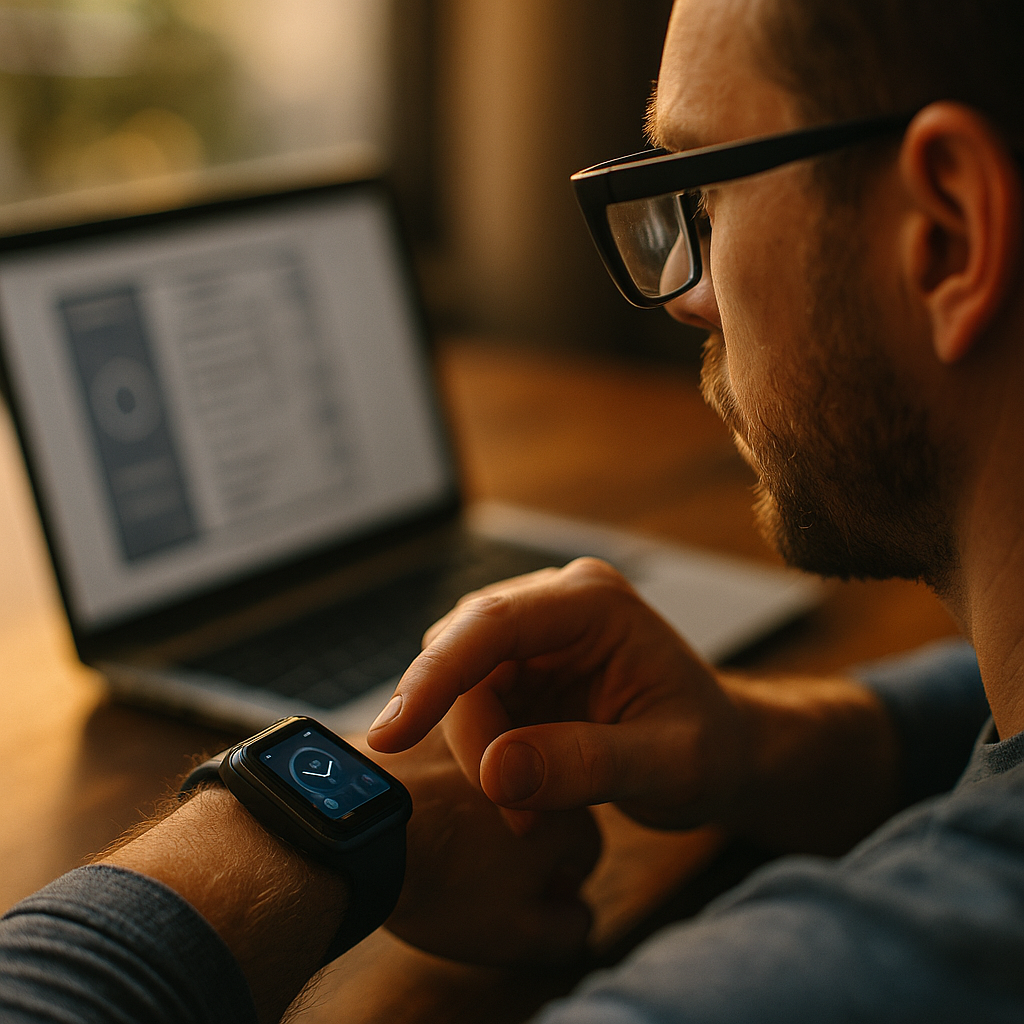
In 2025, people check updates, navigate streets, and confirm payments without pulling out a phone. Designing for the wearable web means creating content that stays readable, fast, and useful on tiny, glance-based screens like watches or glasses. Success requires ruthless prioritization, accessible interaction patterns, and privacy-aware personalization that respects context. Are you ready to design for moments measured in seconds?
Wearable UX design: Start with intent, context, and constraints
Wearables are not smaller phones. They are context machines that surface the right information at the right moment, often while the user is moving, multitasking, or speaking. Strong wearable UX design begins by mapping user intent to a wearable-appropriate outcome: a glance, a quick confirmation, a short reply, or a single action.
Define the “wearable job” for each experience. Ask what a user can realistically do in 3–10 seconds. If the task requires long reading, complex comparison, or multi-step form filling, the wearable should hand off to the phone, desktop, or voice assistant. This approach improves completion rates and reduces frustration.
Design for context signals. Watches and glasses can infer when a user is walking, driving, exercising, in a meeting, or interacting hands-free. Use these signals to choose content density and interaction style. For example, during a workout, show one metric and one control (pause/stop). During a commute, prioritize directions and arrival time over decorative elements.
Respect physical constraints. Screen size, brightness, battery, thermal limits, and intermittent connectivity should shape your experience. Keep layouts simple, animations purposeful, and networking efficient. Your design should remain legible in bright daylight and stable when a user’s attention is partial.
Answer a likely follow-up: How do you decide what to remove? Remove anything that does not directly support the primary action. If your interface has more than one “main” action, split it into separate entry points (for example, “Track order” and “Change delivery”).
Watch app content strategy: Write for glances, not pages
Content for watches must be scannable, unambiguous, and structured for quick comprehension. A watch app content strategy focuses on microcopy, hierarchy, and predictable patterns so users can act without re-reading.
Use a “headline + value + action” pattern. Many wearable screens succeed with three elements: a short label, the key information, and a single control. Examples include “Gate” + “B12” + “Show pass,” or “Heart rate” + “142 bpm” + “End workout.”
Keep text short and concrete. Prefer strong verbs and specific nouns. Replace “Your delivery has been updated” with “Delivery: arriving 4:10 PM.” Replace “Please confirm your selection” with “Confirm payment?” Keep confirmations binary whenever possible.
Prioritize numeric clarity. Numbers drive many wearable moments: time, distance, pace, price, temperature, battery, queue position. Use consistent units and formatting. Avoid mixing too many measurements on one screen; one primary metric and one secondary metric typically works best.
Design for interruptions. Wearable sessions are frequently interrupted. Make your content resilient by preserving state and showing “last known” values when offline. If the user returns after a distraction, the screen should still make sense in one glance.
Answer a likely follow-up: Should you use push notifications as content? Use notifications as an entry point, not the whole experience. A notification should summarize and provide one clear action, then deep-link into a minimal screen that completes the job.
Smartwatch UI patterns: Navigation, input, and feedback that work
Effective smartwatch UI patterns reduce cognitive load and minimize touch precision demands. Choose patterns that are consistent across your app and match the user’s physical reality: a moving wrist, small targets, and short attention spans.
Prefer single-level navigation. Deep menus are hard on watches. Use a small number of top-level modes or cards. If content must be deeper, provide a “Continue on phone” handoff rather than stacking screens.
Make touch targets forgiving. Use large tappable areas, generous padding, and avoid tightly packed rows. Put primary actions where the thumb or finger naturally lands, and separate destructive actions (like “Cancel” or “Delete”) from frequent controls.
Use input methods that match the moment.
- Tap: Best for quick confirmations and toggles.
- Voice: Best when hands are busy; provide clear prompts and error recovery.
- Preset replies: Best for messaging and status updates; keep them context-aware.
- On-device text input: Use sparingly; offer predictive options and alternatives.
Provide immediate, meaningful feedback. Micro-interactions should confirm success without extra screens: a short message (“Saved”), a subtle vibration, or a state change (“Paused”). For errors, say what happened and what to do next (“No connection. Showing last update. Retry?”).
Answer a likely follow-up: What about gestures and rotating controls? Use them when they clearly reduce effort (scrolling, adjusting volume, changing metrics), but never make them the only way to complete a core task. Provide a visible, tappable alternative for accessibility and learnability.
AR glasses web design: Layer information without blocking reality
AR glasses introduce a different challenge: the user sees the world first, and your content is an overlay. AR glasses web design should feel like subtle assistance, not a billboard. Visual comfort and safety matter as much as aesthetics.
Use spatial restraint. Place content in predictable zones and avoid covering faces, hazards, or navigation cues. Keep overlays minimal and stable to reduce distraction. Avoid rapid motion and excessive animation, which can create discomfort.
Prioritize “glanceable layers.” Think in layers of urgency:
- Persistent low-priority: time, battery, subtle status icons.
- Contextual medium-priority: turn-by-turn direction, translated caption, task timer.
- Interruptive high-priority: safety alerts, urgent messages, time-critical confirmations.
Design for environment variability. Lighting changes, background clutter, and motion affect legibility. Use high-contrast typography, solid or semi-opaque backplates when needed, and adaptive brightness. Keep text short and avoid thin fonts that disappear in bright conditions.
Support hands-free control. Voice commands, head-gaze selection, and simple gesture triggers can work well, but you must provide clear affordances and confirmation. Show what the system heard (“Send message to Alex: ‘Running late’?”) and allow quick correction.
Answer a likely follow-up: How do you avoid distraction? Make overlays appear only when they help complete a task, and fade them out quickly. If a user is navigating traffic or crossing streets, reduce the interface to a single high-priority cue.
Wearable accessibility: Inclusive design for small screens and new inputs
Wearable accessibility is not optional; it is essential to usability and trust. Small screens magnify readability issues, and novel inputs can exclude users if you rely on a single interaction method. Design for diverse abilities and contexts from the start.
Make text readable by default. Use clear typographic hierarchy, strong contrast, and support system text-size settings. Avoid long lines and dense paragraphs. If your content includes critical instructions, ensure they remain visible at larger text sizes without truncation that changes meaning.
Support assistive technologies. Ensure controls have descriptive labels, meaningful order, and predictable focus behavior. Provide alternative cues for sound or vibration-based feedback. For glasses, consider captioning and readable placement for users with hearing loss or processing differences.
Reduce precision requirements. Large targets, forgiving gestures, and clear error prevention help everyone, especially users with motor impairments or those using the device while moving. Confirm destructive actions and allow easy undo when feasible.
Design for color and motion sensitivity. Do not rely on color alone to convey status. Use icons, labels, and patterns. Offer reduced motion options and avoid flashing elements. Comfort is part of accessibility, particularly in head-worn displays.
Answer a likely follow-up: How do you test accessibility on wearables? Test with real devices, in real contexts: walking outside, bright sunlight, one-handed use, and with accessibility settings enabled. Combine automated checks with manual review and user testing, especially for voice flows and focus order.
Performance and privacy for wearables: Fast, respectful, and trustworthy
Wearables demand speed and discretion. Users notice delays immediately, and they are rightly sensitive about data from sensors like location, health, or audio. Performance and privacy are not separate tracks; together they determine whether your experience earns repeat use.
Optimize for quick loads and low power. Keep payloads small, cache responsibly, and avoid unnecessary network calls. Prefer concise data formats and incremental updates. Every extra request can cost time, battery, and reliability.
Fail gracefully with offline-friendly design. When connectivity drops, show the last synced state and clear messaging. Offer retries that do not block the main action. If the action cannot be completed offline (like payment), say so plainly and provide a phone handoff.
Apply data minimization. Collect only what you need for the user’s requested outcome. If you do not need continuous location, do not ask for it. If health data is not required, do not request it “just in case.” This is a practical trust builder and reduces compliance burden.
Provide transparent controls. Let users see and adjust notification types, frequency, and sensitive permissions. Explain the benefit in plain language (“Enable location to show turn-by-turn directions”) and allow partial use when possible.
Demonstrate EEAT with product signals. In 2025, users judge credibility through clarity and consistency. Show accurate timestamps (“Updated 2 min ago”), identify sources for critical info (like transit alerts), and avoid exaggerated claims. Ensure health or safety guidance includes clear boundaries (“Not medical advice”) and encourages professional help when needed.
Answer a likely follow-up: How do you balance personalization and privacy? Personalize on-device when possible, keep profiles minimal, and give users direct controls over what is stored and used. Personalization should feel helpful, never surprising.
FAQs: Designing for watches and glasses
What content works best on a smartwatch?
Glanceable content with a single purpose: status updates, timers, navigation cues, authentication prompts, short messages, and quick controls. If the user must read more than a few lines or compare options, hand off to the phone.
How do I decide between a notification and an in-app screen?
Use notifications to summarize and offer one immediate action. Use an in-app screen when the user needs to confirm details, see state, or complete a short workflow. Notifications should link directly to the exact completion point.
What are common mistakes in wearable UX?
Cramming phone layouts onto small screens, using long text, hiding primary actions behind menus, requiring precise taps, and over-notifying. Another frequent mistake is ignoring offline states and making errors feel like dead ends.
How is designing for AR glasses different from designing for a watch?
Watches demand extreme brevity and touch-friendly controls. Glasses require spatial restraint, comfort, and safety-first overlays that do not block real-world awareness. Voice and gaze become more central, and motion/brightness variability is greater.
How can I make wearable experiences accessible?
Support system text sizing, maintain strong contrast, label controls clearly for screen readers, provide alternatives to voice-only or gesture-only control, and test in real contexts like walking outdoors. Keep interactions simple and allow recovery from errors.
Do I need a separate content strategy for wearables?
Yes. Wearable content is not a smaller version of your site. It needs its own hierarchy, microcopy style, notification rules, and handoff points so users can complete tasks quickly and confidently.
Wearables reward teams that design for speed, clarity, and context instead of squeezing full websites onto tiny or head-worn displays. Prioritize one job per screen, write glanceable content, use proven smartwatch UI patterns, and layer AR overlays with restraint. In 2025, trust comes from accessibility, performance, and privacy-by-design. Build for seconds, and users will keep coming back.
Top Influencer Marketing Agencies
The leading agencies shaping influencer marketing in 2026
Agencies ranked by campaign performance, client diversity, platform expertise, proven ROI, industry recognition, and client satisfaction. Assessed through verified case studies, reviews, and industry consultations.
Moburst

-
2

The Shelf
Boutique Beauty & Lifestyle Influencer AgencyA data-driven boutique agency specializing exclusively in beauty, wellness, and lifestyle influencer campaigns on Instagram and TikTok. Best for brands already focused on the beauty/personal care space that need curated, aesthetic-driven content.Clients: Pepsi, The Honest Company, Hims, Elf Cosmetics, Pure LeafVisit The Shelf → -
3

Audiencly
Niche Gaming & Esports Influencer AgencyA specialized agency focused exclusively on gaming and esports creators on YouTube, Twitch, and TikTok. Ideal if your campaign is 100% gaming-focused — from game launches to hardware and esports events.Clients: Epic Games, NordVPN, Ubisoft, Wargaming, Tencent GamesVisit Audiencly → -
4

Viral Nation
Global Influencer Marketing & Talent AgencyA dual talent management and marketing agency with proprietary brand safety tools and a global creator network spanning nano-influencers to celebrities across all major platforms.Clients: Meta, Activision Blizzard, Energizer, Aston Martin, WalmartVisit Viral Nation → -
5

The Influencer Marketing Factory
TikTok, Instagram & YouTube CampaignsA full-service agency with strong TikTok expertise, offering end-to-end campaign management from influencer discovery through performance reporting with a focus on platform-native content.Clients: Google, Snapchat, Universal Music, Bumble, YelpVisit TIMF → -
6

NeoReach
Enterprise Analytics & Influencer CampaignsAn enterprise-focused agency combining managed campaigns with a powerful self-service data platform for influencer search, audience analytics, and attribution modeling.Clients: Amazon, Airbnb, Netflix, Honda, The New York TimesVisit NeoReach → -
7

Ubiquitous
Creator-First Marketing PlatformA tech-driven platform combining self-service tools with managed campaign options, emphasizing speed and scalability for brands managing multiple influencer relationships.Clients: Lyft, Disney, Target, American Eagle, NetflixVisit Ubiquitous → -
8

Obviously
Scalable Enterprise Influencer CampaignsA tech-enabled agency built for high-volume campaigns, coordinating hundreds of creators simultaneously with end-to-end logistics, content rights management, and product seeding.Clients: Google, Ulta Beauty, Converse, AmazonVisit Obviously →