


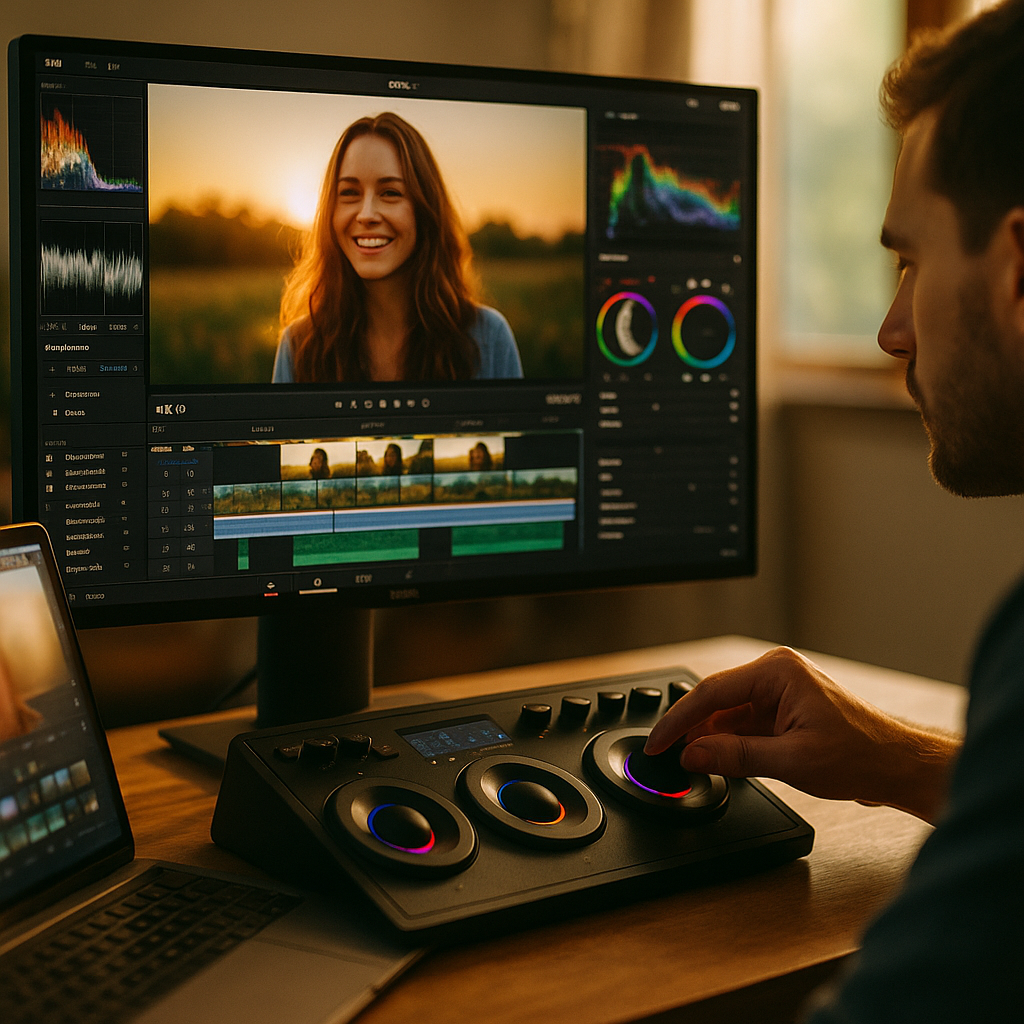
The Psychology of Color Pacing in High Retention Video Editing is no longer a niche craft reserved for elite post houses; it has become a measurable advantage for creators, brands, and educators competing for attention in 2025. When you control how color changes over time, you also influence perceived rhythm, clarity, and emotion. The real question is: how do you pace color without distracting viewers?
Color pacing psychology
Color pacing is the intentional timing and magnitude of color shifts across a video—within a shot, between shots, and across segments—to support attention, comprehension, and emotional continuity. Unlike static “color grading,” pacing is temporal: it asks when color should change, how much it should change, and why.
From a psychological perspective, effective color pacing works because the human visual system constantly predicts what comes next. When the video confirms expectations, viewers feel oriented and safe; when it breaks expectations with purpose, viewers re-engage. In retention terms, you want controlled novelty—enough change to prevent habituation, not so much that it feels chaotic or “over-edited.”
In practical editing, color pacing influences three key mechanisms:
- Attention allocation: Salient changes (e.g., a sudden warm shift or saturation spike) pull focus, especially when synchronized with a new idea or important visual proof.
- Cognitive load: Excessive color variation competes with dialogue, on-screen text, and rapid cutting. When load rises, viewers drop off.
- Emotional appraisal: Hue and contrast shape how viewers interpret stakes, trust, and energy—often before they can verbalize it.
If you’ve ever watched a video that felt “fast” without being jumpy, or “premium” without being dark, you were likely experiencing well-paced color decisions supporting story beats and information density.
High retention video editing strategies
In high retention video editing, pacing decisions should serve the viewer’s job: understand quickly, feel something specific, and keep moving. Color pacing becomes a tool for segmenting ideas and preventing visual fatigue across long runtimes.
Use these strategies to pace color like an editor who designs for retention rather than decoration:
- Anchor your baseline look: Establish a “home” grade early (first 10–20 seconds) so later shifts read as meaningful rather than inconsistent.
- Map color changes to narrative function: Shift color when the content changes function—setup to payoff, problem to solution, claim to evidence, step 1 to step 2.
- Use micro-shifts to maintain continuity: Small adjustments in contrast and saturation can add energy without triggering “why does this look different?” confusion.
- Reserve big shifts for big moments: A dramatic hue pivot works best when it marks a chapter break, a twist, a high-value reveal, or a mood change.
- Sync with audio and motion: Color changes land cleanly when aligned with a beat, a sound cue, or a camera movement rather than happening randomly mid-thought.
Answering the follow-up question most editors ask: How often should color change? There is no universal interval. Instead, tie changes to information milestones. If your video delivers a new concept every 8–15 seconds, that may justify subtle color pacing at that cadence. If your content relies on calm authority (e.g., financial advice), fewer and gentler shifts usually retain trust better.
Visual attention and color
Visual attention and color is where psychology becomes actionable. Color affects attention through contrast, saturation, and temperature—especially when paired with clear subject isolation. If viewers don’t know where to look, they don’t know what matters, and retention suffers.
Apply these attention principles:
- Contrast before color: Viewers track luminance contrast faster than hue. If your subject doesn’t separate from the background in brightness, a hue change may not fix the real issue.
- Saturation as a spotlight: Increasing saturation on the subject while slightly desaturating the environment can guide gaze without adding graphics.
- Warmth feels closer: Warmer skin tones and highlights often feel more immediate. Cooler backgrounds can create depth and reduce distraction.
- Consistency protects trust: In talking-head content, stable skin tone is a credibility signal. If skin tone drifts between shots, viewers may not articulate it, but they feel “something is off.”
A common follow-up: Do bright colors always increase retention? Not reliably. Bright, saturated palettes increase salience but can increase fatigue and perceived “salesiness.” For educational or analytical content, a cleaner, slightly restrained palette often improves watch time because it reduces friction for long viewing.
To operationalize attention control, run a simple test in your editing timeline: mute audio and scrub at 2x speed. If your eyes keep landing on the intended subject and the visuals still “read,” your color pacing and contrast hierarchy are doing their job.
Emotional storytelling with color
Emotional storytelling with color is not about assigning universal meanings (“blue equals sad”). It’s about building a consistent emotional logic inside your video so viewers feel a direction and a reason to continue.
Use color pacing to support emotion without becoming theatrical:
- Establish an emotional palette per segment: For example, neutral/clean for explanation, warmer for reassurance, higher contrast for urgency, softer contrast for reflection.
- Use temperature arcs: Gradually warming over a solution sequence can make progress feel tangible. Gradually cooling during a problem sequence can make friction feel heavier.
- Control black levels and midtones: “Serious” often comes from deeper blacks and tighter midtones more than from a blue tint. Keep faces readable to avoid alienating viewers.
- Protect brand and identity: If you’re editing for a channel or company, emotional shifts should stay inside a recognizable style. Viewers return to what feels consistent.
Editors often ask: How do I avoid manipulative color use? Tie emotional moves to truthful content moves. If the video is celebrating a real win, a lift in warmth and saturation feels honest. If you add “victory grading” to a weak claim, it reads as artificial. Authenticity is an EEAT issue: viewers sense when visuals oversell the substance.
Color grading workflow for retention
A color grading workflow for retention treats grading as part of the pacing system, not a final polish step. This approach improves consistency across edits and makes performance tweaks easier after publishing feedback.
Build a workflow that supports repeatable, testable results:
- Start with technical consistency: Normalize exposure and white balance across angles first. Retention drops when viewers experience “visual glitches” between cuts.
- Create a baseline LUT/grade per series: Use it as your anchor, then layer small “pacing adjustments” per segment rather than reinventing the look each time.
- Grade for faces first: In most retention-driven formats (talking head, commentary, tutorials), skin tone stability beats stylized backgrounds.
- Design a color pacing map: Before detailed grading, mark chapters and decide where you want subtle boosts, resets, or intentional shifts. This prevents random changes that feel like errors.
- Use scopes to protect credibility: Even if you grade by eye, verify with scopes to avoid clipped highlights, crushed shadows, and unnatural skin vectors—especially on mobile screens.
- Preview on multiple displays: Check a phone, a laptop, and a brighter monitor. Retention content is consumed everywhere; a grade that collapses on mobile reduces clarity and trust.
To answer the practical follow-up: What should I prioritize if I only have 30 minutes? Fix exposure and white balance, stabilize skin tone across cuts, and ensure a clear contrast hierarchy. Then add one or two purposeful pacing shifts (for example, a mild saturation lift for the key reveal and a calmer reset for the next explanation).
A/B testing video aesthetics
A/B testing video aesthetics in 2025 is less about obsessing over tiny differences and more about validating that your pacing choices reduce friction. Color pacing is especially testable because it affects first impressions and sustained comfort.
Here are practical, ethical ways to test color pacing without breaking your channel’s identity:
- Test intros with different pacing intensity: Keep the script and cuts identical, but compare a steady grade vs. a slightly more dynamic color ramp in the first 30 seconds.
- Test segment transitions: Try a gentle “reset” (neutral grade) at chapter starts vs. no reset. Many viewers need visual chaptering to stay oriented.
- Test saturation ceilings: Create one version with restrained saturation and one with a modest boost. Watch for comments about “harsh,” “too intense,” or “hard to watch.”
- Use retention curves as your truth source: If drops cluster at moments with aggressive color shifts, you have a pacing issue. If retention improves after a deliberate shift aligned with a new idea, keep it.
To stay aligned with EEAT best practices, document what you tested and why. If you’re editing for a brand or a client, keep a simple log: baseline look, what changed, and what the audience response suggested. This builds institutional knowledge and reduces reliance on subjective taste alone.
FAQs
What is color pacing in video editing?
Color pacing is the planned timing and intensity of color changes throughout a video to guide attention, reduce fatigue, and reinforce story structure. It includes shifts in exposure, contrast, saturation, and temperature between beats, not just a single overall grade.
How does color pacing improve audience retention?
It improves retention by adding controlled novelty, clarifying what matters visually, and signaling transitions between ideas. When color changes match content changes, viewers stay oriented and are less likely to drop off during dense explanations.
What color changes are most distracting?
Unmotivated shifts in skin tone, inconsistent white balance between camera angles, and large saturation swings that don’t match a narrative beat are common distractions. Viewers may not name the issue, but they often feel the video is “messy” or “hard to watch.”
Should I use warm or cool color grades for retention?
Choose based on message and format. Warm grades can feel inviting and immediate; cool grades can feel controlled and analytical. Retention improves when your choice stays consistent with the brand and when skin tones remain natural across cuts.
How do I pace color in fast-cut shorts without over-stimulation?
Keep a stable baseline grade, prioritize contrast and face clarity, and limit major hue shifts to clear section changes (hook, proof, payoff). Use small saturation and contrast pulses synced to key words or visuals instead of constant color swings.
What is the fastest way to fix inconsistent color between shots?
Match exposure first, then match white balance, then match skin tone, and only then adjust creative look elements like teal/orange or film contrast. Consistency is the foundation that makes any intentional pacing feel professional rather than accidental.
Color pacing is a retention tool when it follows attention, clarity, and emotion—not trend-driven styling. In 2025, the best editors treat color as a timeline-based rhythm: stable where trust is needed, dynamic where emphasis is earned, and consistent where comprehension matters most. Build a baseline, plan your shifts around ideas, and test outcomes using retention data—then refine with purpose.
Top Influencer Marketing Agencies
The leading agencies shaping influencer marketing in 2026
Agencies ranked by campaign performance, client diversity, platform expertise, proven ROI, industry recognition, and client satisfaction. Assessed through verified case studies, reviews, and industry consultations.
Moburst

-
2

The Shelf
Boutique Beauty & Lifestyle Influencer AgencyA data-driven boutique agency specializing exclusively in beauty, wellness, and lifestyle influencer campaigns on Instagram and TikTok. Best for brands already focused on the beauty/personal care space that need curated, aesthetic-driven content.Clients: Pepsi, The Honest Company, Hims, Elf Cosmetics, Pure LeafVisit The Shelf → -
3

Audiencly
Niche Gaming & Esports Influencer AgencyA specialized agency focused exclusively on gaming and esports creators on YouTube, Twitch, and TikTok. Ideal if your campaign is 100% gaming-focused — from game launches to hardware and esports events.Clients: Epic Games, NordVPN, Ubisoft, Wargaming, Tencent GamesVisit Audiencly → -
4

Viral Nation
Global Influencer Marketing & Talent AgencyA dual talent management and marketing agency with proprietary brand safety tools and a global creator network spanning nano-influencers to celebrities across all major platforms.Clients: Meta, Activision Blizzard, Energizer, Aston Martin, WalmartVisit Viral Nation → -
5

The Influencer Marketing Factory
TikTok, Instagram & YouTube CampaignsA full-service agency with strong TikTok expertise, offering end-to-end campaign management from influencer discovery through performance reporting with a focus on platform-native content.Clients: Google, Snapchat, Universal Music, Bumble, YelpVisit TIMF → -
6

NeoReach
Enterprise Analytics & Influencer CampaignsAn enterprise-focused agency combining managed campaigns with a powerful self-service data platform for influencer search, audience analytics, and attribution modeling.Clients: Amazon, Airbnb, Netflix, Honda, The New York TimesVisit NeoReach → -
7

Ubiquitous
Creator-First Marketing PlatformA tech-driven platform combining self-service tools with managed campaign options, emphasizing speed and scalability for brands managing multiple influencer relationships.Clients: Lyft, Disney, Target, American Eagle, NetflixVisit Ubiquitous → -
8

Obviously
Scalable Enterprise Influencer CampaignsA tech-enabled agency built for high-volume campaigns, coordinating hundreds of creators simultaneously with end-to-end logistics, content rights management, and product seeding.Clients: Google, Ulta Beauty, Converse, AmazonVisit Obviously →