


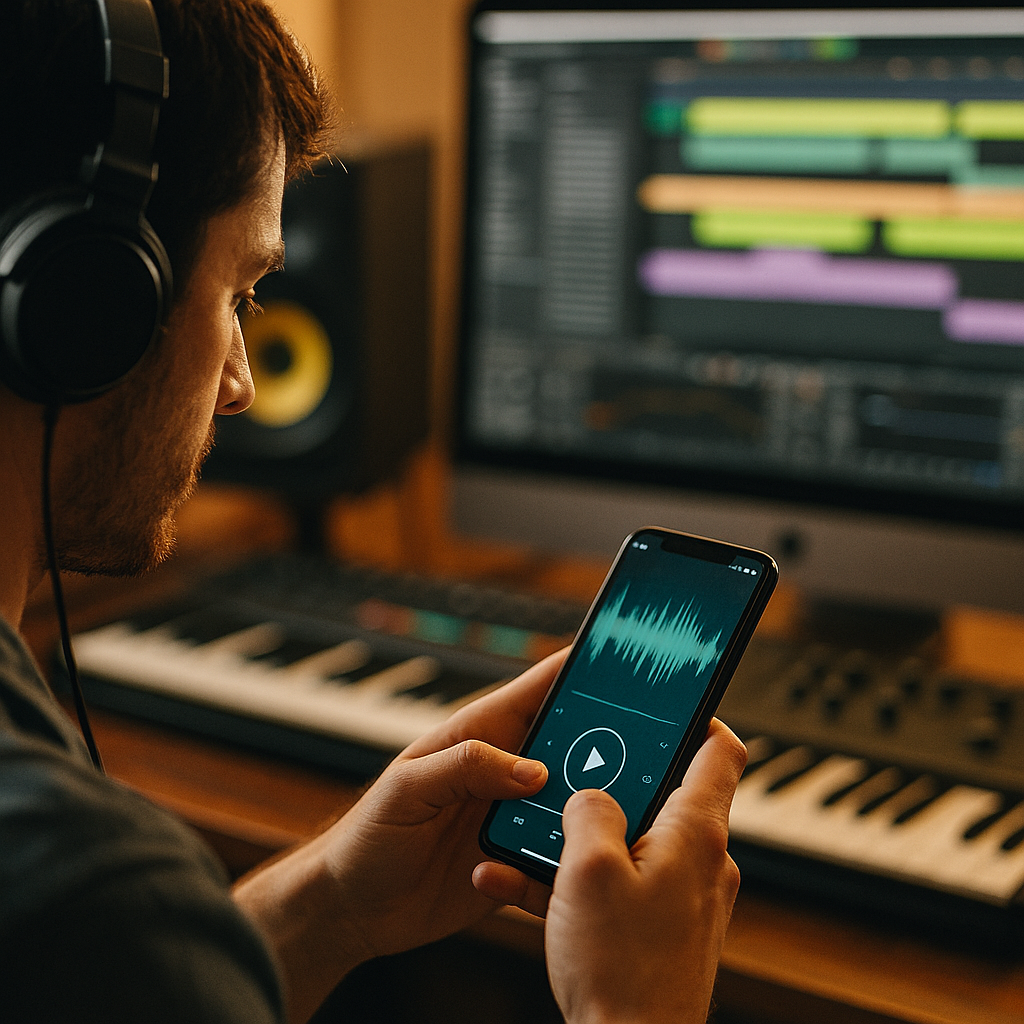
The Science of Acoustic UX is reshaping how people judge quality, trust, and ease inside digital products. In 2026, premium app experiences are no longer only visual or tactile; they are sonic. From subtle taps to branded confirmation tones, sound can guide behavior, reduce friction, and create memory. The real advantage appears when engineering discipline meets product design in practical ways.
Why acoustic user experience matters in app design
Acoustic user experience refers to the intentional use of sound to support usability, emotion, and brand perception within a product. It goes beyond adding effects for decoration. Well-designed app audio helps users understand what happened, what is happening, and what to do next.
Most teams already optimize screens, flows, copy, and motion. Sound often gets added late, if at all. That is a mistake. Audio is processed quickly, can work without direct visual attention, and can reinforce actions in milliseconds. A payment completion tone, for example, can reassure users even before they fully read the confirmation message. A subtle warning sound can reduce error rates when paired with strong visual cues.
Premium brands have understood this principle for years in automotive, consumer electronics, and hospitality. Apps can apply the same thinking. When sonic feedback is consistent, well-tuned, and context-aware, users often describe the product as smoother, smarter, and more trustworthy even if they cannot explain why.
That effect matters because app quality is increasingly judged at the margins. Many products now offer similar features. What separates a polished app from a forgettable one is often the precision of the experience. Sound contributes to perceived responsiveness, emotional comfort, and accessibility.
For product leaders, the business case is practical:
- Faster comprehension: audio can confirm outcomes instantly
- Lower cognitive load: users do not need to watch every visual change
- Better retention: distinctive sonic moments improve memory
- Stronger brand identity: a sound palette can become a recognizable asset
- Improved accessibility: multi-sensory design supports more users
The key is relevance. If a sound does not serve comprehension, comfort, or identity, it probably does not belong.
Premium sound engineering principles for sonic branding
Sonic branding in apps should be grounded in audio engineering, not taste alone. Premium sound engineering focuses on clarity, dynamic control, timbre, frequency balance, and context. These principles help product teams create audio that feels expensive rather than distracting.
Start with frequency design. Smartphone speakers and earbuds reproduce sound differently, so app sounds should be tested across both. Midrange frequencies usually translate best on mobile hardware. Extremely low bass may disappear on a phone speaker, while overly bright highs can sound brittle or irritating.
Next is dynamic range. UI sounds should be audible without startling users. Compression can help keep sounds consistent, but over-compression makes them feel flat and fatiguing. A premium tone tends to have controlled dynamics with a clear transient and a short, clean decay.
Timbre also shapes perception. Soft percussive textures can feel modern and calm. Metallic or harsh digital tones can signal urgency, but overuse quickly creates stress. For a finance app, security-related confirmations may benefit from stable, grounded sounds. For a fitness app, brighter and more energetic audio may fit better. The sound should express the product’s emotional role.
Then there is temporal precision. If a sound arrives late, the app feels slow. If it triggers before the action visibly completes, users may distrust the response. Tight synchronization between interface state and audio event is essential.
A strong sonic system usually includes:
- Primary confirmation sounds for successful actions
- Error or warning sounds with clear distinction from confirmations
- Progress or transition cues for loading, scanning, or recording states
- Brand signature sounds used sparingly at high-value moments
- Ambient or spatial layers only when they improve immersion without adding noise
Consistency matters as much as quality. If every sound uses a different tonal family or loudness level, the app feels improvised. A defined sonic palette, documented like a visual design system, creates coherence across features and releases.
How audio feedback improves usability and accessibility
Audio feedback should solve real UX problems. The best implementations reduce uncertainty. Users tap, swipe, scan, upload, record, and confirm throughout an app session. Sound can verify each meaningful action and help users recover when something goes wrong.
Consider the difference between a silent action and a confirmed action. If a user taps a button and sees a slight delay before the next screen loads, uncertainty rises. Did the tap register? Should they tap again? A brief auditory confirmation can prevent duplicate actions and reduce frustration.
Audio also supports eyes-busy interactions. In navigation, workouts, messaging, smart home controls, or scanning flows, people may not be looking directly at the screen. Sound can provide guidance without forcing visual attention. This is especially useful in situations where visual overload is already high.
From an accessibility standpoint, acoustic UX should complement, not replace, visual and haptic cues. Users have different hearing profiles, sensory preferences, and environmental conditions. Helpful implementation includes:
- User control: sound on or off, volume adjustment, and category-level preferences
- Redundancy: pair sound with text, color, and haptics where possible
- Distinctiveness: make success, warning, and failure sounds easy to tell apart
- Context sensitivity: avoid playing private or disruptive sounds in public settings
- Accessibility testing: validate with users across hearing ability and device types
Teams often ask whether sound becomes annoying over time. It can, if it is repetitive, too loud, or too frequent. The answer is not to avoid audio entirely. The answer is to design with restraint. Reserve sound for moments of consequence. Keep durations short. Ensure that repeated tasks do not create sonic fatigue.
Another common question is whether silent mode makes acoustic UX irrelevant. It does not. Sound should be one layer in a broader feedback architecture. When enabled, it adds value. When unavailable, the experience should still work clearly through visuals and haptics.
Designing mobile app sound with context, emotion, and trust
Mobile app sound design succeeds when it reflects context. The same tone that feels premium in a meditation app may feel weak in a trading platform. The right sonic language depends on user intent, emotional state, and risk level.
Trust is especially important in high-stakes flows such as banking, health, identity verification, travel, and security. In these cases, sounds should feel stable and precise. Avoid playful cues when the user expects seriousness. Confirmation tones should communicate reliability. Error sounds should alert without alarming.
Emotion also matters. Human perception of sound is deeply tied to memory and expectation. Short intervals, harmonic warmth, and balanced resonance can create calm. Sharper attacks and brighter harmonic content can create urgency. Neither is inherently better. The best choice matches the task.
Context includes environment. A commuter in a noisy station, a parent using an app at night, and a professional in a meeting all experience sound differently. That is why adaptive strategies are useful:
- Lower-intensity default sounds for everyday use
- Optional enhanced cues for users who prefer richer feedback
- Headphone-aware experiences when spatial or immersive audio adds clarity
- Quiet-hour logic for apps with scheduled reminders or alarms
Brand teams should also ask a simple question: What should our product sound like when it earns trust? The answer can shape everything from onboarding chimes to completion tones. A premium acoustic identity is not a melody pasted onto a UI. It is a coherent system that expresses product values through micro-interactions.
When teams align sound with function and emotion, users often report that the app feels more intuitive. That response is not accidental. It comes from reducing ambiguity and reinforcing confidence at exactly the right moments.
Testing sound design in UX with data and research
Sound design in UX should be tested with the same discipline applied to copy, layouts, and onboarding flows. Opinion is useful, but measurement is what turns a creative idea into a dependable product decision.
Begin with qualitative research. Ask users how sounds affect their perception of speed, trust, comfort, and clarity. Observe whether sounds help them understand state changes faster. Listen for comments like “I knew it worked,” “I felt more confident,” or “That alert made me anxious.” These reactions reveal whether the audio supports the intended experience.
Then use quantitative methods. Depending on the product, useful metrics may include:
- Task completion rate
- Error rate
- Time to completion
- Repeat taps or duplicate submissions
- Feature adoption for audio-assisted flows
- Retention or satisfaction signals after sound updates
A/B testing can compare silent interactions against sound-assisted versions, but it should be designed carefully. If users are not told that sound is available or if many keep devices muted, the results may understate value. Segmenting by device settings, app context, and user preferences helps interpret outcomes correctly.
Technical QA is equally important. Teams should test across operating systems, speaker types, earbuds, Bluetooth devices, and network conditions. Latency, clipping, codec artifacts, and volume inconsistencies can undermine even well-composed sounds. Premium acoustic UX demands close collaboration between product designers, sound designers, engineers, QA, and accessibility specialists.
Documentation should cover:
- Use cases for every sound event
- Intended emotion and function
- Loudness targets and acceptable ranges
- Fallback behavior in silent mode or unsupported devices
- Localization considerations when cultural expectations differ
This level of rigor supports EEAT-style helpful content principles in practice: expertise from specialists, experience from user observation, authority from consistent standards, and trustworthiness from transparent controls and reliable performance.
Building an acoustic UX strategy for product teams
Acoustic UX strategy works best when it is planned early and owned across disciplines. If sound is treated as a final garnish, it rarely delivers meaningful value. A better approach is to define sonic goals during product planning, alongside visual design and interaction logic.
Start by identifying the moments where sound can create the most impact. These are often events with high uncertainty, high emotional value, or high risk. Examples include successful payment, login verification, message send, timer completion, scan detected, ride arrival, goal achieved, or recording started.
Next, create a sonic framework:
- Define brand attributes such as calm, precise, energetic, protective, or elegant
- Map user states like success, warning, waiting, progress, and celebration
- Assign sound roles to only the most meaningful interactions
- Develop a limited palette with consistent timbre and loudness
- Prototype in real flows instead of reviewing sounds in isolation
- Test and refine using both user feedback and performance data
Governance matters too. Teams need standards for when to introduce new sounds, how to review them, and how to prevent inconsistency across product areas. Treating audio as part of the design system keeps the experience cohesive as the app grows.
Security, privacy, and user autonomy should remain central. Notification sounds must not reveal sensitive information in public. Health apps, finance apps, and messaging products should be especially careful with audible cues that can expose user activity. Clear settings and respectful defaults increase trust.
Finally, do not confuse more sound with better sound. Premium acoustic UX is often subtle. Its job is to support action, reinforce confidence, and express quality without competing for attention. When users barely notice the mechanism but consistently feel the product is polished, the strategy is working.
FAQs about acoustic UX and premium app sound engineering
What is acoustic UX?
Acoustic UX is the design of sound within a digital product to improve usability, emotion, accessibility, and brand perception. It includes feedback tones, alerts, confirmations, transitions, and branded sonic moments.
How is acoustic UX different from simple app sound effects?
Simple sound effects are often added as decoration. Acoustic UX is strategic. It uses sound intentionally to support tasks, reduce uncertainty, and create a consistent experience across the product.
Do all apps need sound?
No. Not every app needs frequent audio, but many benefit from carefully chosen cues at key moments. The right approach depends on user context, product category, and accessibility needs.
Can sound really improve app usability?
Yes. Well-timed sound can confirm actions, reduce repeat taps, support eyes-busy interactions, and make system status easier to understand. It works best when paired with clear visual and haptic feedback.
What makes app audio feel premium?
Premium app audio is clear, restrained, well-balanced, consistent in loudness, and tightly synced to interaction events. It reflects the brand and works reliably across devices and listening environments.
How should teams test acoustic UX?
Test with user interviews, usability sessions, accessibility reviews, device QA, and performance metrics such as error rate, task completion, and repeat actions. Validate sounds in real product flows, not as standalone files.
What are the biggest mistakes in mobile sound design?
Common mistakes include sounds that are too loud, too frequent, poorly timed, inconsistent, emotionally mismatched, or impossible to control. Another mistake is relying on sound without providing visual or haptic alternatives.
How can brands create a sonic identity inside an app?
Start with brand attributes, define a limited tonal palette, assign sounds to meaningful events, and document standards in the design system. Keep signature sounds rare so they stay memorable and effective.
Should acoustic UX work in silent mode?
Yes. The app should remain fully understandable without sound. Acoustic UX should enhance the experience when available, not become the only way users receive critical information.
Is acoustic UX important in 2026?
Absolutely. As app categories mature and interfaces become more similar, sound is a powerful differentiator. It strengthens quality perception, trust, and usability when engineered with discipline.
Acoustic UX gives product teams a practical way to improve usability, accessibility, and brand perception at the same time. The strongest apps in 2026 treat sound as a system, not an afterthought. Focus on clarity, context, restraint, and testing. When premium sound engineering is applied with intent, apps feel faster, smarter, and more trustworthy where it matters most.