


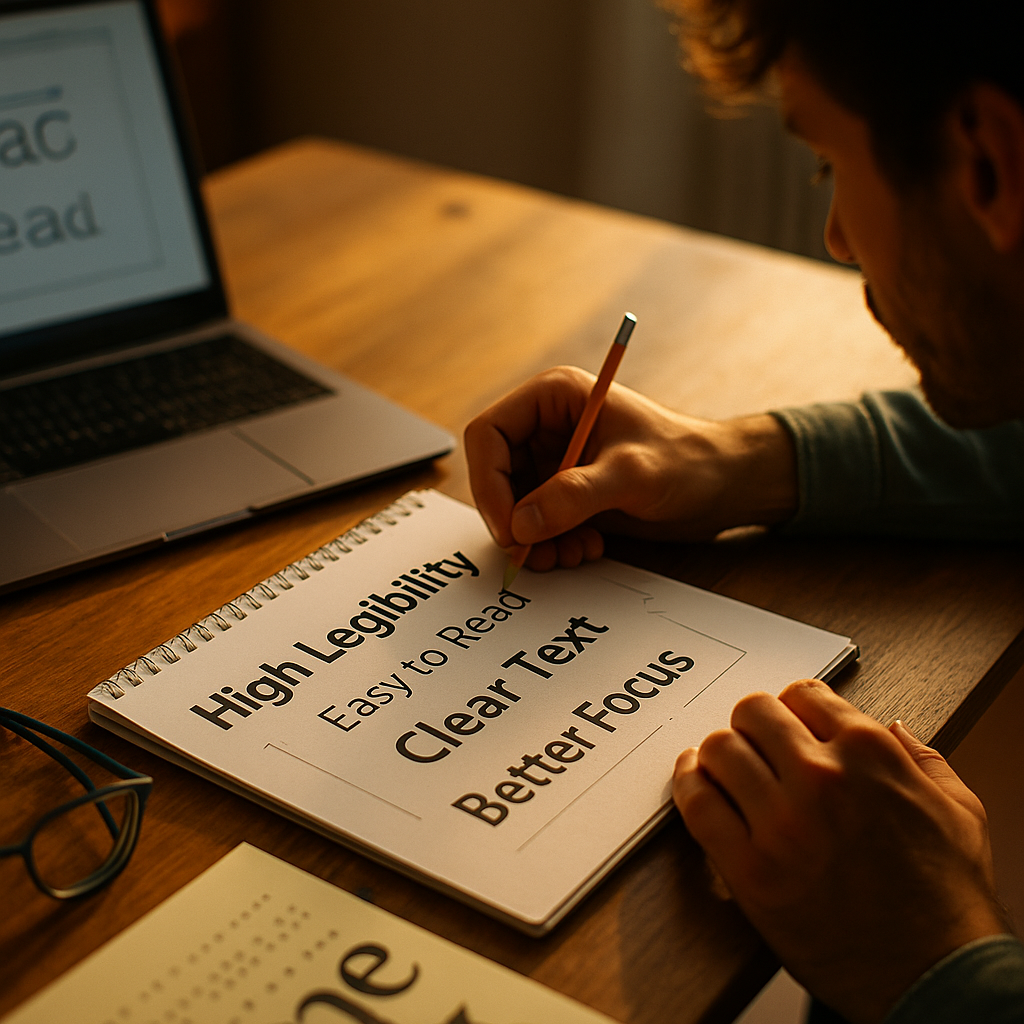
Designing for Neuro Diversity is now a practical requirement for digital teams in 2025, not a niche preference. ADHD readers often scan, jump, and re-check content, so small design decisions can either support focus or drain it. This article shows how to build high-legibility formats that reduce friction, improve comprehension, and respect autonomy—without oversimplifying content. Ready to make every word easier to land?
Neurodiversity design principles for ADHD-friendly reading
Neurodiversity-inclusive design starts with a simple goal: remove unnecessary cognitive load so users can spend attention on meaning, not on decoding the interface. ADHD is associated with differences in attention regulation, working memory, and impulse control. In reading contexts, that can show up as difficulty maintaining place, sensitivity to clutter, and an increased tendency to skim or switch tasks when the layout feels demanding.
High-legibility formatting is not about “dumbing down” information. It is about delivering the same depth with clearer structure and stronger navigational cues. When you do this well, you improve outcomes for many users: people reading on small screens, tired readers, second-language readers, and anyone dealing with stress.
Use these neurodiversity design principles as your baseline:
- Predictability: Keep layout patterns consistent so attention is not spent re-learning the page.
- Chunking: Break content into short, meaningful units that can be completed quickly.
- Visibility of structure: Make hierarchy obvious with headings, spacing, and lists.
- Low distraction: Reduce competing elements like autoplay, excessive animation, and dense sidebars.
- User control: Offer options such as text size, line spacing, and theme preferences where feasible.
If you are building for real people under real conditions (mobile, multitasking, time pressure), these principles align directly with usability and conversion goals.
ADHD readable typography: fonts, size, spacing, and alignment
Typography is the first line of support for ADHD readers because it affects decoding speed and visual comfort. Aim for effortless recognition of letterforms and stable reading rhythm.
Font choice: Use a clean sans-serif or a highly legible serif designed for screen reading. Prioritize clear distinctions between similar shapes (I/l/1 and O/0). Avoid novelty fonts and overly compressed families for body text. If you offer font settings, include at least one widely available system font option for performance and familiarity.
Font size: Default body text should typically start around a comfortable reading size on mobile and desktop. Many teams land in the 16–18px range for body text on web, but the best practice is to test with your audience and support zoom without breaking layout. A readable default matters because ADHD readers may not adjust settings even if they want to.
Line height and paragraph width: Tight lines increase tracking errors; overly wide lines increase place-losing. As a practical target, use generous line height (often 1.5–1.7 for body text) and avoid extremely long line lengths. If your design uses large screens, constrain the text column so readers do not have to travel across the page.
Alignment: Left-aligned text with a ragged right edge is usually easiest to track. Fully justified text can create uneven spacing (“rivers”) that distract and can be especially unfriendly to readers who already struggle to keep their place.
Emphasis: Use bold sparingly to spotlight key phrases. Avoid overusing italics in long passages because slanted shapes can reduce legibility, especially on smaller screens. Underlines can be confused with links; reserve them for interactive text.
Spacing as a feature: ADHD-friendly typography treats whitespace as part of comprehension. When in doubt, reduce density before reducing content.
High legibility layout: chunking, headings, and scannable structure
ADHD readers often approach content in passes: scan first, then dive into the part that looks relevant, then return to confirm details. A high-legibility layout supports this non-linear path without punishing the reader.
Build a strong information hierarchy: Make headings descriptive, not cute. A heading should answer “What will I get here?” in a few seconds. When headings are vague, readers must read more to decide whether to continue, increasing drop-off.
Use short sections: Keep paragraphs focused on one idea. Long paragraphs can feel like a wall even when the writing is good. If a paragraph covers two or three concepts, split it.
Prefer lists for procedural or comparative content: Steps, requirements, pros/cons, and checklists become easier to process in list form. This also supports re-reading: users can jump back to the exact line they need.
Front-load the value: Put the most actionable point early in each section. ADHD readers may abandon a section if the payoff takes too long to appear.
Design for “resume reading”: Many readers will be interrupted. Use clear subtopics, consistent spacing, and meaningful signposts so they can return without starting over.
Answering common follow-up questions inside the layout helps, too. If a section introduces a recommendation, add a brief “why it helps” line and a quick “how to implement” line. This reduces the need to hold context in working memory.
Accessible color contrast and visual noise reduction for attention
Color and contrast directly affect legibility, but they also affect attention. For ADHD readers, a visually noisy interface can pull attention away from the reading task, especially when multiple elements compete with similar visual weight.
Meet and exceed contrast expectations: Ensure text contrast is strong enough for comfortable reading in varied lighting, including mobile use outdoors. High contrast does not mean harsh contrast; avoid pure black on pure white if it feels glaring for your audience. Consider dark mode or softer background tones, but validate contrast remains sufficient.
Reduce competing emphasis: If everything is highlighted, nothing is. Use a limited palette and reserve bright accents for interactive elements and critical calls to action. Keep decorative elements subtle, and avoid placing busy images directly behind text.
Stabilize the page: Motion draws attention. Avoid autoplay video, looping animations, and constantly updating components near reading areas. If motion is necessary, provide clear controls and default to calm states.
Limit sidebar distraction: Recommendation widgets, chat popups, and sticky promos can fragment attention. If your business requires them, consider delaying appearance, reducing size, or positioning them away from the main text column. Give users an obvious way to dismiss distractions permanently for that session.
Use consistent link styling: Links should look like links everywhere. Inconsistent styling forces extra decision-making: “Is this clickable?” That small friction accumulates, especially in long-form reading.
This is also where accessibility and ADHD-friendly design align strongly: when visual decisions reduce strain and ambiguity, more users stay engaged.
Plain language writing and content patterns that support executive function
High-legibility formats are not only visual. Writing style can either support or overload executive function—the ability to plan, prioritize, and follow through. ADHD readers often benefit from language that is direct, well-signposted, and free of unnecessary complexity.
Use plain language without removing expertise: Prefer concrete verbs, shorter sentences, and defined terms. You can still write for advanced audiences—just avoid burying the point in long preambles.
Make actions explicit: When you recommend a practice, state exactly what to do. “Increase line height to improve tracking” is clearer than “Consider improving readability.”
Answer “what, why, how” quickly: This pattern reduces cognitive load:
- What: The recommendation in one sentence.
- Why: The user benefit in one sentence.
- How: A short checklist or example.
Use examples that mirror real decisions: ADHD readers often want immediate applicability. Provide sample settings, before/after descriptions, or a mini checklist they can copy.
Keep terminology consistent: Switching terms (for example, “line spacing” vs “leading” vs “vertical rhythm”) forces extra interpretation. If you must use specialized terms, define them once and stick to them.
Reduce ambiguity: Words like “some,” “often,” or “might” are sometimes necessary, but overuse can make instructions feel unstable. Be specific when you can, and when you cannot, explain what to test.
These patterns also help product teams: clearer content reduces support tickets, increases completion of key tasks, and improves trust.
User testing with ADHD readers: validation, iteration, and compliance
EEAT-driven design means you do not rely on assumptions. You validate your choices with the people you claim to serve, document what you learned, and iterate based on evidence.
Recruit inclusively: If you can, include participants who self-identify as having ADHD and represent your actual audience (age range, device types, reading goals). Offer remote options, flexible scheduling, and shorter sessions to reduce fatigue.
Test the real tasks: Do not only ask “Is this readable?” Give participants realistic goals:
- Find a specific answer in a long article.
- Summarize the main recommendation after skimming.
- Return to a section after a short interruption.
- Compare two options and pick one.
Measure what matters: Track time-to-find, error rates (wrong section, missed details), and subjective strain. Ask participants where they lost their place, what pulled their attention away, and what helped them recover.
Iterate with small, high-impact changes: Typography tweaks, improved headings, and reduced clutter often deliver major gains without rewriting everything.
Document decisions: Publish internal guidelines and a rationale for your design system choices. This strengthens organizational expertise and consistency across teams.
Mind accessibility expectations: While ADHD is not always explicitly addressed in basic checklists, the overlap with accessibility is substantial: readable typography, strong contrast, clear focus states, and reduced motion support a wider set of users. Treat compliance as a floor, not the finish line.
FAQs: Designing high-legibility formats for ADHD readers
Do ADHD readers need “simpler” content?
No. ADHD-friendly design focuses on reducing friction in navigation and decoding, not reducing depth. Keep the expertise, but improve structure, clarity, and scannability so readers can access it efficiently.
What is the most important typography change for ADHD readability?
Generous spacing and a stable text column usually deliver the fastest improvement: readable font size, comfortable line height, and a reasonable line length reduce place-losing and re-reading.
Are dyslexia fonts required for ADHD-friendly design?
Not required. Some users prefer specialized fonts, but many do well with standard highly legible fonts. The bigger wins typically come from spacing, alignment, contrast, and clear hierarchy. If possible, offer user-controlled font options.
Should I avoid long-form articles for ADHD audiences?
No. Long-form can perform well if it is chunked, well-labeled, and easy to navigate. Use descriptive headings, short sections, lists for steps, and “resume reading” cues so readers can dip in and out.
How do I reduce distractions without hurting conversions?
Prioritize the reading goal. Keep the main column calm, reduce competing emphasis, and delay or minimize interruptions like popups. Clearer content often increases trust and downstream conversions even with fewer aggressive prompts.
What is a quick checklist for high-legibility formatting?
- Left-align body text and avoid full justification.
- Use comfortable font size, line height, and constrained line length.
- Write descriptive headings and keep sections short.
- Prefer lists for steps and comparisons.
- Maintain strong contrast and limit visual noise near the text.
- Test with ADHD readers doing real tasks and iterate.
Designing high-legibility formats for ADHD readers comes down to one commitment: remove avoidable friction so attention can stay on meaning. Use predictable structure, readable typography, calm visuals, and plain language patterns that support scanning and returning after interruptions. Validate your choices with ADHD-inclusive testing and document what works in your design system. In 2025, the best takeaway is simple: clarity is not optional—it is a product feature.