


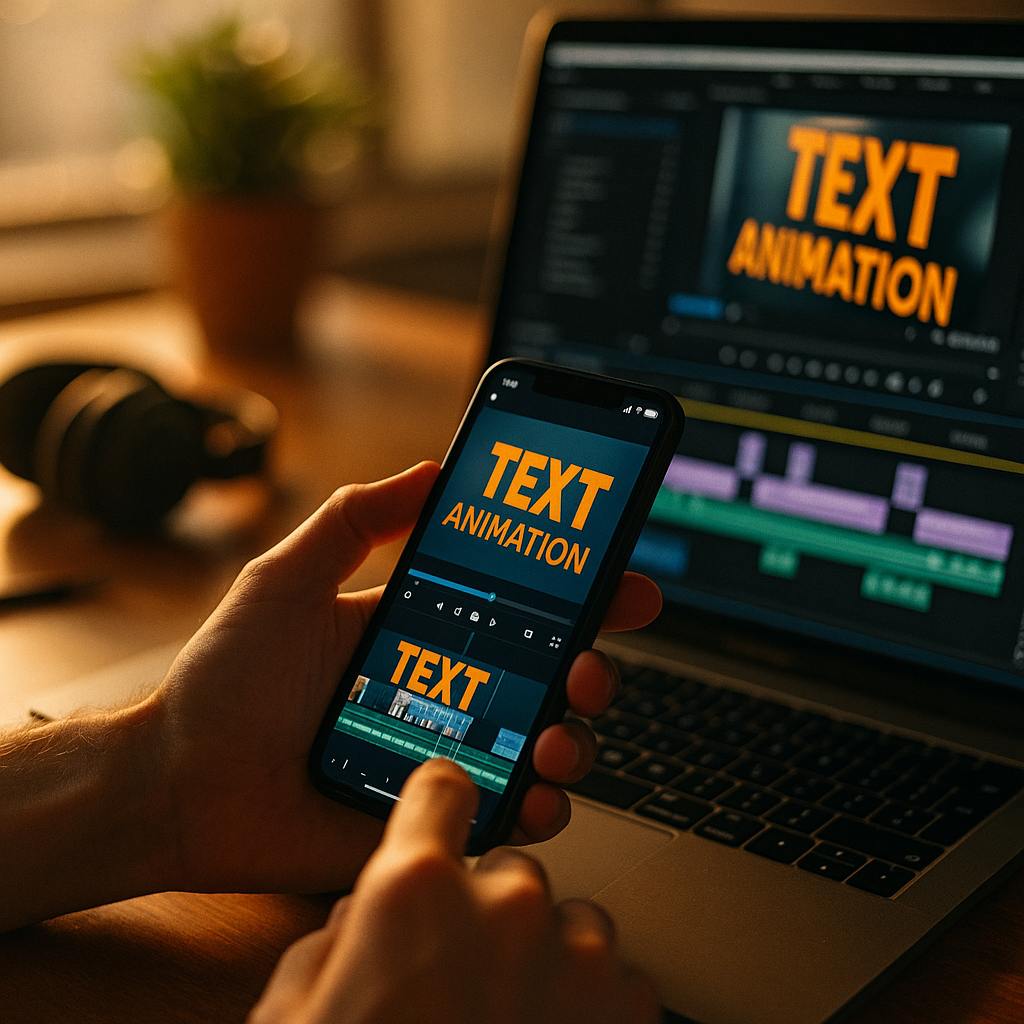
Short-form video competes in a ruthless attention market: viewers decide in seconds whether to stay or swipe. Using Kinetic Typography To Enhance Short-Form Video Performance gives creators a practical way to clarify messages, elevate pacing, and boost retention without relying on sound. When words move with purpose, they become both caption and storytelling device—so how do you use it to earn more watch time?
Why kinetic typography improves short-form video engagement
Kinetic typography is animated text designed to communicate meaning through motion, timing, and emphasis. In short-form formats, where viewers often watch on mobile and frequently with sound off, text carries both accessibility and persuasion. Done well, it supports comprehension while raising perceived production value.
Here’s what kinetic typography can improve:
- Retention and watch time: Movement creates “micro-hooks” that encourage viewers to stay through the next beat.
- Message clarity: Key phrases appear exactly when the viewer needs them, reducing cognitive load.
- Skimmability: Many viewers scan rather than listen; kinetic text guides scanning behavior.
- Accessibility: It complements captions by adding hierarchy (what matters most) rather than repeating every word equally.
- Brand recall: Consistent motion style becomes a recognizable signature.
EEAT best practice in this context means you should prioritize viewer outcomes over flashy effects: make the message easier to understand, verify claims, and reduce friction. If you cite a statistic (for example, about consumer behavior or platform trends), reference a credible source in your on-screen text or caption, and avoid exaggerated promises like “guaranteed viral.”
Follow-up question you might have: “Is kinetic typography just animated captions?” Not exactly. Captions aim for completeness. Kinetic typography is selective: it highlights the words that carry meaning, emotion, contrast, or action—often using fewer words for higher impact.
Mobile-first typography design for vertical video
Most short-form consumption happens on phones, so your typography must be readable at arm’s length, in bright environments, and on small screens. Mobile-first design also anticipates varied platform UI overlays that can hide text near the edges.
Practical design rules that consistently perform:
- Safe zones: Keep critical text centered and away from bottom UI areas where captions, buttons, and descriptions sit.
- Font choice: Use high-legibility sans-serif families; reserve stylized fonts for one or two-word emphasis only.
- Size hierarchy: Create a clear “headline” word or phrase, then a supporting line. Avoid equal-weight blocks.
- Contrast: Use strong contrast between text and background. Add a subtle shadow or semi-opaque backing plate when footage is busy.
- Line length: Favor short lines. For vertical video, 3–6 words per line is often easier to process.
- Consistency: Build a repeatable system: 2–3 font weights, 1–2 accent colors, and a consistent highlight style.
Answering the common follow-up: “Should I burn text into the video or rely on platform captions?” For performance, burn in your kinetic typography for the core message and CTA so it appears exactly as designed across platforms. Then still enable platform captions for accessibility and search within the app, especially when viewers watch with sound on and want full transcription.
To align with EEAT, ensure your on-screen text accurately reflects what the viewer will receive. If you say “free template,” the template should be free, accessible, and linked clearly. Trust signals reduce drop-off and improve downstream metrics like follows and saves.
Motion timing and rhythm for better retention
Short-form video is essentially rhythm management. Kinetic typography performs best when it matches the cadence of speech, edits, and visual beats—without becoming distracting. Treat text animation like audio: it should support the narrative, not compete with it.
Timing principles that improve retention:
- Front-load clarity: Place the core promise or topic within the first 1–2 seconds using large, stable text before adding motion.
- One idea per beat: Change text when the idea changes. Don’t animate three concepts at once.
- Readable hold time: Keep each key phrase on screen long enough to read comfortably. A helpful rule: if you can’t read it twice, it’s too fast.
- Use motion to signal structure: Slide-in can introduce, pop can emphasize, fade can de-emphasize, and wipe can signal transition.
- Micro-pauses: Brief stillness after an emphasized word gives the viewer a chance to absorb it.
What to avoid: constant jitter, excessive bounce, and random movement that doesn’t encode meaning. These effects can lower perceived credibility—especially for educational or professional content—because they feel like decoration rather than communication.
Follow-up question: “Should text sync exactly to every spoken word?” No. Sync to meaning, not transcription. A strong approach is to animate only the keywords, numbers, and contrast phrases (for example: “Stop doing X,” “Do Y instead,” “3 steps,” “In 10 minutes”).
For creators who want a repeatable workflow, build three reusable motion presets: Intro hook (bold and stable), Key emphasis (fast but readable), and CTA (clear, slower, and persistent). This keeps pacing consistent and makes A/B testing easier.
Caption strategy and on-screen text hierarchy
Captions improve accessibility and comprehension, but kinetic typography should add hierarchy rather than overwhelm the screen. The best-performing videos often use a layered approach: full captions for completeness and kinetic text for emphasis and direction.
Use a two-layer system:
- Base captions: Smaller, consistent, and placed in a predictable area. These help viewers follow along.
- Kinetic highlights: Larger, higher-contrast, and used sparingly to spotlight the point.
Hierarchy tactics that work:
- Selective emphasis: Highlight 10–25% of words, not all of them.
- Numbering: When teaching, animate step numbers (“1/3,” “2/3”) to create forward momentum.
- Contrast styling: Use color to signal “problem” vs “solution,” or “myth” vs “truth.”
- Progress cues: Short progress indicators (“Step 2 next”) can reduce abandonment.
Answering a likely question: “Will too much text hurt performance?” Yes—if it blocks faces, products, demonstrations, or visual proof. Text should clarify the visual, not replace it. When the visuals are doing the heavy lifting (a demo, a reveal, a transformation), reduce text and let the footage carry the story.
EEAT also shows up in how you present claims. If you use kinetic text to state results (“increased conversions,” “lost 10 pounds,” “saved $500”), add context on screen: timeframe, method, and any constraints. Clear qualifiers build trust and reduce skeptical comments that can derail the conversation.
Brand storytelling with kinetic type templates
Consistency is a performance advantage in 2025 because it reduces viewer friction: people instantly recognize your format, understand what they’ll get, and decide faster to keep watching. Kinetic typography templates help you scale that consistency without starting from scratch each time.
Build a simple kinetic type style guide:
- Type palette: One primary font, one accent font (optional), and two weights.
- Color system: One brand color for emphasis plus white/black for legibility.
- Motion rules: Choose 2–3 motions only (for example: slide, pop, fade) and stick to them.
- Text containers: Use consistent highlight blocks, underlines, or outlines.
- Voice alignment: Your motion should match your brand: sharp cuts for direct teaching, smoother easing for calm guidance, punchy pops for humor.
Template sets to create:
- Hook template: Big promise + supporting qualifier (helps credibility).
- List template: “3 tips” with animated numbering and space for examples.
- Myth vs truth template: Clear contrast styling to drive comments and saves.
- Case snippet template: Problem → action → outcome, with proof cue (“screen recording,” “before/after,” “receipt”).
- CTA template: One action only (follow, save, comment, click), visible long enough to act on.
Follow-up question: “Do templates make content feel generic?” They can—if the words and footage lack specificity. Templates should standardize presentation, not ideas. The remedy is specificity: concrete numbers, clear constraints, and visual proof. Viewers forgive consistent formatting; they don’t forgive vague claims.
Analytics and A/B testing for short-form video performance
If you want kinetic typography to drive measurable gains, you need a testing loop. The goal isn’t “more motion.” The goal is higher retention, better comprehension, and stronger actions (saves, shares, clicks, follows) per view.
Track the metrics that reflect text effectiveness:
- 3-second view rate: Indicates whether your hook text and opening frame work.
- Average watch time and retention curve: Reveals where viewers drop off—often when text becomes dense or too fast.
- Rewatches: Often increase when text teaches something concise and the viewer wants to capture it.
- Saves and shares: Strong signal for educational content; kinetic typography can make key takeaways “save-worthy.”
- CTR on profile or link actions: Measures whether your CTA typography is clear and credible.
A/B tests that are easy and meaningful:
- Hook variant: Same footage, different first-line text (benefit-led vs curiosity-led).
- Emphasis density: Highlight fewer words vs more words to see which improves retention.
- Animation speed: Slightly slower holds vs faster transitions.
- CTA placement: End-only CTA vs a subtle persistent CTA after the midpoint.
- Text position: Lower third vs center, especially when faces are present.
How to keep tests trustworthy: change one variable at a time, run each version on comparable posting windows, and compare performance after enough views to reduce randomness. For EEAT, avoid “vanity optimization” that misleads viewers. If your best-performing hook oversells, it may raise views but damage trust, comments, and long-term conversion.
FAQs about kinetic typography in short-form video
What is the difference between kinetic typography and subtitles?
Subtitles aim to transcribe speech accurately. Kinetic typography is designed to communicate ideas through motion and emphasis, often using fewer words to highlight the message, structure, and emotional beats.
Does kinetic typography work for every niche?
Yes, but the style should match the audience. Educational and B2B content benefits from clean, restrained motion and clear hierarchy. Entertainment can use bolder timing and playful transitions, as long as readability stays high.
How much on-screen text is too much?
If the viewer can’t read the key line without pausing, it’s too much. Prioritize one idea per beat, keep phrases short, and avoid covering important visuals like demonstrations, faces, or product details.
Should I animate every word for higher engagement?
No. Over-animating reduces clarity and can feel noisy. Animate keywords, numbers, and contrast phrases. Keep supporting text stable so the viewer has an anchor while scanning.
What fonts are best for vertical mobile videos?
High-legibility sans-serif fonts with clear letterforms and multiple weights typically perform best. Use bold weights for emphasis and regular weights for supporting lines. Save decorative fonts for short accents only.
How do I make kinetic typography look professional quickly?
Use a limited system: one font family, one accent color, two animation styles, and consistent spacing. Add contrast tools (shadow, outline, or backing plate) and keep timing readable. Professionalism comes from restraint and consistency, not complexity.
In 2025, creators win short-form attention by making ideas instantly understandable and easy to follow. Kinetic typography improves structure, accessibility, and pacing when it prioritizes readability over effects. Build a mobile-first style system, sync motion to meaning, and test small changes against retention and saves. Treat text as storytelling, and viewers will reward you with longer watch time.