


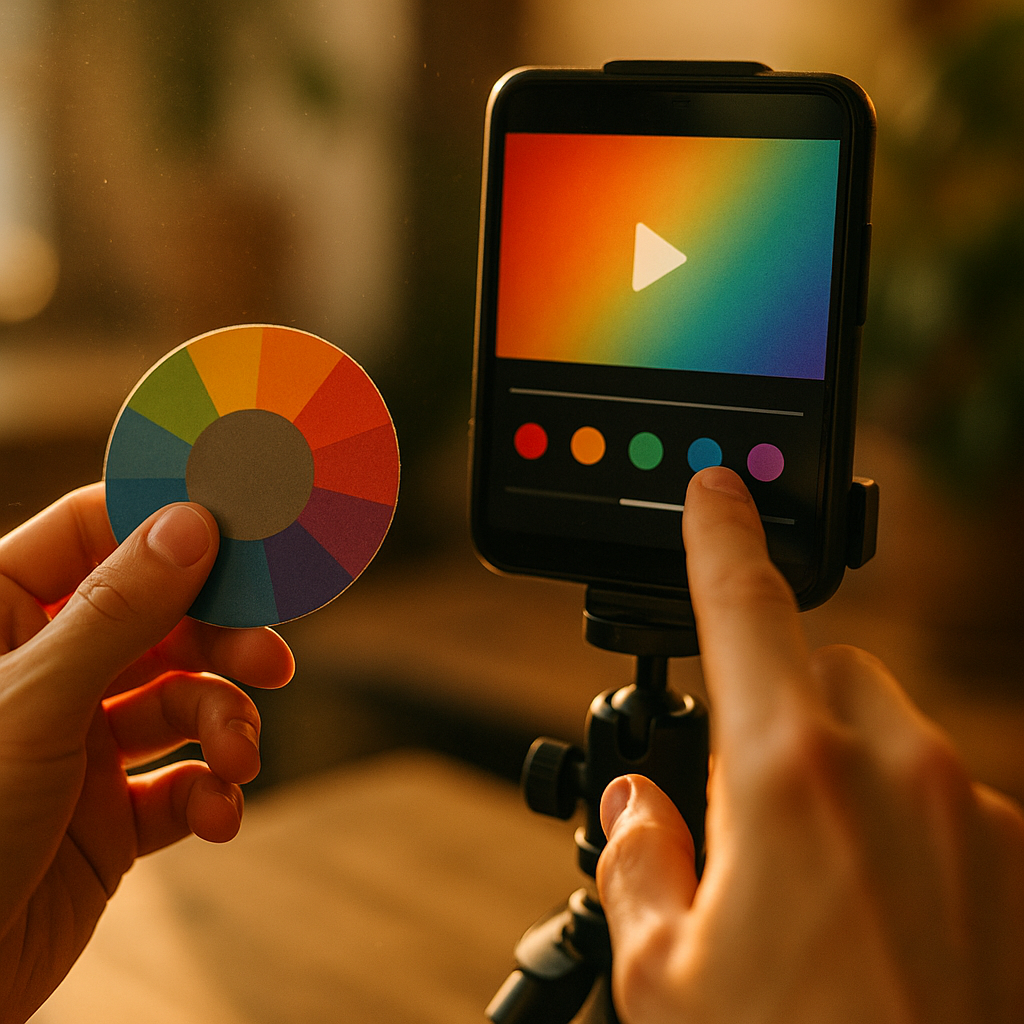
In 2025, creators compete for attention in a nonstop scroll, where milliseconds decide whether viewers stay or leave. The psychology of color pacing in high retention short video editing explains how timed color shifts guide emotion, focus, and comprehension without extra words. When you pace color like you pace cuts, retention rises, brand memory improves, and stories land harder—so what should you change first?
Color psychology in short videos: attention, emotion, and meaning
Color is not decoration; it’s a fast channel to perception. In short-form content, viewers make near-instant judgments about clarity, mood, and relevance. That means your color choices influence whether a viewer feels “this is for me” before they consciously process the message.
How viewers read color in a split second
- Warm hues (reds, oranges, yellows) tend to feel energetic and urgent. They can amplify momentum during hooks, reveals, and punchlines.
- Cool hues (blues, greens) often signal calm, competence, or relief. They work well for steps, explanations, and “here’s how” moments.
- High contrast increases legibility and perceived sharpness, helping viewers track faces, products, and on-screen text.
- Low contrast can feel cinematic, but it may reduce readability on mobile screens, especially under bright ambient light.
Color meaning depends on context, including culture, genre, and platform norms. A neon-green accent may read as “gaming” in one niche and “finance alert” in another. Instead of relying on generic color associations, treat meaning as learned inside your audience: check what top-performing peers use, then refine your own palette for distinctiveness.
Follow-up question: does color really affect retention? It affects the mechanisms that produce retention: attention capture, clarity, emotional continuity, and memory encoding. Color pacing strengthens those mechanisms by making the viewer’s experience feel organized—like the video “knows where it’s going.”
Color pacing techniques: timing changes like edits
Color pacing is the planned rhythm of color shifts over time—through grading, lighting changes, overlays, background swaps, wardrobe, text styling, or UI elements. In high-retention short video editing, pacing should be deliberate: color changes that match story beats, not random filters.
Use color shifts as “micro-cuts” when you want the brain to re-engage without adding visual chaos. Even a subtle temperature change (slightly warmer) can signal a beat change the way a cut would, while preserving continuity.
Practical pacing patterns that work
- Hook spike (0–2 seconds): introduce one bold accent color (caption highlight, background block, or wardrobe accent). Keep the palette simple so the hook reads immediately.
- Explanation runway (2–10 seconds): reduce saturation slightly and stabilize white balance for comfort and comprehension.
- Proof/reveal pop: reintroduce the accent color or increase contrast for the “aha” moment (before/after, result, receipt, demo).
- CTA clarity: choose a high-contrast, brand-consistent color for buttons, arrows, and on-screen prompts. Avoid switching CTA colors from video to video.
How often should color change? Tie changes to your script structure. If you have three claims and one proof point, you may only need 3–5 deliberate color events. Over-pacing color (constant shifting) becomes noise and can lower comprehension—even if it feels “dynamic” in the edit timeline.
Quick test: watch your video muted at 1.5x. If color shifts still communicate “new point,” “proof,” and “wrap-up,” your pacing is doing real work.
High retention video editing: matching color rhythm to cognitive load
Retention drops when cognitive load spikes: too many elements compete, text becomes hard to read, or the viewer can’t predict where to look next. Color pacing can reduce load by creating a reliable visual grammar.
Use color to prioritize, not decorate
- One primary accent for emphasis (key word highlights, arrows, circles).
- One neutral base for stability (skin tones, background, clothing).
- One secondary support color for categorization (steps, “do” vs “don’t,” before vs after).
Guide the eye with consistent mapping
- Make action always the same color (e.g., “Do this” in green).
- Make risk/avoid always the same color (e.g., “Don’t” in red).
- Make definitions a calmer tone (blue or neutral) so they feel explanatory, not urgent.
Follow-up question: what about fast-cut styles? Fast cuts already create arousal. In that case, stabilize color more than you think. Let the edit pace provide energy while color provides continuity. If both cut speed and color shift rapidly, viewers often feel friction and bounce—especially on smaller screens.
Mobile-first legibility rule: If you use bright backgrounds, increase text weight and add a subtle shadow or solid backing block. Color pacing fails when viewers can’t read the message.
Short-form storytelling and color: building anticipation and payoff
Stories retain viewers when they create anticipation, then reward it. Color pacing can set up expectation and deliver payoff without extra runtime.
Three story beats, three color states
- Setup: neutral, clean grade that feels trustworthy and easy to process.
- Tension: slightly cooler or slightly desaturated look to signal “problem” or “mistake.”
- Resolution: warmer, brighter, or higher-contrast look to signal relief and success.
This doesn’t mean dramatic filter flips. The best retention gains often come from subtle, consistent transitions that viewers feel more than they notice.
Use color to foreshadow
- Introduce your resolution accent color early as a tiny element (a small highlight on a keyword). When it returns bigger at the payoff, it feels satisfying and planned.
- Keep skin tones consistent across all beats; shifting skin tone reads as “different clip” and can break immersion.
Follow-up question: does brand color limit creativity? Brand color works best as an accent and a system, not as an all-over wash. Keep the brand present through repeatable elements: caption highlights, outline strokes, iconography, or a consistent CTA color. Let the rest of the palette support the story beat.
Color grading for social media: workflows, accessibility, and consistency
Great color pacing requires a workflow that stays consistent across batches, collaborators, and devices. In 2025, that means assuming most viewers watch on mobile, often in mixed lighting, with auto-brightness and platform compression.
Workflow checklist for reliable pacing
- Start with a neutral baseline: correct white balance and exposure before applying any “look.”
- Protect skin tones: keep faces natural; unnatural shifts reduce trust and can read as low quality.
- Define your palette system: one accent, one support color, neutrals, and rules for when each appears.
- Test on multiple screens: at least one bright phone, one older phone, and a desktop monitor.
- Plan for compression: avoid fine gradients in backgrounds and overly saturated reds that can smear.
Accessibility is retention. If captions or overlays fail contrast needs, viewers leave. Use high contrast between text and background, and avoid relying on color alone to convey meaning. Pair color with icons, position, or labels (e.g., “DO” and “DON’T”).
Follow-up question: should you use LUTs? LUTs can speed up production, but treat them as starting points. Calibrate the LUT to your baseline, then apply your pacing deliberately (e.g., only increase warmth during payoff). A one-click LUT slapped on every clip often creates inconsistent skin tones and unstable pacing.
Retention analytics and A/B tests: proving your color pacing strategy
EEAT-friendly editing means you can explain what you did, why you did it, and how you validated it. Color pacing is measurable when you connect it to retention curves and interaction signals.
What to measure
- Audience retention curve: note where drop-offs occur and whether they align with visually dense moments.
- Rewatches: spikes can indicate confusion or fascination; color pacing should reduce confusion rewatches and increase payoff rewatches.
- Completion rate: especially for videos under 20 seconds, completion is a strong signal that pacing feels coherent.
- Saves and shares: often rise when information is clear and visually scannable.
Simple A/B test design (practical and ethical)
- Create two edits with identical script, captions, and cut timing.
- Version A: stable grade, minimal color events.
- Version B: planned color pacing at hook, proof, and payoff.
- Post to similar audience windows (or use platform experiments if available).
- Compare retention at 1 second, midpoint, and final 3 seconds.
Follow-up question: what if results are mixed? If Version B improves early retention but lowers completion, you likely overused color events or reduced readability. If completion improves but early retention drops, your hook color may be too subtle—try a clearer accent or higher contrast in the first second.
Document your decisions (palette rules, pacing beats, and test outcomes). This builds repeatable process, helps teams collaborate, and supports credibility when you claim an approach improves retention.
FAQs
What is color pacing in short videos?
Color pacing is the intentional timing of color changes—through grading, accents, backgrounds, or text styling—to match story beats and guide attention. It works like a rhythm layer alongside cuts and sound.
How many colors should I use for high-retention short-form content?
Most creators perform best with a neutral base plus one primary accent and one secondary support color. More colors can work, but only if each has a stable meaning and doesn’t reduce text or face clarity.
Does color pacing matter if my video is mostly talking head?
Yes. You can pace color using caption highlights, subtle warmth shifts for payoff moments, background swaps, or b-roll grading changes—without making the talking head look unnatural.
What are common mistakes that hurt retention?
Over-saturated filters, inconsistent skin tones between cuts, low-contrast captions, too many accent colors competing, and frequent temperature shifts that feel accidental rather than purposeful.
How do I keep brand identity without making every video look the same?
Lock one brand accent color for highlights and CTAs, keep typography consistent, and let the rest of the palette flex with the story beat. Brand identity should feel like a system, not a blanket filter.
What tools or features help implement color pacing quickly?
Adjustment layers for global shifts, keyframes for gradual transitions, saved caption styles for consistent accents, and preset color palettes. The key is using them strategically at narrative beats, not applying them everywhere.
Color pacing is a practical retention lever because it shapes what viewers notice, feel, and understand in real time. In 2025, the winning approach is disciplined: stabilize your baseline grade, assign meaning to a small set of colors, and trigger changes only at hooks, proofs, and payoffs. Measure the impact with retention curves, then refine until the rhythm feels inevitable.