


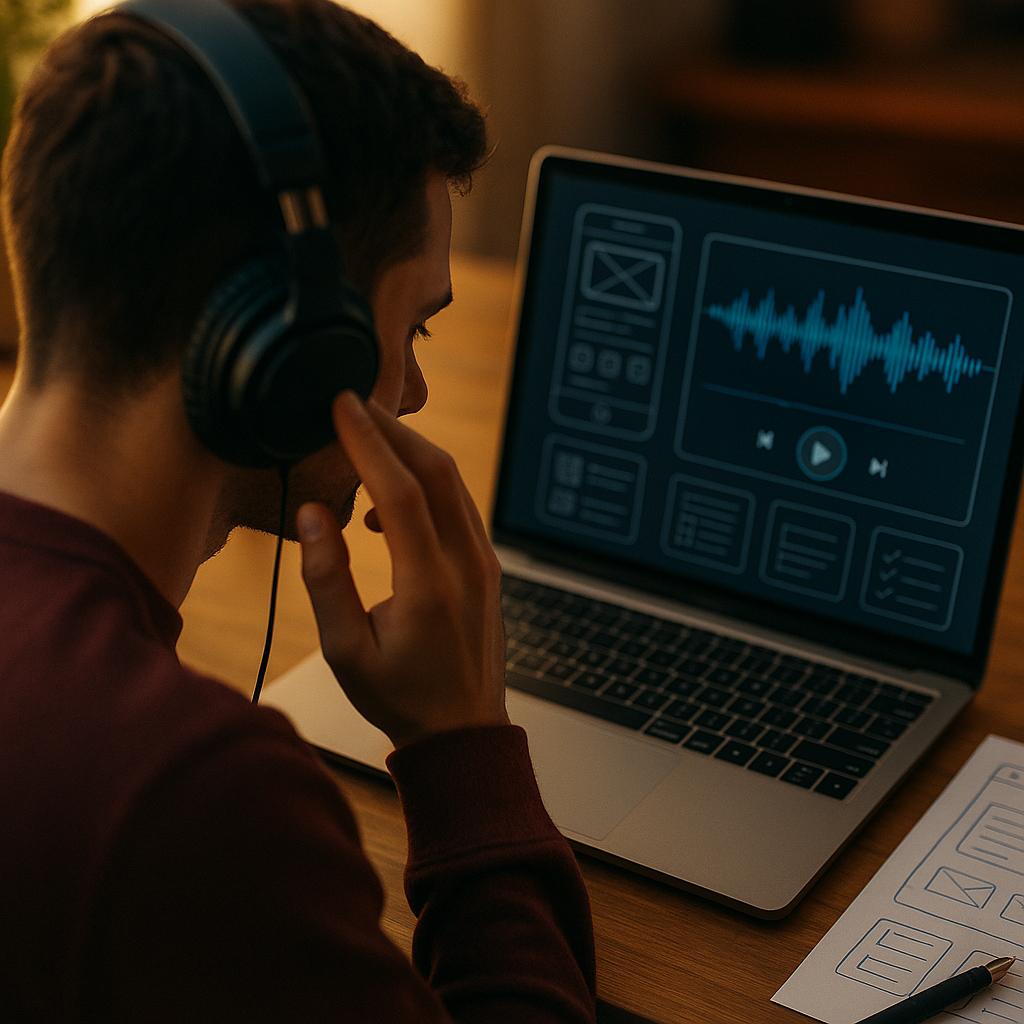
The Thud of a Bentley Door isn’t an accident; it’s engineered to communicate safety, precision, and calm. Digital products also “sound” to users through motion, haptics, microcopy, and feedback timing. Acoustic engineering offers a practical framework for shaping those signals into trust and delight. If a door can feel expensive before you sit down, what could your UX communicate before a click?
Acoustic engineering principles in UX design
Acoustic engineering starts with a measurable goal: produce a sound that signals quality, avoids annoyance, and performs consistently across contexts. In digital UX, the “sound” is broader than audio. It includes:
- Temporal feedback (how quickly a system responds and confirms an action)
- Dynamic behavior (motion, easing, and transitions)
- Haptics (tactile feedback on mobile and wearables)
- Language cues (microcopy tone, clarity, and certainty)
- Optional audio (alerts, confirmations, and brand sound)
In automotive acoustics, engineers manage variables like resonance, damping, and frequency balance to create a “solid” impression. A Bentley-like door close often emphasizes a low-frequency, short-duration thud rather than a hollow rattle. Translating this into UX means you design for:
- Controlled resonance: avoid UI behaviors that “ring” (repeat notifications, sticky animations, lingering spinners).
- Damping: soften sharp edges—abrupt motion, harsh error text, or aggressive vibration—so the experience feels stable.
- Signal-to-noise: make feedback meaningful. Every beep, shake, toast, and animation should justify its existence.
Readers often ask, “Isn’t this just polish?” Not if you treat it as engineering. These cues influence error rates, perceived reliability, and willingness to complete tasks. The point is not decoration; it’s communicating system state with clarity and restraint.
Sound design for apps and products
When you do use audio, design it like product sound, not like a novelty. In 2025, many users keep devices muted, use headphones selectively, and move across shared environments. That makes optional, informative, and accessible sound design the standard.
Use sound for three categories only, each tied to a user goal:
- Confirmation: “It worked.” Example: subtle “tick” for saving a note.
- Attention: “Look now.” Example: urgent but short alert for time-sensitive security approval.
- Orientation: “Here’s where you are.” Example: soft cues in guided onboarding or voice-first flows.
Apply acoustic thinking by shaping the envelope (attack, decay, sustain, release) and frequency content:
- Short attack, quick decay can feel precise (like a solid latch).
- Overly bright high frequencies can feel cheap or tiring, especially at high volume.
- Lower-frequency emphasis can feel calm, but can also be inaudible on small speakers—test across devices.
Practical UX guidance:
- Make sound opt-in or easily controllable with a clear toggle and sane defaults.
- Pair audio with redundant cues (visual + haptic) for accessibility and silent contexts.
- Use consistent mappings: the same event should produce the same cue across the product.
- Respect user intent: never play sound for marketing, autoplay previews, or “engagement” tricks.
If you want to follow EEAT best practices, document your sound rationale: what events trigger sound, how it supports task completion, and how you tested annoyance risk. That turns “taste” into accountable design.
Microinteractions and haptic feedback
The Bentley door thud works because the physical system supports the message: the mass of the door, the seal compression, the latch mechanism, and the damping materials align. In digital UX, microinteractions must also be structurally honest. Haptics and motion should reflect real system state, not pretend everything is fine.
Design microinteractions using three engineering-style questions:
- What is the event? (tap registered, payment authorized, upload failed)
- What is the desired perception? (certainty, progress, caution)
- What is the safest cue? (short haptic, subtle motion, explicit text)
Haptic patterns that tend to work well:
- Single, crisp tap for confirmation (button press, selection).
- Two-stage cue for “arming then committing” (hold-to-delete, biometric approval): a light pre-cue, then a firm confirm.
- Soft, interrupted pattern for warnings (invalid input) rather than a harsh buzz that feels punitive.
Microinteractions should also be temporally tuned. If the system can’t respond immediately, don’t fake a “thud.” Instead:
- Acknowledge the input instantly (pressed state) within a tight window users perceive as immediate.
- Show honest progress only when latency is meaningful.
- Confirm completion when it actually completes, not when it starts.
Common follow-up: “How do we avoid overdoing it?” Treat haptics and motion like seasoning. If every action triggers an intense cue, you create constant vibration “noise,” just as a door that clanks loudly becomes exhausting. Default to subtlety, reserve intensity for high-stakes events, and test with real tasks.
Luxury brand experience through sensory UX
The perceived quality of a luxury object often comes from coherence: the cues align across touch, sound, timing, and finish. Digital products can deliver a similar “expensive” feeling without copying luxury aesthetics. The goal is not gold gradients; it’s confidence.
Build a luxury-grade sensory system by aligning five layers:
- Visual cadence: consistent spacing, typographic rhythm, and restrained color use.
- Motion language: the same easing and duration rules across components; no random bounces.
- Interaction physics: scroll, drag, and snap behaviors should feel intentional and predictable.
- Feedback hierarchy: the smallest cues for low-risk actions, stronger cues for irreversible actions.
- Words as material: microcopy that is specific, calm, and useful (“Payment declined—try another card or contact your bank”) rather than vague (“Something went wrong”).
This is where EEAT becomes practical. Trust is earned by being accurate, transparent, and consistent. If a user’s money, identity, or time is at stake, sensory polish must support clarity:
- Explain outcomes in plain language, not error codes.
- Show evidence of completion (receipts, activity logs, undo options).
- Prevent false certainty: don’t celebrate success before the server confirms it.
In high-trust domains (finance, health, security), “luxury” equals calm control. The Bentley door thud doesn’t shout. It reassures.
User trust signals and perceived quality
People judge quality quickly. In physical products, they infer build integrity from sound and feel. In digital UX, users infer integrity from responsiveness, predictability, and the absence of weirdness. You can design trust signals with the same rigor as acoustic validation.
Key trust signals you can engineer:
- Latency honesty: if an action takes time, say what’s happening and why, in user terms.
- Error competence: errors should be actionable, not accusatory; offer recovery paths.
- Data visibility: show what you stored, what you’re sharing, and how to change it.
- Security cues: step-up verification that is calm and precise, not dramatic.
- Consistency under stress: the UI should not “fall apart” when the network is weak.
A useful acoustic analogy is rattle. In a car, rattles signal poor assembly even if performance is fine. In UX, the equivalent is:
- Buttons that sometimes don’t register
- Loading states that appear inconsistently
- Animations that stutter on mid-range devices
- Notifications that stack, repeat, or contradict each other
Remove rattles before adding shine. Users forgive minimal aesthetics more than they forgive instability.
To support EEAT, make your trust decisions auditable:
- Define quality metrics (task success rate, rage clicks, error recovery rate).
- Run structured usability tests with representative users and accessibility needs.
- Document trade-offs: when you choose less motion for clarity, record why.
UX testing methods inspired by acoustic measurement
Acoustic engineers don’t rely on “sounds good to me.” They measure frequency response, decay time, and variability across units. You can do the same for sensory UX by creating a repeatable test bench.
Adopt measurement-style practices:
- Create a cue inventory: every sound, haptic, animation, toast, and system message, with triggers and purpose.
- Define thresholds: maximum notification frequency, maximum vibration intensity, maximum animation duration for key actions.
- Test across environments: quiet office, commuting, one-handed use, low battery mode, reduced motion enabled.
- Test across hardware: older phones, budget Android devices, small speakers, different haptic engines.
Run “UX resonance” checks:
- Repetition stress test: repeat a common task 30–50 times. Do cues become irritating? Do they mask important alerts?
- Concurrency test: simulate multiple events (message arrives during checkout). Does feedback stay intelligible?
- Failure-mode test: airplane mode, server error, timeouts. Does the product communicate clearly without panic cues?
Instrument your product the way you’d instrument a lab rig:
- Log feedback events (toasts shown, haptics fired, sound played) and correlate with outcomes (completion, abandonment).
- Measure timing: input-to-acknowledgment and input-to-completion, then enforce budgets for critical flows.
- Validate accessibility: ensure cues are perceivable without sound, without color, and with assistive tech.
Finally, establish governance. A luxury door sound is consistent because there’s a spec. In UX, create a lightweight “sensory spec” inside your design system so teams don’t invent new cues for every feature.
FAQs
Is audio UX necessary if most users keep their phones muted?
No. Design sound as an enhancement, not a dependency. Pair it with visual and haptic cues, and provide simple controls. If sound doesn’t improve task clarity, skip it.
What’s the digital equivalent of a “premium” door thud?
Fast, unambiguous acknowledgment; restrained motion; consistent haptics; and calm microcopy that explains outcomes. Premium in UX feels stable and predictable, not flashy.
How do I prevent haptics from feeling annoying?
Use the lightest pattern that communicates the state change, reserve stronger cues for high-stakes actions, and avoid repeated vibrations for background events. Validate by repetition testing with real tasks.
What accessibility concerns come with sensory UX?
Never rely on one channel. Provide redundant cues (visual, haptic, text), support reduced motion, offer sound controls, and ensure alerts are readable by assistive technologies.
How can small teams apply this without a specialist sound designer?
Start with a cue inventory, reduce feedback noise, standardize a few haptic patterns, and write clear microcopy. Test on multiple devices and contexts, and document rules in your design system.
How do I measure whether sensory improvements increased trust?
Track task success, error recovery, support tickets for “did it go through?”, abandonment during critical steps, and qualitative feedback in usability tests. Correlate changes to specific cue adjustments.
Acoustic engineering teaches a simple discipline: define the signal, remove the noise, and validate consistency. In 2025, digital products win trust the same way a well-built door does—through controlled feedback that feels honest, calm, and repeatable. Audit your sensory cues, standardize a small set of patterns, and test them under stress. When every interaction lands with a confident “thud,” users move forward without hesitation.