


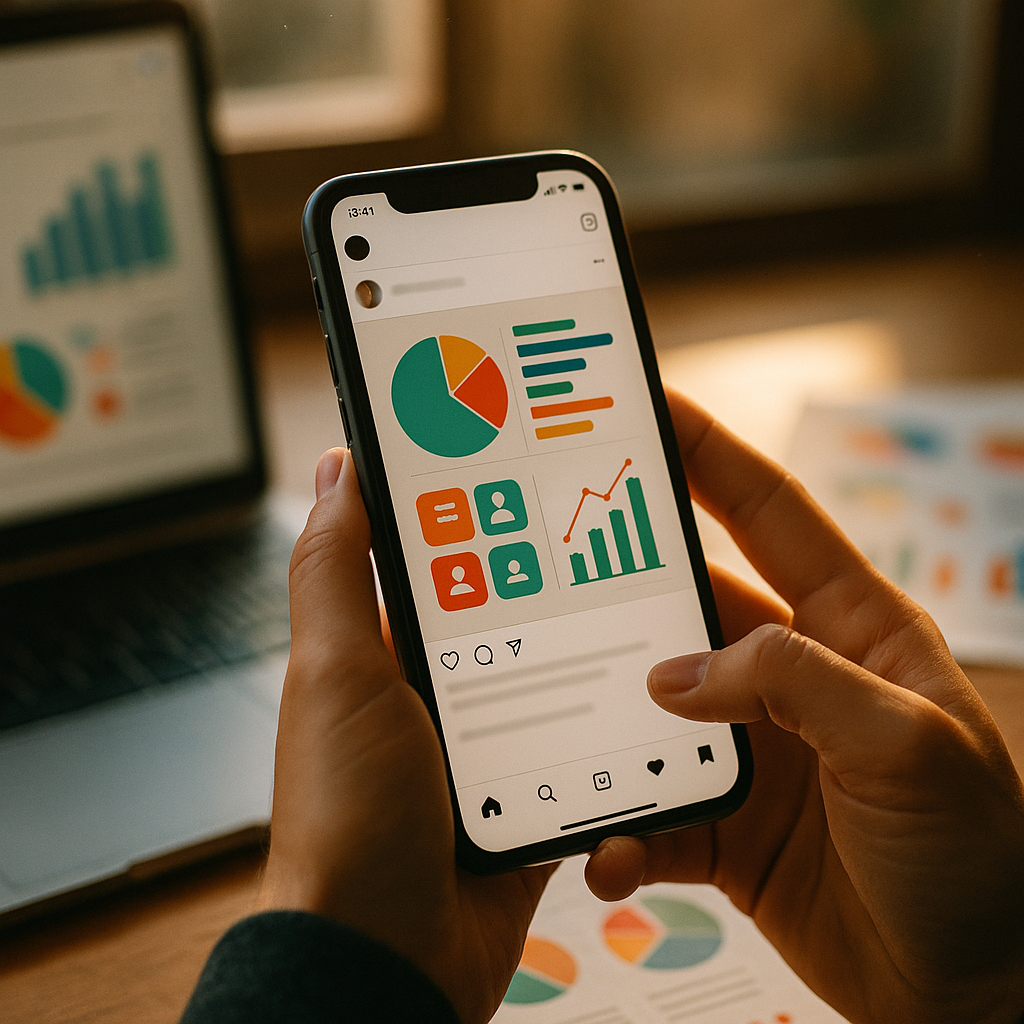
Creating “Save-Able” infographics for Instagram is crucial in 2025 for brands and creators seeking meaningful engagement, repeat visibility, and organic growth. Structuring your visuals to be worth saving can amplify your reach and foster audience loyalty. But what truly makes an Instagram infographic “save-able”? Dive in to uncover the proven strategies and fresh best practices shaping today’s top performing content.
Understanding Why People Save Instagram Infographics
Before designing your next infographic, it’s essential to grasp what motivates users to tap that save icon. Instagram’s algorithm prioritizes saved content because it signals deep value and intent to revisit. According to new Meta insights from early 2025, posts with high save rates can see organic reach increase by up to 45%.
- Educational Value: Users save posts that help them learn or remember something useful.
- Actionable Tips: Step-by-step guides, checklists, or templates get the most saves.
- Relatability: Infographics solving a real problem or answering a common question outperform generic ones.
By focusing on your audience’s needs, your infographics will become resources users crave—and save for later.
Design Principles For Higher Instagram Engagement
Your infographic’s design has a direct influence on engagement metrics like saves and shares. Staying current with 2025’s design trends and accessibility guidelines maximizes both reach and inclusivity.
- Clarity and Readability: Choose easy-to-read fonts and avoid cluttered layouts. Each graphic should communicate one core idea per frame.
- Vivid Colors With Purpose: Use color strategically to highlight key points, leveraging proven psychology cues without overwhelming viewers.
- Consistent Branding: Integrate your brand colors, logo, and tone for instant recognition, building trust over time.
- Accessible For All: Add alt text and use adequate contrast for those with visual impairments, aligning with Instagram’s accessibility improvements rolled out in 2025.
Strategic design reduces cognitive load and increases the likelihood of repeat saves and shares.
Content Strategies That Make Infographics “Save-Worthy”
Compelling content is the heart of every save-able infographic. In 2025, brands and creators that prioritize actionable information are reaping the rewards.
- Break Complex Ideas Into Steps: Use numbered points or visual progressions to make information digestible and instantly referenceable later.
- Use Carousel Format: Instagram carousel posts perform 30% better than single-image infographics for saves (Meta Intelligence, Q1 2025), as they encourage swipe-through for in-depth exploration.
- Include Micro-Takeaways: Offer mini-insights or power-tips that readers can immediately apply or want to revisit, nudging them to save your post.
- Prompt User Saves: Add a gentle CTA like “Save this for later” in your caption or visually within the graphic—it’s proven to boost save rates.
Mix evergreen, “always relevant” content with trending topics to maximize both immediate and long-term saves.
Optimizing Instagram Infographics For Discoverability
Even the most engaging infographic won’t earn saves if your audience can’t find it. From keyword optimization to strategic posting, small tweaks can amplify your reach.
- Integrate Relevant Hashtags: Combine popular and niche hashtags to target your ideal audience while avoiding over-saturation. Tools like Instagram’s native hashtag suggestions (enhanced in early 2025) can help.
- SEO Your Captions: Instagram’s search bar now indexes text inside posts and captions. Include your primary keyword—like “Save-Able infographics”—for greater visibility.
- Leverage Alt Text: Instagram’s improved alt text feature isn’t just for accessibility; it increases discoverability in-app and on search engines.
- Post Timing and Frequency: Analyze your audience insights to post when your followers are most active, giving your infographic the best chance to land in feeds and save folders quickly.
Optimization is an ongoing process. Regularly experiment and review analytics to keep improving discoverability and save rates.
Tracking Performance and Iterating Your Infographic Strategy
Continuous improvement is where top creators and brands edge out their competition. Instagram now provides enhanced analytics on saves as of 2025, letting you deepen your understanding of what resonates with your audience.
- Monitor Save Metrics: Watch for patterns: Which topics, colors, or formats garner the most saves?
- Gather Feedback: Use Stories polls or comments to ask what information followers want saved for later.
- A/B Test Formats: Experiment with carousels vs. single graphics, bold colors vs. minimalism, or listicles vs. visuals to discover your audience’s preferences.
- Double Down on What Works: Use top-performing infographics to inspire series or deeper content, building “save” habits in your community.
Refining your approach based on real data drives sustainable growth and increasingly “save-ready” content.
Best Tools and Resources For Creating Instagram Infographics
In 2025, a range of powerful, user-friendly tools streamline making high-quality infographics optimized for Instagram’s save culture:
- Canva and Adobe Express: Both platforms now offer Instagram-ready templates, accessibility suggestions, and real-time collaboration.
- Figma: For advanced designs and team workflows, Figma’s real-time editing facilitates visual consistency across content.
- Infogram: Perfect for data-driven brands, this tool specializes in turning statistics into save-friendly visuals.
- Instagram’s Own Creator Studio: Integrated analytics and auto-caption formatting help measure saves and adapt quickly.
Whichever tool you choose, prioritize export settings for Instagram’s optimal size (1080x1350px for single posts/carousels) and test how your design appears on both light and dark mode.
FAQs About Creating Save-Able Infographics For Instagram
-
What makes an infographic save-worthy on Instagram?
Save-worthy infographics combine actionable, easy-to-reference content with visually appealing, accessible design. They address real audience needs and often feature step-by-step guides, checklists, or condensed knowledge nuggets users want to revisit.
-
Is carousel or single-post format better for Instagram saves?
Carousel formats consistently outperform single images in saves by about 30% in 2025, as they break down information into swipe-able, digestible pieces, encouraging review and return visits.
-
How do I encourage people to save my infographic?
Include a CTA such as “Save for later” in your caption or graphic itself, and focus on evergreen, practical information your followers will need again. Consistency in this approach builds habitual saves in your audience.
-
Should I use paid tools or free ones to create infographics?
Free tools like Canva offer ample templates, but paid tools (Adobe, Figma) provide advanced features, branding, and analytics. Choose based on your content volume and customization needs.
-
How often should I post infographics on Instagram?
Consistency is key. Aim for 1-3 high-quality, save-able infographics weekly, aligned with your audience’s active times. Prioritize relevance and value over sheer volume to avoid content fatigue.
In summary, creating save-able infographics for Instagram in 2025 means combining smart design, actionable content, and ongoing analysis. Focus on genuine user needs and consistent delivery, and your posts won’t just be liked—they’ll be saved, revisited, and remembered, fueling long-term Instagram growth.