


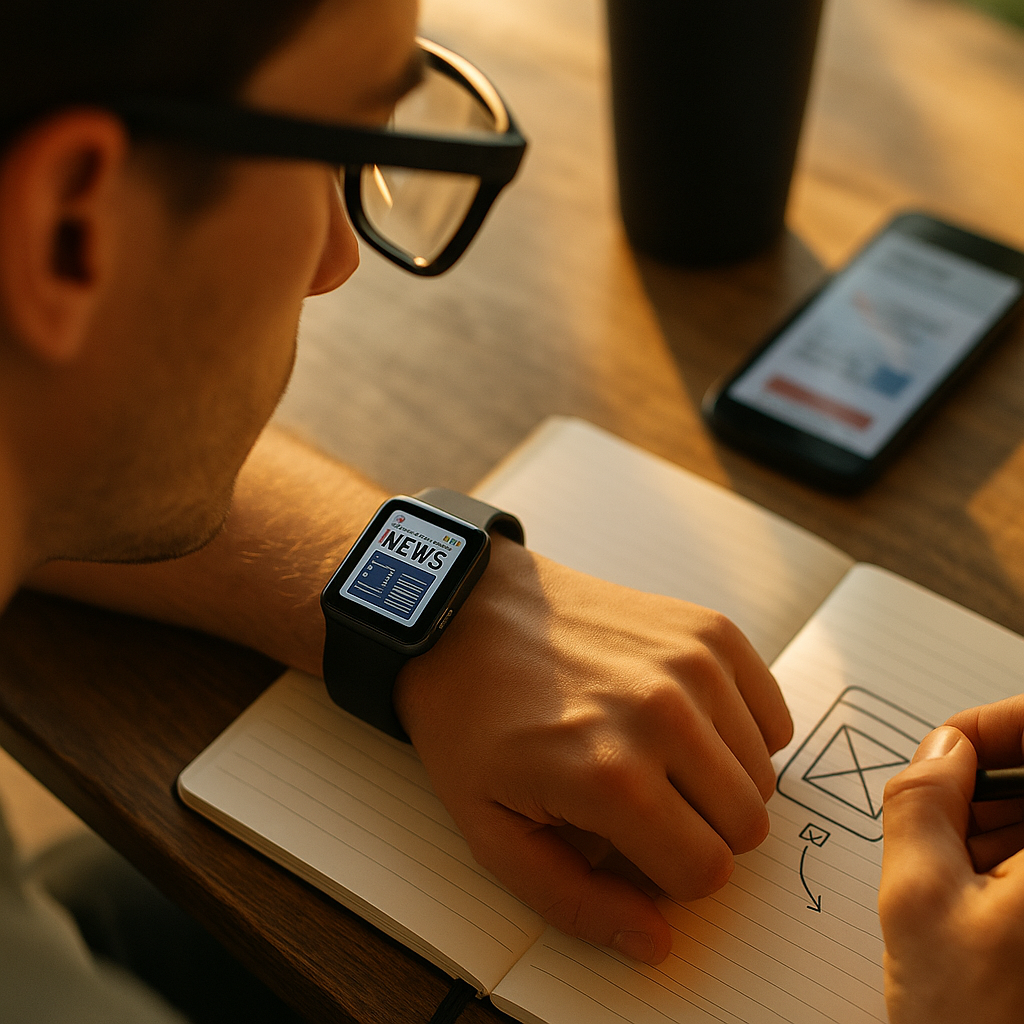
Designing for the wearable web now demands more than shrinking mobile experiences to tiny screens. Smart watches and smart glasses create fast, contextual, glanceable interactions that users rely on while walking, working, driving, and exercising. In 2026, brands that respect these moments can earn trust, attention, and action. So what separates useful wearable content from digital clutter?
Wearable UX principles for smart watches and glasses
Wearables are not miniature phones. They sit closer to the body, interrupt more easily, and often support hands-free or low-attention interactions. That changes both interface design and content strategy. A good wearable experience starts with understanding context, urgency, and duration.
Most smartwatch interactions last only a few seconds. Users check a notification, confirm a task, glance at progress, or complete a lightweight action. Smart glasses add another layer: information appears in the user’s field of view, often during movement or multitasking. That means your design must reduce cognitive load, not add to it.
Effective wearable UX typically follows these principles:
- Glanceability: users should understand the message in one look.
- Minimal interaction: aim for one tap, one voice command, or one swipe.
- Context awareness: use time, location, biometrics, motion, and intent carefully.
- Low friction: remove unnecessary choices, forms, and typing.
- Accessibility: ensure readable text, clear contrast, and multimodal feedback.
From an EEAT perspective, trustworthy wearable design also means respecting the user’s physical reality. If someone is cycling, working in a warehouse, or navigating a city street, your content cannot demand prolonged focus. Helpful content on wearables prioritizes safety, clarity, and relevance over engagement metrics.
Teams that design successfully for wearables usually define micro-moments first. Instead of asking, “What can we put on the watch?” ask, “What does the user need right now, in under five seconds?” That shift leads to better product decisions, cleaner interfaces, and stronger retention.
Smartwatch content strategy for tiny screens
A strong smartwatch content strategy starts by accepting the limits of the device. Small screens, shorter sessions, and frequent interruptions force teams to write with precision. Every word must earn its place.
On smart watches, the most effective content types include:
- Status updates, such as order progress or ride arrival times
- Actionable reminders, like medication prompts or appointment check-ins
- Health and fitness summaries, including goals, milestones, and alerts
- Transactional confirmations, such as payments, access control, or authentication
- Navigation cues with simple directional language
Each message should answer three questions immediately:
- What happened?
- Why does it matter now?
- What should the user do next?
For example, “Your car is arriving in 2 min. Meet at North Entrance. Tap for driver details” is clearer than “Your ride status has changed.” Specificity improves action rates and reduces confusion.
Writing for watches requires a compact editorial system. Use short nouns and strong verbs. Lead with the key fact. Remove filler words, qualifiers, and decorative language. Prioritize numerals, times, names, and commands because they are easy to scan. If extra detail is necessary, offload it to the paired phone app.
Notification design is especially important. Too many prompts quickly become noise, and noise on a wearable feels more intrusive than noise on a phone. Create a notification hierarchy:
- Critical: urgent, safety-related, or time-sensitive
- Important: helpful but not urgent
- Passive: useful only in summaries or digests
Also consider emotional tone. Since wearables feel intimate, robotic or aggressive copy can damage trust. The best content sounds direct, calm, and respectful. It helps the user complete a task or understand a situation quickly, then gets out of the way.
Smart glasses design and voice-first content
Smart glasses design introduces a different challenge: content appears in a real-world environment where attention is split between digital information and physical surroundings. That makes spatial relevance and voice-first interaction central to success.
Unlike watches, glasses can support overlays, guided workflows, remote assistance, and field-service prompts. But that does not mean more content is better. In fact, visual clutter in smart glasses can feel overwhelming or even unsafe. Designers need to be selective about what appears, when it appears, and how long it stays visible.
Smart glasses content works best when it is:
- Situational: tied to a live task, location, object, or workflow step
- Layered: shows the essential instruction first, with optional detail on demand
- Spatially clear: placed where it supports the task without blocking vision
- Voice compatible: easy to trigger, confirm, and dismiss through speech
Voice UX deserves special attention. Spoken interfaces must account for noisy settings, accents, short commands, and privacy concerns. Good wearable voice content uses natural phrasing and clear confirmation patterns. For example: “Next step: tighten the upper valve. Say ‘repeat’ or ‘continue.’” That structure reduces ambiguity.
Content teams should also write for failure states. What happens when voice recognition misses a command? What happens when a user cannot speak? The answer is multimodal design: combine audio, text, gesture, and simple visual signals. This improves accessibility and reliability.
In enterprise settings, smart glasses often support logistics, healthcare, maintenance, and training. In these cases, accuracy matters as much as usability. Helpful content must be reviewed by subject-matter experts, tested in realistic environments, and updated regularly. That is where EEAT becomes practical: experience from real use cases, expertise from domain specialists, and trustworthy governance all improve outcomes.
Wearable web performance and technical SEO considerations
The wearable web performance question is often underestimated. Even when the experience is delivered through an app layer or a companion ecosystem, web content still powers landing pages, support content, structured data, authentication flows, and connected journeys. Performance matters because wearable users expect instant results.
Speed is essential. A slow-loading companion page or delayed content fetch can break the wearable experience. Focus on lightweight assets, efficient caching, responsive images, and minimal scripts. For wearables, “fast enough” is usually not fast enough. The ideal experience feels immediate.
SEO for wearable-related content should also support discoverability across devices. If users search for watch app features, smart glasses support guides, or hands-free workflows, your content should answer those queries clearly. Use descriptive page titles, strong meta descriptions, and structured internal linking around wearable topics.
Key technical considerations include:
- Responsive architecture: support companion phone flows and cross-device continuity
- Schema markup: help search engines understand product features, FAQs, and support content
- Accessible HTML: improve readability for assistive technologies and multimodal interfaces
- Secure authentication: especially for payments, health data, and identity-related tasks
- Battery-aware design: reduce unnecessary syncing, animation, and background activity
Content quality also affects SEO performance. If your article claims a wearable feature saves time, explain how. If you describe best practices for notifications, include practical criteria. Helpful content should show real understanding, not generic advice. Search engines in 2026 increasingly reward content that demonstrates first-hand experience, clear authorship, and genuine utility.
Another common question is whether wearables need separate web content hubs. In many cases, yes. Dedicated support pages, onboarding guides, troubleshooting resources, and use-case content can improve both organic visibility and user satisfaction. The goal is not to create duplicate pages, but to build a focused information architecture that matches wearable intent.
Accessibility and privacy in wearable content design
Accessibility in wearable design is not optional. Because wearables are used in motion and in varied lighting, noise, and physical conditions, accessibility directly improves usability for everyone. The same is true for privacy. Since these devices often process health signals, location, voice, and biometric data, trust must be designed into the experience from the start.
For accessibility, prioritize:
- Short, high-contrast text with strong visual hierarchy
- Haptic, audio, and visual feedback options
- Simple gestures with generous target sizes
- Plain language and predictable action patterns
- Alternatives to voice for users in quiet or noisy environments
Accessibility testing should happen in real conditions, not just in design software. Test outdoors, during movement, with gloves if relevant, and with users who rely on assistive technology. These details reveal friction that desktop reviews miss.
Privacy requires equal care. Wearables can feel invasive when they push content based on personal context without clear permission. Explain what data is collected, why it is needed, and how users can control it. Use opt-ins, not assumptions. Avoid over-personalization that surprises the user, especially in public settings where a glanceable screen may reveal sensitive information.
Consider practical examples:
- A health alert should be discreet by default.
- A workplace smart glasses workflow should separate personal and enterprise data.
- A payment confirmation on a watch should show enough detail for trust, but not expose unnecessary data.
EEAT is reinforced when brands show responsibility. Publish clear help content, maintain transparent privacy policies, and update guidance when device capabilities change. Users are more likely to adopt wearable experiences when they believe the brand is competent and respectful.
Content testing and analytics for wearable engagement
Wearable content testing must go beyond clicks and opens. Traditional digital metrics tell only part of the story because wearable interactions are brief, contextual, and often connected to offline action. A better measurement model combines behavioral signals, task success, and user trust.
Start by defining the core job of each wearable interaction. Is the goal to inform, prompt, confirm, guide, or prevent an error? Then measure whether the content helps users complete that job quickly and accurately.
Useful wearable metrics include:
- Glance comprehension: can users understand the message immediately?
- Action completion rate: do they complete the intended action?
- Time to action: how quickly do they respond?
- Escalation rate: how often must they open the phone app for clarity?
- Dismissal and opt-out rates: are notifications becoming annoying?
- Error recovery: can users correct mistakes easily?
Qualitative research is critical. Observe users in context. A lab test may not reveal what happens when someone checks a watch during exercise or relies on smart glasses on a busy shop floor. Interview users about comfort, trust, fatigue, and interruption. These factors strongly influence long-term adoption.
A/B testing still has value, but test the right variables: message length, timing, urgency labels, haptic patterns, voice prompts, and escalation paths. Small changes can produce significant gains when space and attention are limited.
Finally, create a feedback loop between product, content, design, and compliance teams. Wearable experiences succeed when they are maintained as living systems. Copy, notification rules, accessibility settings, and privacy controls should evolve based on real usage. The brands that win in 2026 are not the ones that publish the most content, but the ones that keep improving the content users actually need.
FAQs about wearable web design and content
What is the wearable web?
The wearable web refers to digital experiences designed for devices such as smart watches and smart glasses, often connected to mobile apps, web content, cloud services, and voice interfaces. It includes both on-device interactions and the supporting web ecosystem behind them.
How is designing for wearables different from mobile design?
Wearables require shorter interactions, simpler navigation, stronger context awareness, and lower cognitive load. Users often engage while moving or multitasking, so content must be more concise and actionable than on mobile phones.
What type of content works best on smart watches?
Status updates, reminders, confirmations, fitness progress, navigation cues, and quick actions work best. These formats are easy to understand at a glance and do not require long reading or detailed input.
What content works best for smart glasses?
Task guidance, live instructions, remote support prompts, spatially relevant alerts, and voice-driven workflows perform well. The best content appears only when useful and never blocks the user’s view unnecessarily.
Should wearable content be different from app content?
Yes. Wearable content should be more focused and immediate. It should deliver only the essential message or action, then hand off to the phone or another device if more detail is needed.
How do you make wearable content SEO-friendly?
Create clear, helpful web pages around wearable use cases, setup, support, features, and FAQs. Use descriptive keywords, strong site structure, fast performance, and accessible HTML so users and search engines can understand the content easily.
What are the biggest mistakes in wearable UX?
Common mistakes include overloading the screen, sending too many notifications, forcing complex input, ignoring accessibility, and failing to design for real-world conditions like movement, noise, or limited attention.
How important is privacy for wearables?
Privacy is essential. Wearables often use personal data such as health, location, or voice inputs. Users need transparent permissions, clear controls, and discreet content presentation to feel safe using the experience.
How should teams test wearable experiences?
Test in real environments, not only in controlled settings. Measure glance comprehension, action completion, time to response, and whether users feel interrupted or helped. Include accessibility and failure-state testing from the beginning.
Designing for smart watches and glasses means designing for urgency, context, and trust. The most effective wearable experiences deliver the right message in the right moment with minimal friction. Keep content concise, interfaces accessible, and privacy protections visible. If your team builds for real-world use instead of screen space alone, wearable web experiences will become genuinely helpful, memorable, and worth returning to.