


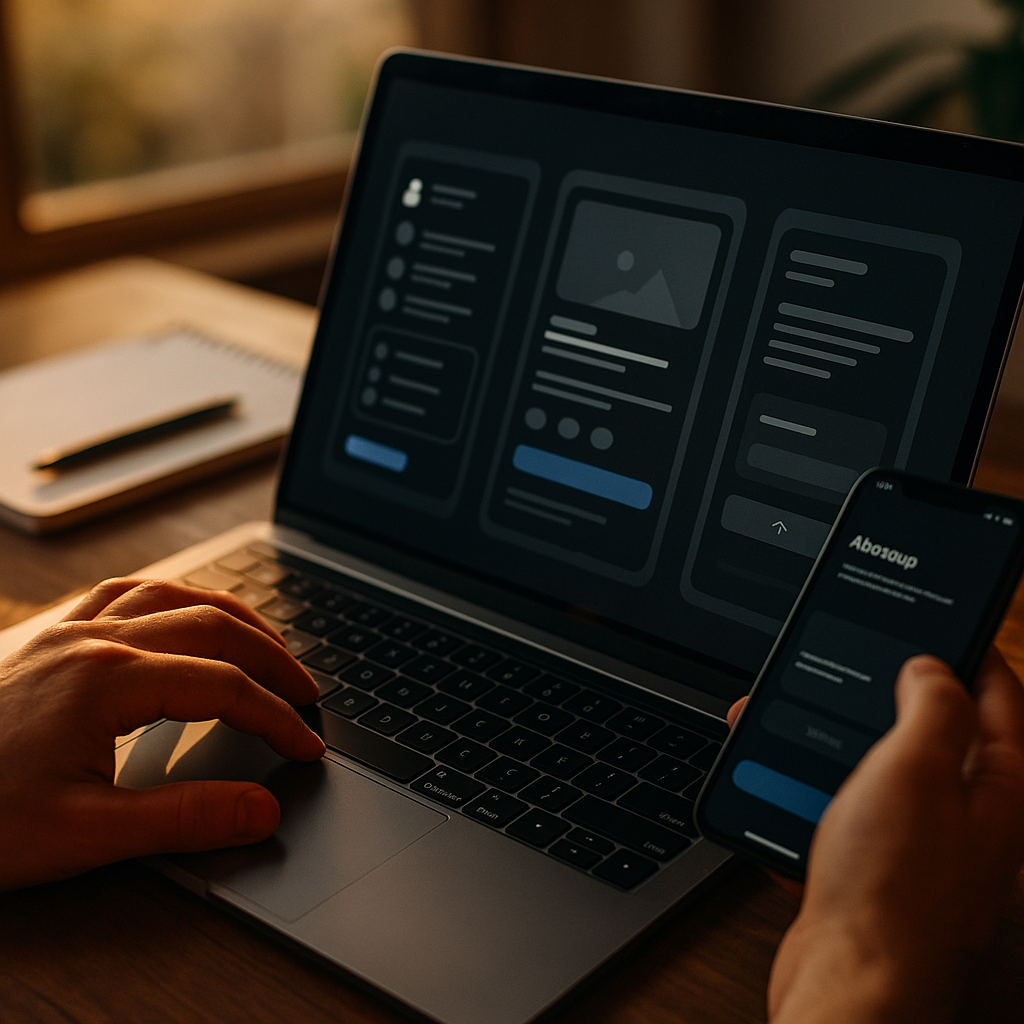
Designing For Dark Mode is no longer a visual trend; it is a usability decision shaped by perception, attention, and context. In 2025, more people work, shop, and read on screens for longer hours, making comfort and clarity central to product success. Dark interfaces can reduce glare, but they can also reduce readability if misapplied. What does science say about getting it right?
Dark mode UX principles: when dark interfaces help (and when they don’t)
Dark mode can improve comfort in low-light environments by lowering overall screen luminance, which reduces perceived glare. That benefit is real, but it is conditional: the same design can feel soothing at night and muddy at noon. Strong dark mode UX begins by treating dark mode as a contextual interface, not a universal upgrade.
From a cognitive psychology standpoint, people do not “see” with their eyes alone; they interpret with expectations, memory, and attention. Dark mode changes the baseline conditions for those interpretations. Key implications:
- Ambient light matters. Dark mode usually performs best in dim settings; in bright light, low-luminance text and UI elements can lose contrast and look washed out.
- Task type matters. Reading-heavy tasks often demand high clarity and stable rhythm; scanning dashboards demands quick discrimination and prioritization; both can work in dark mode, but they require different contrast and hierarchy choices.
- Users differ. Age, vision correction, astigmatism, dry eyes, and migraine sensitivity affect perceived sharpness and comfort. Dark mode should be optional, not forced.
A practical guideline: design dark mode to support low-light endurance without sacrificing information discrimination. If your interface relies on dense text or subtle separators, assume you must redesign, not recolor.
Cognitive load in dark mode: attention, scanning, and mental effort
Dark mode changes how users allocate attention. Cognitive load rises when people must work harder to parse structure, interpret icon meaning, or find key actions. In dark interfaces, load increases most often due to weak hierarchy and “floating” elements that lack clear grouping.
To reduce cognitive load, build hierarchy with multiple channels, not color alone:
- Typography hierarchy: increase size and weight differences between headings, labels, and body text. Avoid relying on faint gray text to imply “secondary” because it can become illegible on dark backgrounds.
- Spacing and grouping: use consistent padding, section dividers, and alignment so users can chunk information quickly. Chunking is a cognitive shortcut; support it deliberately.
- Shape and affordance: buttons and fields should look interactive without needing high-saturation color. Use clear boundaries, elevation cues, or underlines where appropriate.
Scanning is especially sensitive to contrast relationships. Users often scan by looking for anchors: section titles, totals, primary actions, and alerts. In dark mode, ensure anchors are unmistakable through contrast, weight, and positioning. If everything glows equally, nothing stands out and attention becomes expensive.
Also consider attention residue: when users switch between apps or tasks, they need rapid reorientation. Stable layout and predictable component behavior reduce re-learning. Dark mode should keep structure consistent with light mode so the user’s mental model transfers cleanly.
Readability and contrast ratio: perceptual science that prevents fatigue
Readability in dark mode is frequently misunderstood as “make the text white.” Perceptual science says the relationship between text luminance, background luminance, and stroke thickness determines legibility. Many users experience “halation” (a glow or blur effect) with bright text on very dark backgrounds, especially with astigmatism. That can increase fatigue for long reading sessions.
Design choices that improve readability:
- Prefer off-white text over pure white. A slightly reduced text brightness lowers glare while remaining clear.
- Avoid pure black backgrounds for content-heavy screens. Use very dark gray to reduce extreme contrast edges and improve perceived stability.
- Increase line height and letter spacing modestly. This helps prevent crowding in low luminance conditions, but keep changes subtle to avoid disrupting reading speed.
- Be cautious with thin fonts. Thin strokes break up on dark backgrounds; choose robust weights for body text.
Contrast ratio still matters because it predicts basic readability, but it is not the whole story. A design can pass contrast checks and still feel harsh. Aim for a balance: enough contrast for clarity, controlled brightness for comfort, and consistent hierarchy so users do not “hunt” for meaning.
Include follow-up checks during QA: test long-form reading, not only UI labels. Verify error messages, disabled states, placeholders, and helper text. These “secondary” texts often become too dim in dark mode, causing users to miss instructions and commit errors.
Color perception in dark mode: hue shifts, emotion, and information hierarchy
Color behaves differently on dark surfaces. Saturated colors appear more vivid; subtle differences become harder to distinguish; and certain hues can visually vibrate against dark backgrounds. Cognitive psychology adds another layer: users assign meaning to color based on convention and learned patterns. If dark mode changes those cues, comprehension slows.
Use color with intent:
- Reserve strong saturation for meaning. Alerts, primary actions, and key statuses can use more vivid color. If everything is vivid, users cannot prioritize.
- Use multiple cues for status. Pair color with icons, labels, and position so color-blind users and low-contrast situations still work.
- Re-tune semantic colors for dark backgrounds. Greens, reds, and yellows often need luminance adjustments so they remain readable without glowing.
- Watch for blue-heavy palettes. Bright blues can dominate dark screens and pull attention away from content; adjust intensity and use sparingly.
Emotion also plays a role. Dark interfaces can feel “premium” or “focused,” but they can also feel heavy if the interface lacks breathing room. Use neutral surfaces to keep the environment calm, then apply color as a navigational tool. This supports faster decision-making because the UI tells the user where to look.
For information hierarchy, treat color as a “highlight pen,” not the paper. The background and surfaces should fade into the periphery; primary content should sit comfortably at the center of attention.
Accessibility for dark mode: inclusive design for vision, motion, and sensitivity
Accessible dark mode is not optional in 2025; it is a quality marker and a risk reducer. The biggest accessibility failures in dark mode come from low-contrast secondary text, ambiguous focus states, and overuse of glow effects that create visual noise.
Prioritize these accessibility decisions:
- Keyboard focus visibility: ensure focus rings remain obvious on all surfaces. Do not rely on faint outlines; use clear contrast and adequate thickness.
- Readable disabled states: disabled does not mean invisible. Users still need to understand what exists, what is unavailable, and why.
- Motion and shimmer control: avoid animated gradients or pulsing glows that can trigger discomfort. Provide reduced-motion behavior aligned with user preferences.
- Error and validation clarity: errors should be unmistakable without harsh neon red. Combine color with text and icon cues, and place messages close to the source.
Astigmatism and light sensitivity deserve explicit attention. If your audience includes long-session readers (documentation, finance, education, messaging), consider a “dim” theme variant that reduces text brightness and eliminates bright outlines. Give users control over theme, contrast, and font size whenever feasible.
Also test on real devices. OLED screens can render dark mode beautifully but can also exaggerate color and highlight bloom. Low-end LCDs can crush shadows and hide separators. Accessibility depends on the whole ecosystem, not just your design file.
User testing for dark mode: behavioral metrics, not opinions
People often judge dark mode by preference, but preference is not performance. A reliable evaluation focuses on measurable behavior: speed, accuracy, and comfort over time. Cognitive psychology recommends testing with tasks that reflect real mental effort, not “click the obvious button” scripts.
Build a dark mode test plan that answers follow-up questions stakeholders always ask:
- Does dark mode reduce errors? Track form completion mistakes, missed alerts, and incorrect navigation choices.
- Does it improve speed? Measure time to locate key actions, interpret charts, and complete multi-step flows.
- Does it sustain comfort? Use short post-task ratings for eye strain and clarity, and include longer sessions for reading-heavy experiences.
- Does it hold up in different environments? Test in low light and bright light. Many failures only appear in sunlight or office lighting.
Instrument analytics carefully. Look for increased abandonment on screens with dense text, longer dwell times caused by confusion, and higher support queries related to “can’t see” or “hard to read.” Combine this with qualitative usability sessions to pinpoint why.
Finally, treat dark mode as a system. Component libraries need dark-mode tokens, semantic color roles, and rules for elevation, borders, and states. Without a system, teams ship inconsistent screens that force users to re-interpret patterns repeatedly, raising cognitive load.
FAQs about designing for dark mode and cognitive psychology
Is dark mode always better for the eyes?
No. Dark mode can reduce glare in dim environments, but it can also reduce readability or cause halation for some users. Offer theme choice and design for clarity first.
What background color should I use instead of pure black?
For content-heavy screens, very dark gray often feels more stable than pure black and can reduce harsh edges around bright text.
How do I keep hierarchy clear in dark mode?
Use multiple hierarchy cues: typography weight and size, spacing, grouping, and clear component boundaries. Use color sparingly for emphasis.
Do contrast ratios guarantee readability in dark mode?
They help, but they do not guarantee comfort. Bright text on very dark backgrounds can pass contrast checks and still feel glaring. Tune luminance, font weight, and spacing.
What are the most common dark mode accessibility mistakes?
Low-contrast helper text, invisible focus states, overly dim disabled elements, and reliance on color alone for status or errors.
Should I design a separate UI for dark mode?
You should redesign styles, not structure. Keep layouts consistent to preserve users’ mental models, but adjust tokens for surfaces, text, borders, and states to maintain clarity.
Dark mode succeeds when it supports perception and decision-making, not when it merely looks sleek. Use cognitive psychology to reduce mental effort: clear hierarchy, tuned luminance, readable typography, and accessible states across devices. In 2025, the best products treat dark mode as a tested, tokenized system with user control built in. If users can read, scan, and act faster, you’ve designed it right.