


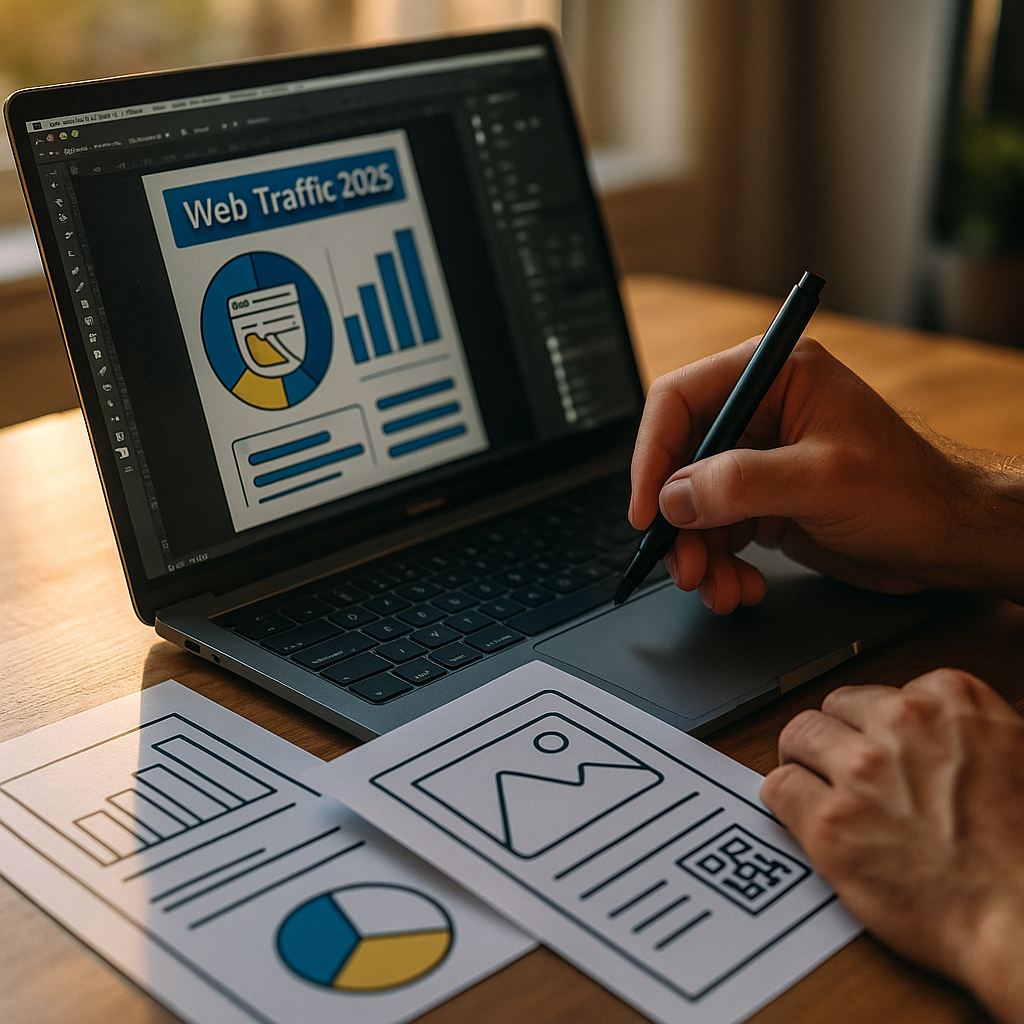
In 2025, search results increasingly answer questions without a click, forcing brands to communicate value instantly. Designing Scannable Visual Content For The Emerging Zero-Click Era means creating visuals that convey meaning at a glance, fit within snippets, and still guide audiences toward deeper actions. When attention is scarce, your design must do more than look good—it must convert fast. Ready to win the scroll?
Zero-click search results: why visual scannability matters
Zero-click behavior isn’t a trend you can ignore; it’s the default experience across many queries. Google surfaces answers through featured snippets, knowledge panels, “People also ask,” image packs, short videos, and AI-generated summaries. Your audience often gets what they need without visiting your site, which changes the job of content design from “drive clicks” to “earn recognition, trust, and follow-up actions.”
Visual scannability matters because the SERP is a compressed environment. Users compare multiple sources in seconds. If your visual assets (charts, infographics, product tiles, comparison tables, explainer images) are clear and structured, they can reinforce your authority even when the user doesn’t click. That authority can later translate into branded searches, direct visits, subscriptions, store visits, and conversions across channels.
To design for this reality, focus on three outcomes:
- Instant comprehension: the viewer understands the point within 3–5 seconds.
- Memorable attribution: the viewer remembers who published it.
- Actionable next step: the viewer knows what to do next even if they don’t click right now.
This is also where EEAT applies. Visuals that are accurate, sourced, and authored responsibly build credibility in environments where users may never reach your full article.
Featured snippets optimization: build “at-a-glance” visuals that answer
Featured snippets and AI-driven overviews reward content that answers clearly. While snippets are often text-driven, visual assets frequently appear alongside them or in parallel modules (image packs, video carousels, rich results). You can increase your chances of being chosen and remembered by designing visuals that mirror how Google summarizes information: concise definitions, steps, comparisons, and key takeaways.
Use these design patterns:
- One-idea visuals: one chart, one claim, one process. Avoid collages that require interpretation.
- Answer-first hierarchy: put the conclusion in the title line (e.g., “Best time to post: weekdays 9–11am”) and support it with a small, readable graphic.
- Step cards: 3–6 steps with short verbs (“Choose,” “Measure,” “Optimize”). Keep each step under 6–8 words.
- Comparison blocks: side-by-side pros/cons or “A vs B” with consistent categories.
Anticipate the reader’s next questions inside the visual. If you state a recommendation, include the condition it depends on (industry, audience size, budget tier). If you share a metric, add a brief source line and context (sample size, time range) so the visual stands on its own.
Practical formatting rules that improve scan speed:
- Use strong typographic contrast: a clear heading, then a smaller supporting line.
- Limit to two font families: one for headings, one for body labels.
- Prefer horizontal reading paths: left-to-right labels reduce cognitive load.
- Design for mobile first: assume the visual is viewed at small sizes in SERP modules.
Finally, ensure your surrounding page copy aligns with the visual’s message. Inconsistency weakens trust signals and can reduce selection for summaries.
Visual content strategy: create a system, not one-off assets
Scannable visuals perform best when they are part of a repeatable system. A strong visual content strategy standardizes how you package insights so that each new asset looks familiar, feels reliable, and reinforces your brand. This is especially important in the zero-click environment, where repetition builds recognition over time.
Build your system around formats tied to search intent:
- Informational intent: definitions, frameworks, checklists, “how it works” diagrams.
- Commercial investigation: comparison charts, “best for” grids, decision trees.
- Transactional intent: product benefit tiles, feature callouts, pricing explainers, setup timelines.
- Post-purchase intent: troubleshooting flowcharts, maintenance schedules, quick-start visuals.
Then create a visual library with templates. Templates speed production while keeping quality consistent:
- Insight card: headline + key number + short implication.
- Process strip: step-by-step with icons and microcopy.
- Comparison table: consistent criteria and a clear “who it’s for.”
- Myth vs fact: two-column clarity with a source note.
Answer the follow-up question every time: “So what?” If your chart shows a trend, include a one-line takeaway explaining what decision it supports. If your checklist covers steps, add a “common mistake” line to prevent misapplication. This is helpful content in practice: it reduces ambiguity and improves outcomes for the reader.
From an EEAT perspective, document internal standards: who reviews visuals, how sources are chosen, and what accuracy checks occur before publishing. That operational transparency helps your team produce trustworthy visuals consistently.
Information hierarchy in design: make meaning obvious in seconds
In the zero-click era, you often get a single glance. Information hierarchy in design determines whether the viewer understands your message immediately or skips it. Great hierarchy is not decoration; it’s a decision about what the reader must notice first, second, and third.
Use a simple hierarchy model:
- Level 1 (headline): the answer or key claim.
- Level 2 (evidence): the chart, steps, or comparison that supports it.
- Level 3 (context): constraints, definitions, and edge cases.
- Level 4 (attribution): brand mark, author/organization, and source.
Design choices that increase scannability:
- Whitespace as a tool: separate sections so the eye can group information instantly.
- Consistent alignment: align labels and numbers; misalignment reads as complexity.
- Color with purpose: assign meaning (good/better/best, increase/decrease). Do not use color only to convey meaning; pair with labels or icons for accessibility.
- Number formatting: use consistent units, decimals, and rounding. If you round, say so in a footnote line.
Include microcopy that prevents misinterpretation. For example, if a chart shows correlation, label it clearly. If results vary, specify what changes them (region, device, budget, seasonality). This protects your authority and reduces the risk of your content being quoted out of context.
When possible, test hierarchy with a fast “5-second check.” Show the visual briefly to someone unfamiliar with the topic and ask what it means. If they can’t summarize it, simplify the headline, reduce elements, or restructure the layout.
Brand authority signals: strengthen EEAT with credible visuals
In 2025, credibility is a competitive advantage. Visuals can either elevate your authority or undermine it quickly. Brand authority signals help searchers trust you even when they don’t click, and they help downstream channels (social, newsletters, sales conversations) because the asset travels well.
Include these authority elements in a disciplined way:
- Clear attribution: organization name and logo, placed consistently.
- Source notes: short citations for statistics, benchmarks, and claims. If the source is your own dataset, say “Internal analysis” and summarize the method briefly.
- Method transparency: for research visuals, add a compact line: sample size, audience, and date range if relevant.
- Expert involvement: when appropriate, note review by a qualified professional (e.g., “Reviewed by: Licensed CPA”). Only claim this if it’s true.
Accuracy and clarity are non-negotiable. If you use AI tools for design or drafting, keep human accountability. Maintain an editorial process that checks:
- Data integrity: numbers match the source; charts aren’t misleading.
- Claims discipline: no absolute promises without evidence.
- Terminology consistency: definitions match industry standards.
Also design for trust at the perception level. Avoid overly sensational color palettes for serious topics. Choose legible typography and adequate contrast. If your visuals look like ads, people treat them like ads and tune them out.
Finally, build a “visual signature” that’s recognizable even in crowded SERP modules: consistent spacing, icon style, headline pattern, and a restrained color system. Recognition is a form of authority when clicks are optional.
On-SERP engagement tactics: win attention without relying on clicks
On-SERP engagement tactics aim to earn the next action even if the first action isn’t a site visit. When your visual appears in image results, discover feeds, or as part of a summarized answer, your goal is to create a path forward: search again for your brand, save the image, share it, or follow your channel.
Design for these behaviors:
- Saveability: create “reference visuals” people want to keep: checklists, decision trees, benchmarks, cheat sheets.
- Shareability: use a clear headline and minimal text so the message survives reposting.
- Series thinking: label assets as part of a set (e.g., “Zero-Click Playbook: 1/6”). This encourages repeat exposure and branded recall.
Make the next step explicit inside the visual without turning it into a banner ad:
- Soft CTA: “For the full checklist, search: Brand + ‘zero-click checklist’.”
- Navigation cue: “Template available in our resource library.”
- Trust cue: “Sources in caption” or “Method in notes,” if the platform supports it.
Answer follow-up questions proactively to reduce friction. If the visual gives a recommendation, include the “when not to” condition. If it offers steps, include expected time and prerequisites. If it compares options, include “best for” labels so readers can self-select quickly.
Measure success beyond clicks. Track branded search lift, direct traffic, newsletter sign-ups, image saves, social shares, and assisted conversions. In a zero-click world, visibility and trust often precede the visit.
FAQs
What is the zero-click era in SEO?
The zero-click era refers to search experiences where users get answers directly on the results page through snippets, panels, AI summaries, and rich features. Many sessions end without a website visit, so content must deliver value and build trust even when it’s consumed on the SERP.
What makes visual content “scannable”?
Scannable visual content communicates one main idea quickly using a clear headline, strong hierarchy, minimal text, and readable formatting on mobile. It uses labels, consistent units, and purposeful color so the viewer understands the takeaway in seconds.
How do I design visuals that support EEAT?
Use accurate data, cite sources, add method context when relevant, and include clear attribution to your organization. Ensure expert review for sensitive topics, avoid exaggerated claims, and maintain consistent editorial checks so your visuals remain trustworthy when shared or summarized.
Should I prioritize clicks or visibility in zero-click search?
Prioritize outcomes that match intent. For quick-answer queries, visibility and brand recall may be the best win. For high-intent commercial queries, design visuals that clarify differentiation and guide the user to a next step, such as a branded search, signup, or product comparison.
What formats work best for zero-click-friendly visuals?
High-performing formats include insight cards, step-by-step process strips, comparison charts, decision trees, and benchmark summaries. These formats map well to common SERP summaries and help users understand the answer without extra explanation.
How can I measure performance if users don’t click?
Track branded search growth, impressions and visibility in search features, image saves, social sharing, direct traffic, and assisted conversions. Combine these with user research signals like recall tests and engagement on republished versions of the same visual across platforms.
Zero-click search in 2025 rewards brands that communicate clearly before a visitor ever lands on a page. Scannable visuals work because they compress insight into an instant takeaway, reinforce authority with sources and attribution, and guide the next action without friction. Build a repeatable visual system, design strict hierarchy, and publish with expert-level accuracy. The takeaway: make every visual understandable, trustworthy, and memorable on the SERP.