


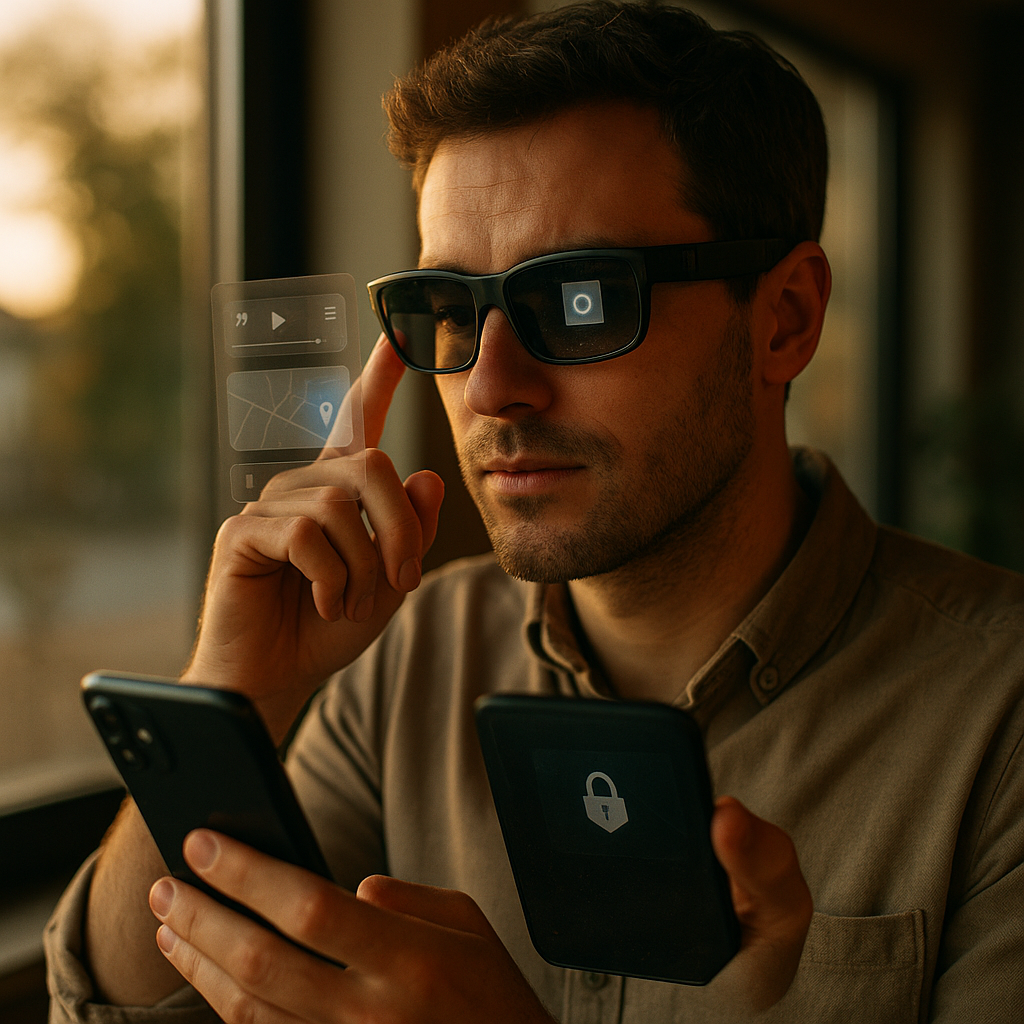
Designing immersive experiences for smart glasses is shifting from novelty to necessity in 2025, as lightweight wearables move into work, retail, healthcare, and everyday life. Great experiences feel intuitive, private, and fast, blending digital information with real-world context. This guide breaks down the key decisions, pitfalls, and proven patterns to build wearables people trust and keep using—starting with what “immersive” truly means.
Smart glasses UX design: start with context, not screens
Smart glasses are not smaller phones. They are contextual devices that sit on the user’s face, compete with the real world for attention, and often run on tight power and thermal budgets. Smart glasses UX design succeeds when you treat the environment as part of the interface and the user’s primary task as the product.
Begin by mapping moments, not pages:
- Trigger: What real-world cue starts the experience (arrival, object detected, alert, user voice intent)?
- Goal: What does “done” look like in under 10–30 seconds?
- Constraints: Motion, lighting, noise, gloves, safety rules, connectivity, and privacy expectations.
- Fallbacks: What happens when sensors fail, the user looks away, or the room is too dark?
Design for glanceability. If information cannot be understood in one or two short glances, it probably belongs on a phone, tablet, or workstation. Keep the “head-up” experience focused on what changes decisions in the moment: next step, hazard, confirmation, navigation cue, or a single key metric.
To answer the question most teams hit early—how much UI is too much?—use a simple rule: if your user must “read” for more than a few seconds, you are stealing attention from the world. Replace paragraphs with structured snippets: labels, short values, arrows, checkmarks, progress, and minimal prompts.
Wearable interaction patterns: voice, gaze, gesture, and micro-controls
Wearable interaction patterns must work when the user is walking, carrying items, or in a sterile environment. Build your interaction model around reliability and low friction, then layer optional richness for power users.
Prioritize inputs in this order for most use cases:
- Hands-free first: voice commands and short voice replies for initiating actions or logging outcomes.
- Gaze-assisted selection: look-to-target plus confirm (tap, pinch, or dwell) for speed.
- Simple gestures: single-hand or subtle gestures that do not require large arm motion.
- Micro-controls: small buttons, touch strips, or companion phone input for setup and rare tasks.
Voice is powerful but not universal. Plan for noisy floors, privacy-sensitive settings, and accents. Make voice optional by offering a parallel path: gaze + confirm, or gesture + confirm. Use clear, unambiguous command grammar. Avoid “assistant-like” chatter; confirm actions with compact feedback (“Saved,” “Sent,” “Next step”) and show a visual confirmation when safety matters.
Gestures should be consistent and discoverable. Use a short onboarding sequence that teaches the three or four core actions the user will repeat. If you need more than that, your IA is too deep for glasses. For accessibility and fatigue, avoid repeated pinch-and-hold interactions and avoid requiring both hands.
Answer the common follow-up—do we need eye tracking?—by tying it to value: eye tracking improves selection speed and attention modeling, but it introduces privacy concerns and calibration issues. If your primary tasks are checklists, navigation cues, and notifications, you can ship a strong experience with head-gaze or cursor-based focus. Use eye tracking when it materially improves accuracy (precise selection, foveated rendering, attention analytics with strict consent).
AR UI guidelines: legibility, spatial anchors, and cognitive load
Strong AR UI guidelines prevent the two biggest causes of abandonment: visual clutter and discomfort. Your UI must remain readable across lighting conditions while respecting the user’s depth perception and motion.
Design for legibility:
- High contrast typography with clear hierarchy; avoid thin weights.
- Short line lengths and minimal wrapping; prefer stacked labels.
- Adaptive brightness and dark/light treatment based on ambient light.
- Motion restraint; animate only to signal changes, not to decorate.
Design for spatial stability:
- Anchor to meaning: attach labels to objects only when it improves understanding (equipment ID, pick location, part name).
- Prefer world-locked for guidance (arrows, markers) and head-locked for short status (timer, step count, connection state).
- Use depth deliberately: place UI at comfortable focal distance and avoid forcing frequent refocus between far and near planes.
Manage cognitive load by sequencing information. Show one step, one decision, or one alert at a time. In workflows, use a progressive disclosure approach: show the next action, then reveal details only when the user asks (“details,” “show diagram,” “zoom”). This directly addresses the practical question—how do we keep users from feeling overwhelmed?—by reducing simultaneous demands on attention.
Finally, avoid “AR for AR’s sake.” If a 2D card works better than 3D overlays, use 2D. Immersion comes from usefulness and low friction, not from adding depth everywhere.
Privacy and safety in wearables: consent, bystanders, and trust signals
Privacy and safety in wearables determine whether your product is accepted in public spaces and regulated workplaces. Smart glasses can capture audio, images, location, and potentially eye-gaze. Treat this as a trust contract, not a settings page.
Build trust with visible, predictable behavior:
- Clear capture indicators: obvious LEDs or on-screen badges when recording or streaming.
- Just-in-time consent: ask at the moment data is collected, in plain language.
- Minimal retention: store only what the task requires; prefer on-device processing when feasible.
- Bystander respect: provide “no capture zones,” automatic blur options, and a quick “pause sensors” control.
For safety, treat the real world as the primary surface. Do not overlay content in a way that obscures hazards, signage, or critical instruments. In industrial and clinical settings, support hands-free confirmations and audit trails without forcing long interactions mid-task.
Answer the operational follow-up—how do we handle regulated environments?—by planning governance early: data classification, encryption, device management (MDM), role-based access, and secure session timeouts. Provide admins with controls for camera disablement, feature gating, and logging. This aligns with EEAT expectations: you show responsible handling of risk, not just UI polish.
Performance and battery optimization: comfort is a product feature
Performance and battery optimization directly shape comfort. Heat, lag, and short battery life are not “engineering issues”; they are UX failures on a face-worn device. Users will forgive fewer features if the device is dependable, but they will not forgive stutters during navigation or a hot frame on their temple.
Design for efficient rendering and sensing:
- Use foveated or selective rendering when supported; reduce draw calls and overdraw.
- Prefer static UI with event-driven updates; avoid continuous animations.
- Throttle sensor use; sample at task-appropriate rates and shut down unused sensors.
- Cache assets and prefetch likely next steps; design offline-first flows for critical tasks.
Latency budgets should be explicit. For example, an alert to glance-to-action loop should feel instantaneous, while a 3D model load can show a lightweight placeholder. Communicate system state with minimal friction: a subtle “syncing” indicator, quick retry options, and graceful degradation when connectivity drops.
Answer the business question—what should we cut first if performance is poor?—by prioritizing: reduce simultaneous overlays, shrink texture sizes, simplify shaders, and eliminate continuous environment meshing if it is not essential. Keep the core value path fast, even if advanced visualization becomes an optional “detail mode.”
User testing for XR: measure comfort, comprehension, and real-world outcomes
User testing for XR must happen in the environments where smart glasses are used. Lab tests catch basic usability issues, but they miss glare, noise, movement, social pressure, and safety constraints. In 2025, teams that ship strong wearables treat field testing as non-negotiable and continuous.
Test what matters most:
- Task success in motion: can users complete the flow while walking or working?
- Time-to-glance understanding: how quickly can users interpret the UI and decide?
- Error recovery: can users undo, correct, or re-sync without help?
- Comfort and fatigue: headaches, eye strain, neck strain, heat discomfort.
- Social acceptability: do users hesitate to speak commands in public, and do bystanders react?
Combine qualitative and quantitative signals. Record step timings, mis-selections, and abandon rates, then pair them with interviews that probe confusion points and trust concerns. Use standardized comfort check-ins at set intervals during sessions, and include a “cooldown” interview after longer wear.
Answer the product follow-up—what metrics should we put on the dashboard?—with a small, meaningful set: median time per step, error rate per interaction type (voice/gaze/gesture), battery drain per hour in real use, session length, and opt-out rates for camera/mic features. These metrics connect experience to outcomes and keep optimization aligned with real-world adoption.
FAQs
What makes an experience “immersive” on smart glasses?
Immersion comes from context-aware information that feels anchored to the user’s goals and environment, delivered with minimal friction. On glasses, that usually means glanceable guidance, timely alerts, and spatial cues that reduce effort—rather than complex 3D scenes.
Should smart glasses apps be built as AR overlays or 2D cards?
Use AR overlays when spatial placement improves understanding or speed (navigation markers, object labels, pick locations). Use 2D cards for reading, confirmation, and status because they are faster to scan and easier to keep legible.
How do you design for voice when users can’t speak out loud?
Offer redundant inputs: gaze + confirm, gesture + confirm, and quick on-device controls. Keep voice as an accelerator, not the only path, and ensure every critical action can be completed silently.
What are the biggest UX risks unique to smart glasses?
Visual clutter, poor legibility, unstable anchoring, motion discomfort, privacy mistrust, and interaction fatigue. These issues often appear only in real environments, so field testing is essential.
How do you handle privacy concerns with cameras and sensors?
Use clear capture indicators, just-in-time consent, minimal retention, and on-device processing where possible. Provide quick “pause sensors” controls and enterprise policies for restricted areas.
What’s a realistic scope for a first release?
One or two high-frequency tasks with clear value, completed in short sessions. Prioritize reliability, battery life, and a small set of interactions over feature breadth.
Designing for smart glasses in 2025 means prioritizing comfort, trust, and real-world task success over flashy visuals. Build around context, keep UI glanceable, support multiple input paths, and treat privacy as a core feature. Optimize performance so the device stays cool and responsive, then validate everything in field tests. The takeaway: usefulness plus restraint creates immersion users will choose daily.