


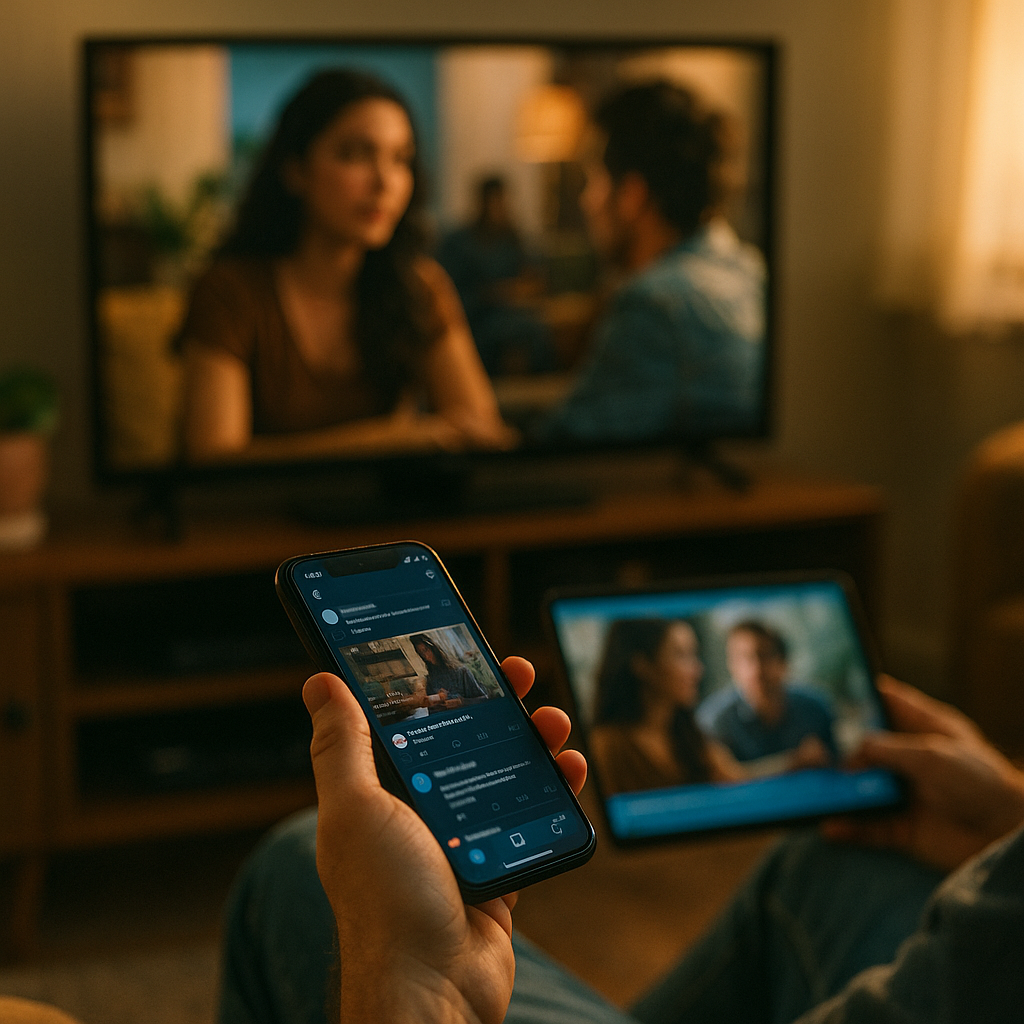
In 2025, audiences rarely give one screen their full attention. They stream, scroll, chat, shop, and search at the same time, which changes how content must be planned, written, designed, and measured. Designing Content For The Multitasking Second Screen User Experience means earning micro-moments across devices with clarity, speed, and relevance—so your message still lands when attention is split. Ready to design for distraction?
Understanding second screen behavior and attention shifts
Second screen behavior describes using a companion device (often a phone) while watching or listening on a primary screen (TV, laptop, tablet, in-car). The key challenge is not “multi-device” itself; it is the attention split. People switch between tasks in bursts—glancing, tapping, and returning—so your content must work in fragments and still feel coherent.
Design decisions should start with the real motivations behind the second screen moment:
- Exploration: “What is this show/product/topic?” quick searches, cast info, background reading.
- Validation: checking reviews, ratings, social proof, price comparisons, or fact-checking.
- Participation: live chat, polls, reacting, commenting, sharing clips.
- Conversion: buying, signing up, booking, donating, downloading—often triggered by something on the first screen.
Build content around these intents rather than around channels. A viewer who sees a brand mention on TV may pick up their phone to confirm legitimacy. If your landing page is slow, unclear, or demands too much attention, they bounce. If it answers the obvious questions in seconds and offers a frictionless next step, they convert.
Helpful planning tip: map “primary-screen triggers” (a logo, a spokesperson, a demo, a claim, a limited offer) to “second-screen actions” (search, tap, compare, share) and then to the content asset that should appear first (snippet, landing page, short video, FAQ, product page, store locator).
Mobile-first content design for second screen users
Second screen users are typically on mobile, often one-handed, and frequently on variable connectivity. Mobile-first here does not mean “responsive layout” only; it means front-loading comprehension. Your top viewport must do the work fast.
Design your mobile entry points—especially those likely to appear via search, social, or QR—from the assumption that the user will spend seconds deciding whether to continue.
- Lead with the answer: Put the primary value statement in the first sentence. Avoid long intros on landing pages.
- Use scannable structure: short paragraphs, meaningful subpoints, and lists that make sense out of context.
- Reduce cognitive load: limit competing calls-to-action; offer one primary action and one secondary action.
- Design for thumbs: ensure tap targets are large enough; keep critical actions in easy reach.
- Minimize friction: autofill, guest checkout, fewer fields, and clear error messaging.
Second screen often means audio on, eyes shifting. Consider microcopy and UI cues that communicate clearly without requiring deep focus: plain language labels, descriptive button text, and predictable navigation.
Follow-up question you may have: “Should I build separate second-screen pages?” Usually no. Instead, create a single high-performance mobile experience with context-specific entry points (campaign parameters, deep links, and modular sections) so each trigger lands on the most relevant part of the page.
Microcontent strategy and snackable formats
When attention is fragmented, the winning unit is often microcontent: short, self-contained pieces that communicate one idea quickly and encourage the next action. Think of microcontent as the connective tissue between the first screen trigger and the deeper journey.
Effective snackable formats for second screen moments include:
- One-sentence summaries that match common search queries.
- Short clips with captions, designed to be understood on mute.
- Key-takeaway cards (benefits, steps, do/don’t lists).
- Comparison bullets (“X vs Y in 5 points”) that reduce decision time.
- Mini FAQs embedded near the top for fast reassurance.
Build your editorial system so microcontent is not an afterthought. Create a “micro-to-macro” pathway:
- Micro: hook + core claim + proof cue (credential, data, quote, demonstration).
- Meso: short explainer with steps, examples, and constraints.
- Macro: full guide, spec sheet, case study, or documentation for committed readers.
This structure supports both skimmers and deep readers. It also helps search engines understand topical coverage because each layer answers distinct intents while remaining consistent.
Practical example: If a live event mentions a “new security feature,” your microcontent should define it in one line, list two benefits, and link to a detailed security page with implementation steps and independent validation. That’s how you serve the quick glance and the serious evaluator.
Cross-device UX and synchronized journeys
Second screen success depends on continuity. Users should feel like they can start on one screen and finish on another without rework. That requires cross-device UX design that anticipates transitions: TV to phone, phone to laptop, social app to browser, browser to checkout, and back.
Design for synchronized journeys with these principles:
- Message match: keep the headline and primary promise consistent with the first-screen trigger (ad, episode mention, influencer clip, webinar slide).
- Deep linking: link directly to the relevant app screen or page section rather than a generic homepage.
- State preservation: save carts, wishlists, recently viewed items, and progress in forms across devices.
- Low-friction authentication: offer passkeys or magic links where appropriate; avoid forcing sign-in too early.
- Contextual handoff: email or SMS the next step (“send me the details”) so users can continue later on a larger screen.
Also consider that second screen interactions are often socially influenced. People consult friends, group chats, or creator commentary while watching. Make your content easy to share in a way that preserves context: share links that generate clean previews, include a short summary at the top, and ensure the shared page answers “what is this?” instantly.
Follow-up question: “How do I reduce drop-off between devices?” Use a single canonical destination per campaign, add deep links for app users, persist user state, and provide an explicit “continue later” option. These are measurable improvements that typically beat adding more content.
EEAT signals and credibility in fragmented attention
When people multitask, they rely on shortcuts to judge trust. That makes EEAT—experience, expertise, authoritativeness, and trust—a conversion factor as much as a ranking factor. Your content must prove legitimacy quickly, without demanding a long read.
High-impact EEAT signals for second screen environments:
- Clear sourcing: cite primary or reputable sources near key claims, especially for health, finance, safety, and major purchasing decisions.
- Demonstrated experience: show real usage, real workflows, real examples, and constraints (“what works, what doesn’t, who it’s for”).
- Author transparency: include author credentials and editorial standards where relevant, especially for advice content.
- Upfront limitations: state prerequisites, compatibility, pricing caveats, or exceptions early to avoid surprises.
- Trust infrastructure: visible contact options, support pathways, returns policies, security badges where appropriate, and accurate legal pages.
Because the year is 2025 and misinformation concerns remain high, readers often second-screen to verify claims. If your content hides the details behind vague statements, users will leave to verify elsewhere—and may not return. Make verification easy by summarizing evidence and linking to deeper documentation.
Important: do not overload the page with trust badges or long credential blocks. The goal is fast confidence: one or two strong proof points near the top, with depth available for those who need it.
Measuring performance for multitasking audiences
Analytics for second screen behavior must go beyond pageviews. Multitasking creates short sessions, repeat visits, and cross-device conversions that can be misread as low engagement if you track only time-on-page.
Prioritize measurement that reflects second screen reality:
- Entry intent: track top landing pages and the queries or referrers that bring second-screen traffic.
- Micro-conversions: measure taps on “save,” “send to email,” “add to wishlist,” “watch demo,” “check availability,” and “copy code.”
- Scroll depth with meaning: track whether users reach the proof section, pricing, FAQs, or comparison tables.
- Assisted conversions: attribute value to users who start on mobile and complete later on desktop.
- Speed and stability: monitor performance metrics and error rates on mobile, especially during live campaigns.
Then use the data to tighten the content loop:
- If users bounce fast, improve message match and top-of-page clarity.
- If they scroll but don’t act, strengthen the primary CTA and reduce competing options.
- If they act but don’t finish, remove form friction and improve state preservation.
Follow-up question: “What is a realistic goal for second screen content?” Often it is not immediate purchase. It may be capturing intent (save, subscribe, follow, compare) so the user can continue when attention is available. Design KPIs accordingly.
FAQs on designing content for second screen users
-
What types of content work best for second screen users?
Short, self-contained assets that answer one question quickly: mini FAQs, short captioned videos, comparison bullets, concise explainers, and landing pages with a clear next step. Provide depth behind expandable sections or linked guides for users who want details.
-
How do I keep users engaged when they are multitasking?
Make the first screen of your page do the heavy lifting: a clear value statement, one primary CTA, and one or two proof cues (credentials, ratings, demos). Then guide skimmers with scannable structure and purposeful headings so they can re-enter the content after interruptions.
-
Should I design different experiences for TV-triggered traffic vs social-triggered traffic?
Use the same core page but tailor entry points. TV-triggered traffic often needs fast brand validation and a simple path to learn more; social-triggered traffic often needs context and proof. Use campaign parameters, deep links, and modular page sections to match each trigger without fragmenting your site.
-
How can I improve cross-device conversion rates?
Persist user state (cart, wishlist, form progress), avoid forcing early sign-in, and offer “continue later” options via email or SMS. Ensure message match from the trigger to the landing page so users don’t feel lost when switching screens.
-
What EEAT elements matter most when attention is split?
Fast credibility: clear sourcing near key claims, evidence of real experience (examples and constraints), transparent author or brand information, and visible trust infrastructure (support, policies, security). Make it easy to verify without making users hunt for details.
-
What metrics should I track for second screen content?
Track micro-conversions (save, share, watch, copy, check availability), meaningful scroll depth (pricing, proof, FAQs), assisted conversions across devices, and mobile performance. Combine these to understand whether you’re capturing intent even when a session is short.
Multitasking is the default in 2025, so content must win in seconds, not minutes. Design for second screen moments by matching trigger-to-intent, prioritizing mobile clarity, and using microcontent that leads to deeper resources. Support seamless cross-device handoffs and build fast trust with visible EEAT signals. The takeaway: make every glance productive, and every return visit easier.