


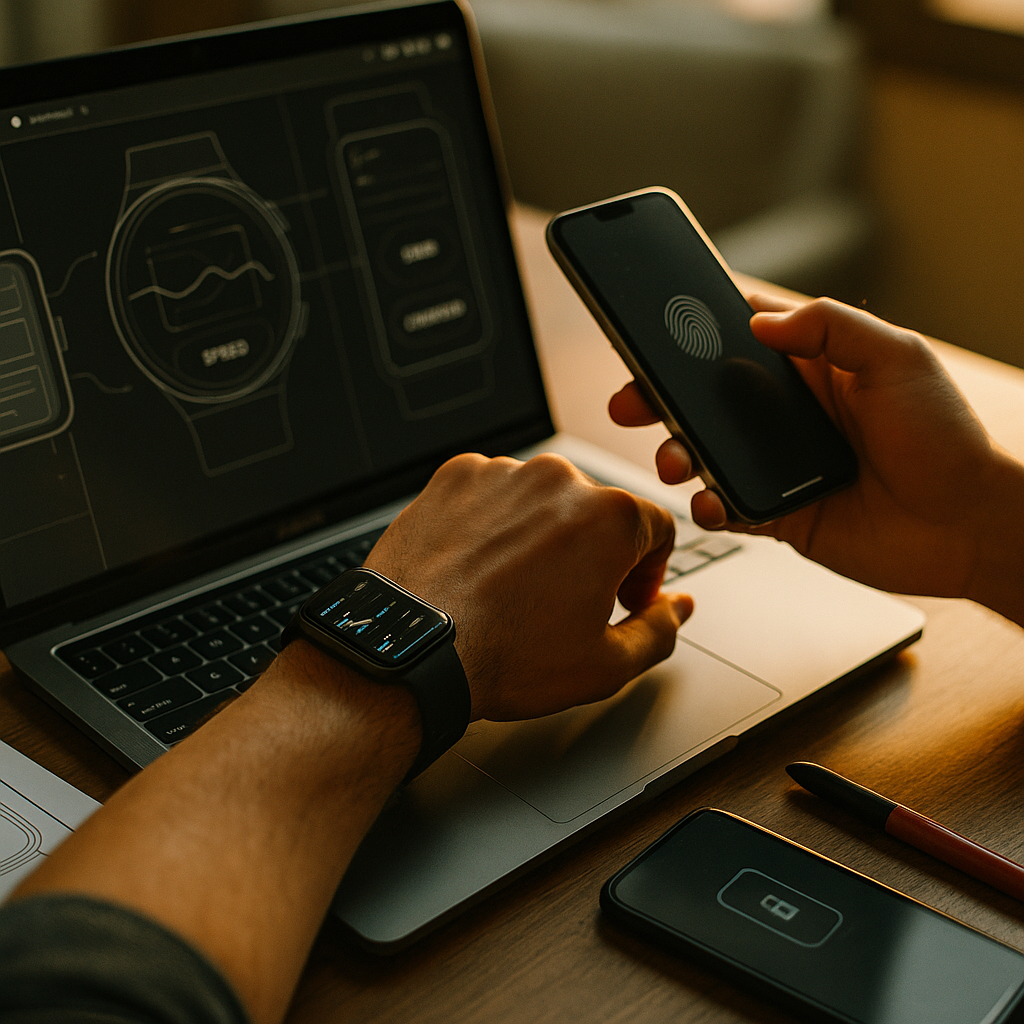
Designing for the Wearable Web is no longer a niche exercise in 2025. Smart watches and smart glasses have become everyday interfaces for glanceable updates, hands-free search, navigation, and micro-actions. Users expect speed, clarity, and privacy in moments that often last only a few seconds. The brands that win are the ones that design for context, not screen size—are you ready to rethink your content?
Wearable UX design: understand context, intent, and constraints
Wearables are not “small phones.” They are context machines—used while walking, commuting, exercising, cooking, or working. That environment shapes intent: users want quick confirmation, minimal friction, and high confidence that a tap or voice command will do the right thing.
Start with wearable-first user jobs. Common high-value jobs include: checking messages, approving a payment, viewing a boarding pass, navigating to a destination, tracking health metrics, controlling media, and receiving safety alerts. Each job has a “right now” urgency that makes long reading and complex interaction a poor fit.
Design for interruption and resumption. Wearable sessions are short and frequently interrupted. Build flows that can be completed in a few seconds, and ensure state persists if the user drops off. A good rule: every screen should clearly answer “What is this?” and “What can I do next?” without requiring prior context.
Prefer progressive disclosure. Show the minimum necessary information first, then allow the user to expand, open on phone, or continue via voice. For example, show the delivery status and ETA, then offer “Details” and “Contact driver.”
Make errors rare and recoverable. Mis-taps happen on small screens and in motion. Use larger tap targets, explicit confirmation for destructive actions, and easy undo. On glasses, avoid forcing the user to “hunt” for controls in space—keep critical actions stable and predictable.
Answer follow-up questions inside the experience. If you show a flight alert, include gate, terminal, boarding time, and a single action (e.g., “Navigate to gate”). If you show an account alert, include “Why am I seeing this?” and “Secure account” as a direct action to reduce confusion and support load.
Smartwatch content strategy: write for glances, not pages
Smartwatch content succeeds when it is scannable, actionable, and specific. Users should understand the message in one glance and complete the next step with one tap or a short voice command.
Use a tight content hierarchy. Structure content like a headline plus a single key detail, then optional secondary details. For example:
- Primary line: “Package delivered”
- Key detail: “Left at front desk · 2:14 PM”
- Action: “View photo”
Write for clarity under pressure. Avoid vague copy like “Update available.” Prefer “Security update ready” or “Order delayed 20 min.” Precision reduces anxiety and reduces taps.
Keep actions singular and high-confidence. Offer one primary action per screen when possible. Secondary actions can be in an overflow menu or a follow-up screen. This prevents decision fatigue and accidental taps.
Design notification content as a product surface. On watches, notifications are often the main entry point. Treat them like mini-landing pages: concise value, clear next step, and safe defaults. If the user does nothing, the message should still be useful.
Support “handoff” intentionally. Many tasks start on a watch and finish on a phone. Make that transition explicit: “Open on phone for full details.” Ensure the phone view lands exactly where the watch left off.
Accessibility is not optional. Use high-contrast text, avoid relying on color alone, and keep language simple. For users with reduced dexterity, ensure tap targets are comfortably large and spaced to prevent accidental activation.
Smart glasses UI patterns: hands-free, heads-up, and safety-first
Smart glasses introduce a different set of constraints: the interface competes with the real world. Your design must protect attention, reduce cognitive load, and prioritize user safety—especially when users are moving.
Deliver heads-up value, not heads-down browsing. The best glasses experiences provide timely prompts: turn-by-turn navigation, step-by-step instructions, real-time translation, or task confirmation (“Payment approved”). Avoid long text blocks and deep menus.
Use spatial UI responsibly. Keep persistent elements minimal and stable. Avoid floating content that drifts or forces constant refocusing. Place key information near the natural line of sight but do not obscure hazards or faces.
Optimize for voice and simple gestures. Provide short, unambiguous commands: “Next step,” “Repeat,” “Call,” “Save,” “Dismiss.” Always show or speak a brief confirmation when an action has consequences.
Design for privacy and social comfort. Glasses can make bystanders uneasy, especially around recording. If your product captures audio/video, include clear indicators, explicit consent flows, and straightforward controls to pause or disable capture. Transparency builds trust and reduces churn.
Plan for environment variability. Lighting, noise, and movement affect usability. Provide alternatives: if voice fails in a noisy street, offer a gesture or quick tap. If bright sunlight reduces readability, increase contrast and simplify the overlay.
Wearable SEO and discoverability: win in assistants, app stores, and on-device search
Wearables change how people discover content. Instead of typing queries, users rely on voice assistants, on-device search, and suggestions triggered by context. A practical SEO approach must account for that shift.
Target intent phrases and spoken queries. Users ask complete questions: “How long until my train arrives?” or “What’s my heart rate trend?” Create content that answers these quickly, using natural language and clear entities (places, times, names, and actions).
Structure data for machines. Wearable experiences often depend on structured content: event details, product availability, order status, location, hours, and pricing. Keep these fields consistent across your systems so assistants can surface accurate answers.
Make “micro-conversions” measurable. On wearables, success might be “dismissed with confidence,” “saved for later,” “confirmed appointment,” or “started navigation.” Define these as key events and connect them to downstream outcomes on phone or web.
Optimize for speed and reliability. Latency kills engagement on wearables. Reduce payload size, cache aggressively, and design resilient offline states for critical info like boarding passes, tickets, or emergency contacts. If content cannot load, provide a useful fallback summary.
Design for the ecosystem, not a single device. Many journeys span watch, glasses, phone, and desktop. Ensure consistent naming, consistent actions, and consistent information so users can trust the experience regardless of screen.
EEAT for wearable experiences: trust, accuracy, and responsible design
Wearable interfaces often touch sensitive areas: health, finance, location, identity, and communications. That raises the bar for expertise, accuracy, and transparency. Google’s helpful content principles align with what wearable users demand: trustworthy, verifiable, and respectful experiences.
Show expertise through accurate, contextual information. If you present health or fitness insights, define what the metric means, what it does not mean, and when to seek professional advice. Avoid overstating accuracy. Keep guidance aligned with reputable clinical or industry standards where applicable.
Establish authoritativeness with clear sources and system integrity. While wearables rarely display full citations, your product should still be built on verifiable data pipelines. For user-facing content, include “Learn more” links that open on phone to detailed explanations, policies, and references.
Build trust with transparent permissions and controls. Ask for only the permissions you need, explain why you need them, and allow easy revocation. Provide clear settings for notification frequency, quiet hours, and data sharing. Default to privacy-preserving choices.
Prevent harm with safety-first design. Avoid prompts that encourage risky behavior (for example, long reading while walking). For navigation, present concise cues and haptic feedback options. For urgent alerts, use distinct patterns but avoid alarm fatigue.
Test with real users in real contexts. Lab tests miss glare, motion, noise, and social pressure. Validate with field tests: outdoors, on public transit, in gyms, in workplaces. Document findings and iterate. This is a practical EEAT signal: it proves the experience is grounded in reality, not assumptions.
Measurement and iteration: analytics, experiments, and content maintenance
Wearable design is never “done.” Devices, OS behaviors, and user expectations evolve quickly. A strong program includes instrumentation, regular reviews, and content upkeep.
Track the right metrics for micro-moments. Measure time-to-understand (how quickly users grasp the message), time-to-action, error rates (mis-taps, cancellations), and deferrals (opened on phone). Pair these with qualitative feedback to diagnose confusion.
A/B test responsibly. Test one variable at a time: notification wording, action label, icon plus text vs text-only, or the number of details shown. Avoid experiments that could increase distraction, especially on glasses.
Maintain content like a product. Outdated hours, stale ETAs, or inaccurate status messages destroy trust. Set ownership for each content type (alerts, instructions, summaries), define freshness rules, and automate updates where possible.
Create a wearable content checklist. Before shipping, confirm: the message stands alone, the primary action is obvious, there is an escape route (dismiss/undo), permissions are justified, and handoff is seamless.
FAQs
What is the wearable web?
The wearable web refers to web-based experiences and content designed for wearable devices such as smart watches and smart glasses. It includes glanceable information, notifications, voice-first interactions, and device-to-device handoffs that prioritize speed, context, and low effort.
How do you design content for smart watches?
Write for one-glance comprehension: lead with the key message, add one critical detail, and provide a single primary action. Use precise language, avoid long sentences, and support handoff to phone for deeper tasks. Design notifications as first-class screens, not afterthoughts.
What content works best on smart glasses?
Content that supports hands-free, real-time tasks performs best: navigation cues, step-by-step instructions, short confirmations, translation snippets, and safety alerts. Keep overlays minimal, stable, and readable, and provide voice and gesture alternatives for noisy environments.
How do wearables change SEO?
Wearables shift discovery toward voice queries, contextual suggestions, and assistant-driven results. Focus on intent-based phrasing, structured data consistency, fast delivery, and content that answers questions immediately. Measure micro-conversions like confirmations, saves, and handoffs, not just pageviews.
What are the biggest UX mistakes on wearables?
Common mistakes include cramming phone layouts onto small screens, offering too many actions, using vague copy, ignoring interruption patterns, and neglecting privacy controls. On glasses, the biggest mistakes are distracting overlays, poor readability in daylight, and unclear recording indicators.
How can teams ensure EEAT for wearable health or finance features?
Use accurate definitions, avoid exaggerated claims, and provide clear “learn more” paths to detailed explanations and policies. Collect only necessary data, explain permissions, and offer easy opt-outs. Test in real-world conditions and monitor for error patterns that could cause harm.
Wearables demand a different mindset in 2025: design for moments, not pages. When you prioritize context, clarity, and trust, users can complete meaningful tasks in seconds—without friction or distraction. Build concise content hierarchies, support hands-free patterns, and create transparent privacy controls. The takeaway is simple: the best wearable experiences feel invisible, yet reliably helpful when it matters most.