


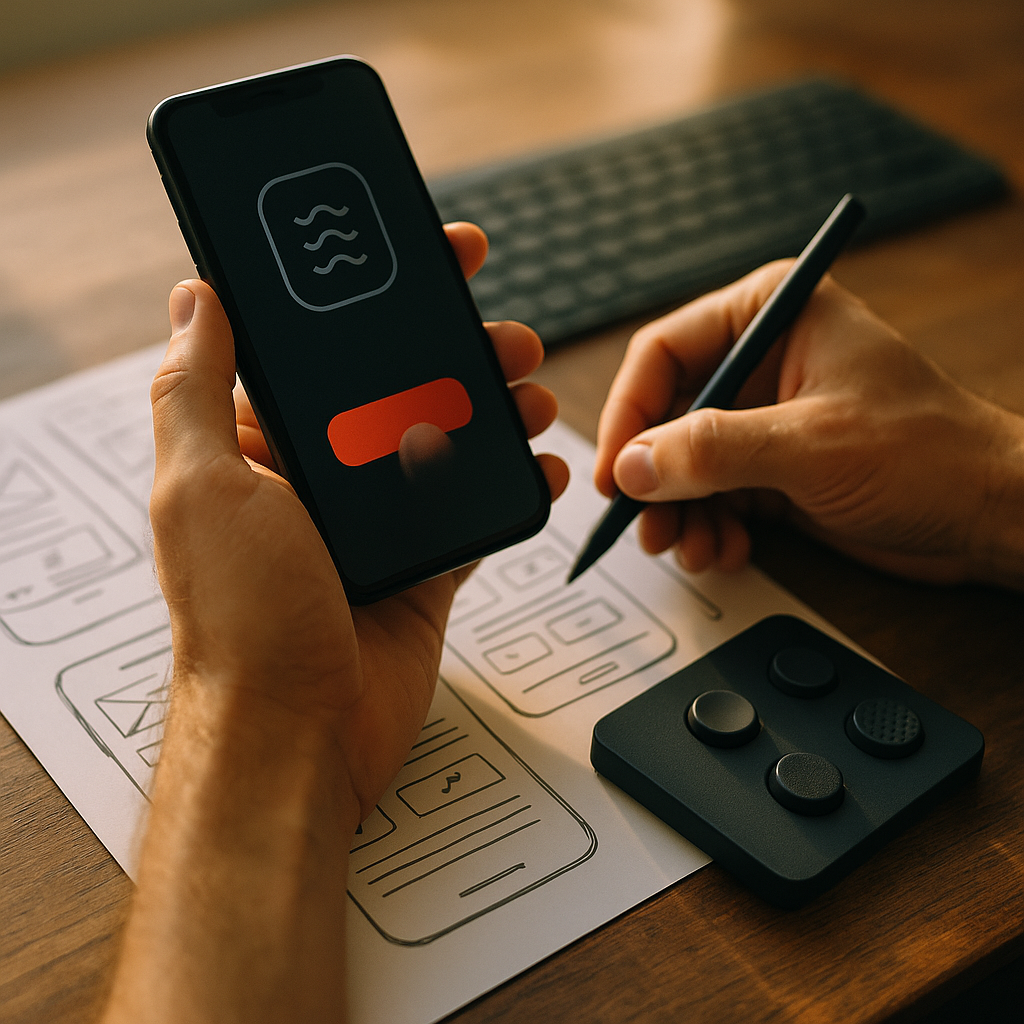
Designing For Haptic Engagement is changing how mobile products feel in 2025, turning taps into meaningful feedback that improves confidence, speed, and satisfaction. When done well, haptics reduce errors, support accessibility, and strengthen brand perception without adding visual noise. This guide shows how to choose patterns, tune intensity, test across devices, and avoid common pitfalls—so your interface feels right from the first touch.
Haptic feedback design: What it is and why it matters
Haptic feedback design uses vibration and tactile cues to communicate system status, confirm actions, and guide attention through touch. On mobile, it works best as a “micro-signal” that complements visual and audio feedback. Users often operate phones in motion, in bright light, or with divided attention; touch cues can cut through those conditions without demanding extra screen time.
In practical terms, haptics can:
- Confirm success (a subtle tick on “Saved”).
- Warn of risk (a sharper pulse before deleting or sending money).
- Communicate boundaries (a gentle bump when a list hits the end).
- Improve learnability (different patterns for different actions).
To follow EEAT principles, treat haptics as part of a measurable interaction system, not decoration. Tie each vibration to a clear user outcome: fewer mis-taps, faster completion, greater confidence, or improved accessibility. If you cannot describe what a haptic signal communicates in one sentence, it is likely unnecessary.
Mobile UX haptics: Use cases that improve real tasks
Mobile UX haptics deliver the most value when they support high-frequency, high-stakes, or eyes-busy scenarios. Choose use cases where tactile feedback reduces ambiguity.
High-confidence input
- Key presses: light, consistent taps for virtual keyboards and PIN entry help users maintain rhythm.
- Toggles and sliders: small ticks at discrete steps (e.g., brightness increments) improve precision.
Critical actions and error prevention
- Destructive actions: a distinct warning pulse on “Delete” or “Unsubscribe” adds friction without extra modal dialogs.
- Payments and transfers: clear confirmation pulses reduce “Did it go through?” anxiety and repeated submissions.
Navigation and state changes
- Gestures: a small bump when a swipe reaches a threshold (e.g., “archive” activated) prevents accidental triggers.
- Loading states: a tiny completion cue can replace unnecessary celebratory animations, especially for short waits.
Accessibility-forward patterns
- Non-visual guidance: differentiated patterns can indicate focus changes, successful form completion, or invalid fields for users who rely on assistive features.
Answering the common follow-up—Should every tap vibrate? No. Overuse increases annoyance and reduces meaning. Reserve haptics for moments where touch adds clarity or confidence.
Tactile UI patterns: Building a consistent haptic language
Tactile UI patterns work when they form a consistent “vocabulary.” Users learn quickly if your system uses predictable categories.
Start with three core message types
- Confirmation: short, soft, single pulse. Purpose: “Your action worked.”
- Warning: sharper, slightly longer pulse or double pulse. Purpose: “Pay attention; this may be risky.”
- Boundary/constraint: quick bump or brief tick. Purpose: “You reached a limit (end of list, max value).”
Map patterns to semantics, not screens
A common mistake is designing haptics per page (settings screen, checkout screen) rather than per meaning (success, warning, boundary). Keep a small set of reusable patterns and apply them across the product. This prevents “haptic drift,” where the same vibration means different things in different places.
Match intensity to consequence
Intensity should scale with impact. A “Like” can be subtle; a money transfer confirmation can be more pronounced. Avoid making low-stakes actions feel urgent—users will either disable vibration or tune you out.
Align with motion and sound (when present)
If you use animations or clicks, synchronize them. A delay of even a fraction of a second can make the interface feel broken. The goal is a single coherent sensation: users see it, hear it (optionally), and feel it at the same moment.
Haptic interaction guidelines: Timing, intensity, and accessibility
Haptic interaction guidelines protect users from fatigue, discomfort, and confusion while improving clarity.
Timing: prioritize immediacy
- Immediate feedback: Trigger confirmation haptics at the moment the system accepts the action, not after a long network call.
- Progressive confirmation: If an action has stages (tap to submit, then server confirms), consider two cues: a light “accepted” cue and a slightly stronger “completed” cue.
Intensity: design for comfort and device variation
- Avoid extremes: Strong haptics can feel aggressive, especially in quiet contexts like meetings.
- Design for variability: Different phones have different actuators; test on a range of devices and OS versions. Your “subtle tick” may disappear on budget hardware and overwhelm on premium devices if not tuned.
Frequency: prevent habituation
- Don’t vibrate for every micro-action: repetitive haptics can feel like noise and drain perceived quality.
- Use haptics as punctuation: boundaries, confirmations, and key milestones—not continuous chatter.
Accessibility: respect user control
- Honor system settings: If the user disables vibration/haptics at OS level, your app should not override it.
- Provide in-app options when appropriate: Let users reduce intensity or disable non-essential haptics, especially for health and comfort reasons.
- Never rely on haptics alone: Pair with visual cues (and audio when suitable) so users always have redundant feedback.
Readers often ask—Are haptics always accessible? They can be, but only when optional and redundant. Some users are sensitive to vibration; others may not perceive subtle cues. Accessibility means choice, clarity, and backup signals.
Touch interface design: Prototyping and testing haptics the right way
Touch interface design becomes more credible when you test haptics like any other interaction: with prototypes, benchmarks, and user validation.
Prototype early on real hardware
Haptics are hard to evaluate in static mocks. Move quickly to device-based prototypes so designers, engineers, and stakeholders can feel the timing and intensity. If you only review haptics in videos or design tools, you will miss latency, resonance, and context effects (like device cases).
Create a haptic spec that engineers can implement
Use a compact spec format that includes:
- Intent: What the haptic communicates (success, warning, boundary).
- Trigger: The exact event (button down, action accepted, action completed, gesture threshold reached).
- Pattern: single/double pulse, duration category, intensity level.
- Fallback: What happens when haptics are disabled or unsupported.
Test with scenarios, not isolated taps
Measure haptics in real workflows: checkout, onboarding, form completion, navigation. Ask users questions that reveal clarity and confidence:
- “What did that vibration mean?”
- “Did you feel sure the action completed?”
- “Was any vibration annoying or surprising?”
Validate impact with metrics
Choose at least one behavioral metric and one sentiment metric:
- Behavioral: reduced mis-taps, fewer error reversals, lower form abandonment, fewer repeated submissions.
- Sentiment: perceived responsiveness, confidence ratings, support-ticket tags about “not sure it worked.”
When teams ask—How do we prove ROI?—run A/B tests for targeted flows (like payment confirmation or destructive actions). Keep the scope tight so the effect is attributable.
App vibration patterns: Performance, privacy, and brand trust
App vibration patterns influence how users judge quality. Done poorly, they feel like spam; done well, they feel like craftsmanship.
Performance and battery considerations
- Use short cues: Brief haptics generally cost less energy than long or repeated patterns.
- Avoid “vibration storms”: Repeated triggers during scrolling or rapid UI updates can create continuous buzzing. Rate-limit non-essential haptics.
Context awareness and etiquette
- Respect quiet contexts: Users may be in meetings, on public transit, or using a phone at night. Keep default patterns subtle.
- Don’t mimic notifications inside the app: Notification-like long vibrations can confuse users and feel manipulative.
Privacy and trust
Haptics can reveal information to bystanders (for example, repeated strong pulses during sensitive actions). For privacy-sensitive flows—health, finance, or authentication—prefer minimal, non-distinct patterns that confirm completion without broadcasting meaning.
Brand expression (without gimmicks)
Yes, haptics can reinforce brand—through consistent “feel” across interactions. Keep it subtle. A recognizable haptic signature should never block speed, accessibility, or clarity. Brand trust grows when the interface feels reliable and restrained.
FAQs: Designing For Haptic Engagement on mobile
What is haptic engagement in mobile design?
Haptic engagement is the use of tactile feedback to improve understanding and confidence during interactions—such as confirming a tap, warning before a destructive action, or signaling a boundary during scrolling.
How many haptic patterns should an app use?
Most apps work best with a small set (often 3–6) of reusable patterns mapped to meaning: confirmation, warning, boundary, and a few context-specific variations for high-stakes flows.
Should haptics replace sound effects?
No. Haptics should complement sound and visuals, not replace them. Many users keep phones on silent, and some users may not perceive subtle vibration. Redundant cues make experiences more robust.
How do we handle users who dislike vibration?
Honor OS-level settings first. For optional enhancements (like playful micro-feedback), offer an in-app toggle or intensity reduction. Never make core tasks dependent on haptics.
Do haptics work consistently across Android and iOS devices?
Not perfectly. Actuator quality and APIs vary by device. Test on a representative range, tune to the weakest hardware you support, and ensure clear visual feedback as a fallback.
What are the most common haptics mistakes?
Overusing vibration, using inconsistent meanings, triggering feedback too late, creating notification-like patterns inside normal UI, and failing to provide alternatives for accessibility and user preference.
Designing For Haptic Engagement succeeds when touch communicates meaning, not novelty. In 2025, the best mobile experiences use a small, consistent haptic vocabulary that confirms actions, prevents errors, and supports accessibility without constant buzzing. Prototype on real devices, tie each cue to a clear user outcome, and respect user settings. The takeaway: treat haptics as language—precise, restrained, and measurable.