


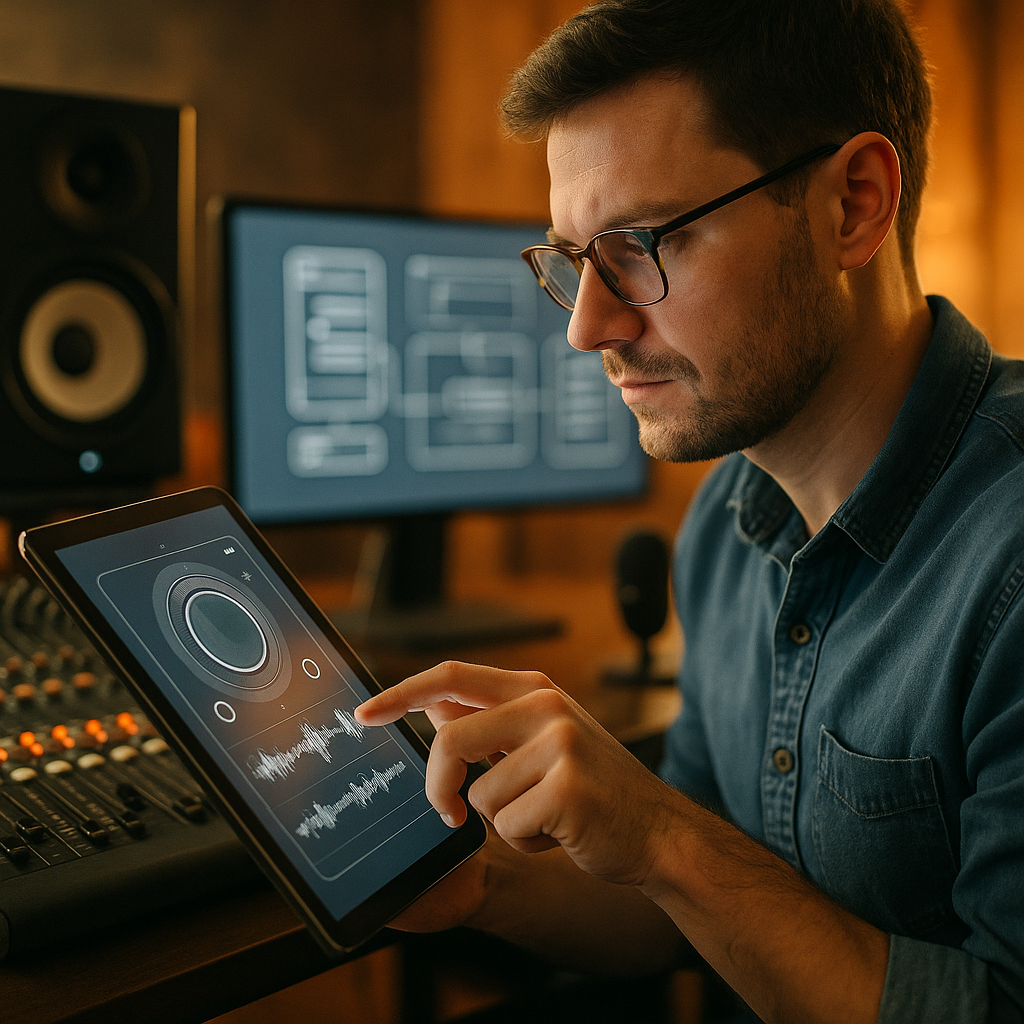
Great products are often recognized before they are fully experienced. The acoustic engineering in digital UX works the same way as the famous thud of a Bentley door: it signals precision, trust, and quality in an instant. In 2026, users judge interfaces just as quickly. Sound, feedback, timing, and texture shape perception long before features do. What can product teams learn from that?
Why sensory branding in UX starts with perception, not decoration
The heavy, controlled sound of a luxury car door is not accidental. Engineers tune materials, seals, cavity resonance, latch mechanics, and vibration behavior so the door communicates solidity. That sound becomes part of the brand promise. Users hear quality before they evaluate performance.
Digital products work the same way. People form impressions in seconds, often before they read a line of copy or complete a task. They notice tap feedback, transition timing, notification tones, keyboard sounds, loading motion, and even the silence between actions. These details shape whether a product feels cheap, stressful, calm, or trustworthy.
This is where sensory branding becomes useful in UX. It is not about adding gimmicky sounds or flashy animation. It is about deliberately designing sensory cues that reinforce product value. A banking app may need restrained, crisp feedback that suggests security and control. A wellness app may benefit from softer, lower-arousal audio patterns and slower motion. A gaming app may lean into impact, contrast, and anticipation.
From an EEAT perspective, teams should base these decisions on tested user behavior, accessibility needs, and context of use. A well-designed cue should answer a practical question:
- Did my action register?
- Can I trust this process?
- Is the system stable?
- How urgent is this message?
- What should I do next?
When those answers are clear, users feel competence in the product. That confidence is the digital equivalent of a well-engineered door thud.
How audio UX design turns interface feedback into trust
In physical engineering, sound provides evidence of structure. In digital environments, audio can provide evidence of state change. The key is subtlety. Good audio UX design supports action. Poor audio design interrupts it.
Consider common interface moments where sound can reduce uncertainty:
- Payment confirmation
- Successful file upload
- Error detection
- Navigation completion
- Incoming communication priority
- Voice interface turn-taking
Each of these moments benefits from a distinct sound profile. Confirmation sounds should feel concise and final. Error sounds should be noticeable without punishing the user. Priority alerts should differ in rhythm, not just volume, because many users experience alert fatigue.
Audio UX design also matters in environments where visual attention is limited. Drivers, runners, field workers, and multitasking users often depend on sound to confirm that the interface responded. In those contexts, audio is not decoration. It is functional feedback.
However, product teams should not assume that adding more sound improves clarity. The opposite is often true. Effective sonic systems use:
- Consistency: similar sounds map to similar meanings
- Hierarchy: urgent events sound different from routine events
- Brevity: sounds end quickly and avoid masking speech or other alerts
- Context awareness: users can mute, reduce, or customize them
- Accessibility: sound complements, rather than replaces, visual or haptic feedback
If users ask, “Did the app do anything?” the system lacks confidence. If users always know what happened, trust rises. That is the practical value of audio engineering principles in UX.
Using haptic feedback design to create the digital equivalent of mechanical quality
The Bentley door example is not only about sound. It is also about force, damping, timing, and tactile response. The user feels controlled resistance and a satisfying final engagement. Digital products can emulate that sense of mechanical quality through haptic feedback design.
Haptics are especially powerful because they create a direct physical link between user action and system response. A refined haptic can make a button feel more reliable, a slider feel more precise, and a completed transaction feel more certain.
Yet many apps still use generic vibration patterns with no clear purpose. That wastes one of the strongest tools available on mobile devices and wearables. Good haptic design should match the semantics of the interaction:
- A light tap can confirm a standard selection
- A firmer pulse can indicate completion or commitment
- A patterned vibration can warn about an error or boundary condition
- A gradual haptic shift can simulate movement through scales or steps
Timing matters as much as intensity. If haptic feedback arrives too late, the interface feels sloppy. If it is too strong, it feels theatrical. If it is inconsistent across the product, users stop trusting it. The best haptics often go unnoticed because they feel inevitable.
There are also accessibility and ergonomic benefits. Haptics can help users who are in noisy settings, users with divided attention, and users who prefer less audible feedback. For wearable devices and health interfaces, haptics can guide behavior without demanding screen focus.
To apply engineering thinking here, product teams should prototype haptics early, test on real hardware, and evaluate user interpretation rather than internal preference. Ask users what they thought happened after each signal. If interpretation varies widely, the pattern is not doing its job.
What microinteractions in UX reveal about craftsmanship and control
Microinteractions are the small moments that tell users whether a product is coherent. They include button states, toggles, refresh gestures, loading indicators, autocomplete behavior, and input validation. In many products, these moments do more to shape quality perception than major features do.
The “thud” analogy helps teams evaluate these details. A well-crafted microinteraction should feel tuned, not accidental. It should communicate that the product team anticipated user intent, understood edge cases, and cared about execution.
For example:
- A search field that responds immediately to focus feels attentive
- A disabled button that explains why it is unavailable feels respectful
- A loading state that shows progress or context feels honest
- An autosave indicator that quietly confirms completion feels reliable
These signals reduce cognitive load because users no longer need to guess the system’s status. That is the same role a premium mechanical sound plays in a physical product: it confirms that a hidden process completed properly.
To improve microinteractions in UX, teams should look at four dimensions:
- Response time: does the interface acknowledge input instantly?
- Meaning: does the user understand what the feedback means?
- Continuity: do related actions feel like part of one system?
- Emotional tone: does the feedback align with the brand and task?
Users may never describe these details using design language, but they feel the difference. They may say the app feels “solid,” “smooth,” or “premium.” Those words often point to well-designed microinteractions rather than visual polish alone.
Why multisensory UX testing should be part of every product workflow
Many teams test copy, layout, and conversion paths. Far fewer test sound, haptics, and timing with the same rigor. That is a missed opportunity. If sensory feedback influences trust, then it deserves measurement.
Multisensory UX testing should combine qualitative and quantitative methods. Start by identifying critical trust moments in the user journey, such as onboarding, authentication, payment, search, upload, or confirmation. Then test how sensory cues affect user confidence, speed, and error recovery.
Useful methods include:
- Moderated usability sessions: ask participants what they believe happened after each cue
- A/B or multivariate tests: compare different timing, tones, or haptic strengths
- Accessibility reviews: confirm that sensory cues work across user needs and device settings
- Field testing: evaluate behavior in realistic contexts such as noise, motion, or multitasking
- Telemetry analysis: measure task completion, abandonment, retries, and support events
Teams should also document a sensory design system, not just a visual one. That means defining approved sound categories, haptic semantics, duration limits, alert priorities, and fallback behavior when sound or vibration is disabled. Without standards, products drift into inconsistency.
One practical question often comes up: should every brand invest heavily in sonic identity? Not necessarily. If your product rarely uses audio, a full sonic branding program may be excessive. But every digital product should still think carefully about feedback quality, timing, and user interpretation. Even silent products have rhythm, pace, and perceived texture.
Trustworthy testing also supports EEAT. It shows experience with real user environments, expertise in human factors, authoritativeness in design decisions, and trustworthiness through accessible, evidence-led implementation.
Building a premium digital experience with acoustic engineering principles
Acoustic engineering offers a useful mindset for digital teams: quality is not only what a product does, but how convincingly it signals that it has done it. Premium experiences are rarely louder or more animated. They are more intentional.
To apply this mindset in 2026, product leaders can use a simple framework:
- Map key moments of uncertainty. Find the points where users hesitate, repeat actions, or wonder what happened.
- Assign the right feedback channel. Choose visual, audio, haptic, or combined cues based on context.
- Tune for brand fit. A fintech app should not sound like a game, and a meditation app should not vibrate like an alarm.
- Design for control. Let users mute, reduce, or customize sensory outputs.
- Test under real conditions. Quiet labs do not reflect daily life.
- Standardize and document. Treat sensory cues as part of the product system, not one-off embellishments.
This approach benefits more than aesthetics. It can improve comprehension, reduce accidental repeat actions, lower stress during high-stakes tasks, and increase perceived reliability. In competitive categories where feature sets converge, that perceived reliability matters.
The best digital products often feel “engineered” in the same way premium physical products do. They close the gap between action and assurance. They make quality legible through feedback. And they do it with restraint.
That is why the famous luxury-car door remains such a strong metaphor. It reminds us that trust is often won in a fraction of a second, through cues most people notice without naming. In digital UX, those cues are design decisions waiting to be tuned.
FAQs about acoustic engineering in digital UX
What does acoustic engineering mean in digital UX?
It means applying principles from sound and vibration design to digital interactions so feedback feels intentional, clear, and trustworthy. In practice, this includes interface sounds, timing, haptics, and other sensory signals that help users understand system state.
Why compare a Bentley door thud to a digital product?
Because both create instant quality perception. The door sound signals precision and solidity. In digital products, feedback cues such as sound, motion, and haptics can signal reliability, responsiveness, and craftsmanship just as quickly.
Does every app need sound design?
No. Every app needs thoughtful feedback design, but that does not always require audio. In some contexts, visual and haptic cues are enough. The right choice depends on user environment, task criticality, brand, and accessibility needs.
How do haptics improve UX?
Haptics create physical confirmation that an action occurred. They are especially useful on mobile devices, wearables, and in noisy environments. Well-designed haptics can reduce uncertainty, improve perceived control, and support accessibility.
What are the biggest mistakes teams make with sensory feedback?
Common mistakes include using too many sounds, relying on generic vibration patterns, creating inconsistent cues, ignoring accessibility, and failing to test feedback in real-world conditions. Another frequent issue is adding sensory effects late in development instead of designing them as part of the system.
How can teams measure whether sensory UX is working?
They can run usability tests, compare variants, analyze task completion and repeat actions, review support tickets, and gather user feedback about clarity and confidence. The goal is not whether users “like” a sound or vibration, but whether they correctly understand what it means.
Is this only relevant for luxury brands?
No. Any product that depends on trust, clarity, and usability can benefit. Banking, healthcare, ecommerce, mobility, productivity, and consumer apps all use feedback cues to reduce friction and improve confidence.
What is the clearest takeaway for product teams?
Treat sound, haptics, and microinteraction timing as functional design elements, not cosmetic extras. When users receive clear, well-tuned feedback, the product feels more dependable and easier to use.
Digital products earn trust through small, repeatable signals. Like the thud of a luxury car door, great feedback suggests hidden precision and care. Teams that tune sound, haptics, timing, and microinteractions create interfaces that feel more reliable, more understandable, and more premium. The clearest takeaway is simple: design sensory feedback as infrastructure, test it rigorously, and let quality be felt immediately.