


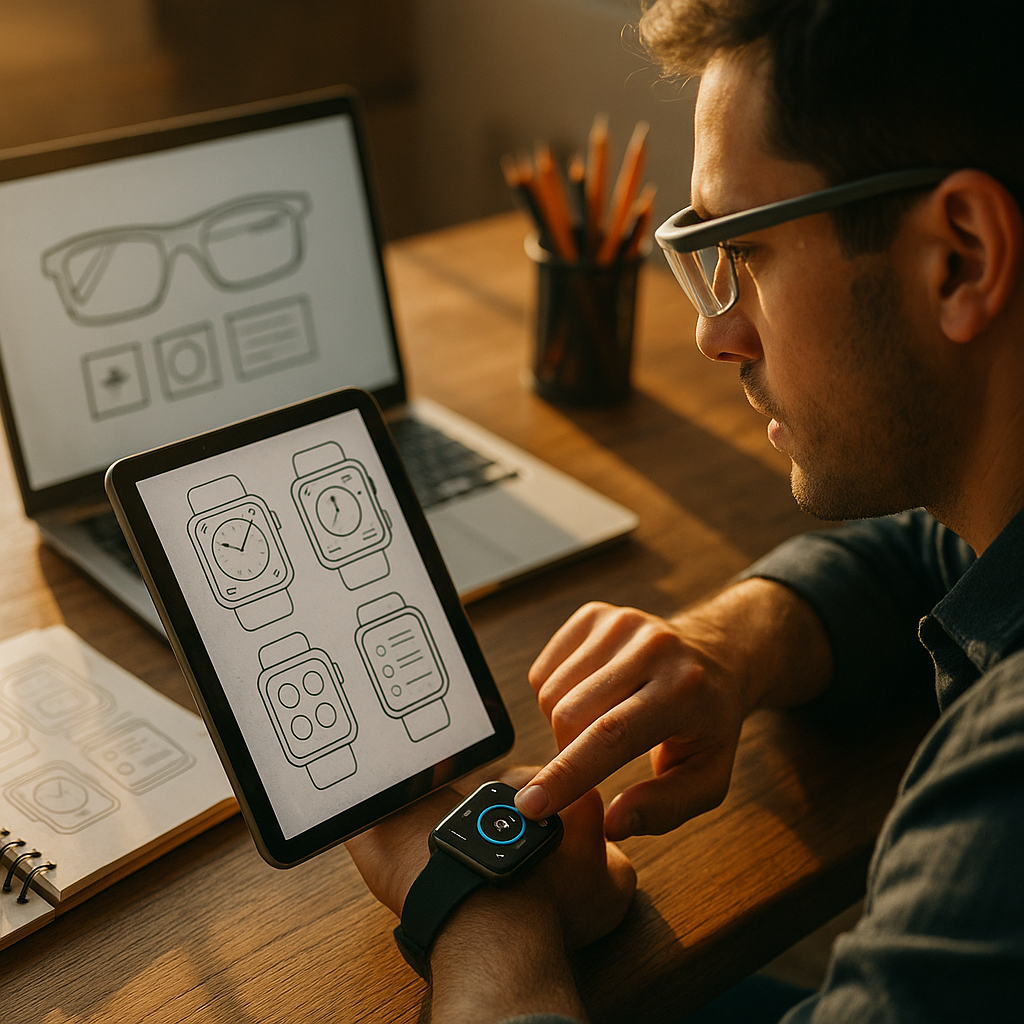
Designing for The Wearable Web is no longer a niche task in 2025. Smartwatches and smart glasses have become everyday interfaces for notifications, navigation, health, and quick decisions—often in seconds, in motion, and under distraction. This article explains how to plan content, UI, and technical delivery for wearable moments without sacrificing brand clarity or accessibility. Ready to design for glances?
Wearable UX design: Understand contexts, constraints, and micro-moments
Wearables are not “small phones.” They are context-first devices optimized for brief interactions, limited input, and frequent interruptions. Strong wearable UX design starts with a clear model of where and why a user looks at a wrist or through smart glasses.
Typical wearable contexts: commuting, exercising, cooking, driving (as a passenger), waiting in lines, or moving between meetings. In each, attention is fragmented and the user’s hands may be busy. That changes how you write, design, and measure success.
Design implications you should plan for:
- Glanceability over depth: aim for “under 5 seconds to understand.” Provide a single, clear outcome per screen.
- Interruptions are normal: users may look away mid-flow. Design with resumability and clear state.
- Ambient use: notifications and complications (watch) or cards and overlays (glasses) deliver information without a full session.
- Input constraints: small touch targets, crown/gesture navigation, voice dictation, and quick replies—plan for errors and ambiguity.
Answer the follow-up question: “Should I replicate my mobile site?” No. Instead, identify top tasks that map to wearable moments: check status, confirm, navigate, and capture quick input. If the task requires reading, comparison shopping, or form completion, push it to mobile with a clean handoff.
Smartwatch content strategy: Write for glances, actions, and trust
Smartwatch content strategy succeeds when it respects time pressure and cognitive load. Your copy has to be scannable, unambiguous, and action-oriented. The goal is not to “publish content,” but to support a decision or next step.
Wearable copy rules that hold up in real use:
- Lead with the meaning: put the key fact first (e.g., “Order delayed” before the reason).
- Use plain language: avoid brand slogans and internal terms.
- One screen, one job: one status, one choice, or one confirmation.
- Make actions explicit: label buttons with verbs (“Approve,” “Snooze 1h,” “Open on phone”).
- Keep numbers legible: use short formats, and avoid dense decimals unless essential.
Content patterns that work well on watches:
- Status cards: delivery ETA, appointment check-in, payment confirmation, or security alert.
- Decision prompts: approve a request, confirm identity, accept a meeting change.
- Guided steps: turn-by-turn cues, workout intervals, or medication reminders.
- Complications/widgets: surface a single metric that updates—heart rate zone, next calendar event, boarding time.
Trust is part of content: wearable messages feel intimate because they appear on the body. Put identity cues where they matter: brand name in the notification title, recognizable sender, and a clear reason why the user is being contacted. When content involves health, finance, or security, avoid vague phrasing. Users should understand what happened and what to do next without opening another device.
Smart glasses UI: Design for heads-up, spatial, and safety-first experiences
Smart glasses UI brings different opportunities and risks than a watch. Glasses can support heads-up guidance, contextual overlays, and hands-free operation, but they also compete with the real world. In 2025, safety-first design is a core quality standard, not a nice-to-have.
Principles for smart glasses UI:
- Prioritize the real world: overlays must not block hazards, faces, or critical signage.
- Minimize dwell time: keep on-screen elements short-lived; users should not “read an app” while walking.
- Use spatial meaning carefully: align labels with objects only when tracking is stable; otherwise, prefer anchored panels.
- Support voice and subtle gestures: confirm with short commands and provide visible feedback for recognition errors.
- Design for privacy in public: avoid displaying sensitive content by default when the user is in shared spaces.
Where glasses shine: navigation cues, step-by-step work instructions, translation snippets, and “what’s next” prompts in field operations. Avoid dense menus. If your experience requires browsing, comparison, or long reading, shift it to phone or desktop.
Answer the follow-up question: “Do I need an AR experience?” Not necessarily. Many successful glasses experiences are heads-up notifications and lightweight guidance. AR is valuable when it measurably reduces time, errors, or training—especially in logistics, maintenance, or healthcare workflows.
Responsive wearable interfaces: Layout, typography, and interaction patterns that scale down
Responsive wearable interfaces start with a system that degrades gracefully from mobile to watch and adapts from flat UI to heads-up UI. The challenge is not only screen size; it is interaction bandwidth.
Layout and type recommendations:
- Use large, readable typography: prefer short lines and generous spacing. Avoid paragraph blocks on watches.
- Design for high contrast: wearables are used outdoors and in motion; color alone should never carry meaning.
- Respect touch target sizes: give controls space to reduce mis-taps, especially near curved edges.
- Keep hierarchy shallow: deep navigation trees fail under interruption. Aim for 1–2 levels.
- Provide quick exits: “Dismiss,” “Back,” and “Open on phone” reduce friction and error states.
Interaction patterns that work:
- Progressive disclosure: show the key fact, then expand if the user chooses.
- Chunked flows: split multi-step tasks into short confirmations.
- Handoff by intent: let users continue on phone with a single tap when complexity increases.
- Offline-aware design: cache the last known status and timestamp it to maintain trust.
Answer the follow-up question: “Can I just shrink my existing UI?” Shrinking increases errors and reduces comprehension. Instead, define wearable-specific templates: notification, status, confirm/deny, quick reply, and glance metric. Map each to a single user intent and measure completion time.
Wearable accessibility and privacy: Inclusive design, secure data, and user control
Wearable accessibility and privacy are inseparable from quality. Wearables are always-on, body-adjacent devices, so mistakes feel personal. Strong EEAT-aligned content and design show respect for users through clarity, safeguards, and transparent control.
Accessibility practices you should implement:
- Support assistive features: system font scaling, screen readers, and voice control. Do not lock text sizes.
- Use clear focus states: especially for crown/gesture navigation and switch control.
- Avoid time traps: give users enough time to respond to prompts; allow replays of ephemeral guidance.
- Design for color vision differences: pair color with icons, labels, or patterns.
- Reduce motion when requested: honor system settings for reduced motion to prevent discomfort.
Privacy and security essentials for wearables:
- Minimize sensitive content on the lock screen: show “You have a new message” instead of message body by default.
- Use explicit consent for health and location: explain why data is collected and how it improves the experience.
- Support quick privacy modes: “Hide details,” “Pause alerts,” or “Workout privacy” toggles.
- Use step-up authentication for risky actions: approving payments, sharing location, or unlocking accounts should require stronger confirmation.
EEAT alignment in practice: provide accurate, verifiable information; avoid overstating device capabilities; and include clear help text when errors occur. If you offer health guidance, position it as informational and route users to professional care where appropriate. Trust grows when you are precise about limitations and next steps.
Wearable performance optimization: Speed, battery, and reliable delivery
Wearable performance optimization is about more than load time. It affects battery drain, thermal limits, and the reliability of notifications. Users will disable an experience that feels noisy, slow, or power-hungry.
Performance tactics that translate well to wearables:
- Send fewer, smarter notifications: prioritize by urgency and user preference. Batch low-priority updates.
- Keep payloads small: transmit only what the device needs for the glance view; fetch details on demand.
- Use efficient media: avoid heavy images and auto-playing visuals; prefer simple icons and system components.
- Cache with clear timestamps: show “Updated 2m ago” to prevent confusion when connectivity drops.
- Fail gracefully: provide meaningful offline states and recovery actions instead of generic errors.
Measurement that improves outcomes: track time-to-understand (how quickly users can interpret the screen), time-to-action (how quickly they can complete the intended tap/voice command), dismissal rates, notification opt-outs, and handoff success to phone. High opt-out rates are a signal to reduce frequency or improve relevance, not to push harder.
Answer the follow-up question: “How do I avoid being spammy?” Offer granular preferences: topic-based alerts, quiet hours, and urgency tiers. Make “unsubscribe” and “mute” easy to find. Wearables reward restraint.
FAQs: Designing content for smartwatches and smart glasses
What content works best on a smartwatch?
Status updates, reminders, timers, authentication prompts, quick approvals, and single-metric dashboards. If users must compare options or read long text, move the task to a phone with a one-tap handoff.
How long should smartwatch text be?
As short as possible while staying unambiguous. Aim for one key message per screen, with the critical words at the beginning. Provide an optional “More” or “Open on phone” path for details.
Do smart glasses need AR overlays to be useful?
No. Many high-value experiences are heads-up prompts, navigation cues, and step-by-step guidance. Use AR overlays when they measurably reduce errors or time and remain stable and safe in real-world conditions.
How do I design for voice on wearables?
Use short, predictable commands; confirm critical actions; show transcription when possible; and provide fallback controls. Design for noisy environments and recognition failures with clear retry options.
What are the biggest wearable accessibility priorities?
Legible typography, high contrast, large touch targets, support for screen readers and system text scaling, reduced-motion support, and clear focus order for non-touch navigation.
How should notifications be structured for wearables?
Lead with the outcome, include a trusted sender identity, and offer one or two clear actions. Use urgency tiers, allow quiet hours, and avoid repeating alerts that users consistently dismiss.
Wearable experiences succeed when they respect attention, motion, and privacy. In 2025, the best teams design for glances first, choose a single intent per screen, and use handoffs to phones for complexity. Keep copy direct, interactions forgiving, and notifications restrained. If you optimize for clarity, safety, and battery-friendly performance, users will keep your wearable experience enabled—and rely on it daily.