


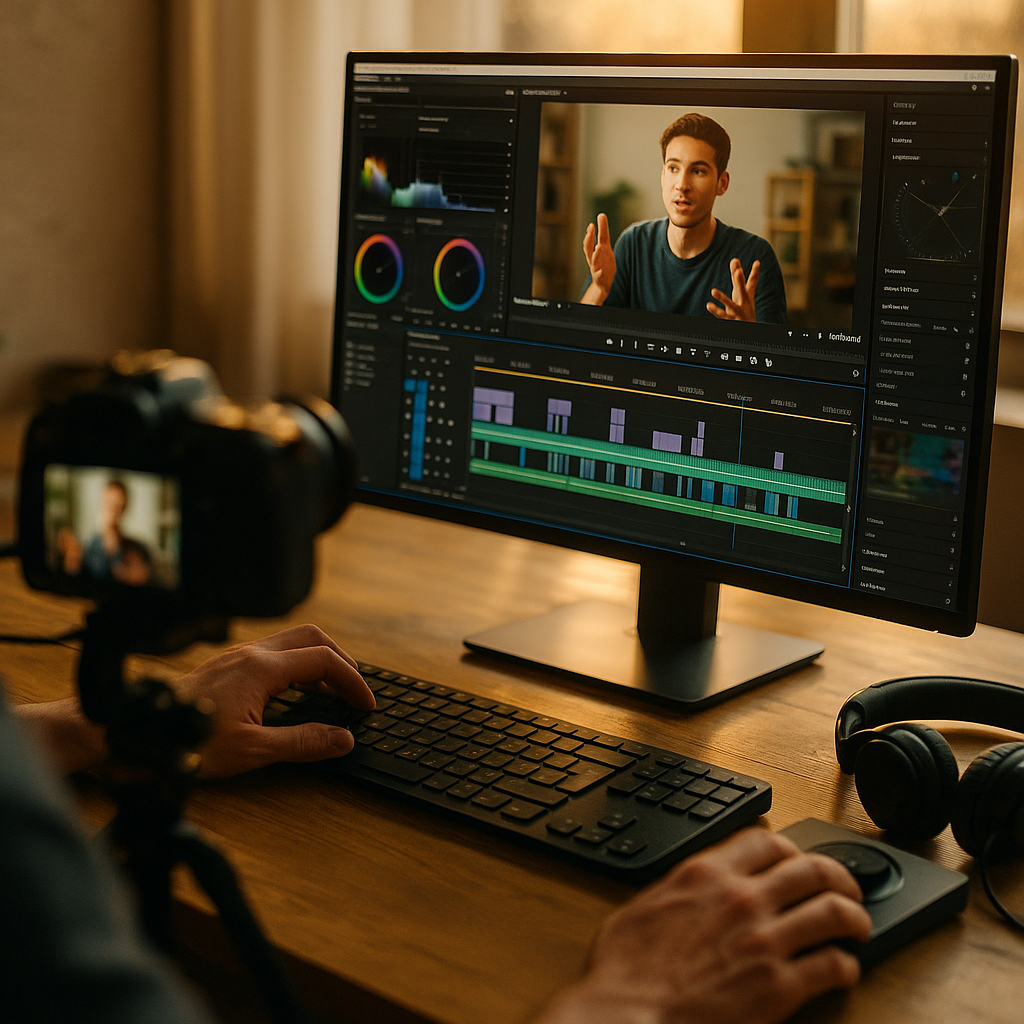
Editing tricks to increase watch time can transform average video content into captivating experiences that keep audiences glued to your screen. Whether you’re a content creator on YouTube, TikTok, or Instagram in 2025, mastering editing can directly impact your channel’s growth. Ready to unlock pro strategies that boost retention and propel your videos to the top? Let’s dive in.
Understanding Viewer Retention: The Foundation for Better Video Watch Time
Before refining your editing, it’s essential to understand exactly how viewer retention works. Platforms such as YouTube and TikTok closely monitor the average watch duration for each video. This key metric influences both recommendations and search rankings, meaning higher retention directly pushes your content to more viewers.
According to Google’s 2025 Video Trends Report, most users decide within the first 15 seconds whether to keep watching or click away. Therefore, your editing choices play a critical role in keeping viewers engaged from the opening frame to the final seconds.
- Analyze your platform’s audience retention graphs regularly
- Pinpoint where viewers drop off—and why
- Edit content to eliminate or improve slow segments
Understanding these habits helps you make strategic edits that turn casual clicks into loyal viewership.
Scripting and Storyboarding: Editing Starts Before You Hit Record
One of the most overlooked editing techniques to improve watch time actually happens before filming: scripting and storyboarding. When your content is tightly planned, you can edit more precisely, resulting in videos with better flow and fewer dull pauses.
- Write a concise script: This ensures every word serves the viewer.
- Storyboard key moments: Map out visual hooks and transitions strategically placed to sustain interest.
- Plan “pattern interrupts”: Mark where to break expected rhythms to reignite attention—such as quick cuts, jump scares, or graphics.
Investing time in these steps creates a roadmap for dynamic edits that maintain momentum throughout your video.
Pacing and Jump Cuts: Keeping the Energy Up
Another essential video editing tip for higher retention is to maintain engaging pacing. In 2025, viewers expect content to be fast-paced yet seamless—long, unedited segments make it easy for attention to wander. Implement jump cuts strategically to remove dead air and skip over less relevant details.
- Trim silences: Edit out “um,” “uh,” and irrelevant tangents.
- Use tight jump cuts: These not only speed up delivery but also create visual interest.
- Alternate camera angles or introduce motion graphics: Every few seconds, consider adding movement or a fresh visual to energize the experience.
For instance, top-performing YouTubers in 2025 average 8–12 seconds per shot, ensuring each moment feels purposeful. The more efficiently you communicate, the less likely your viewers are to click away.
Visual and Audio Cues: Guiding and Rewarding Your Audience
Experienced editors know the value of reinforcing your message with visual and audio cues. These editing tricks not only clarify your points but also reward viewers for sticking around, which can boost overall watch time.
- On-screen graphics and text: Highlight essential takeaways or instructions.
- Sound effects: Use subtle audio cues to reinforce jokes, transitions, or key moments.
- B-roll footage: Cut to relevant or surprising clips to prevent visual fatigue and sustain curiosity.
According to a Creator Insights survey in 2025, videos with strategic overlays and graphics see a 27% higher retention rate. Use tools like color grading and dynamic animations to maintain a polished, professional appeal.
Optimizing Video Endings: Using Hooks and CTA Placement to Maximize Session Time
Retention doesn’t end with the last shot—editing your endings can significantly improve session watch time. A strong ending not only encourages viewers to watch until the final second, but also entices them to view more of your content.
- Tease upcoming content: Preview what’s next on your channel.
- Insert end screens strategically: Use them to direct viewers to playlists or related videos.
- Reinforce Calls-to-Action (CTAs): Prompt subscriptions, likes, or comments without disrupting the video’s natural conclusion.
Leading creators in 2025 use 5–10 seconds of visually engaging end screens, paired with voiceover prompts, to guide viewers toward additional videos—compounding their overall channel watch time.
Experimentation, A/B Testing, and Data-Driven Improvement
The most powerful editing technique to boost watch time is relentless experimentation. Even seasoned editors must constantly adapt as platforms update algorithms and viewer preferences evolve.
- Run A/B tests: Try different intro styles, pacing speeds, or graphics and compare retention data.
- Solicit feedback: Ask your audience what segments they found most engaging.
- Stay updated: Follow reputable industry sources to track emerging editing trends, such as AI-powered editing tools or personalized content flows.
Apply learnings consistently, and you’ll develop a distinct editing style that both satisfies your audience and keeps them watching longer.
Conclusion: Editing for Watch Time in 2025
To increase watch time, integrate editing tricks like purposeful scripting, energetic pacing, and strategic graphics. Pair these with strong endings and ongoing experimentation. By placing the viewer’s experience first and relying on data, your videos will not only retain audiences but also foster channel growth in 2025 and beyond.
FAQs: Editing Tricks To Increase Watch Time
-
What is the most effective editing trick for increasing watch time?
Keeping pacing fast and using jump cuts to remove dull moments is the single best way to hold attention. Combine this with pattern interrupts and strong visuals for optimal results.
-
How do I find where viewers drop off in my videos?
Check your platform’s audience retention graph (YouTube or TikTok analytics). Look for sharp declines or gradual drop-offs to target segments that need editing improvements.
-
Are flashy effects or graphics necessary to boost watch time?
No. While quality graphics help, overly flashy or irrelevant effects can distract. The key is meaningful editing that enhances your message and flow, not just visual spectacle.
-
Should I change my editing style for shorts versus long-form videos?
Yes. Shorts benefit from even faster cuts and immediate hooks, while long-form content can use more varied pacing and deeper storytelling. Adjust editing based on content type and audience preferences.
-
How often should I update my editing techniques?
Review your data monthly and experiment regularly. As viewer trends and platform algorithms evolve, continuous learning ensures your editing remains effective at increasing watch time.