


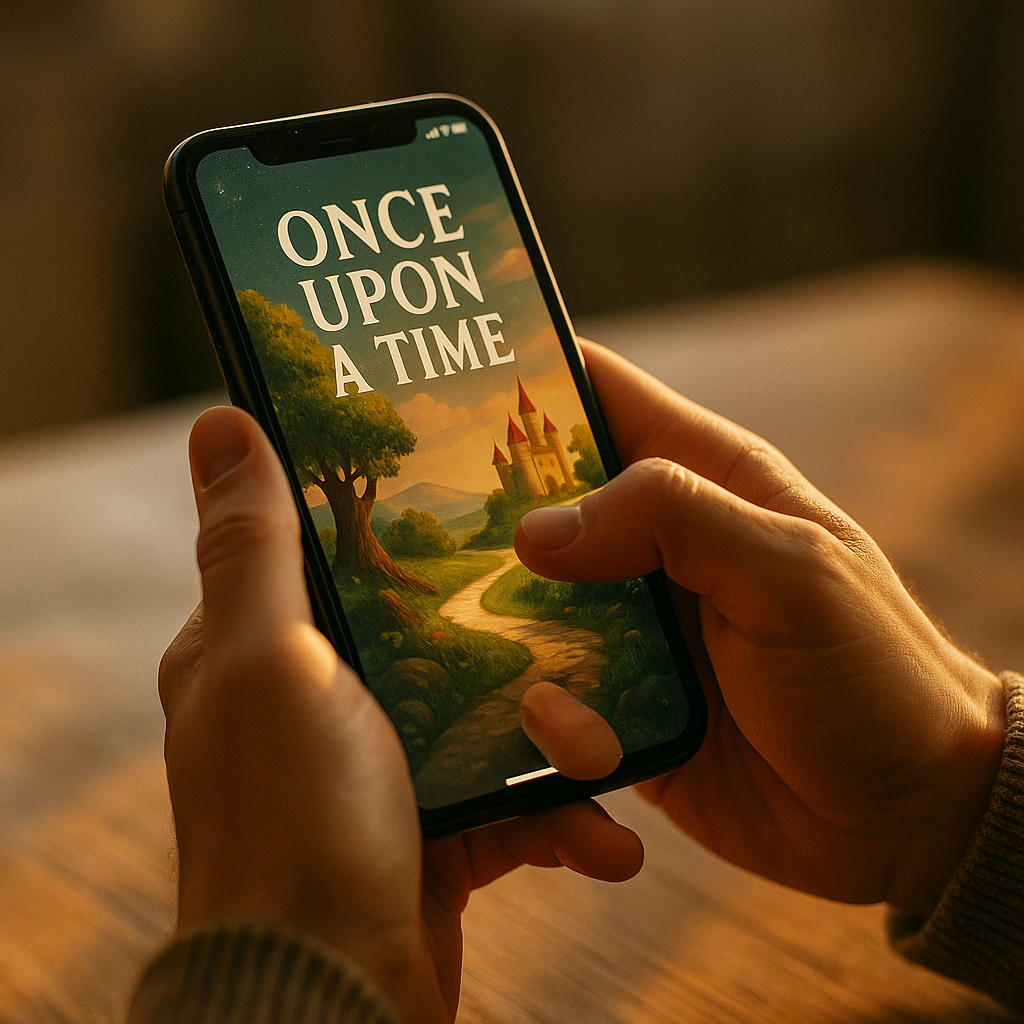
In 2025, mobile brands compete in crowded feeds where attention is fragile and differentiation is hard. The Role of Haptic Interaction in Modern Mobile Brand Storytelling is growing because touch adds meaning without asking for more screen space. When vibration patterns reinforce emotions, actions, and identity, users feel the story rather than just read it. So how do you design touch that earns trust and drives loyalty?
Mobile brand storytelling: why touch matters now
Mobile brand storytelling succeeds when it communicates a clear promise, feels consistent across every interaction, and makes users want to come back. Visual design and microcopy still matter, but they are no longer enough on their own. Most mobile experiences happen in fast, distracted contexts—commuting, multitasking, one-handed use, low sound environments—where subtle cues guide behavior better than long explanations.
Haptics (tactile feedback through vibration and motion) add an additional channel. Used well, they can:
- Reduce cognitive load by confirming actions without requiring a visual check.
- Create emotional texture by pairing touch with key moments (success, safety, delight, urgency).
- Strengthen recognition through distinctive tactile “signatures,” similar to a sonic logo.
- Increase accessibility for users who benefit from non-visual feedback.
Readers often ask, “Isn’t haptic feedback just a UX detail?” It is a UX detail—and that’s exactly why it’s powerful for branding. Brand storytelling on mobile is mostly experienced through micro-interactions: tapping, swiping, confirming, paying, unlocking, and receiving status updates. Those moments shape perception more than any campaign video.
To align with Google’s helpful content expectations, treat haptics as part of an honest, user-first experience: they should clarify, reassure, and guide—not manipulate. The strongest brand stories earn attention by being useful and respectful.
Haptic interaction design: translating brand values into tactile cues
Haptic interaction design is the practice of mapping tactile feedback to user actions and emotions. For brand storytelling, the goal is consistency: the same brand value should feel the same across contexts. A “calm and dependable” brand should not use sharp, alarming buzzes for routine confirmations. A “fast and energetic” brand can use crisp, short pulses that feel responsive and efficient.
Start by defining your brand’s tactile principles in plain language:
- Intensity: soft vs. firm feedback (avoid extremes for everyday actions).
- Duration: short confirmations vs. longer signals for critical states.
- Rhythm: single pulse, double tap, escalating pattern.
- Context: when touch should replace sound, reinforce visuals, or stay silent.
Then create a small “tactile palette” that maps to story moments. For example:
- Trust moments (login success, payment confirmed): one clean pulse that communicates certainty.
- Progress moments (task completed, milestone hit): a brief, uplifting pattern that feels earned.
- Risk moments (irreversible action, security warning): a distinct pattern that signals attention without panic.
Designers also need to answer an important follow-up question: “How do we avoid gimmicks?” Avoid haptics that fire too often, that compete with other signals, or that feel like a novelty. Every pattern should have a meaning a user can learn. If users can’t predict what a vibration means, it adds confusion and erodes trust—exactly the opposite of good storytelling.
Multisensory branding: combining haptics with sound and visuals
Multisensory branding works when channels complement each other. On mobile, that means pairing touch with clear visuals and optional sound so the experience remains understandable in silence, in noisy environments, or for users with sensory sensitivities.
Practical pairing rules that hold up in real products:
- Let visuals carry the facts; let haptics carry the confirmation. A checkmark and “Saved” message communicate the state; a subtle pulse confirms it instantly.
- Use sound as a preference, not a requirement. Many users keep phones on silent. Haptics can provide a consistent baseline.
- Match emotional tone across channels. A celebratory animation paired with a harsh vibration feels inconsistent and harms credibility.
- Prioritize clarity in critical flows. In payments, security, and health-related actions, keep feedback calm, distinct, and minimal.
To support EEAT, ground decisions in observation and testing. Run short usability sessions where participants describe what each haptic pattern “means” without prompting. If interpretations vary widely, refine. Also measure whether haptics reduce errors and speed up task completion, especially in one-handed use. These are practical indicators that your sensory storytelling improves the experience instead of merely decorating it.
Another common question is, “Can haptics replace animation?” They shouldn’t. Haptics work best as reinforcement. They also depend on hardware variability and user settings, so they must never be the only way to convey meaning. Keep the core narrative intact in text and visuals; use haptics to make it feel immediate and trustworthy.
User experience and engagement: where haptics improve retention (and where they don’t)
User experience and engagement improve when feedback makes people feel in control. Haptics can tighten the loop between action and response, which is especially valuable in mobile contexts where latency, mis-taps, and uncertainty are common.
High-impact use cases for brand storytelling include:
- Onboarding: gentle confirmation pulses that reassure users as they complete steps, reinforcing a “we’ve got you” narrative.
- Navigation and gestures: subtle edge or threshold cues when a card locks into place, communicating precision and polish.
- Commerce and payments: distinct confirmation for “authorized” vs. “processing,” reducing anxiety during waiting moments.
- Customer support: tactile acknowledgment when an issue is submitted, framing responsiveness even before a human reply.
- Habit loops: measured micro-rewards for meaningful milestones (not for every tap), keeping motivation aligned with real value.
But haptics can also backfire. Overuse creates fatigue and can feel intrusive, especially for users who are sensitive to vibration or who associate it with notifications and interruptions. Avoid haptics for:
- Everyday scrolling or low-value taps that users perform repeatedly.
- Dark patterns that try to “reward” undesirable actions like enabling spammy notifications.
- Ambiguous states where feedback might imply success before it’s true (for example, vibrating on “Pay” before authorization completes).
If you want a practical rule: use haptics to confirm truth, not to create false excitement. That approach supports trust—one of the strongest levers in modern brand storytelling.
Accessibility and ethics: inclusive haptics that build trust
Accessibility and ethics are not optional in 2025. Haptics can improve inclusivity, but only if you design with user control and diverse needs in mind. From an EEAT perspective, this is where your brand earns credibility: by showing care for how real people experience your product.
Inclusive haptic guidance:
- Respect system settings. If the user disables vibration, the experience must remain complete and understandable.
- Provide in-app controls when appropriate. Offer a simple toggle for “Haptic feedback” and, for advanced apps, intensity options aligned with platform capabilities.
- Avoid using haptics as the sole alert for critical information. Pair with text and clear visual states; consider audio cues if the user enables them.
- Design for sensory comfort. Keep most feedback subtle; reserve stronger patterns for genuinely important states.
- Test with diverse users. Include people with motor impairments, sensory sensitivities, and different device habits (one-handed use, wearables, cases that dampen vibration).
Ethically, haptics should never pressure users into choices. A vibration can feel like a nudge, and nudges can drift into coercion. If your app uses haptic “celebrations” to encourage spending, endless engagement, or risky actions, users will notice. Trust drops, churn rises, and brand storytelling collapses into short-term tactics.
A helpful follow-up question is, “How do we keep haptics consistent across markets?” Prioritize meaning over exact feel. Different devices and cultures interpret intensity differently. Keep patterns distinct, purposeful, and paired with clear UI. Consistency should be semantic (“this pattern means confirmation”) rather than mechanical (“this always feels exactly the same on every phone”).
Mobile marketing strategy: measuring haptic impact and implementing a tactile style guide
In a mobile marketing strategy, haptics belong in the product—not just in ads—because they shape the lived brand experience. Measurement should focus on user benefit first, then business outcomes. If haptics improve clarity and reduce friction, brand lift follows naturally.
Implementation steps that teams can execute:
- Audit current feedback. List where vibration occurs today (notifications, confirmations, errors). Identify redundancy and inconsistency.
- Define a tactile taxonomy. Create 6–10 named patterns (e.g., “Confirm,” “Warning,” “Milestone,” “Boundary,” “Selection”). Keep it small.
- Write usage rules. For each pattern, document when to use it, when not to, and what visual/text state must accompany it.
- Prototype on real devices. Simulators can mislead. Test across a representative device set and with common phone cases.
- Run controlled experiments. A/B test flows where haptics could reduce uncertainty (payments, form submission, saving). Measure completion rate, time to complete, error rate, and support tickets.
- Monitor long-term signals. Track retention and opt-out rates for vibration settings. A rise in opt-outs can signal overuse or annoyance.
To make this operational, add a “tactile layer” to your design system, similar to motion guidelines. Include:
- Pattern names and intent (the story moment it supports).
- Fallback behavior when haptics are unavailable or disabled.
- Do/don’t examples tied to real screens in your app.
- QA checklist for regression testing after updates.
Teams also ask, “Who should own haptics?” Treat it as shared: product design defines intent, engineering ensures correct implementation and respects platform constraints, research validates comprehension, and brand ensures tone alignment. That collaboration is part of EEAT: it increases accuracy, reliability, and user-centered outcomes.
FAQs
-
What is haptic interaction in mobile apps?
Haptic interaction is tactile feedback—usually vibration patterns—triggered by user actions or app events. It helps confirm inputs, signal state changes, and communicate urgency or success without relying only on visuals or sound.
-
How do haptics support brand storytelling?
They make key moments in the user journey feel consistent and emotionally resonant. A distinctive, purposeful set of tactile cues can reinforce brand traits like calm reliability, premium precision, or energetic speed—especially in micro-interactions users repeat daily.
-
Can haptic feedback increase engagement and retention?
Yes, when it reduces uncertainty and friction—for example, confirming saves, payments, or task completion. Overuse can cause annoyance and opt-outs, so the best approach is selective, meaningful feedback tied to real value.
-
What are common mistakes brands make with haptics?
Frequent unnecessary vibrations, inconsistent patterns that users can’t learn, using haptics to imply success before confirmation, and ignoring accessibility needs or user preferences. These mistakes undermine trust and weaken the brand story.
-
How do you design accessible haptics?
Respect system settings, provide clear visual/text alternatives, avoid making haptics the only signal for critical information, and offer controls where appropriate. Test with diverse users to ensure patterns are understandable and comfortable.
-
How can a team measure whether haptics are working?
Measure task success, error rates, time to complete, and reduction in support contacts in flows where haptics are added. Also monitor vibration opt-out rates and qualitative feedback to catch overuse or misunderstanding.
Haptics give mobile brands a quiet but persuasive way to tell stories through action, not slogans. When tactile feedback confirms truth, guides attention, and matches the brand’s emotional tone, it builds trust in moments that matter—payments, progress, and reassurance. Treat haptics as part of your design system, test on real devices, and prioritize accessibility. The payoff is a brand experience users can literally feel.