


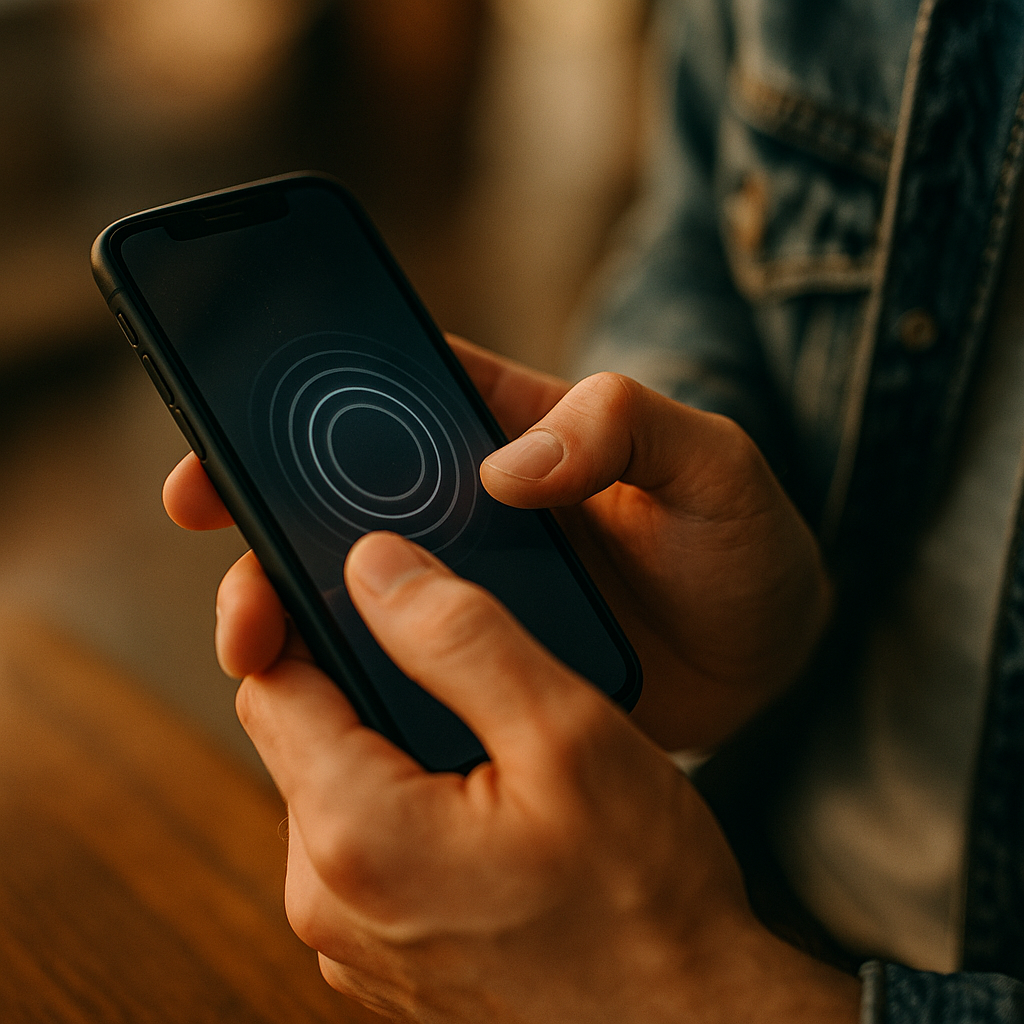
Mobile experiences now compete on feel as much as on visuals. In 2025, users expect interfaces that respond instantly and meaningfully to every tap, swipe, and press. The Role Of Haptic Feedback In Enhancing Immersive Mobile Brand Experiences is clear: it turns digital interactions into tactile moments that build trust, reduce friction, and improve recall. But what separates “vibration” from truly branded touch?
Immersive mobile experiences: why touch matters as much as sight
Immersion on mobile used to mean fluid animation and crisp UI. Now, it also means multisensory coherence: visual cues, sound, and touch aligning to signal progress, confirmation, delight, or warning. Haptics provide a private, immediate channel to the user—one that works even when audio is muted or attention is split.
For brands, this matters because mobile is often the most frequent touchpoint across the customer journey: discovery, consideration, purchase, support, and loyalty. A well-designed haptic layer can:
- Reduce uncertainty by confirming actions without extra on-screen messaging.
- Speed task completion by guiding micro-decisions (“that button pressed,” “payment succeeded,” “error—try again”).
- Increase perceived quality through crisp, intentional tactile feedback instead of generic buzzing.
- Reinforce brand personality when touch patterns are consistent across flows.
Users don’t need to consciously notice haptics for them to improve experience. In practice, the best haptics often feel “obvious” only when removed—suddenly the interface feels flat or ambiguous.
Haptic feedback design: building a branded tactile language
Haptic feedback design is the discipline of choosing when, where, and how an interface should communicate through vibration or tactile pulses. The goal is not to add more sensation; it’s to add meaning. For brand experiences, the most effective approach is to develop a small, reusable library of haptic “tokens” that map to specific interaction intents.
Start by defining a tactile vocabulary that matches your UI and tone of voice:
- Confirmation: a short, crisp pulse for “done” actions (adding to cart, saving preferences).
- Progress: subtle ticks for stepped controls (quantity selectors, sliders) to reduce visual checking.
- Boundary: a firm bump for “end of list,” “max quantity,” or “invalid input.”
- Warning: a distinct pattern (not stronger intensity alone) to differentiate from errors.
- Delight: restrained, occasional celebratory patterns for meaningful moments (first purchase, reward unlock).
To keep this branded rather than gimmicky, apply three rules:
- Consistency beats complexity: reuse the same haptic token for the same intent across the app.
- Hierarchy matters: critical feedback should be more distinct than cosmetic feedback.
- Restraint improves trust: too many haptics feel noisy and can reduce perceived polish.
Many teams ask whether haptics can be “owned” like a sonic logo. They can, but only if they’re tied to behavior (what the user did and what happened) rather than being applied as decoration. Branded haptics succeed when they make the product easier and more satisfying to use.
Mobile brand engagement: using haptics across the customer journey
Mobile brand engagement improves when touch feedback is aligned with moments that matter: decision points, risk points, and emotional peaks. Treat haptics like UX copy—most valuable when they clarify, reassure, or motivate.
Discovery and onboarding: Light haptics can guide first-time setup without overwhelming users. For example, a subtle pulse when a permission step completes reduces uncertainty. Keep onboarding haptics minimal so they feel purposeful, not intrusive.
Browsing and product evaluation: Use tactile ticks for filters, sorting, and swatches. This gives users a sense of control, especially in one-handed use. For media-heavy experiences, haptics can signal successful actions (like, save, follow) without obscuring content with extra banners.
Add-to-cart and checkout: This is where haptics can directly reduce friction. A crisp confirmation on “Apply promo,” “Address saved,” and “Payment authorized” helps users feel safe. For errors, use a distinct “nope” pattern paired with clear on-screen guidance, avoiding repeated buzzing that may create stress.
Post-purchase and loyalty: Reward moments are emotional peaks. A short celebratory haptic pattern for points earned or tier upgrades can improve perceived value—if it’s used sparingly and tied to real benefits. Overuse turns “special” into “spam.”
Customer support: For chat, haptics can signal agent handoff, case created, or resolution confirmed. This helps in noisy environments where audio notifications are unreliable.
If you’re unsure where to start, audit your funnels for “hesitation points”: steps with high drop-off, frequent form errors, or repeated taps. Those are prime candidates for tactile clarification.
UX haptics: best practices for accessibility, control, and trust
UX haptics must serve all users, not just those who enjoy tactile effects. Overly aggressive vibration can be uncomfortable, distracting, or inaccessible for some. Good haptic design follows the same standards as good visual design: clarity, user control, and respect for context.
Key best practices:
- Always pair haptics with visual cues: haptics reinforce; they should not be the only source of meaning.
- Respect system settings: if a user disables vibration or reduces haptics at the OS level, your experience should comply automatically.
- Provide in-app controls: offer a clear toggle (and ideally intensity options) under Accessibility or Preferences.
- Avoid haptic “spam”: repeated pulses for continuous gestures can annoy users and degrade battery performance.
- Use distinct patterns, not just stronger intensity: intensity alone can feel aggressive and is harder to interpret consistently.
- Design for one-handed use: tactile feedback can confirm actions when the thumb blocks part of the screen.
Trust also depends on predictability. If a “success” haptic sometimes fires late due to network delay, users may interpret it as a bug. Tie haptics to the correct event source:
- Local UI events (button press, toggle): immediate response on touch-down or confirmed on touch-up.
- Server-confirmed events (payment success, booking confirmed): trigger only after confirmation, and show progress states visually while waiting.
A common follow-up question is whether haptics can compensate for weak UI. They can’t. Haptics amplify what’s already there. If the screen copy is unclear or the flow is confusing, vibration won’t fix comprehension. Use haptics to strengthen clarity and confidence, not to mask problems.
Tactile branding: ensuring consistency across devices and platforms
Tactile branding becomes challenging because haptic hardware varies widely across devices. Some phones deliver precise, crisp taps; others produce softer, noisier vibrations. Your job is to design a tactile identity that is recognizable in intent even when the physical output differs.
Practical steps for consistency:
- Define platform-specific mappings: align your haptic tokens to each platform’s native haptic categories so the experience feels natural, not forced.
- Test on representative hardware: include older devices and mid-range models, not just flagship phones.
- Calibrate for context: what feels subtle in-hand may feel strong on a desk. Test common real-world scenarios.
- Document your haptic system: create a “haptic style guide” with token names, use cases, do/don’ts, and examples.
Brands often ask how to avoid copying platform defaults while still feeling native. The answer is to keep the interaction semantics native (what haptics mean and when they occur) while expressing brand through:
- Rhythm (single tap vs. double-tap patterns where appropriate)
- Placement (only at key moments your brand values, such as reassurance during checkout)
- Restraint and pacing (premium brands often use fewer, crisper events)
This is also where governance matters. Without rules, teams add haptics ad hoc, leading to a patchwork that feels inconsistent. Treat haptics as part of design systems, reviewed like typography and color.
Measuring haptic ROI: research methods, KPIs, and experimentation
To follow EEAT principles, tie haptic decisions to evidence: user research, controlled experiments, and transparent measurement. The goal is to prove that haptics improve outcomes such as comprehension, speed, and satisfaction—not just that they “feel nice.”
Recommended methods:
- Task-based usability tests: compare flows with haptics on vs. off and measure task completion time, error rates, and mis-taps.
- A/B testing: test specific haptic tokens at specific steps (e.g., promo applied, invalid field) to isolate impact.
- Diary studies: assess long-term perception—do haptics remain helpful or become annoying over weeks?
- Accessibility reviews: validate that haptics do not introduce discomfort and that opt-outs work as expected.
KPIs that commonly show movement when haptics are well implemented:
- Checkout completion rate and drop-off by step
- Form error rate and time to fix errors
- Repeat interaction rate (fewer “double taps” caused by uncertainty)
- Customer satisfaction (post-task CSAT) and perceived ease of use
When results are mixed, the issue is usually not “haptics don’t work,” but rather one of these root causes:
- Poor mapping: the haptic doesn’t match the meaning of the action.
- Overuse: too many signals dilute the important ones.
- Latency: feedback arrives too late to reinforce the user’s action.
- Inconsistent implementation: different teams apply different patterns for the same intent.
Plan haptics as you would any conversion-impacting feature: set a hypothesis, define success metrics, run a test, and document learnings so the tactile system improves over time.
FAQs: haptic feedback and immersive mobile brand experiences
What is haptic feedback in mobile apps?
Haptic feedback is tactile sensation—typically vibration patterns—triggered by an app to confirm actions, signal errors, guide gestures, or enhance perceived realism. Modern haptics use short, precise pulses rather than long vibrations.
How does haptic feedback improve brand perception?
It increases perceived polish and reliability when it confirms important moments (like saving, purchasing, or unlocking rewards). Consistent, intentional haptics can become part of how a brand “feels,” reinforcing trust and recognition.
Can haptics increase conversions in mobile commerce?
They can when used to reduce uncertainty and errors in checkout—confirming successful steps and clearly signaling issues. The impact depends on correct timing, restraint, and pairing with clear visual messaging.
Do haptics drain battery or hurt performance?
Occasional, short haptic events have minimal impact. Problems usually come from excessive, continuous vibration loops or triggering haptics too frequently during scrolling and animations.
How do you design haptics for accessibility?
Respect OS-level settings, provide in-app controls, avoid strong or frequent patterns, and never rely on haptics as the only way to convey critical information. Pair tactile cues with visible and readable UI feedback.
How do brands keep haptics consistent across different phones?
Use a small set of standardized haptic tokens mapped to each platform’s native capabilities, test on a range of devices, and document a haptic style guide so teams implement the same intent consistently even when hardware output varies.
Haptics are no longer optional polish in 2025—they are a practical UX tool that can shape how a brand is perceived in the hand. When you design a clear tactile language, apply it only at meaningful moments, and measure its effect, you create mobile experiences that feel confident and human. The takeaway: use haptics to reduce doubt and reinforce trust, not to add noise.