


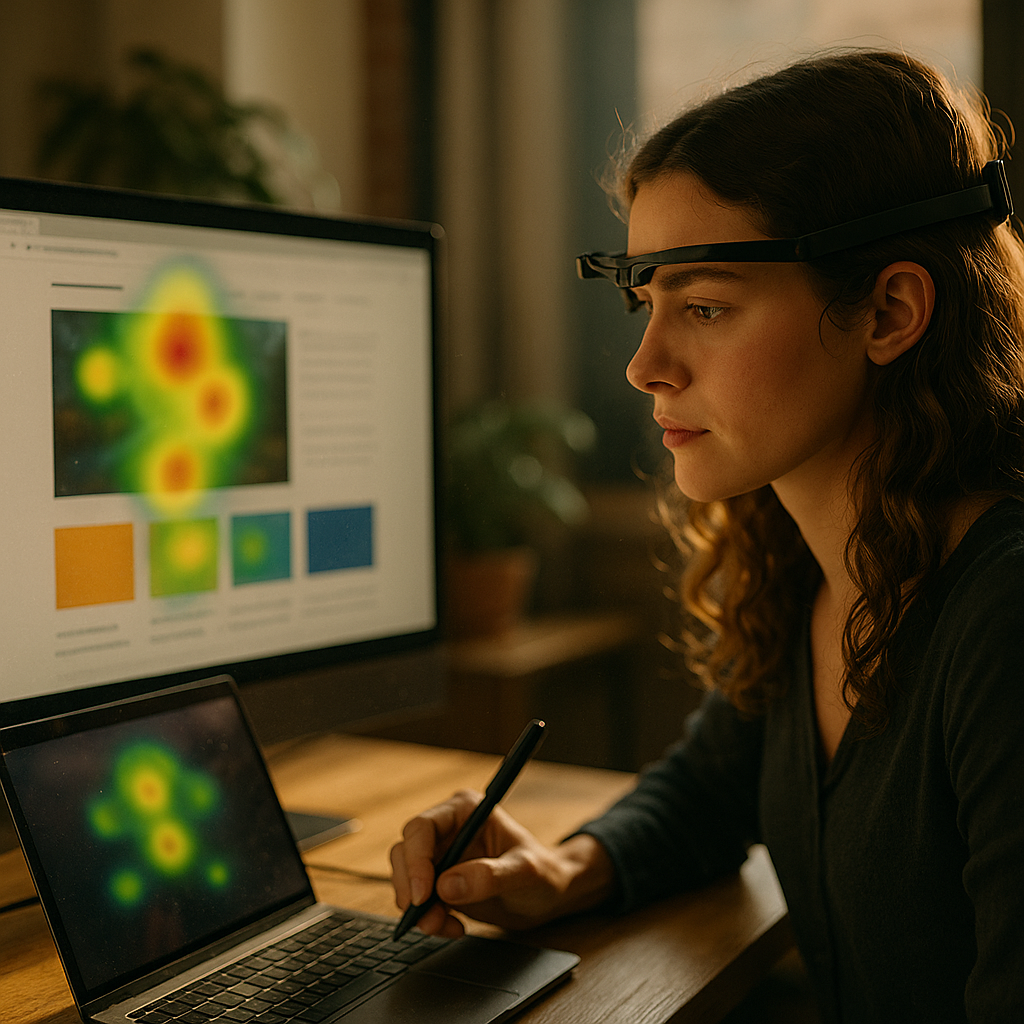
The Science Of Scroll-Stopping Visuals: Analyzing Eye-Tracking Data is changing how brands design for attention in crowded feeds. In 2025, you can’t rely on instincts alone; you need evidence of what people actually notice, ignore, and remember. Eye-tracking reveals these split-second choices with measurable signals. Ready to see what your audience’s eyes already know?
Eye-tracking data insights: what “scroll-stopping” really means
“Scroll-stopping” isn’t a feeling; it’s a set of observable behaviors. When a person pauses, their eyes don’t scan randomly. They follow patterns influenced by contrast, motion cues, faces, text density, and layout. Eye-tracking turns those patterns into data you can act on, including:
- Fixations: moments when the eyes stop and the brain takes in information. Longer or repeated fixations often signal interest or complexity.
- Saccades: quick jumps between fixations. The path of saccades shows how people navigate a visual.
- Time to first fixation (TTFF): how fast an element earns attention. Low TTFF usually indicates strong salience.
- Dwell time: total time spent looking at an area. This often correlates with message processing.
- Heatmaps and gaze plots: visual summaries that show where attention clustered and in what order.
For social and mobile experiences, “scroll-stopping” typically combines three signals: a fast TTFF on the main subject, a clear sequence toward the message, and enough dwell time to process a benefit or cue. If attention lands quickly but exits immediately, you may be winning the click-stare but losing comprehension.
Answering the usual follow-up: Can eye-tracking prove sales impact? Not directly. Eye-tracking measures attention, not persuasion. But attention is the gatekeeper. When you connect eye-tracking results to downstream metrics (scroll depth, CTR, add-to-cart, conversion), you can isolate which visual choices reliably create attention that converts.
Visual attention metrics: how to interpret fixations, heatmaps, and scan paths
Teams often misuse eye-tracking outputs by treating heatmaps as a scorecard. A red hotspot isn’t automatically good. Interpret results by matching the pattern to the job your visual must do.
Fixations help you assess processing. If the product name requires multiple fixations, readability may be poor. If the price pulls long fixations before the value proposition is understood, you may be anchoring attention on cost rather than benefit.
Heatmaps are best for comparing variants. Ask: does version B concentrate attention where the message lives, or does it spread attention across distractions? Concentrated attention can be good for clarity; distributed attention can be good when the design intentionally guides a sequence.
Gaze plots (scan paths) reveal order. Many effective creatives show a predictable route:
- First: subject (face/product) or motion cue
- Second: supporting context (what it is/why it matters)
- Third: brand and action cue (logo, CTA, offer)
If the gaze plot shows a loop—people bounce between two confusing elements—your hierarchy may be unclear. If the CTA is seen only after several seconds, it may be too subtle or too far from the attention anchor.
Another common follow-up: What’s a “good” TTFF? It depends on placement and format. A hero image on a landing page should earn first fixation quickly, while a comparison table may tolerate longer TTFF because users intentionally scan. Treat TTFF as a relative measure between design options tested with the same audience and device type.
Scroll-stopping creative: design principles supported by eye-tracking
Eye-tracking repeatedly reinforces a few principles that reliably pull attention—without turning your creative into a noisy mess. The goal is controlled salience: strong enough to win the first glance, structured enough to guide the next glance.
1) Establish a single attention anchor
Choose one primary focal point: a face, product, headline, or dramatic contrast. When visuals compete, the scan path fragments and comprehension drops.
2) Use faces and gaze direction intentionally
Human faces attract early fixations. A face looking toward your headline or product can redirect gaze. A face staring at the viewer can hold attention but may reduce attention to your message if not balanced.
3) Control text load and legibility
If you need text, make it scannable. Eye-tracking often shows users sampling the first few words, then deciding whether to continue. Keep key meaning in the first line. Improve readability through strong contrast, sufficient font size for mobile, and short line lengths.
4) Build a clear visual hierarchy
Use size, contrast, and spacing to create a predictable order: anchor → benefit → proof → action. When hierarchy works, scan paths become smoother, and the message lands faster.
5) Minimize “attention leaks”
Badges, busy backgrounds, and decorative elements can steal fixations. Eye-tracking makes these leaks obvious: hotspots appear on elements that don’t serve the objective. Remove, simplify, or reposition them.
6) Make the brand visible without hijacking the message
A logo that gets seen is useful, but not if it steals attention from the benefit. Place branding near the action cue or close to the main subject so it enters the natural scan path.
Practical check: if your creative has one thing to remember, ensure that element receives early fixation and meaningful dwell time. If it doesn’t, redesign until the eye path matches the story you want the brain to learn.
UX research methods: running reliable eye-tracking studies in 2025
Strong eye-tracking outcomes depend on research discipline. In 2025, you can run studies with lab-grade devices or remote camera-based solutions. Each has tradeoffs in precision and scale, and your choice should match the decisions you need to make.
Pick the right setup
- Lab eye trackers: higher accuracy and stability, best for fine-grained UI questions (small buttons, dense layouts).
- Remote webcam tracking: faster recruitment and broader demographics, best for creative comparisons and directional insights.
Design the study around real behavior
If you test a “scroll-stopping” asset, replicate the context where scrolling happens. Present stimuli in a feed-like environment, on the right device type, and with realistic time pressure. Avoid long, artificial exposure that inflates dwell time.
Recruit the right participants
Eye-tracking is sensitive to audience differences. A design that works for existing customers may fail for cold audiences. Segment your sample by familiarity, intent, and platform habits when possible.
Use tasks that match intent
If your ad aims to create curiosity, ask participants to browse as they normally would. If your landing page aims to drive signup, assign a goal-oriented task. Intent changes scan paths.
Combine measures for credibility
Follow EEAT best practices by triangulating evidence:
- Eye-tracking metrics (attention)
- Comprehension checks (what they recall and understand)
- Behavioral outcomes (clicks, choices, time on task)
- Qualitative probing (why they looked where they looked)
Protect validity
Control for order effects with randomized exposure. Remove leading prompts. Document device, distance, calibration quality, and exclusion criteria. Clear documentation improves trust and makes results repeatable.
Conversion optimization: connecting gaze behavior to performance metrics
Eye-tracking becomes most valuable when it informs decisions that move business metrics. To do that, translate gaze data into hypotheses you can test in production.
Create a measurement map
Start by defining the visual’s job, then align it to measurable outcomes:
- Job: communicate the primary benefit fast → Eye-tracking signal: early fixation on benefit text → Outcome: higher qualified clicks, lower bounce
- Job: establish product understanding → Signal: dwell time on product + key feature label → Outcome: higher add-to-cart rate
- Job: drive action → Signal: CTA seen within the first scan path → Outcome: higher conversion rate
Turn findings into specific changes
Avoid vague recommendations like “make it pop.” Instead, use eye-tracking evidence to specify adjustments:
- Move the headline closer to the attention anchor to enter the first saccade.
- Reduce background detail where heatmaps show unhelpful fixations.
- Increase contrast on the benefit line if TTFF is high.
- Replace abstract imagery with a clear product-in-use moment if gaze plots show confusion loops.
Validate with A/B tests
Eye-tracking can tell you what is likely to work; A/B testing confirms whether it works at scale. Use eye-tracking to narrow to the best 2–3 variants, then run controlled experiments on real traffic.
Answering the key follow-up: does more attention always mean better results?
No. If users fixate on the wrong thing—like a confusing disclaimer or an irrelevant graphic—attention can harm performance. The goal is aligned attention: people look where you want them to look, in the order that supports understanding and action.
Marketing analytics: ethical, accessible, and trustworthy visual testing
In 2025, trustworthy optimization requires more than clever design. It requires ethical data practices, inclusive testing, and transparency about what eye-tracking can and cannot claim.
Privacy and consent
Eye-tracking can involve biometric-like signals, especially when video is recorded. Collect explicit consent, minimize data retention, and store data securely. Explain what you capture (gaze coordinates, timestamps, optional webcam video) and why.
Avoid manipulative design
Designing for attention is not the same as exploiting it. Dark patterns—trick CTAs, misleading hierarchy, disguised ads—can create short-term clicks and long-term distrust. Eye-tracking should support clarity, not coercion.
Design for accessibility
High-contrast text and clear hierarchy help many users, including those with low vision or attention limitations. Validate color contrast, keep type sizes readable on mobile, and avoid relying on color alone to convey meaning.
Represent diverse users
If your target market includes multiple age groups, visual acuity and scanning strategies may differ. Recruit accordingly. Document participant demographics and device usage so stakeholders understand the scope of validity.
Communicate findings responsibly
Present results with clear limitations: sample size, method (lab vs remote), device type, and context. Use visuals (heatmaps and gaze plots) alongside plain-language interpretation and decision-ready recommendations. This builds confidence with executives and reduces misuse.
FAQs
What is eye-tracking data used for in visual marketing?
Eye-tracking data shows where people look, in what order, and for how long. Marketers use it to refine creative hierarchy, improve message clarity, reduce distractions, and ensure key elements like benefits and CTAs are actually seen.
How many participants do I need for an eye-tracking study?
It depends on your goal. For directional insights and rapid design iteration, smaller studies can reveal major attention problems. For higher confidence comparisons across segments or subtle design differences, plan for larger samples and consistent device contexts.
Is remote webcam eye-tracking accurate enough?
Remote tracking can be accurate enough for comparing variants and identifying large attention shifts (headline vs image vs CTA). For small UI elements or precise measurement, lab-grade systems tend to be more reliable.
What are the most important eye-tracking metrics for ads?
Common priorities are time to first fixation on the main subject, dwell time on the value proposition, and whether the CTA appears in the early scan path. Heatmaps help diagnose distractions, while gaze plots reveal sequencing problems.
How do I use eye-tracking to improve conversion rates?
Use eye-tracking to ensure attention aligns with the conversion story: users see the product, understand the benefit, trust the proof, and notice the action cue. Then validate changes with A/B tests tied to conversion metrics.
Can eye-tracking replace A/B testing?
No. Eye-tracking explains why a design is likely to perform by revealing attention and comprehension barriers. A/B testing confirms real-world impact on clicks, signups, and purchases at scale.
Eye-tracking turns visual design from guesswork into evidence-based decisions by showing what people notice first, what they skip, and where they get stuck. In 2025, the winning approach pairs attention metrics with comprehension checks and real performance data. Build one clear focal point, guide the scan path, remove distractions, and validate results with experiments—the scroll will stop for the right reasons.