


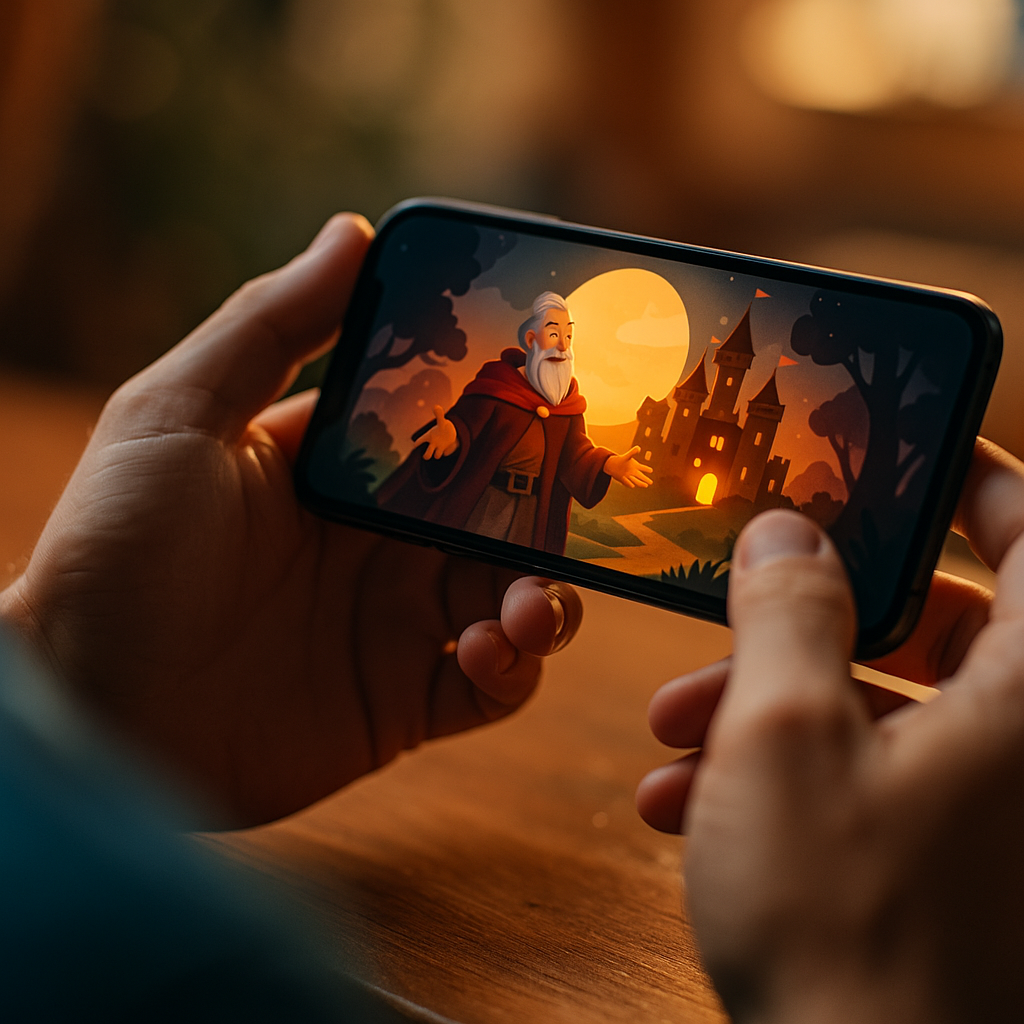
In 2025, mobile-first audiences expect stories they can feel, not just watch. The Role Of Haptic Feedback In Enhancing Immersive Mobile Brand Storytelling is now central to how brands turn attention into emotional connection, especially in short, swipe-driven environments. When vibration becomes narrative punctuation, every tap can carry meaning—and memory. So how do you design touch that persuades without annoying?
Immersive mobile storytelling: why touch matters as a secondary channel
Immersive mobile storytelling works best when it respects how people actually use phones: in motion, with divided attention, and often with audio off. Visuals and copy do the heavy lifting, but touch adds a quiet, reliable channel that can cut through distraction. Haptics can reinforce what the user sees on screen with a physical cue—confirming progress, signaling stakes, and creating a sense of presence.
From a brand perspective, touch also creates a “felt” signature. Two stories can look similar in a feed, but they rarely feel the same when haptics are designed with intent. This is especially useful when you need to communicate: “this action mattered,” “you’re in control,” or “something just changed.”
Haptics improve narrative comprehension in micro-moments. For example, a brief, tight pulse can mark the end of a scene. A rising rumble can signal anticipation before a reveal. A soft double-tap can reward a correct choice in an interactive story. These cues reduce cognitive load by making the interface less ambiguous, and they keep users moving forward rather than pausing to interpret.
Touch also supports inclusivity. When audio is muted, haptics can help replace part of the emotional cadence that music or sound effects would normally carry. That doesn’t mean haptics should duplicate audio; instead, they should translate key narrative beats into a tactile language that remains meaningful when the phone is in-hand.
Haptic feedback design principles for brand storytelling (tactile UX)
Good tactile UX starts with restraint. Haptics work when they are legible, consistent, and tied to meaning. Random vibrations feel like bugs, and excessive patterns feel like spam. Treat haptics the way you treat typography: a system with rules, hierarchy, and purposeful variation.
1) Map haptics to narrative intent
Each haptic should answer: what does the audience need to feel right now—certainty, urgency, reward, warning, or transition? If you cannot articulate the intent in a single phrase, the haptic likely doesn’t belong.
2) Use a small, repeatable haptic “vocabulary”
Create a palette of 4–7 patterns that cover common moments. Keep them distinct enough to be recognized, but not so complex that they demand attention. Consistency builds learnability across episodes, campaigns, and touchpoints.
3) Align with platform expectations
On modern mobile OSs, users already associate certain tactile sensations with specific actions (confirmation, selection, error). When you borrow these conventions, you reduce friction. When you override them, you risk confusing users or feeling “off-brand” in a bad way.
4) Optimize for comfort and context
Phones are held differently on commutes, in bed, or during one-handed scrolling. Keep durations short and amplitudes moderate. Avoid prolonged rumble unless it is optional and clearly justified.
5) Make haptics additive, not required
The story should remain understandable without vibration. Haptics should enhance, not gate comprehension. This supports accessibility and avoids excluding users who disable vibration or use devices with weaker actuators.
6) Respect user control
Provide a simple in-experience toggle when haptics are core to the campaign, and honor system settings by default. This is both user-friendly and brand-safe; unwanted vibration is a fast path to negative sentiment.
Mobile haptics in interactive ads and shoppable stories (mobile marketing)
Mobile marketing increasingly depends on interactive formats: swipeable chapters, tap-to-reveal product details, polls, mini-games, and shoppable stories. Haptics can turn these mechanics into a cohesive narrative rather than a stack of UI widgets.
Shoppable storytelling: When a user taps to view a product in a story, a subtle confirmation pulse can signal “you opened a detail layer” while a softer pulse can indicate “added to wishlist.” This reduces uncertainty and supports faster decision-making, especially when checkout and payment steps happen inside a mobile flow.
Interactive ads: Haptics can increase perceived responsiveness. For example, a car brand might let users “tune” an engine sound with a slider; a tight, granular tick can make the slider feel mechanically precise. A cosmetics brand could use a gentle, brush-like pattern (short, light pulses) when a user swipes through “texture” or “finish” options, reinforcing sensory claims without overpromising.
Branching narratives: If your story includes choices, haptics can underline consequences. A light tap can confirm a safe choice; a heavier thud can foreshadow risk. The key is ethical design: you’re guiding emotion, not manipulating users into unintended actions. If a choice affects pricing, subscription terms, or data sharing, clarity must be visual and explicit, not implied through sensation.
Onboarding and retention: Many campaigns fail because users don’t understand how to interact. A single, well-timed haptic cue can teach behavior faster than a tooltip. For instance, when the first swipe is required, a brief pulse at the edge of the screen (paired with a visual nudge) can prompt the gesture without adding clutter.
To answer the common follow-up: Do haptics increase conversions? They can, but only indirectly. Haptics primarily improve perceived quality, reduce friction, and strengthen memory. You should measure them against intermediate metrics like interaction completion, drop-off reduction, and time-to-action—not only last-click conversion.
Emotional engagement and sensory branding with haptics (brand experience)
Brand experience is built through repeated, consistent signals—visual identity, tone of voice, motion design, and now touch. Haptics can become part of sensory branding when they are intentional and recognizable, similar to a sonic logo but tactile.
Build a tactile identity that matches your brand personality
A premium brand might use crisp, minimal pulses that feel “precise.” A playful brand might use lighter, bouncier patterns—still restrained. A wellness brand may choose gentle confirmations with longer spacing to feel calm rather than urgent.
Use haptics to pace the story
Stories need rhythm. On mobile, pacing often collapses because users scroll quickly. Haptics can create micro-pauses that feel natural. A subtle pulse at the moment of reveal can encourage users to linger for half a second longer—often enough to register the message.
Increase memory through multi-sensory encoding
When touch aligns with a key message (a product benefit, a turning point, a pledge), it can strengthen recall. The practical approach is to reserve your most distinctive haptic for the moment you most want remembered—your brand promise, not every interaction.
Avoid “sensory inflation”
If everything is emphasized, nothing stands out. Overuse also increases fatigue and can trigger annoyance, especially in public settings. Consider a rule: no more than one “accent” haptic per scene, and no more than one distinctive signature moment per short story sequence.
Make claims responsibly
Haptics can suggest texture, impact, or intensity, but they should not imply capabilities the product doesn’t have. For example, simulating a “medical-grade” sensation is risky unless substantiated and compliant. Keep sensory cues aligned with truthful product messaging.
Accessibility, privacy, and ethics in haptic storytelling (digital trust)
Digital trust is a growth lever in 2025. Haptic storytelling intersects with accessibility and ethics because vibration can be helpful for some users and uncomfortable for others, and because persuasive design can cross lines if it hides intent.
Accessibility and user comfort
- Honor system settings: If a user disables vibration, respect it. Do not attempt workarounds.
- Offer an in-experience toggle: Especially for longer narratives or game-like ads.
- Avoid continuous vibration: Prolonged patterns can be uncomfortable and may be inappropriate for users with sensory sensitivities.
- Don’t rely on haptics alone: Pair important events with clear visual feedback (and optional audio), so all users can follow.
Ethical persuasion
- No dark patterns: Avoid using strong haptics to pressure “accept,” “subscribe,” or “buy.” If a vibration makes one option feel “correct,” you may be nudging unfairly.
- Be transparent about interactivity: Users should understand what a tap will do before it happens, especially when money or data is involved.
- Respect attention: In feed environments, haptics should never surprise users without an initiating action. Triggering vibration on autoplay is intrusive.
Privacy and measurement considerations
Haptics themselves typically don’t require personal data, but the experiences that include them often involve analytics. Follow data minimization: track only what you need to evaluate narrative effectiveness (completion rate, choice selection, drop-off points). If you tie tactile interactions to user profiles, disclose it clearly and maintain robust consent practices.
When readers ask, “Is haptic marketing manipulative?” The honest answer is that it can be, like any persuasive tool. The difference is governance: clear user control, honest messaging, and avoidance of coercive cues keep haptics in the realm of helpful experience design.
Testing haptic UX for performance and consistency (conversion optimization)
You can’t evaluate haptics by looking at a storyboard. You need device testing, user testing, and analytics that isolate whether touch cues improve understanding and flow. Conversion optimization in this context means optimizing for clarity, comfort, and completion—not just clicks.
Prototype early on real devices
Simulators rarely capture how haptics feel in-hand. Test across a representative mix of devices because actuator strength, pattern fidelity, and system-level haptic APIs vary.
Define success metrics tied to the story
- Interaction completion: Do users finish the intended gestures (swipes, holds, choices)?
- Scene retention: Do they linger through key moments or exit early?
- Error rates: Do they mis-tap, back out, or repeat actions due to uncertainty?
- Time-to-understanding: How quickly do users grasp the mechanics?
- Brand recall and message comprehension: Use short post-experience prompts or panels.
A/B test with care
When testing haptics, keep everything else stable. Compare: no haptics vs. minimal system haptics vs. branded haptic system. Watch for novelty effects; users may respond strongly at first, then normalize. Also segment results by context: users in silent environments may value haptics more than those watching with audio.
Document a haptic style guide
To maintain consistency across teams and campaigns, create a guide that includes: patterns, intended meanings, where each is allowed, intensity limits, and accessibility rules. This is an EEAT move as well—process maturity reduces risk and improves quality over time.
FAQs
What is haptic feedback in mobile brand storytelling?
Haptic feedback is the use of vibration patterns to provide physical responses to user actions or story events. In brand storytelling, it reinforces narrative beats—confirmations, transitions, tension, or reward—so the experience feels more immersive and easier to follow.
How do I prevent haptic feedback from feeling annoying?
Use fewer, shorter cues with clear meaning. Trigger haptics only after a user action (not on autoplay), keep intensity moderate, and reserve distinctive patterns for key moments. Always honor system vibration settings and offer an in-experience toggle for longer experiences.
Can haptics improve engagement in interactive ads?
Yes, when haptics reduce ambiguity and increase perceived responsiveness. They help users understand that taps and swipes “worked,” which can improve completion rates and reduce drop-offs. Measure impact through interaction completion, error rates, and scene retention—not clicks alone.
Do I need different haptics for iOS and Android?
You should design a consistent “meaning system,” then adapt implementation to platform capabilities. Because device actuators and APIs differ, test on representative devices and adjust intensity and timing so the experience feels equivalent, not identical.
Are there accessibility concerns with haptic storytelling?
Yes. Some users disable vibration or find it uncomfortable. Keep haptics optional, avoid prolonged patterns, don’t rely on haptics as the only cue for critical information, and pair tactile signals with clear visual feedback.
How do I create a branded haptic signature?
Start with a small library of patterns mapped to specific meanings, then apply them consistently across experiences. Align the “feel” with brand personality (precise, playful, calm), and reserve your most distinctive cue for your most important brand moment to build recognition.
Haptic feedback turns mobile brand stories into experiences that feel guided, responsive, and memorable—when it serves the narrative instead of competing with it. Build a small tactile vocabulary, align it with brand personality, and test on real devices with clear metrics. Respect accessibility and user control to protect trust. Use touch sparingly, and your story won’t just be seen—it will be felt.