


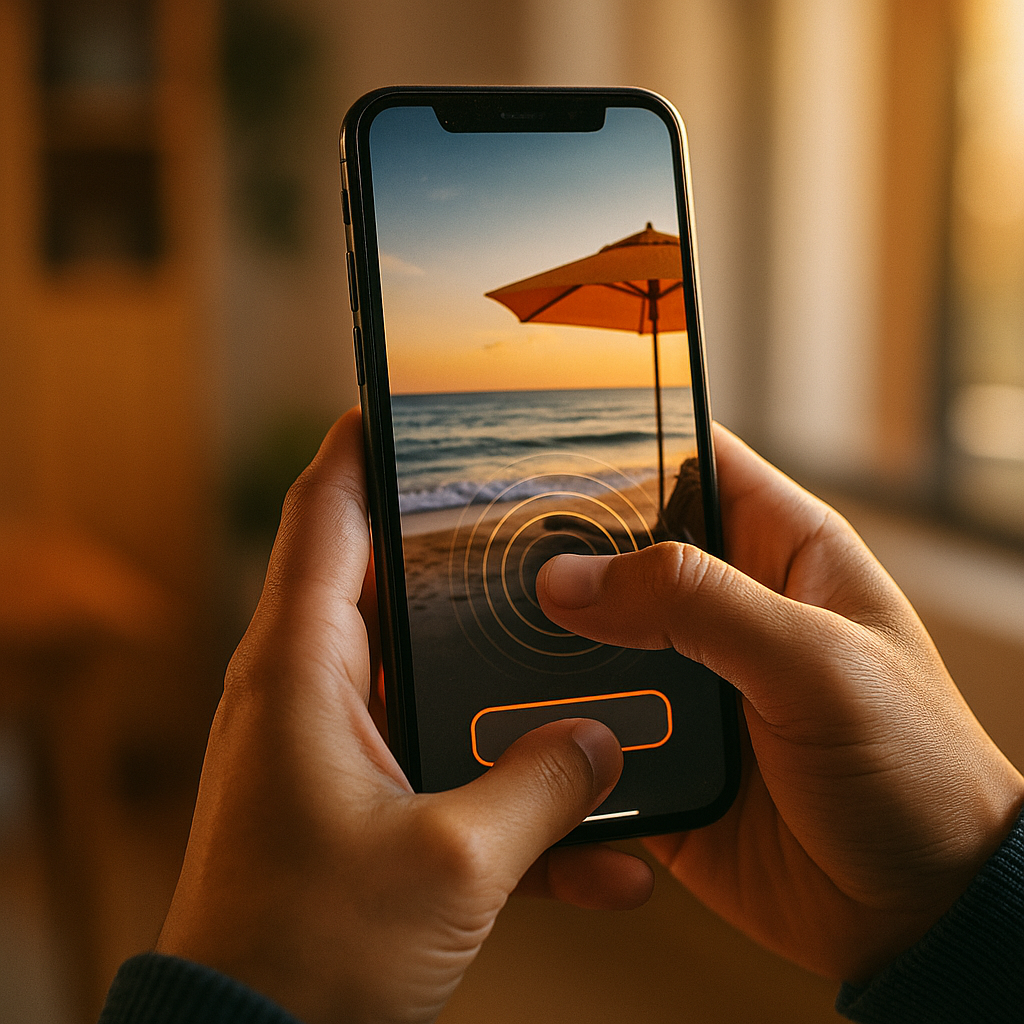
Designing for Haptic Storytelling and Physical Sensation in Mobile Ads is no longer a novelty in 2025; it’s a practical way to turn attention into felt experience. When vibration patterns match narrative beats, users understand benefits faster and remember them longer. This article shows how to plan, design, test, and deploy haptics responsibly—so your next mobile ad doesn’t just get seen, it gets felt.
Haptic storytelling in mobile ads: What it is and why it works
Haptic storytelling uses a phone’s vibration motor to add tactile cues that align with on-screen action and audio. In mobile ads, that can mean a subtle pulse when a product “clicks” into place, a textured rumble that implies engine power, or a soft tap that confirms a choice. The goal is not to “buzz” the user, but to create meaningful physical sensation that supports the message.
Why it works comes down to cognition and timing. Haptics are a fast channel for feedback: a tactile cue can confirm “something happened” without requiring extra visual attention. When the vibration reinforces a key moment—like a benefit reveal or a successful interaction—users process it as more real and more immediate. That helps ads in two common scenarios:
- Low-attention scrolling: A light, well-timed pulse can signal a change (before/after, reveal, unlock) without adding visual clutter.
- Interactive ad formats: Haptics provide “reward” and guidance so micro-interactions feel intentional rather than gimmicky.
To keep this effective (and compliant with platform expectations), treat haptics as a storytelling layer with restraint. If every second vibrates, nothing feels important. Reserve tactile intensity for moments that matter: confirmation, impact, transformation, or completion.
Mobile ad haptics design principles: Timing, intensity, and meaning
Strong mobile ad haptics start with a small set of patterns that map to specific meanings. Users learn these meanings quickly when you stay consistent. Use a “tactile vocabulary” that’s easy to recognize and hard to misinterpret.
1) Tie every vibration to a narrative beat
Ask: “If the user couldn’t see the screen for one second, what should the haptic communicate?” Good answers include: confirmation, impact, warning, selection, progress, or delight. Bad answers are: “Because it’s cool,” or “Because we can.”
2) Prioritize timing over strength
A short pulse at exactly the right frame often feels more premium than a long buzz. Align haptics to:
- Transitions (snap, slide, lock-in)
- Impacts (drop, collision, landing)
- Reveals (before/after wipe, product unboxing)
- Success states (completed step, added to cart, claim unlocked)
3) Use intensity as an information hierarchy
Design intensity levels like typography: not everything should be bold. For most ads, a three-level system is enough:
- Soft: hint, hover, subtle cue (guidance without demanding attention)
- Medium: confirmation, selection, progress tick
- Strong: impact, finale, major reward (use sparingly)
4) Keep patterns short, distinct, and repeatable
Long patterns increase annoyance risk and drain battery. Prefer micro-patterns (taps, double-taps, short ramps). If an interaction repeats (e.g., scrubbing through shades or features), the haptic should be brief and consistent, with occasional emphasis at milestones (25/50/75/100%).
5) Design for the thumb, not the demo
Many users hold phones one-handed. Haptics can guide the thumb toward a swipe, press-and-hold, or drag interaction. Use tactile cues to confirm the gesture is recognized and to indicate boundaries (start/end, min/max).
Physical sensation in ads: Mapping touch to product value and emotion
To create physical sensation in ads that feels purposeful, map haptics to the product’s core value rather than surface theatrics. Start with a simple framework: feature → feeling → haptic.
Feature → Feeling → Haptic examples
- Fast delivery → urgency and movement → quick, light pulses during a progress animation, then a clean “arrival” tap at completion.
- Secure payment → certainty → a single, confident confirmation pulse paired with a visual lock and concise copy.
- Premium build quality → solidity → one short, low-frequency “thunk” on product close-up transitions (avoid continuous rumble).
- Fitness progress → achievement → subtle ticks as milestones are reached; a stronger pulse only when a goal is hit.
- Gaming power → impact and intensity → brief, sharp hits synced to on-screen impacts, with silence between to preserve contrast.
Emotional pacing matters
Haptics can shape emotional rhythm. Use them as punctuation: a soft cue to begin, steady cues to build, and one emphasized cue to resolve. This mirrors how good copy uses short sentences for impact and longer ones for explanation.
Be careful with “fake texture”
Simulating textures via vibration can feel impressive in prototypes but inconsistent across devices. If texture is central to your story (e.g., fabric, grip, skincare), keep the haptic subtle and let visuals and language carry most of the detail. Use haptics as reinforcement, not the primary conveyor of texture claims.
Answering the follow-up question: Should every product use haptics?
No. If your product promise is calm, quiet, or minimal, heavy vibration can undermine it. In those cases, use haptics only for confirmation (one tasteful pulse) or skip them entirely and focus on sound-off visual clarity.
Mobile UX haptics and accessibility: Consent, comfort, and inclusivity
Mobile UX haptics must respect user comfort and platform norms. In 2025, users expect control and brands are expected to avoid disruptive experiences. Treat haptics like audio: optional, considerate, and never a surprise that feels like an alert.
Practical safeguards for comfort
- Start quiet: Use the least intense pattern first; escalate only when the user interacts.
- Avoid continuous vibration: Sustained buzzing feels like an alarm and can trigger negative reactions.
- Respect system settings: If the device is set to reduce vibration or haptics are disabled, do not force effects.
- Limit frequency: Repetitive taps on every frame or every scroll tick feel like a malfunction.
Accessibility considerations
Haptics can improve accessibility when used as redundant feedback (alongside visual cues). For example, a tactile confirmation can help users who miss a subtle animation. But do not rely on haptics as the only signal. Always provide clear on-screen confirmation and readable copy.
Consent and expectations
Users don’t “opt in” to being startled. If your ad includes strong haptics, introduce them after a deliberate action (tap, press-and-hold, “try it” interaction). This aligns sensation with intent and reduces perceived intrusiveness.
Answering the follow-up question: Can haptics increase ad fatigue?
Yes—when overused. The antidote is contrast and restraint: fewer effects, clearer meaning, and strong synchronization. Think of haptics as a seasoning, not the main ingredient.
Interactive mobile ads with haptics: Formats, patterns, and implementation
Interactive mobile ads with haptics perform best when the interaction is simple, the payoff is immediate, and the tactile feedback confirms progress. The ad should remain understandable without haptics, but better with them.
High-performing haptic-friendly formats
- Swipe-to-reveal: Add a soft pulse at the start of the swipe, light ticks as the reveal progresses, and one confirmation tap at the end.
- Drag-and-drop assembly: Provide a subtle “pickup” cue, gentle guidance ticks near the target, and a clean “snap-in” confirmation.
- Press-and-hold to charge/fill: Use a low-intensity ramp while holding; deliver a single strong confirmation only when complete.
- Choose-your-path cards: Use a light selection tap when a card is chosen; avoid vibrating on every hover-like movement.
Design patterns that feel premium
- Snap confirmation: One crisp pulse when a component locks in place.
- Milestone ticks: Short taps at meaningful increments (not continuously).
- Impact punctuation: A brief hit at the moment of contact, then silence.
- Completion signature: A distinct but short “end” cue that becomes your brand’s tactile stamp (use consistently across campaigns).
Implementation guidance without over-promising device consistency
Different phones produce different tactile results. Plan for variation:
- Calibrate on multiple devices across OS versions and price tiers to ensure patterns still feel distinct.
- Build a fallback so the ad remains clear if haptics are unavailable.
- Keep file weight and complexity controlled: haptic logic should not bloat load time, which can harm completion rate.
Answering the follow-up question: Should haptics sync with sound?
If you use sound, align haptics with the same beats—but assume many users are sound-off. Synchronize to visuals first, then ensure audio complements rather than anchors the timing.
Haptic feedback design for marketing: Measurement, testing, and brand safety
Haptic feedback design for marketing needs the same rigor as copy testing or landing page optimization. You are adding a sensory layer—so you must measure whether it improves outcomes without harming sentiment.
What to measure
- Primary performance: view-through rate, interaction rate, completion rate, click-through rate, and post-click conversion (when available).
- Quality signals: time-to-first-interaction, repeat interactions, and drop-off points during interactive steps.
- Brand impact: ad recall and favorability in brand lift studies (when your media partner supports them).
- Negative signals: hide/report actions, app uninstalls (if measurable), and survey-based irritation.
How to A/B test haptics
Run tests that isolate the variable. Useful variants include:
- No haptics vs minimal haptics (confirmation only)
- Minimal vs narrative haptics (confirmation + milestone + finale)
- Different mappings (e.g., impact cue on reveal vs on completion)
Keep everything else identical: visuals, CTA, pacing, and targeting. If performance improves but negative signals rise, dial back intensity and frequency before you abandon haptics altogether.
Brand safety and user trust
Avoid patterns that mimic urgent system alerts. Do not vibrate repeatedly to force attention, and do not tie haptics to deceptive UI (fake OS prompts, misleading “error” vibrations). The fastest way to lose trust is to make a user feel manipulated physically.
EEAT in practice: Who should own haptic decisions?
Assign clear ownership across disciplines: UX/design defines meaning and comfort thresholds; engineering validates feasibility and device behavior; media/marketing ensures alignment with campaign goals; legal/privacy reviews consent and policy implications. Document patterns in a small “haptic style guide” so your brand stays consistent and your team avoids guesswork.
FAQs
What is haptic storytelling in mobile advertising?
It’s the use of vibration cues that match an ad’s narrative moments—such as reveals, confirmations, and impacts—so the message is reinforced through touch, not just sight and sound.
Do haptics improve performance metrics like CTR or conversions?
They can, especially in interactive formats, by making actions feel clearer and more rewarding. The lift depends on execution, audience tolerance, and device availability, so A/B testing is essential.
How strong should haptics be in a mobile ad?
Default to subtle. Use stronger feedback only for major moments like completing a challenge or confirming a key action. Overly intense vibration increases annoyance and can feel like an alert.
Are haptic ads accessible?
They can support accessibility when they reinforce on-screen cues, but they should never be the only signal. Always pair haptics with clear visuals and readable messaging.
What if a user has vibration turned off?
Your ad should still work fully. Design haptics as an enhancement, respect system settings, and ensure the story and CTA remain clear with visuals alone.
Which ad formats work best with haptics?
Swipe-to-reveal, drag-and-drop, press-and-hold progress, and choice-based cards tend to work well because haptics can confirm actions and milestones without adding clutter.
How do you keep haptics from feeling annoying or intrusive?
Use fewer cues with clearer meaning, avoid continuous vibration, trigger stronger effects only after intentional user interaction, and ensure patterns are short and synchronized.
Haptics can turn mobile ads from passive viewing into a controlled physical experience—when every vibration has a purpose. In 2025, the winning approach is restraint: map touch to meaning, respect user settings, and make the ad fully understandable without vibration. Build a small tactile vocabulary, test it like any creative variable, and you’ll earn attention that lasts.