


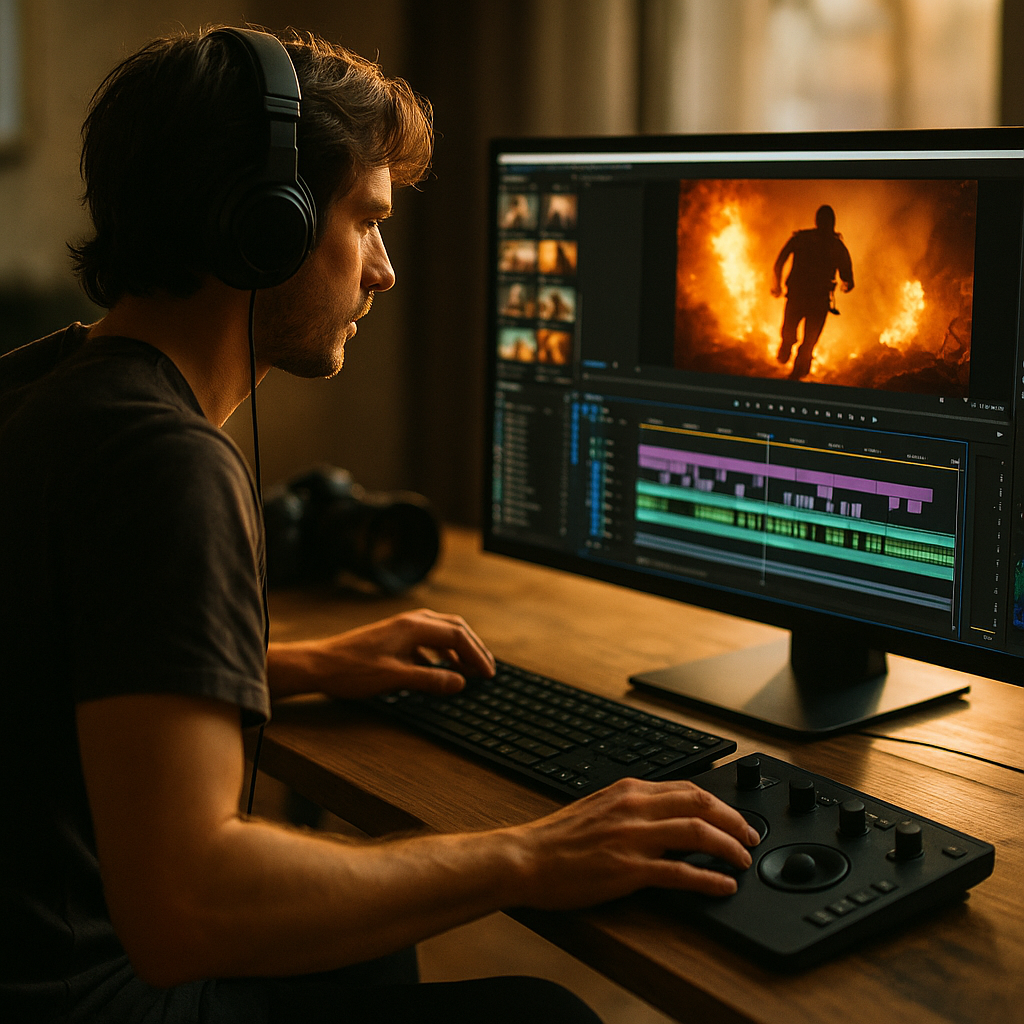
To stand out in the digital creator economy, it’s crucial to know how to build high-intensity creator editing patterns that capture and keep attention. Knowing the right techniques can transform raw footage into fast-paced, immersive content. Let’s uncover the essential editing skills and workflows that empower creators to produce next-level, high-impact videos in 2025 and beyond.
Why High-Intensity Video Editing Drives Engagement
In today’s frenetic digital landscape, high-intensity video editing isn’t just a trend—it’s essential. Videos with rapid cuts, dynamic transitions, and bold effects outperform static, slow-paced content on nearly every major platform. According to a 2024 Wyzowl survey, 83% of marketers say snappy visuals increase viewer retention. The key: spark interest at every second, ensuring audiences don’t click away.
High-intensity creator editing patterns leverage these principles by:
- Increasing the frequency of cuts and transitions to retain viewer attention
- Overlaying motion graphics, sound effects, and text to reinforce main messages
- Maintaining momentum with rhythmic pacing and energetic visual flow
When applied well, these patterns can lead to longer watch times and higher engagement rates—two metrics that boost algorithmic reach.
Top Techniques for Efficient Video Editing Workflow
An efficient video editing workflow saves time without sacrificing quality. High-intensity creators rely on repeatable methods that accelerate content production, allowing them to meet the demands of posting regularly in 2025’s fast-moving online markets. Here are some proven workflow boosters:
- Batch Editing Footage: Editing in batches, rather than piecemeal, minimizes context switching and increases output.
- Keyboard Shortcuts: Master the hotkeys in your chosen video editor (Premiere Pro, Final Cut Pro, DaVinci Resolve) to trim, cut, and adjust clips rapidly.
- Use of Templates: Leverage reusable intro/outro sequences and lower thirds to maintain consistency and shave hours off the editing process.
- Stock Media Libraries: Accessing a curated library of music, transitions, and effects streamlines content variety while maintaining quality.
- Auto-syncing Features: Automatic syncing of multi-camera footage or sound layers expedites the rough cut phase.
Combining these practices leads to speedier edits and allows for more creative experimentation without time stress.
Crafting Visually Compelling Editing Patterns
Visual rhythm is the heartbeat of high-intensity creator editing. Modern audiences crave dynamic stories told in seconds, so every visual decision matters. Build visually compelling editing patterns with these actionable steps:
- Jump Cuts: Use quick, purposeful jump cuts to skip unnecessary pauses or actions, packing more narrative into less time.
- Smash Zooms & Whip Pans: Dramatic zooms and lateral pans generate movement, putting the viewer ‘in the action’.
- Animated Text & Overlays: On-screen text, emoji explosions, and meme overlays reinforce humor or messages at just the right moment.
- Beat Matching Cuts: Sync visual transitions with the music’s beat for seamless, rhythmic pacing that hooks the brain.
- Minimal Dead Space: Fill gaps with cutaways, b-roll, or pop-up visuals to eliminate downtime and maximize engagement per second.
Test combinations of these effects to discover what style resonates best with your audience.
Audio Integration for Multi-Sensory Impact
Sound is half the story in high-intensity creator editing. Top creators in 2025 excel at layering energetic music, crisp voiceovers, and punchy sound effects. Here’s how to ensure your audio matches your visual intensity:
- Music Selection: Choose tracks with driving beats and shifting dynamics to add momentum to fast edits. Use royalty-free sources or AI-powered generators for variety.
- Sound Effects: Accent cuts, pop-ins, and meme moments with customized SFX to give visuals more punch.
- Dynamic Voice Processing: Enhance narration with EQ, noise removal, and subtle reverb. Speed up delivery (if needed) to match the pace of visuals.
- Layering & Ducking: Carefully blend background music, SFX, and voiceover, using volume automation (ducking) so dialogue is never buried.
High-quality audio helps intensify the viewer’s emotional response and makes your content more memorable.
Optimizing Content for Platform Algorithms
Every social video platform—whether TikTok, YouTube Shorts, or Instagram Reels—favors content that holds attention to the last second. Building high-intensity creator editing patterns sets your videos up for algorithmic success in these ways:
- Hook Early: Start with an eye-catching visual or provocative statement to lock in viewers from the start.
- Maintain Pace: Keep videos tight; many top-performing Shorts and Reels in 2025 are under 60 seconds.
- Platform Formatting: Edit for vertical or square aspect ratios, and ensure on-screen text is readable on mobile devices.
- Maximize Watch Time: End on a question or tease next content to encourage binge-watching.
- Captions & Accessibility: Use captions to reach viewers watching with sound off and to improve accessibility for all audiences.
This platform-specific editing, backed by real-time analytics, ensures your intense edits reach as many viewers as possible and adapt to trends as they evolve.
Abiding by Ethical and Professional Standards in Fast-Paced Editing
While the goal is to engage quickly, creators must balance intensity with clarity and ethical storytelling. Here’s how to honor Google’s EEAT principles (Experience, Expertise, Authoritativeness, Trustworthiness):
- Accuracy: Edit to inform honestly—avoid misleading jump cuts that take statements out of context.
- Respect User Experience: Avoid visual overload or flashing effects that could cause discomfort. Consider viewability for neurodiverse audiences.
- Transparency: Disclose sponsorships and edits, especially in product reviews or educational content.
- Continuous Learning: Stay informed on the latest editing software updates, creative trends, and platform guidelines.
- Viewer Feedback: Listen to audience comments about pacing, usability, and content clarity, and refine your editing patterns accordingly.
By practicing ethical editing, creators build loyal, trusting audiences who return for every new upload.
Conclusion: High-Intensity Editing Patterns as Your Creative Superpower
Mastering how to build high-intensity creator editing patterns allows you to stand out with content that’s both gripping and authentic. Leverage sharp workflows, visual flair, and ethical storytelling to make each second count. By refining these patterns now, you’ll future-proof your creative brand and consistently grow your audience in the ever-evolving digital world.
FAQs About Building High-Intensity Creator Editing Patterns
-
What is a high-intensity creator editing pattern?
It’s a video editing style focused on rapid cuts, strong visuals, and energetic rhythm designed to capture and keep attention throughout short-form digital content.
-
What software is best for high-intensity editing?
Most creators use Adobe Premiere Pro, DaVinci Resolve, or Final Cut Pro, but mobile apps like CapCut and VN Editor have powerful features for fast-paced edits in 2025.
-
How do I speed up my editing workflow?
Batch edit similar content, use keyboard shortcuts, create reusable templates, and leverage AI tools for transcription or auto-syncing to save time.
-
Can high-intensity editing work for educational content?
Absolutely. Fast cuts and animated callouts can make tutorials more engaging and memorable, as long as you maintain clarity and pace information logically.
-
Are there risks to editing too intensely?
Yes. Over-editing can confuse viewers or cause cognitive overload. Always review pacing, ensure accessibility, and prioritize clear storytelling alongside stunning visuals.