


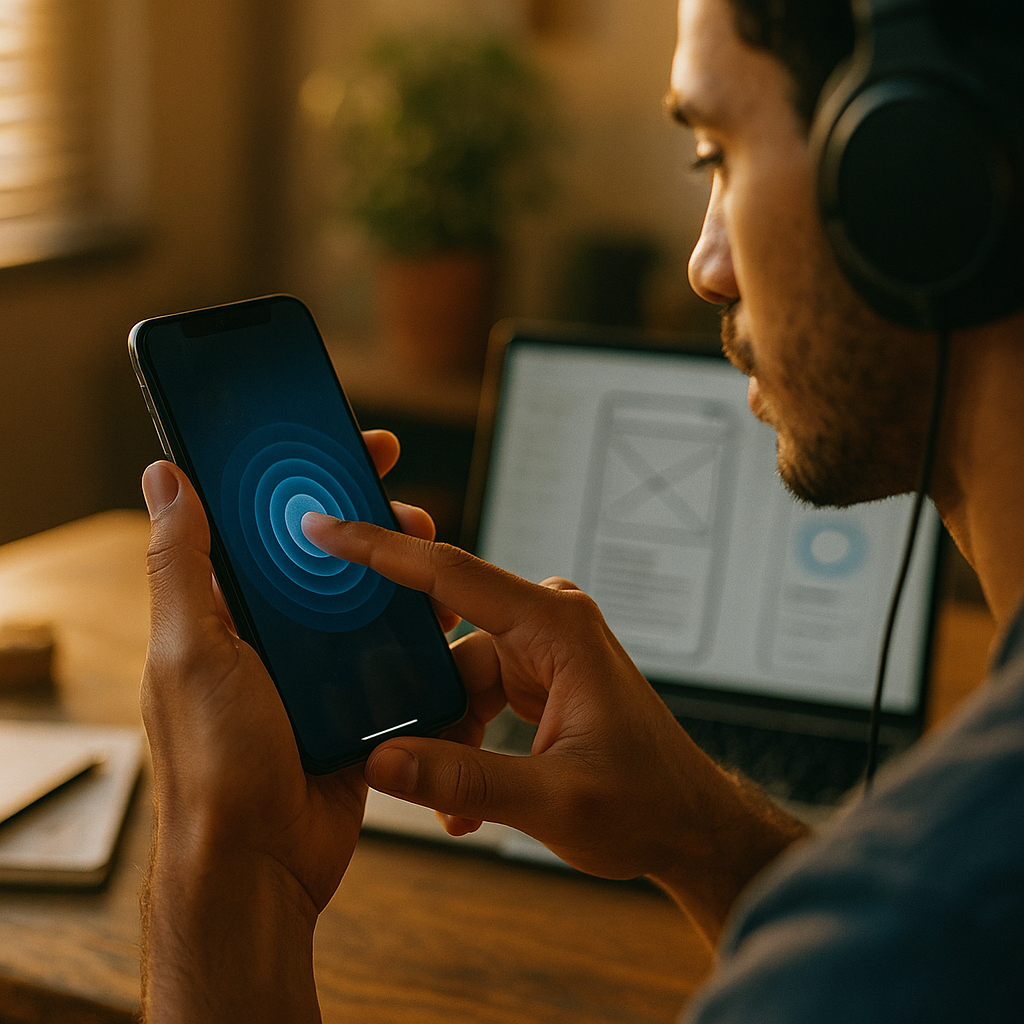
Designing For Haptic Engagement is no longer a novelty in 2025; it’s a practical way to make mobile interfaces feel responsive, trustworthy, and easier to use. When touch feedback matches intent, people act faster, make fewer mistakes, and stay oriented during complex tasks. This guide explains what to build, how to tune it, and where it can go wrong—so your product feels right. Ready to add meaning to every tap?
Haptic feedback design principles
Haptics work best when they translate interface intent into a clear physical cue. Treat them as a communication channel, not decoration. The goal is to reinforce what the interface already says visually and audibly, especially when attention is split (walking, commuting, one-handed use).
Prioritize clarity over novelty. A short, crisp pulse can confirm a completed action; a slightly longer, “heavier” pattern can signal an error or boundary. If two patterns feel similar, users will not learn them reliably. Keep your haptic vocabulary small and consistent across the product.
Map haptics to outcomes, not gestures. Users care that something happened, not that they tapped. For example, a “success” haptic should fire when the system successfully saves or submits, not when the user presses the button. This reduces confusion when actions fail due to connectivity or validation issues.
Use haptics to reduce cognitive load. Good use cases include:
- Confirmation: payment authorized, file saved, message sent.
- Boundaries: reaching the end of a list, hitting a slider min/max, invalid drag target.
- Mode changes: toggling mute, switching camera modes, enabling recording.
- Progress landmarks: “tick” steps on a scrubber or dial to support precise control.
Answer the follow-up question: how strong should it be? Strong enough to be perceived in common contexts, but not so strong that it feels like an alert for routine actions. If a user would be annoyed by the same notification sound repeated frequently, they will also tire of heavy haptics. Default to subtle; reserve stronger patterns for high-stakes events.
Mobile UX microinteractions with haptics
Microinteractions are where haptics pay for themselves. They can make small moments feel deliberate and reduce “did it work?” uncertainty. The key is to pair haptics with state changes that are already visible, so the vibration becomes a confidence cue, not the only signal.
High-value patterns to implement:
- Button press and release: a light pulse on successful activation; avoid firing on down-press if the action can be canceled.
- Toggles and switches: a crisp confirmation when state changes; ensure it only fires if the state actually flips.
- Long-press affordances: a gentle “arming” pulse at the moment the long-press threshold is reached to confirm the gesture has engaged.
- Drag-and-drop: a subtle pulse when an item “picks up,” and another when it “lands” in a valid target; add a boundary pulse for invalid zones.
- Pull-to-refresh: a small cue at the trigger threshold, then a distinct success cue once refresh starts (or completes, depending on your latency model).
Prevent common UX failures. Don’t add haptics to every tap; it turns the interface into a constant buzz. Also avoid haptics that fire on scroll friction or incidental contact; users interpret unexpected vibration as a bug or a notification. If your app includes in-app sounds, align the “rhythm” of haptics with audio so the system feels coherent.
Design for interruptions and latency. If network actions can take time, use haptics as a two-step signal: a light confirmation that the request was accepted locally, followed by a completion cue when the server confirms success. If the action fails, use a distinct error pattern paired with a clear message and a recovery action.
Tactile UI patterns for accessibility
Haptics can improve accessibility when they provide redundant, optional cues—especially for users with low vision, attention challenges, or situational limitations (bright sunlight, noisy environments). However, accessibility depends on control and predictability.
Make haptics configurable. Provide simple settings such as:
- Haptics: Off / Default / Strong (avoid overly granular sliders unless your product requires it).
- Critical-only mode to limit haptics to errors, confirmations, and safety-related events.
- Per-feature toggles for heavy-use areas (keyboard-like controls, editing tools, games).
Respect system preferences. Many users rely on device-level settings that reduce vibration or disable haptics. Your app should follow those settings by default, and only override them if the user explicitly chooses to. This is not only respectful; it builds trust.
Design for sensory sensitivity. Some users find vibration uncomfortable or distracting. Avoid surprise haptics, long continuous patterns, and frequent heavy pulses. When you must use strong haptics (for example, to prevent a destructive action), pair them with clear UI text and an easy escape route.
Support eyes-free workflows carefully. Haptics can help with eyes-free use (timers, fitness, navigation prompts), but only if patterns are learnable. Keep the number of distinct patterns small, and provide a short onboarding preview where users can feel each cue and understand what it means.
App vibration patterns and platform guidelines
Haptics are mediated by device hardware, operating systems, and user settings. In practice, this means the same pattern can feel different across devices. Your job is to design intent and verify it on representative hardware.
Follow platform conventions. Use native haptic APIs and recommended feedback types whenever possible. Platform-standard haptics tend to feel more “natural” and are less likely to conflict with system behaviors. They also reduce engineering complexity and improve consistency with other apps.
Build a small pattern library. Define a limited set of feedback types that cover most needs:
- Success (action completed)
- Error (action rejected or failed)
- Warning/boundary (limit reached, invalid target)
- Selection tick (step changes, picker values)
- Impact (object snap, drop, docking)
Answer the follow-up question: should we create custom haptic waveforms? Only when a standard feedback type cannot express the meaning you need, or when haptics are central to the product experience (for example, a music-making app or a training tool). Custom patterns require extensive testing across devices and can create inconsistency if hardware varies. If you do go custom, keep patterns short, distinct, and semantically meaningful.
Be careful with battery and performance. Excessive or long haptic playback can consume power and feel “chatty.” Use brief pulses, trigger them intentionally, and avoid looping feedback unless it communicates a continuous state the user expects (and can stop).
Testing haptic interactions and measuring impact
Haptic design is only “good” if it improves outcomes for real users. That means testing perception, comprehension, and behavioral impact—ideally before you ship widely.
Start with perceptual QA. Validate that each pattern is:
- Noticeable in common contexts (one-handed use, device in hand, light grip).
- Distinct from other patterns in your library.
- Appropriately intense for the event’s importance.
- Reliable (fires only when the state change truly occurs).
Test comprehension, not preference. Ask participants what a cue means in context, and whether it helped them complete the task. Preference can be misleading: some users like strong haptics even if it causes more errors. Focus on task success rate, time on task, and error recovery.
Instrument measurable outcomes. Consider tracking:
- Mis-tap rates and “undo” events after haptic-enabled controls.
- Form completion and validation error loops when using error/boundary haptics.
- Conversion and drop-off changes in high-stakes flows (checkout, transfers, bookings).
- Support tickets related to “button didn’t work” or “nothing happened” confusion.
Use A/B tests responsibly. If you run experiments, keep the difference focused (e.g., success haptic on submit vs none). Avoid changing multiple cues at once or you won’t know what caused the impact. Also segment by device class where possible, because hardware differences can change how haptics are perceived.
Demonstrate EEAT in practice. Document your haptic rationale (what each pattern means, where it’s used, and why), link it to user research findings, and keep a changelog when patterns evolve. This creates institutional memory, supports design reviews, and helps new team members apply your standards consistently.
Emotional design with haptics in mobile apps
Haptics can influence how an app feels—confident, calm, precise, or chaotic. Emotional impact should be intentional and tied to brand personality, but never at the expense of usability.
Use restraint to build trust. When haptics only appear at meaningful moments, users start to believe them. That trust matters most in high-stakes interactions like payments, account changes, and security prompts. A crisp success cue after a secure action can reduce anxiety; an unmistakable error cue can prevent repeat mistakes.
Match the “material” of the interface. If your visual design uses soft shapes and gentle motion, harsh haptics will feel out of place. If your app aims for precision (editing, measurement, scheduling), use tighter ticks and clear boundary cues to reinforce control.
Avoid manipulative feedback. Don’t use haptics to pressure users into actions (for example, heavy pulses to push upgrades) or to add artificial excitement to routine steps. Users notice when feedback doesn’t match value, and it can harm credibility.
Plan for context. A commuting user may appreciate confirmation haptics because they can’t look down. A user in a quiet meeting may not want any tactile feedback. Offer quick access to settings and honor system modes to keep the experience respectful.
FAQs about haptic engagement in mobile design
What is haptic engagement in mobile UX?
Haptic engagement is the deliberate use of tactile feedback—typically vibration patterns—to communicate interface states and outcomes, such as confirmation, errors, boundaries, and selection changes. Done well, it improves confidence and reduces mistakes without requiring more visual attention.
When should I add haptics to an app?
Add haptics where users benefit from immediate, unambiguous confirmation or guidance: submissions, payments, toggles, drag-and-drop, boundary conditions, and step-based controls. Avoid adding haptics to every tap or passive scrolling, which can feel noisy and reduce trust.
How do I choose between subtle and strong vibration?
Use subtle cues for frequent, low-risk actions (selection ticks, minor confirmations). Reserve stronger cues for high-importance events (errors, destructive actions, safety boundaries). Always ensure the intensity matches the consequence of the action.
Do haptics improve accessibility?
They can, when used as optional, redundant signals that complement visuals and audio. Provide user controls (off/default/strong), respect system settings, and keep patterns consistent and learnable. Avoid surprise or prolonged vibration that may affect users with sensory sensitivity.
How can I test whether haptics are helping?
Combine usability testing (comprehension, task success, error recovery) with analytics (mis-taps, undo rates, validation loops, conversion changes). Validate on multiple devices, since hardware differences can change how a pattern feels.
Should I build custom haptic patterns or use native ones?
Use native patterns whenever possible for consistency and reliability. Create custom patterns only when haptics are central to the product experience and standard cues can’t express the needed meaning. If you go custom, keep patterns short, distinct, and well-documented.
Designing For Haptic Engagement succeeds when every vibration communicates a specific, helpful meaning. In 2025, the best mobile experiences use tactile cues to confirm outcomes, prevent errors, and support attention-limited situations—without overwhelming users. Build a small, consistent pattern library, respect system and accessibility preferences, and test across devices with real tasks. The takeaway: make haptics intentional, measurable, and user-controlled for lasting impact.