


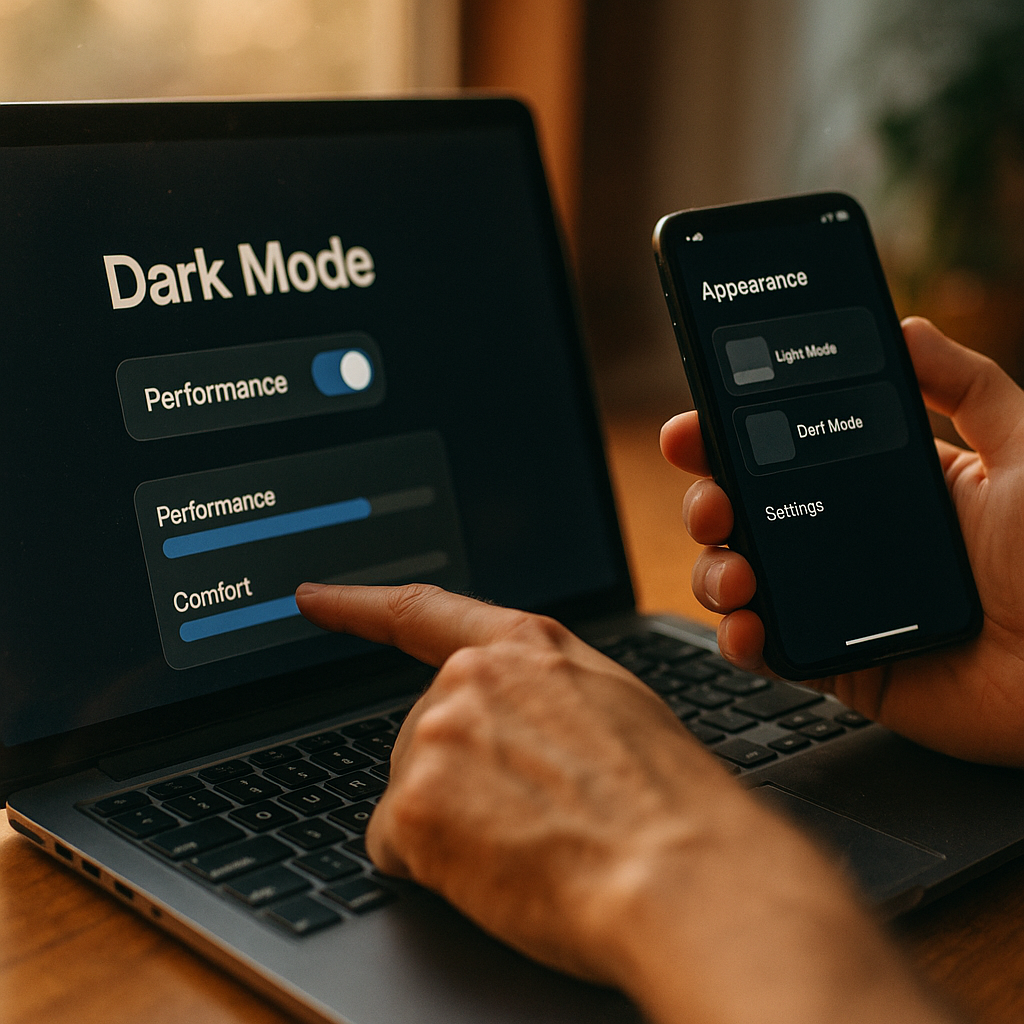
Designing For Dark Mode is no longer a quick palette swap. In 2025, users expect interfaces that feel calm, readable, and trustworthy across lighting conditions and devices. To deliver that, teams must connect color choices to how attention, perception, and memory actually work. This article moves from “looks cool” to cognitive outcomes—so your next dark UI improves performance, not just style. Ready?
Dark mode UX: cognitive load, attention, and visual hierarchy
Dark mode UX succeeds when it reduces mental effort rather than introducing new friction. Cognitive load rises when users must work harder to parse hierarchy, locate controls, or interpret states. In dark interfaces, hierarchy is often harder because low-luminance backgrounds can compress perceived contrast, and overly bright elements can “pop” too much, stealing attention from primary tasks.
Design hierarchy deliberately:
- Reserve high contrast for primary actions and key content. If everything is bright on dark, nothing is important.
- Use luminance steps, not just color differences. Create a predictable ladder: background → surface → elevated surface → text → accent.
- Limit simultaneous focal points. Dark UIs can tempt designers to add neon accents everywhere. This increases attentional switching and slows scanning.
- Keep state changes unambiguous. Hover, focus, selected, and disabled states must be distinct in both shape and contrast, not only hue.
Readers often ask, “Is dark mode automatically easier on the eyes?” Not always. Cognitive ease depends on the task. For long-form reading, insufficient contrast or overly thin fonts can increase effort. For quick scanning in low light, well-structured dark mode can feel smoother. The goal is not “dimmer,” but “clearer with less distraction.”
Color contrast accessibility: perception limits and WCAG in dark themes
Color contrast accessibility is where many dark modes fail quietly. Human perception is nonlinear: a small increase in luminance can feel dramatic against a dark background, and colored text can appear to “vibrate” if saturation is too high. Your job is to make the interface legible for a wide range of vision and environments while staying consistent with accessibility standards.
Practical, psychology-aware contrast guidance:
- Start with WCAG contrast targets, then validate in context. Measure text-to-background contrast, but also check contrast against the surface the text sits on (cards, sheets, dialogs).
- Avoid pure black backgrounds for content-heavy screens. Near-black (e.g., very dark gray) reduces halation and improves perceived comfort for many users.
- Use off-white text, not pure white. Pure white on near-black can create glare and makes reading feel “sparkly” for some users, especially on OLED at night.
- Don’t rely on color alone. Pair color with icons, labels, patterns, or position for errors, warnings, and success messages.
Teams also ask, “Can we just invert colors?” Inversion often breaks meaning and contrast relationships, turning subtle UI states into ambiguous ones. Build a parallel theme system instead: semantic tokens (primary, surface, border, text) mapped to dark-mode values engineered for contrast and hierarchy.
Visual ergonomics: glare, halation, and readability in low light
Visual ergonomics focuses on reducing strain caused by the interaction between light, text, and environment. Dark mode can help in low light, but it can also backfire if bright elements sit on deep black with high contrast, causing halation—a glow-like fringe that makes letters harder to resolve. This is not just aesthetic; it affects recognition speed and reading accuracy.
Improve ergonomics with these decisions:
- Control “bright pixels.” Keep large white areas (e.g., full-width banners, big images with white backgrounds) from dominating. Offer adaptive image backgrounds or subtle frames.
- Increase font weight slightly for small text. Thin strokes can disappear on dark surfaces. Use a modest weight bump or optical sizing where available.
- Use generous line height and paragraph spacing. Dark interfaces can visually compress content. Spacing improves chunking and reduces re-reading.
- Prefer matte surfaces over glossy effects. Heavy gradients and strong shadows can make components feel fuzzy, especially when the user’s brightness is low.
A frequent follow-up: “Should we reduce contrast to avoid glare?” Reduce unnecessary contrast (pure white, overly bright accents), but keep text contrast high enough for reliable reading. Comfort comes from balanced luminance, not from making everything gray.
Typography in dark mode: reading speed, eye tracking, and font rendering
Typography in dark mode requires more than switching text to light. Reading is a pattern-recognition task; users identify word shapes quickly when edges are crisp and spacing is predictable. On dark backgrounds, anti-aliasing and subpixel rendering can change how characters appear, especially at small sizes, which can impact reading speed and perceived quality.
Typography choices that support cognition:
- Use slightly larger base sizes for dense content. Dark themes can make small text feel smaller. A modest increase improves recognition without harming layout.
- Prefer medium contrast for secondary text. Primary text should be clear; secondary text should be readable but not competing. Use a systematic contrast step rather than arbitrary opacity.
- Avoid ultra-thin fonts. They degrade faster on dark backgrounds and at low brightness.
- Verify rendering on real devices. OLED and LCD render edges differently; test at common brightness settings and with accessibility font scaling.
Another common question: “Does light text on dark hurt readability compared to dark text on light?” It depends on conditions and content. For sustained reading in bright environments, light mode can feel clearer. For short interactions at night, dark mode can reduce perceived glare. The best products let users choose, then ensure both modes are equally usable.
Emotional design: trust, fatigue, and user preference signals
Emotional design is not decoration; it influences trust and decision confidence. Dark interfaces can signal sophistication, focus, and calm, but they can also feel opaque or “hidden” if contrast, spacing, and feedback are weak. Cognitive psychology ties emotion to perceived control: when users can predict outcomes and see system status clearly, they feel safer and act faster.
Use dark mode to reinforce clarity and trust:
- Make feedback obvious. Loading, saving, errors, and confirmations must be visible without harsh flashes. Use stable placement and clear microcopy.
- Keep interactive affordances explicit. Buttons, links, and inputs should look interactive through shape, border, and spacing—not only color.
- Match tone to context. Finance, healthcare, and productivity apps benefit from restrained palettes and strong readability. Entertainment apps can lean into richer contrast and imagery, but still must protect legibility.
- Respect user preference signals. If a user chooses dark mode, keep it consistent across sessions and surfaces, and avoid surprise mode switching.
Users often wonder, “Is dark mode always more ‘premium’?” Premium is perceived through stability, consistency, and ease. A dark theme with muddy hierarchy or low-contrast text feels cheaper than a clean light theme. Trust comes from cognitive fluency, not darkness.
Design systems for dark mode: tokens, testing, and evidence-based iteration
A scalable dark mode needs a design system that encodes cognitive goals: readable typography, stable hierarchy, and predictable feedback. Treat dark mode as a first-class theme, not a derivative. That means semantic tokens, component rules, and validation workflows that catch problems before launch.
Build with system-level rigor:
- Use semantic color tokens. Define tokens like surface, surface-elevated, text-primary, text-secondary, border-subtle, accent, and map them to dark values. Avoid hardcoded hex in components.
- Create component contrast contracts. For each component, specify minimum contrast for text, icons, and interactive states. Document “allowed” opacities and when to avoid them.
- Test in real contexts. Validate in bright daylight, dim rooms, and with reduced brightness. Include users who rely on larger fonts or high-contrast settings.
- Measure outcomes, not opinions. Track task completion time, error rates, and abandonment across modes. Combine analytics with usability tests to see where cognition breaks down.
- Plan for mixed media. Charts, photos, logos, and embedded content often fail in dark mode. Provide dark-friendly chart palettes, image containers, and brand lockups.
If you need to decide what to fix first, prioritize: navigation clarity, form readability, error visibility, and primary action discoverability. These directly affect comprehension and conversion, and they are where dark mode issues typically surface.
FAQs
Is dark mode better for battery life?
On OLED displays, dark pixels can use less power, so dark mode can reduce energy use for interfaces with large dark areas. On LCD screens, the backlight stays on, so battery savings may be smaller. Design for usability first, then treat battery benefits as a bonus.
What background color should I use instead of pure black?
Use a near-black or very dark neutral to reduce harsh contrast and halation. Pair it with slightly off-white text and stepped surface colors so cards and dialogs remain distinguishable without heavy shadows.
How do I keep brand colors consistent in dark mode?
Convert brand colors into a token system and define dark-mode equivalents based on perceived contrast, not identical hex values. You may need less saturation or different luminance to prevent vibrating edges and to keep text readable.
What are the most common dark mode accessibility mistakes?
Low-contrast secondary text, relying on color alone for status, ultra-thin typography, and “inverted” icons/images that lose meaning. Another common issue is focus outlines that disappear, which harms keyboard and accessibility navigation.
Should I offer both light and dark modes?
Yes for most products, especially those used across varied lighting conditions or long sessions. Users’ needs differ by environment, eyesight, and task. If you offer both, ensure parity: the same features, clarity, and feedback quality in each mode.
How do I test dark mode properly?
Test on multiple devices (OLED and LCD), at different brightness levels, and with accessibility settings like larger text. Run task-based usability tests and review analytics by mode to spot increased errors, slower completion, or higher drop-off.
Designing For Dark Mode works best when it’s built around cognition: clear hierarchy, reliable contrast, and typography that stays readable across devices and lighting. In 2025, dark mode is a product-quality signal, not a visual flourish. Use semantic tokens, test in real conditions, and measure task performance. When your dark theme reduces effort and improves confidence, users feel it immediately—and they stay.