


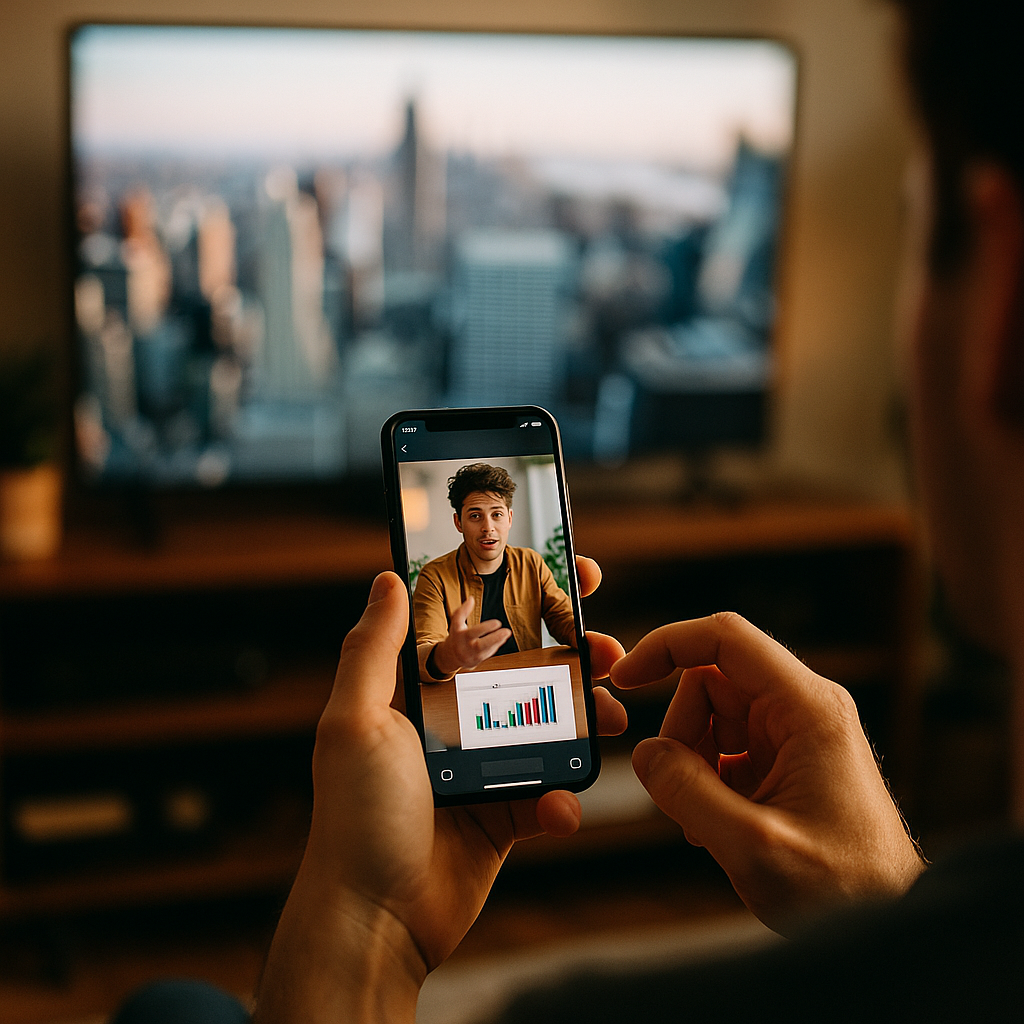
Designing Content For The Multitasking Second Screen User Experience is no longer optional in 2025. Viewers watch streaming, live sports, and news with a phone in hand, comparing prices, chatting, and scanning highlights while the main screen plays. That split attention changes what “good content” looks like, how it’s structured, and how it’s measured—so what should you build first?
Second screen behavior and attention patterns
Second screen use is driven by intent, not distraction alone. People pick up a phone to do something: confirm a name they heard, check a stat, vote, message friends, or shop an item they saw. Treating this as “lost attention” leads to cluttered experiences. Treating it as a parallel task leads to clearer content design and higher satisfaction.
In practice, multitasking follows repeatable patterns:
- Peek moments: quick glances during slow scenes, timeouts, or ad breaks.
- Verification moments: “Who is that?” “What did they say?” “Is that true?”
- Social sync moments: reacting together in group chats or social apps.
- Action moments: buying, saving, subscribing, or clicking through for deeper context.
Your content should anticipate those moments. For example, a live sports companion experience should prioritize instantly scannable stats and a short “what just happened” recap rather than long articles. A drama companion experience should prioritize cast/character cards, episode timeline markers, and spoiler-aware summaries.
To build credibility and trust (a core part of EEAT), document assumptions with direct observation. Run moderated sessions where participants watch content on a TV while using their phones normally. Capture when they look down, what triggers the look, and what they search for. Pair that with analytics from your site/app: internal search terms, time-on-task, and drop-off points. This is how you design for reality instead of opinions.
Mobile-first microcontent for second screen UX
On a second screen, content competes with the main program. That means microcontent wins: small, self-contained units that deliver value in seconds and link to deeper layers. Design each unit so it can be understood without scrolling, then offer optional expansion.
High-performing microcontent types include:
- Instant recaps: “Last 60 seconds” summaries, key quotes, or key plays.
- Explainers: short “why this matters” cards for jargon, rules, or background.
- Fact cards: names, roles, locations, products, or references seen on screen.
- Decision aids: comparison tables, pros/cons, “best for” labels, quick calculators.
- Interactive pulses: polls, prediction questions, or quick quizzes with immediate feedback.
Structure microcontent using a consistent template:
- Clear label (what it is): “Replay,” “Explainer,” “Cast,” “Price drop,” “Timeline.”
- One primary takeaway in plain language.
- One proof element: a source link, a quote with attribution, or a stat with context.
- One next step: “See full breakdown,” “Save,” “Follow,” “Buy,” or “Watch clip.”
Answer common follow-up questions inside the card so users don’t bounce to search engines. For example, if you mention a stat, include what it means and how it compares. If you recommend a product, include constraints (compatibility, sizing, shipping, returns) up front. That reduces friction and builds trust.
Cross-device design and responsive content layout
A second screen experience is inherently cross-device: TV/desktop for primary viewing, phone for action, and sometimes tablet for browsing. Your goal is not perfect synchronization in all cases; your goal is low-latency comprehension across contexts.
Design principles that hold up across devices:
- Readable at arm’s length: larger type, strong contrast, and short lines to reduce cognitive load.
- Thumb-first interaction: primary actions in reachable zones; avoid tiny targets.
- Progressive disclosure: show essentials first, then expand for depth.
- State continuity: if a user saves a topic on mobile, it should appear on desktop and in email/app notifications.
For responsive content layout, prioritize a two-layer structure:
- Layer 1: glance layer (0–10 seconds): headlines, key metric, key takeaway, “what’s happening now.”
- Layer 2: depth layer (10–90 seconds): timelines, comparisons, supporting sources, clips, FAQs.
When you use video clips or live updates, optimize for fast starts. Keep clip previews short, provide a text alternative, and make controls obvious. If content updates frequently (scores, markets, breaking news), clearly label the update time and what changed to avoid confusion and reduce perceived unreliability.
Accessibility is part of quality. Provide text equivalents for audio/video, avoid relying on color alone, and keep interactive elements usable for screen readers. Accessible design also performs better in noisy living rooms and in split-attention contexts.
Real-time engagement content strategy
Real-time content is where second screen experiences can differentiate, but it can also damage trust if it’s inaccurate or sensational. A strong real-time engagement strategy balances speed, clarity, and editorial control.
Build a real-time content stack with roles and rules:
- Editorial standards: define what can be posted instantly, what requires review, and what requires source confirmation.
- Attribution by default: label who created the update (staff, partner data provider, automated feed) and cite sources for claims.
- Correction workflow: show corrections transparently and update dependent cards (recaps, explainers) quickly.
- Spoiler controls: offer spoiler-free mode, time-shifted mode, or “live only” filters.
Match content formats to the viewing moment. During live sports, users want rapid, repeatable patterns: key play → stat → implication → next. During award shows or reality TV, users want votes, predictions, and shareable reactions. During news coverage, users want verified summaries, maps, timelines, and “what to know” bullets.
For commerce-linked experiences, prioritize user safety and clarity. Disclose sponsorships, affiliate relationships, and availability constraints. Keep product information accurate and updated, and avoid deceptive urgency. Trust compounds over time; short-term tricks reduce return visits and subscriptions.
Analytics, measurement, and content performance
Measuring second screen success requires metrics that reflect multitasking. A user might get high value in 12 seconds and then put the phone down. Traditional engagement metrics can misread that as failure.
Use a balanced measurement framework:
- Task success: did the user find the cast member, stat, rule, or product answer?
- Time-to-answer: how fast users reach the key takeaway or complete a task?
- Return-to-program signals: do users pause less, or stop searching externally?
- Save/share/follow: lightweight actions that indicate value under time pressure.
- Quality signals: scroll depth on depth-layer content, repeat visits during episodes, and reduced pogo-sticking.
Instrument your content so you can improve it. Track internal search queries, card expansions, copy events, and “open full breakdown” clicks. Pair that with qualitative feedback: a short “Was this helpful?” prompt after a user expands a card can reveal missing context.
To align with Google’s helpful content expectations, keep author and source information visible on deeper pieces. If you publish explainers, include named experts, credentials, and citations where relevant. If you use automated data feeds, state that clearly and explain how updates are verified. This improves trust and reduces the risk of misinformation.
EEAT-driven workflow for second screen content teams
EEAT is not a checklist you add at the end; it’s a workflow. Second screen experiences move fast, so you need systems that keep quality high under time pressure.
Build an EEAT-driven workflow like this:
- Experience: incorporate lived-use testing—watch sessions with real viewers and revise based on observed multitasking behavior.
- Expertise: assign subject-matter owners for recurring formats (rules, finance, health, tech) and create reusable templates.
- Authoritativeness: cite primary sources when possible (official stats providers, governing bodies, manufacturer documentation) and build partner relationships for reliable data.
- Trust: disclose sponsorships, label automation, timestamp updates, and maintain a visible corrections policy.
Operationally, maintain a content library that powers multiple moments: pre-show primers, live cards, post-show analysis, and evergreen explainers. This reduces rework and improves consistency. Use clear naming conventions and structured fields (topic, entity, spoiler level, source, last updated) so you can update content quickly without breaking trust.
Finally, design for the user’s next question. If a user reads a “what just happened” card, they often want: “Why did it matter?” “What changed?” “What’s next?” Build those as linked layers, not separate dead-end pages.
FAQs about second screen content design
What is a second screen user experience?
A second screen user experience is the content and interaction a person uses on a phone or tablet while watching something on a TV, desktop, or live event. It typically supports quick lookups, social interaction, and real-time updates without requiring deep focus.
How do I design content for users who only glance at their phones?
Use microcontent: short cards with one clear takeaway, a label, and an optional expansion. Put the answer in the first lines, avoid long intros, and make the primary action obvious (save, expand, follow, buy, or watch a clip).
Should second screen experiences be synchronized with the main screen?
Synchronization helps for some formats (live sports, live voting), but it isn’t always required. Prioritize clarity and fast access to answers first, then add timing features like “live mode,” timestamps, and spoiler controls to handle delayed streams.
What content performs best during live events?
Live events favor repeatable, real-time patterns: key moment recaps, stats with context, timelines, polls, and verified summaries. Keep updates short, clearly timestamped, and linked to deeper explainers for users who want more.
How do I measure success if users spend very little time on my content?
Track task success and time-to-answer alongside light-intent actions like saves, follows, shares, and returns. Short sessions can be a sign of strong performance if users get what they need quickly and come back repeatedly.
How can I maintain trust while moving fast in real time?
Use attribution, reliable sources, clear timestamps, and a visible correction workflow. Label automated updates, disclose commercial relationships, and avoid publishing claims that lack verification, especially in news, health, or finance contexts.
In 2025, the second screen is where viewers clarify, react, and act while the main program continues. Design for glance-first understanding, deliver microcontent that answers the next question, and support deeper exploration without forcing it. Measure success by task completion and trust signals, not just time-on-page. Build EEAT into your workflow, and the experience stays useful under pressure.