


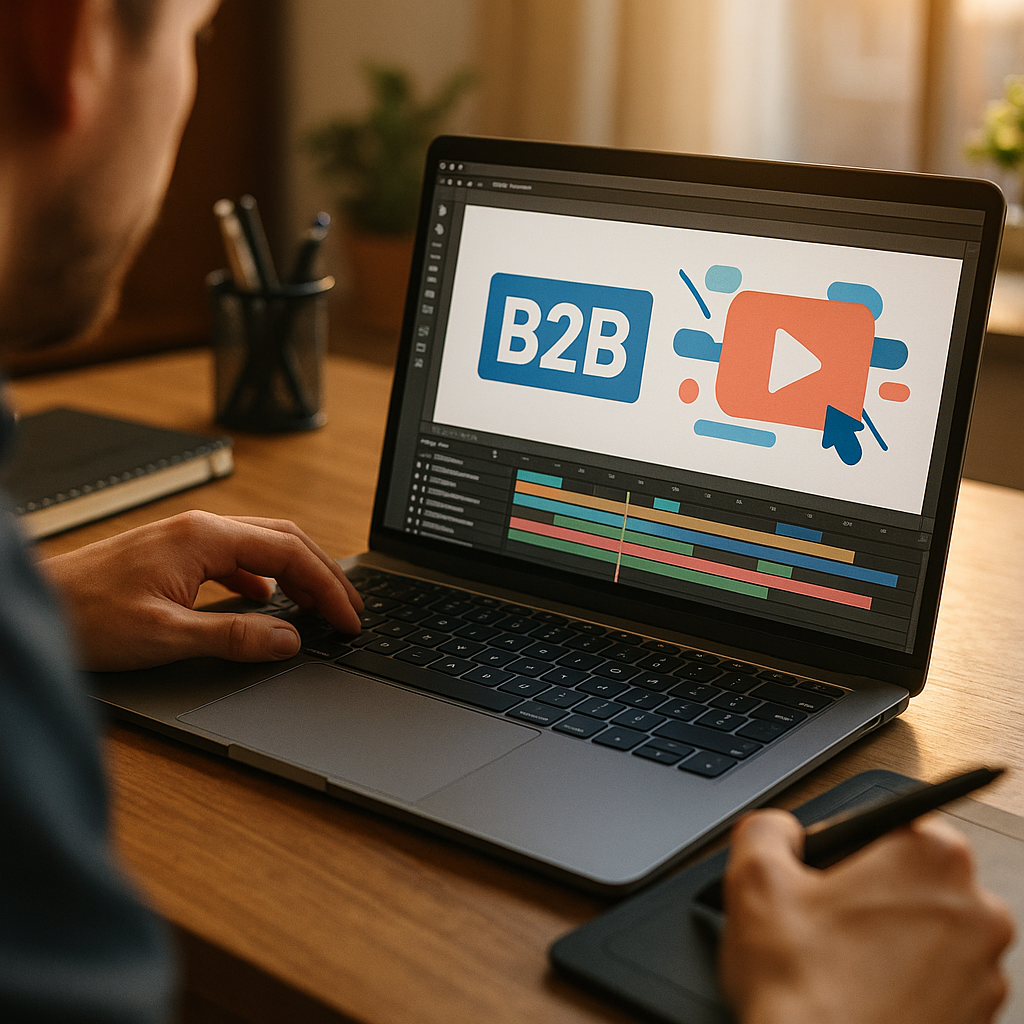
In 2025, product teams face an old problem: B2B software keeps getting more capable, while buyers have less time to learn it. Using Motion Graphics To Simplify Complex B2B Software Concepts gives marketers, sales, and enablement a shared language that makes features understandable and outcomes tangible. When your message must land in minutes, motion can turn confusion into clarity—so what should you animate first?
B2B motion graphics strategy: Start with the buyer’s mental model
Effective motion isn’t “making a video.” It’s building a communication system that maps how your audience already thinks about a problem. In B2B software, the hardest part is rarely a single feature—it’s how pieces connect: workflows, roles, permissions, integrations, data pipelines, compliance, and ROI. A strong B2B motion graphics strategy begins by identifying the concepts that repeatedly slow down deals or onboarding.
Use this simple prioritization framework before you storyboard anything:
- Decision friction: Which concepts consistently trigger follow-up questions in demos (pricing mechanics, security posture, deployment options, migration)?
- Adoption friction: Where do new users stall (setup, first integration, configuring rules, understanding dashboards)?
- Stakeholder friction: Which ideas change based on the viewer (IT vs. Finance vs. Ops vs. end user)?
- Risk friction: What causes hesitation (data residency, access control, auditability, vendor lock-in)?
Then translate each friction point into a clear “before/after” statement. For example: “Before: data lives in five systems and reporting takes days. After: data flows into one governed layer and updates automatically.” Motion works best when it visualizes a transformation, not a catalog of features.
Build around the buyer’s mental model, not your architecture diagram. Most audiences don’t start with microservices, queues, or policy engines. They start with outcomes: fewer manual steps, fewer errors, faster approvals, cleaner audits, lower risk. Your animation should begin there and only reveal technical depth when it supports trust and feasibility.
Explainer video for SaaS: Visual patterns that reduce cognitive load
A great explainer video for SaaS does two jobs at once: it teaches and it reassures. Teaching happens when motion reduces cognitive load—showing one idea at a time, in a consistent visual language. Reassurance happens when details appear in context (security, governance, uptime, admin controls), not as an afterthought.
Use repeatable visual patterns so viewers don’t have to “re-learn” your graphics every scene:
- Progressive disclosure: Start simple, then add layers (roles, rules, integrations) only after the base workflow is understood.
- Consistent metaphors: A “data object” should look the same across scenes; a “workflow step” should have one visual form. Avoid changing icons mid-video.
- Spatial logic: Place “sources” on the left, “processing” in the middle, and “outcomes” on the right. This supports quick comprehension.
- Cause-and-effect motion: Make triggers visible (a rule fires, a webhook sends, an alert routes). The motion itself should communicate the logic.
- On-screen labels: Use short, specific terms buyers recognize (SSO, RBAC, SOC 2, API, audit log) when necessary, and define them with a visual example.
Answer likely follow-up questions inside the narrative instead of pushing them to a footnote. For instance, if you show automated approvals, include a beat that clarifies who can override, what gets logged, and how permissions work. This is where motion outperforms static content: it can show an action, then immediately show the control and the evidence (audit log entry) that proves it’s safe.
Keep runtime aligned to intent. A homepage overview often works best at 60–90 seconds. A product module explainer can run 2–3 minutes if it’s structured in chapters. For deeper topics (data governance, security architecture), create a short “core” cut and a longer “technical cut” so each stakeholder gets the right depth without wasting time.
Animated product demo: Make workflows feel real without the fragility of live screens
An animated product demo is especially valuable when your UI changes frequently, your workflows span multiple tools, or your value depends on behind-the-scenes automation. Motion graphics let you depict an end-to-end process—request to approval to reporting—without relying on a perfect live environment or stitching together dozens of screen recordings.
To keep the demo credible, anchor animation in real product truth:
- Use UI-inspired components: Buttons, panels, tables, and charts should resemble your product’s design system, even if simplified.
- Show realistic states: Empty states, loading states, validation errors, permission prompts, and approval queues make the story believable.
- Demonstrate time savings honestly: Use clear transitions (e.g., “hours later” becomes “seconds later”) without implying impossible performance.
- Include the “why now” moment: A trigger (new ticket, new lead, failed build, policy violation) helps viewers understand when your software is used.
Many teams ask whether animation should replace screen capture. In practice, a hybrid works well: motion graphics for the system-level story (flows, integrations, roles), and short UI clips for proof (a real dashboard, a real configuration page). This keeps pace high while preserving trust.
Also design for reuse. Create modular sequences: a 10-second integration snippet, a 15-second permissions snippet, a 20-second reporting snippet. Sales can assemble these into personalized demo reels for verticals or personas. Marketing can repurpose them for landing pages, ads, and webinars without starting from scratch.
Data visualization animation: Explain integrations, security, and ROI with clarity
Complex B2B concepts often come down to invisible movement: data flowing, policies enforcing, systems syncing, and metrics improving. Data visualization animation makes those invisible mechanics visible—without forcing viewers to decode a dense diagram.
Use motion to simplify three common “hard” areas:
- Integrations: Show sources, transformations, and destinations as a guided path. Make connectors directional and label each step (extract, normalize, enrich, route). If there are multiple paths, animate one primary path first, then reveal alternates.
- Security and governance: Visualize access control as gates and roles as badges. Show encryption as a lock on the data object. Show auditability as an event trail that appears automatically when actions occur.
- ROI and performance: Turn abstract savings into concrete metrics tied to the workflow you just showed (fewer handoffs, fewer errors, faster cycle time). If you cite numbers, tie them to your own measured outcomes or clearly labeled customer results.
To strengthen EEAT, treat numbers carefully. Avoid generic claims like “boost productivity by 10x” unless you can support them. Instead, use grounded language: “Teams typically reduce manual steps by consolidating approvals into one workflow” or “Customers often report faster close cycles after standardizing handoffs”. If you include a case result, attribute it explicitly: company type, implementation scope, and what changed (process, tooling, training).
Color and motion should carry meaning, not decoration. For example, use one color for “human actions” and another for “system automations.” Use a third accent only for risk or exceptions. This approach helps technical and non-technical viewers follow the logic at the same time.
Product marketing video: Align stakeholders and accelerate the funnel
A strong product marketing video built with motion graphics can influence every stage of the B2B journey, but only if you plan distribution, measurement, and enablement from the start. Otherwise, it becomes “a nice asset” with unclear impact.
Match video types to funnel moments:
- Top-of-funnel clarity: A short narrative that defines the problem, shows the new workflow, and names the outcome.
- Mid-funnel proof: Modular demos that answer implementation and integration questions (SSO, APIs, data migration, admin controls).
- Late-funnel risk reduction: Security and compliance animations that show how controls work, plus an FAQ-style segment addressing procurement concerns.
- Post-sale adoption: Onboarding micro-animations: setup steps, “first success” workflows, and admin guides.
Build cross-functional alignment into the process. The fastest way to produce trustworthy motion is to involve the right experts early:
- Product: validates workflow truth and roadmap sensitivity.
- Solutions/CS: brings real objections and adoption bottlenecks.
- Security/IT: ensures governance claims are accurate.
- Brand/Design: maintains consistency and accessibility.
Measure outcomes that map to business value, not vanity. Depending on placement, track: click-through to demo request, qualified meeting rate, demo-to-pipeline conversion, sales cycle duration for deals that used the asset, onboarding completion, or support ticket volume related to the concept explained. If you host on a platform that supports engagement analytics, use drop-off points to identify which concepts need simplification or a separate module.
Motion design best practices: Build credibility with accurate, accessible storytelling
Motion can either increase trust or quietly damage it. Credibility comes from accuracy, restraint, and accessibility—especially in B2B, where buyers evaluate risk as much as features. Follow these motion design best practices to keep your work helpful and compliant with EEAT expectations.
- Make claims verifiable: If you say “automated compliance reporting,” show what gets reported, where it’s exported, and how it’s audited. If you mention certifications, present them as part of a broader governance story, not a badge wall.
- Separate product reality from concept: If a scene is conceptual (future roadmap, typical architecture), label it clearly in the narration or on-screen text.
- Prioritize accessibility: Provide captions, avoid relying on color alone for meaning, and keep text large enough for mobile. Keep on-screen text short so it’s readable.
- Design for global audiences: Avoid region-specific metaphors and ensure icons (locks, shields, clouds) don’t imply guarantees you can’t legally claim.
- Use a consistent voice: A calm, precise script reads as expertise. Overpromising reads as marketing.
Answer common stakeholder concerns proactively. Procurement and IT will ask: Where does data live? Who can access it? How do we integrate? How do we roll back? What happens when something fails? Motion can address these in seconds by showing fallback paths, permission gates, and logging—elements that are tedious to explain verbally but easy to demonstrate visually.
Finally, keep a living library. As your product evolves, update modules rather than rebuilding everything. Maintain a documented motion style guide (color meaning, icon set, typography, transitions, pacing) so new assets stay consistent and trustworthy.
FAQs: Using motion graphics in B2B software marketing
What B2B software concepts benefit most from motion graphics?
Concepts with invisible logic or many dependencies: integrations, automation rules, data pipelines, permissions, approval flows, security controls, and multi-role workflows. Motion helps audiences “see” relationships and sequence, which is where confusion typically lives.
How long should a motion graphics explainer be for a B2B SaaS product?
For broad awareness, aim for 60–90 seconds. For a specific module or workflow, 2–3 minutes can work if it’s structured in clear chapters. For technical stakeholders, create a short overview plus a deeper cut rather than one long video for everyone.
Should we use animated demos instead of screen recordings?
Use animation when you need to show end-to-end systems, cross-tool workflows, or concepts that don’t live in one UI. Use real UI clips for credibility and proof. A hybrid approach often performs best in sales cycles.
How do we ensure motion graphics stay accurate as the product changes?
Build modular scenes, validate scripts with product and solutions teams, and maintain a motion style guide. Avoid animating pixel-perfect UI for long sequences; instead, use UI-inspired components and drop in short real clips that are easier to re-record.
What metrics show whether motion graphics are working in B2B?
Track metrics tied to intent: demo request conversion, meeting-to-opportunity rate, sales cycle length for deals that used the asset, onboarding completion, and reduction in repeated support questions on the topic explained. Use engagement drop-off points to refine the narrative.
How do motion graphics support EEAT in B2B marketing?
They support EEAT when they show real mechanisms (controls, logs, roles), avoid unsupported claims, reflect expert review, and prioritize clarity and accessibility. Motion should demonstrate how the product works and why it’s trustworthy, not just state it.
Motion graphics earn their place in B2B when they do what static content and live demos struggle to do: show complex systems as simple, believable stories. In 2025, the best teams treat motion as modular product communication—aligned to buyer questions, validated by experts, and measured against pipeline and adoption outcomes. Animate the workflow, reveal the controls, and let clarity drive confident decisions.