


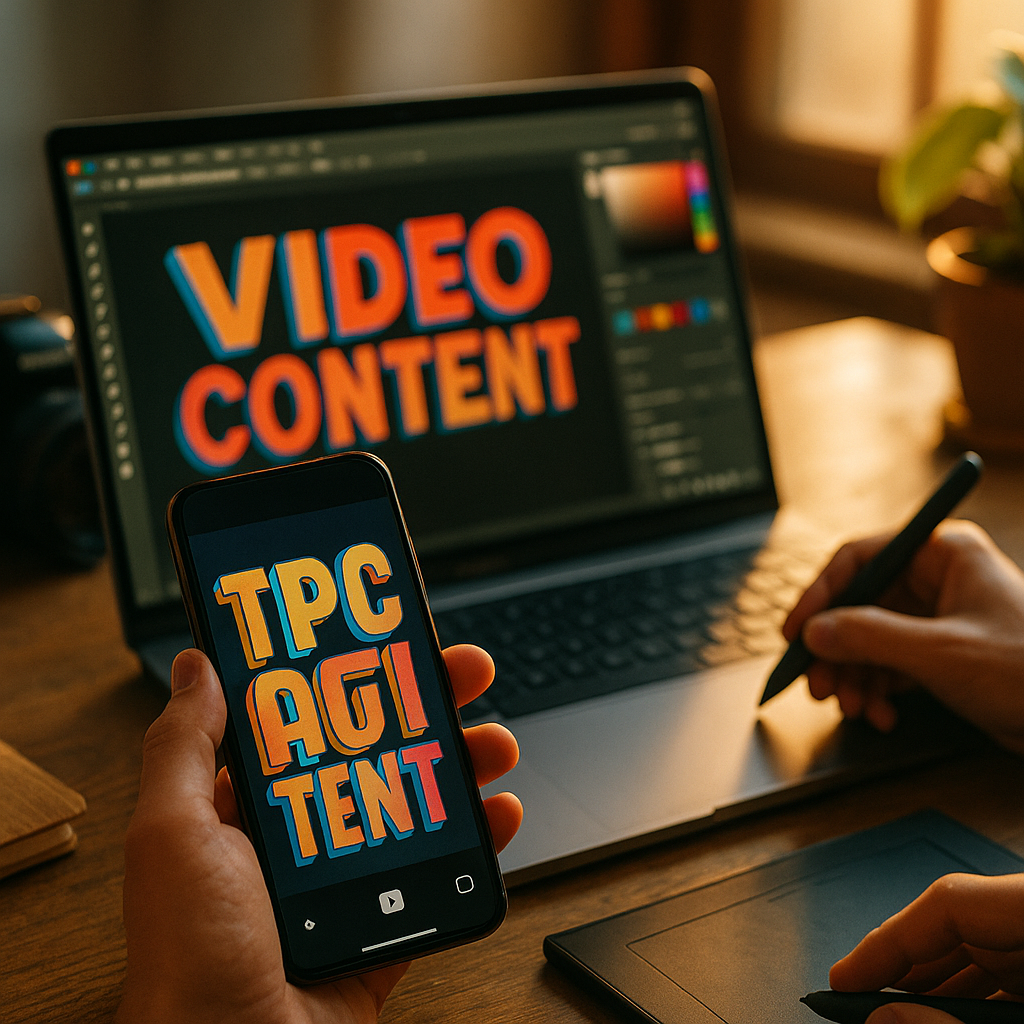
Typography trends in social video editing are transforming how brands and creators engage audiences. The right text style, animation, and layout can maximize retention and make content memorable. Mastering modern typography is essential to standing out on competitive feeds. Let’s explore the latest trends and actionable strategies shaping eye-catching social video content in 2025.
Dynamic Animation in Social Video Typography
Dynamic animation has become a defining trend in social video typography. Instead of static captions or headers, text now leaps, fades, or glides across the screen with precision-timed motion. Research from Motionographer in 2025 shows videos featuring animated text experience a 25% higher viewer engagement rate than those with static captions. This is partly because kinetic typography draws the eye and guides attention naturally through a story.
Effective dynamic text animation isn’t just about movement; it’s about purpose. Motion should match brand voice and message pacing. For quick tutorials, text might snap in sync with spoken tips. Story-driven videos may use slow, elegant fades or handwriting effects that match the narrative tone. Smart creators use subtlety—overly frenetic text distracts rather than adds value. Tools like Adobe Premiere Pro and CapCut now offer intuitive controls for timing, easing, and layering multiple animated text elements, unlocking new ways to captivate audiences in just seconds.
Bold Fonts and Maximalism: The Rise of Impact Typography
In 2025, minimalist typefaces are increasingly giving way to bold, maximalist fonts in social video editing. Data from Social Media Today reveals that videos using highly legible, thick fonts hold attention 19% longer than those with lighter fonts. Why? In crowded feeds, bold fonts stop the scroll. Maximalist typography layers big, dramatic lettering with vibrant color gradients, pushing messaging front and center.
Popular font choices for social videos this year include strong serifs, ultrabold sans-serifs, and even custom hand-drawn designs. It’s not just about size—contrast is king. Pairing strong type with subtle backgrounds ensures readability across all devices, from mobile to desktop. For brand consistency, choose one or two hero fonts and use them systematically across campaigns. Remember, accessibility matters: combine color contrast with sufficiently large font sizes to ensure all text is easily legible, including for users with visual impairments.
Text Integration: Blending Typography with Video Footage
Seamless text integration is another typography trend revolutionizing social video editing. Rather than “slapping on” captions, successful creators blend typography into the story’s visual environment. Consider the popularity of “tracked” text, where captions follow moving objects in a video. This reflects a wider movement towards context-aware text placement, making information feel like part of the scene.
Techniques like masking, 3D extrusion, and parallax movement now make it possible to anchor text to real-world surfaces, gestures, or product features. Tools such as DaVinci Resolve’s Fusion and advanced AI motion trackers offer creators quick ways to link typography with on-screen elements, a function that previously required hours of manual keyframing. This integration improves not only aesthetics but also comprehension, as viewers connect key messages directly to video action.
Colorful Gradients and Duotones in Video Text
Colors in typography are no longer limited to simple black or white. Gradients and duotones have exploded in popularity for social video text, especially on platforms like Instagram Reels and TikTok. According to 2025 insights from Creative Bloq, gradient text increases social share rates by 17% on average over flat-colored captions.
Modern gradient uses are subtle and multi-hued, often matched to brand palettes or video backgrounds for harmony. Duotone combinations—where two contrasting colors are used for maximum legibility—are effective in visually busy environments, helping captions “pop” without overwhelming the overall frame. When using gradients or duotones, it’s crucial to check legibility on both light and dark devices. Test across different screens before publishing to ensure the message is clear for all viewers.
Accessibility-First Typography for Diverse Audiences
Inclusive design is no longer optional—accessibility-first typography is a central trend in social video editing for 2025. The World Wide Web Consortium’s latest guidelines emphasize high-contrast, readable fonts and captions for all content, including short-form video. Recent research by the Accessible Social Initiative found that closed captioning and accessible fonts can boost engagement by up to 33% for audiences with disabilities, while also benefiting all viewers in noisy or sound-off environments.
To implement accessibility-first typography:
- Use clear, sans-serif fonts with sufficient size (recommended minimum: 20pt for mobile video).
- Maintain strong color contrast between text and background.
- Keep text concise—short captions are faster to read.
- Ensure all essential information in speech is available in on-screen text.
Leading video platforms now offer baked-in accessibility checks for text overlays, so creators can preview their work for common readability issues before posting.
Templates and AI: Streamlining Typography Workflows
Templates and artificial intelligence are rapidly changing how typography is handled in social video editing. Drag-and-drop templates in apps like Canva, InVideo, and TikTok’s editing suite let creators deploy professionally designed typography in seconds. These templates are updated regularly to reflect font and color trends, meaning videos can stay current with minimal manual setup.
AI-powered captioning tools can now auto-generate, stylize, and animate text in real time. For instance, recent updates to Descript leverage voice recognition to place contextually relevant, branded captions automatically. These solutions reduce editing time and ensure messaging is consistent and error-free, making high-impact typography accessible to creators and brands at all scales.
Whether you’re a solo creator or a marketing team, leveraging templates and AI-driven typography keeps your content agile and competitive in today’s fast-moving social video landscape.
Conclusion: Mastering typography trends in social video editing elevates your content from forgettable to exceptional. Embrace animation, bold fonts, seamless integration, color innovation, and accessibility for videos that connect and convert. Stay adaptable and make these techniques part of your creative routine to consistently stand out on social platforms in 2025.
FAQs: Typography Trends in Social Video Editing
-
What types of fonts work best for social video?
Bold sans-serifs and strong serifs are most effective due to their readability and visual impact. Ensure font choice matches your brand tone and is legible on all devices. -
How important is animated text for engagement?
Animated text significantly boosts engagement by drawing viewer attention and guiding them through your message. Use meaningful motion to enhance—not distract from—your content. -
Should I always use gradients or bright colors for my captions?
While gradients and duotones are trending, clarity and contrast are most important. Test text visibility on different backgrounds and screens; sometimes a simple white or black overlay may be ideal. -
How do I make video text accessible?
Use accessible font choices (simple, sans-serif), strong color contrast, and clear sizing. Provide captions for all spoken content. Most modern editors offer accessibility checks to help. -
Are AI typography tools reliable for professional content?
Yes, many AI tools now generate accurate and stylish captions, but always review results. Custom adjustments may be needed to align with specific brand standards or campaign goals.