


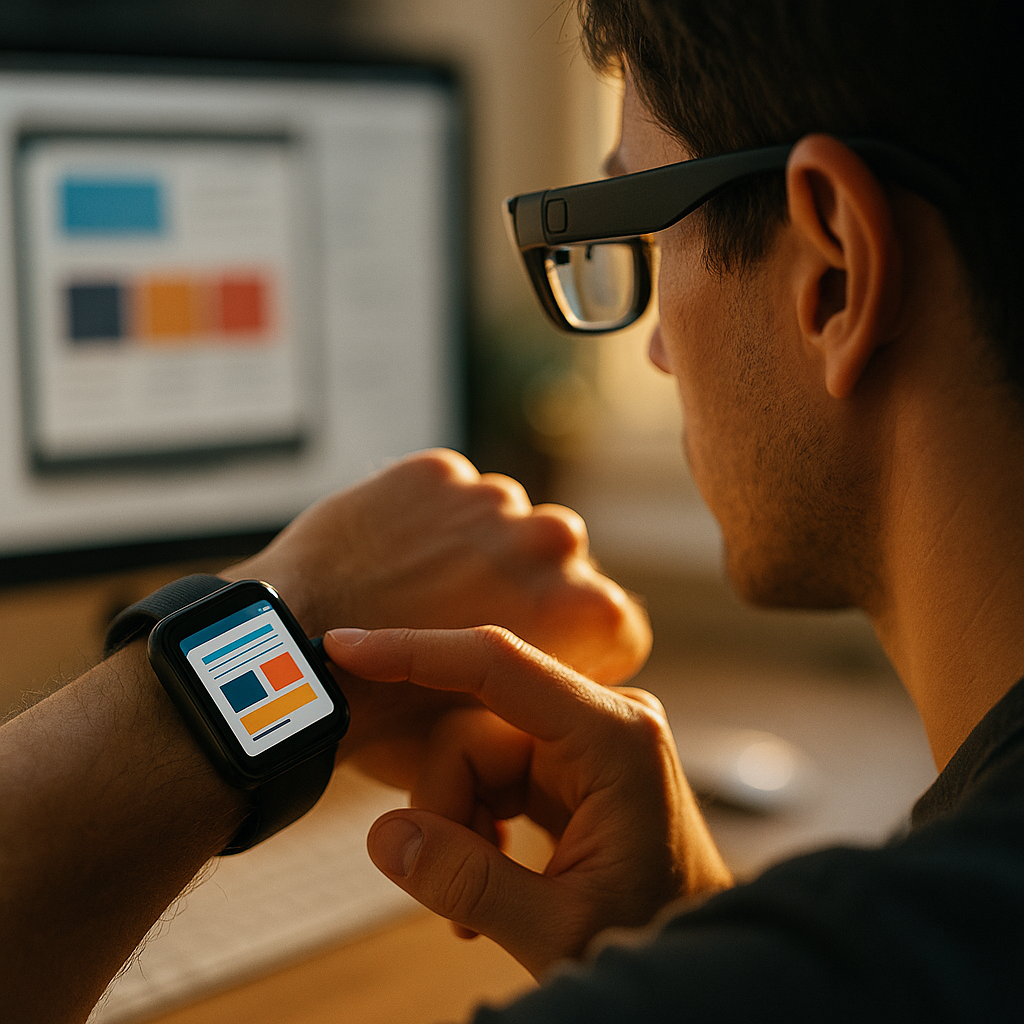
In 2025, more people glance at information than they read it. Notifications, quick actions, and voice-first moments now shape how brands earn attention. Designing for the wearable web means creating content that works on tiny screens, in motion, and often hands-free. This article explains what to prioritize, what to avoid, and how to ship wearable experiences that users actually trust—starting with the essentials.
Wearable web design principles: start with context, not screens
Wearables reward relevance. A smartwatch or smart glasses experience is rarely a “browsing session”; it’s a micro-moment with a clear intent: confirm, decide, act, or dismiss. Strong wearable web design begins by mapping context:
- Location and movement: Is the user walking, commuting, exercising, or working?
- Time pressure: Many interactions must complete in under 5–10 seconds.
- Attention level: Wearables compete with the real world; distractions are constant.
- Input constraints: Tiny taps, a rotating crown, voice, or simple gestures.
- Output constraints: Small text blocks, short audio cues, haptics, and quick glances.
Design decisions should follow from these constraints. For example, a “Read more” link often fails on a watch; a “Save for later” or “Open on phone” action succeeds. Likewise, a long onboarding flow is a mistake—assume users already trust their device and want immediate value.
A practical approach is to define three levels of content:
- Glance layer: One key fact (status, time, score, price, reminder).
- Action layer: One primary action plus one secondary action.
- Escalation layer: Hand off to phone, desktop, or voice assistant for depth.
This structure answers a common follow-up question: Should we publish full articles to wearables? Usually no. Publish outcomes (what changed and what to do next), and provide a clean path to deeper reading elsewhere.
Smartwatch UX: glanceable content, fast actions, fewer decisions
Smartwatch UX succeeds when the interface feels effortless. The device is close to the body and used frequently, but each interaction should be short. To make content glanceable:
- Lead with the user’s question: “When?”, “Where?”, “What’s next?”, “Is it done?”
- Use compact wording: Prefer short verbs and concrete nouns. Remove filler.
- Keep numbers readable: Use separators and clear units (e.g., “2.4 km”, “$19.99”).
- Limit choices: One primary action. Two total actions is often the maximum.
Navigation should be shallow. If a watch experience needs more than two steps to complete the main task, it likely belongs on a phone. Also design for error prevention: accidental taps happen, so confirm only when there is real risk (payments, cancellations, security).
Microcopy matters more on wearables. Small edits can reduce cognitive load:
- Instead of: “Your request has been submitted successfully.” Use: “Sent.”
- Instead of: “Would you like to enable notifications?” Use: “Alerts: On/Off”
Answering another frequent question—How do we handle personalization?—keep it limited and predictable. Use device signals (time, location permissions, activity state) only when the user expects it, and always provide a clear “Turn off” path. Trust is a core usability feature on the wrist.
Smart glasses content: heads-up readability and spatial awareness
Smart glasses change the rules because content shares space with the physical world. The user’s attention is split, and safety is non-negotiable. Smart glasses content should be:
- Peripheral-friendly: Short lines, large enough type, high contrast.
- Spatially stable: Don’t jitter; avoid elements that “swim” as the user moves.
- Minimal and timed: Show information only when needed; disappear quickly.
- Environment-aware: Avoid bright overlays in dark settings; avoid dark overlays in bright sunlight.
Design for “heads-up tasks” such as turn-by-turn prompts, checklists, translations, step-by-step instructions, and quick confirmations. Avoid layouts that require prolonged reading. If the user must read more than a few lines, escalate to audio or send the content to a phone.
Interaction patterns differ from watches. Glasses may use voice, touch surfaces, or simple gestures. Ensure each command is:
- Unambiguous: “Next step” beats “Continue”.
- Recoverable: Provide “Back” and “Repeat”.
- Private by default: Sensitive content should avoid on-display details unless explicitly requested.
People will ask: Can we use AR overlays for marketing? Yes, but only when it improves the user’s immediate task. AR that interrupts or distracts will be rejected, and it can create real-world risk. Prioritize utility: directions, identification, verification, and guided work.
Wearable content strategy: microcopy, cards, and structured data
A strong wearable content strategy treats information as modular. Instead of “pages,” think “cards” or “responses” that can be assembled based on context. Each card should contain:
- Title: 2–5 words that identify the object (e.g., “Order #1842”).
- Key value: The single most important data point (e.g., “Out for delivery”).
- Supporting detail: One short line (e.g., “Arrives 4–6 PM”).
- Action: One verb (e.g., “Track”, “Call”, “Approve”).
Write microcopy for speed. On wearables, you are not “telling a story”; you are helping someone act. Use consistent verbs across the system: “Pay,” “Approve,” “Save,” “Snooze,” “Open on phone.” This reduces learning time and prevents errors.
Structured data helps content travel across surfaces. Use well-defined fields (status, time, location, price, contact, next action) and ensure they are available via APIs. This makes it easier to:
- Render the same content on watch, glasses, phone, and web without rewriting.
- Support assistants and voice summaries with accurate entities and values.
- Measure outcomes by tracking actions and completions consistently.
A related follow-up is How do we handle tone and brand voice? Keep it recognizable but restrained. Brand voice should show up in vocabulary choices and helpful defaults, not in long slogans. The wearable surface is not a billboard; it is a tool.
Performance and accessibility for wearables: speed, legibility, battery
Performance is a user experience requirement on wearables. Slow loads feel worse because wearable interactions are brief and frequent. To improve performance and battery impact:
- Prefer lightweight UI: Minimize scripts, heavy images, and complex animations.
- Cache responsibly: Use caching for repeat views, but keep data freshness where it matters (transit, delivery, health).
- Reduce network calls: Combine requests; send only fields needed for the current card.
- Fail gracefully: Provide last-known state and a clear “Refresh” action.
Accessibility is equally critical because wearables are used in varied lighting and by people with different abilities. Practical accessibility standards for watches and glasses include:
- High contrast: Ensure text remains readable outdoors and in dim environments.
- Large tap targets: Make actions easy to hit while moving.
- Text scaling: Respect system font size preferences and avoid truncation that changes meaning.
- Color independence: Never rely on color alone to convey status.
- Motion sensitivity: Avoid rapid animations and provide reduced-motion options.
Another common question: Do we need a separate wearable site? Often you don’t. You need a content and component system that can adapt to smaller surfaces. When you do build wearable-specific views, keep them focused on critical actions and limit them to a small set of high-value journeys.
EEAT for wearable experiences: trust, privacy, and credible sources
Wearables sit close to personal data and daily routines, so EEAT isn’t just an SEO concept—it’s a product requirement. To align with experience, expertise, authoritativeness, and trustworthiness:
- Show clear ownership: Identify the provider of the information (brand, service, verified entity).
- Be precise about data sources: For health, finance, and safety content, explain where values come from and how often they update.
- Use expert review where needed: Medical, legal, and financial content should be reviewed and labeled appropriately.
- Limit sensitive exposure: Mask personal details by default on lock screens and in public contexts.
- Make permissions understandable: Request only what you need, when you need it, with plain-language justification.
Wearables amplify trust signals because users act quickly. If a smartwatch prompt says “Approve,” the user must feel confident it’s legitimate. Protect that confidence by preventing spoofing and confusion:
- Consistent naming: Use the same service name everywhere.
- Clear transaction details: Show the minimum needed to verify (merchant, amount, time).
- Safe defaults: Require stronger confirmation for irreversible actions.
For SEO-friendly helpful content, publish wearable guidance that reflects real-world use: screenshots, brief task flows, and troubleshooting steps based on actual device behavior. When you cite facts, cite recent, credible sources and avoid overstating capabilities. Users can tell when content was written by someone who hasn’t used the devices.
FAQs: Designing for the wearable web
What types of content perform best on smartwatches?
Status updates, reminders, authentication prompts, quick replies, and time-sensitive alerts perform best. Users want a single key fact and one clear action, not long reading sessions.
Should we create separate content for smart glasses versus smartwatches?
Yes, in presentation and interaction. Keep the same underlying structured data, but adapt density, timing, and controls. Glasses prioritize heads-up safety and short overlays; watches prioritize glanceable cards and quick taps.
How do we handle long-form content on wearables?
Summarize for the wearable and provide escalation: “Open on phone,” “Listen,” or “Save for later.” If users must read more than a few lines, the wearable is the wrong surface for the full content.
What are the most important accessibility considerations for wearables?
High contrast, scalable text, large tap targets, reduced motion, and color-independent status cues. Also design for sunlight glare and for one-handed, on-the-move use.
How can we measure success for wearable experiences?
Track task completion time, action success rate, dismissal rates, error rates, and escalation rates to phone. Also monitor opt-out rates for notifications and permission prompts—these are strong indicators of trust and relevance.
Is the wearable web mainly about notifications?
Notifications are important, but the real value is completing small tasks at the right moment: approve, navigate, confirm, pay, check in, or follow steps hands-free. Build around outcomes, not interruptions.
Wearables succeed when they deliver the right information at the right moment with minimal friction. Focus on context, design for glanceability, and structure content as reusable cards that scale across watch, glasses, and phone. Treat performance, accessibility, and privacy as core features, not afterthoughts. Build trust through clear sources and safe defaults, and your wearable experiences will earn repeat use.