


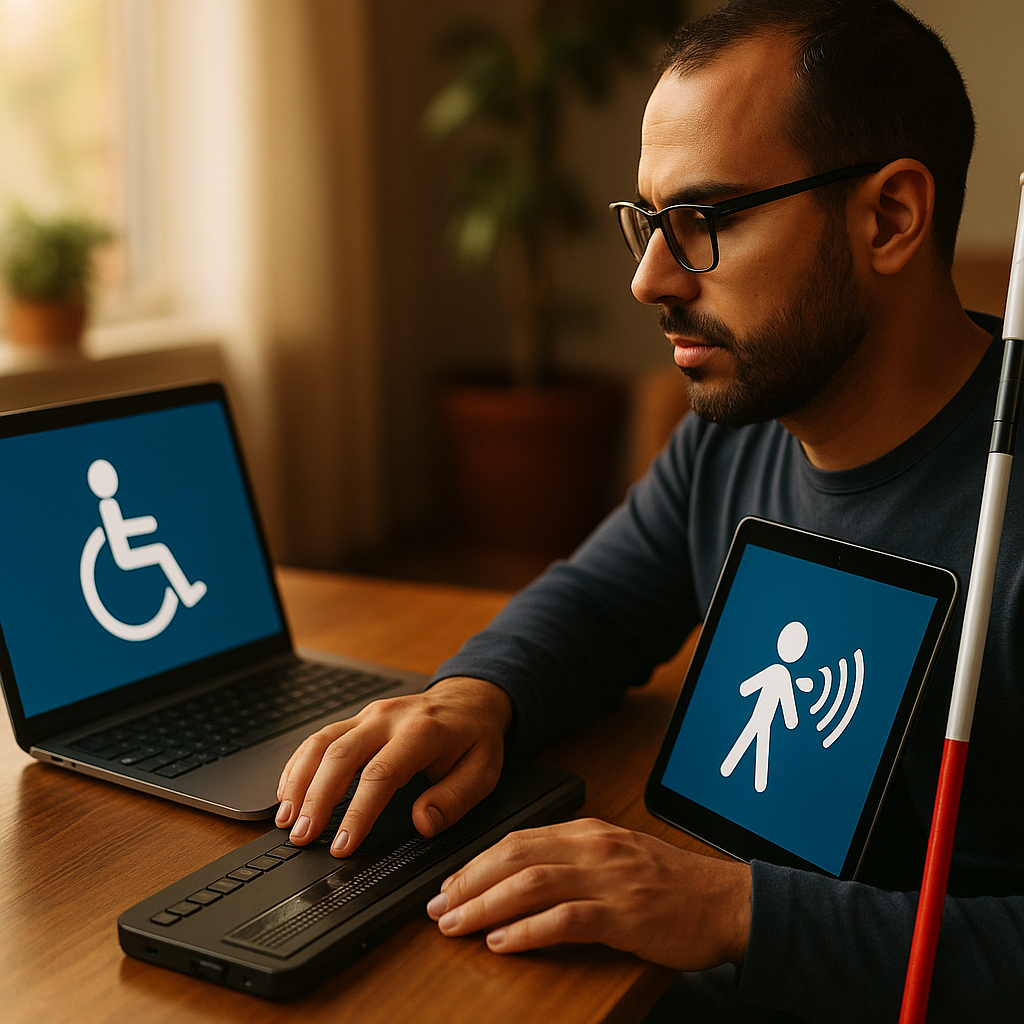
The Americans with Disabilities Act (ADA) requires digital accessibility for everyone, making ADA compliance for mobile apps and websites more crucial in 2025 than ever. If your business wants to reach wider audiences and avoid legal risk, understanding ADA standards is non-negotiable. Let’s dive into the latest steps for making your digital platforms accessible to all users.
The Importance of ADA Accessibility in Digital Platforms
Ensuring ADA accessibility for online content is no longer just best practice—it’s legal necessity. The Department of Justice frequently enforces ADA standards on websites and mobile apps, with lawsuits rising by 25% in 2024 alone. Accessibility isn’t just about compliance but offering everyone access to services, information, and opportunities that digital channels provide daily.
- Legal protection: Non-compliance can lead to lawsuits, brand damage, and lost revenue.
- Market reach: Over 61 million Americans have disabilities, comprising a significant audience for your products or services.
- User experience: Accessible digital platforms foster inclusive experiences for all users, not just those with disabilities.
Ignoring accessibility standards puts customer trust and your business reputation at risk.
Understanding ADA Compliance Requirements for Websites
ADA compliance for websites aligns with the Web Content Accessibility Guidelines (WCAG) 2.2, the current industry standard. The guidelines focus on four key principles: Perceivable, Operable, Understandable, and Robust (POUR). Websites must:
- Offer text alternatives for non-text elements (like images and videos).
- Ensure content is navigable and operable via keyboard.
- Provide clear, readable text and avoid jargon or complex layouts.
- Be compatible with screen readers and assistive technologies.
Practical steps include adding descriptive alt tags to images, ensuring sufficient color contrast, and designing clear navigation menus. Regular audits and user testing with assistive tools can help maintain ongoing compliance.
ADA Compliance for Mobile Apps: Key Considerations
Mobile app accessibility is equally vital under ADA guidelines. In 2025, mobile usage reigns supreme, and apps must be easy for everyone to use. Achieve ADA compliance for mobile apps by adopting these best practices:
- Screen reader compatibility: Use semantic labeling and ARIA attributes for elements.
- Touchable targets: Ensure buttons and links are large enough for all users.
- Text resizing and color contrast: Allow dynamic resizing and maintain legible contrast ratios.
- Accessible form fields: Provide clear instructions, error suggestions, and labels.
- Alternative inputs: Support voice commands, switch controls, and other accessible input modes.
Platforms like Android and iOS provide built-in accessibility tools, making it easier to develop inclusive apps from the start.
Best Practices for Building Accessible Digital Experiences
Building accessible websites and apps requires continuous attention during design, development, and content updates. Follow these practical steps for lasting results:
- Design with accessibility in mind: Start by integrating accessibility into your wireframes and prototypes.
- Test early and often: Use both automated tools (Axe, Lighthouse) and real users with disabilities for feedback.
- Maintain documentation: Track accessibility standards, updates, and training resources for your team.
- Stay up to date: The digital accessibility landscape evolves; keep pace with new guidelines and technological advances for continued compliance.
Embedding accessibility into your digital workflow improves efficiency, product quality, and customer loyalty over time.
How to Audit Your Mobile Apps and Websites for ADA Compliance
Audit your digital products regularly to ensure they remain ADA compliant. Here’s a stepwise approach for effective accessibility evaluations in 2025:
- Automated testing: Use tools like Axe, WAVE, or Lighthouse to identify common barriers automatically.
- Manual inspection: Review keyboard navigation, tab order, and label associations manually for deeper insights.
- Real-user testing: Involve users of assistive technologies to find issues automated tools miss.
- Remediation and retesting: Address discovered issues and repeat tests to confirm fixes.
Document your findings and ongoing adjustments to demonstrate good-faith efforts if legal scrutiny arises. Regular audits also foster a proactive accessibility culture within your organization.
Maintaining Long-Term ADA Compliance in a Changing Digital World
Digital accessibility is not a one-time effort but an ongoing commitment. Strategies for long-term ADA compliance include:
- Continuous training: Equip your team with regular accessibility training and resources.
- Monitor legal changes: Stay aware of updates in ADA regulations and emerging accessibility case law.
- Implement feedback loops: Encourage users to report accessibility challenges via your platforms.
- Prioritize inclusivity: Build accessibility milestones into your project management and release cycles.
Embedding accessibility across your organization builds resilience, customer trust, and a positive brand reputation into the future.
ADA compliance for mobile apps and websites is a critical investment, not just a checkbox. By building accessible digital platforms, you open your business to broader audiences and future-proof your brand in an increasingly inclusive world. Make accessibility a foundational pillar of your digital strategy today.
FAQs on ADA Compliance for Mobile Apps and Websites
-
What is ADA compliance for digital products?
ADA compliance for digital products refers to aligning websites and mobile apps with the accessibility standards required by the Americans with Disabilities Act. This ensures individuals with disabilities can access and use digital services effectively.
-
Is ADA compliance legally required for mobile apps?
Yes, the Department of Justice confirmed in 2022 that the ADA covers mobile apps and websites of public businesses. Lack of compliance can expose organizations to lawsuits and penalties.
-
How can I check if my website is ADA compliant?
You can evaluate your website with automated accessibility testing tools, manual inspections, and real-user testing—especially involving those who use assistive technologies. Regular audits and updates are crucial for ongoing compliance.
-
What are the main guidelines for ADA compliance?
The main guidelines for ADA compliance are the Web Content Accessibility Guidelines (WCAG) 2.2, focusing on making content perceivable, operable, understandable, and robust for all users.
-
What are common accessibility errors to avoid?
Common errors include missing alt text for images, poor color contrast, inaccessible forms, non-descriptive link text, and lack of keyboard navigation. Regular checks and user feedback can help prevent these issues.
Top Influencer Marketing Agencies
The leading agencies shaping influencer marketing in 2026
Agencies ranked by campaign performance, client diversity, platform expertise, proven ROI, industry recognition, and client satisfaction. Assessed through verified case studies, reviews, and industry consultations.
Moburst

-
2

The Shelf
Boutique Beauty & Lifestyle Influencer AgencyA data-driven boutique agency specializing exclusively in beauty, wellness, and lifestyle influencer campaigns on Instagram and TikTok. Best for brands already focused on the beauty/personal care space that need curated, aesthetic-driven content.Clients: Pepsi, The Honest Company, Hims, Elf Cosmetics, Pure LeafVisit The Shelf → -
3

Audiencly
Niche Gaming & Esports Influencer AgencyA specialized agency focused exclusively on gaming and esports creators on YouTube, Twitch, and TikTok. Ideal if your campaign is 100% gaming-focused — from game launches to hardware and esports events.Clients: Epic Games, NordVPN, Ubisoft, Wargaming, Tencent GamesVisit Audiencly → -
4

Viral Nation
Global Influencer Marketing & Talent AgencyA dual talent management and marketing agency with proprietary brand safety tools and a global creator network spanning nano-influencers to celebrities across all major platforms.Clients: Meta, Activision Blizzard, Energizer, Aston Martin, WalmartVisit Viral Nation → -
5

The Influencer Marketing Factory
TikTok, Instagram & YouTube CampaignsA full-service agency with strong TikTok expertise, offering end-to-end campaign management from influencer discovery through performance reporting with a focus on platform-native content.Clients: Google, Snapchat, Universal Music, Bumble, YelpVisit TIMF → -
6

NeoReach
Enterprise Analytics & Influencer CampaignsAn enterprise-focused agency combining managed campaigns with a powerful self-service data platform for influencer search, audience analytics, and attribution modeling.Clients: Amazon, Airbnb, Netflix, Honda, The New York TimesVisit NeoReach → -
7

Ubiquitous
Creator-First Marketing PlatformA tech-driven platform combining self-service tools with managed campaign options, emphasizing speed and scalability for brands managing multiple influencer relationships.Clients: Lyft, Disney, Target, American Eagle, NetflixVisit Ubiquitous → -
8

Obviously
Scalable Enterprise Influencer CampaignsA tech-enabled agency built for high-volume campaigns, coordinating hundreds of creators simultaneously with end-to-end logistics, content rights management, and product seeding.Clients: Google, Ulta Beauty, Converse, AmazonVisit Obviously →