


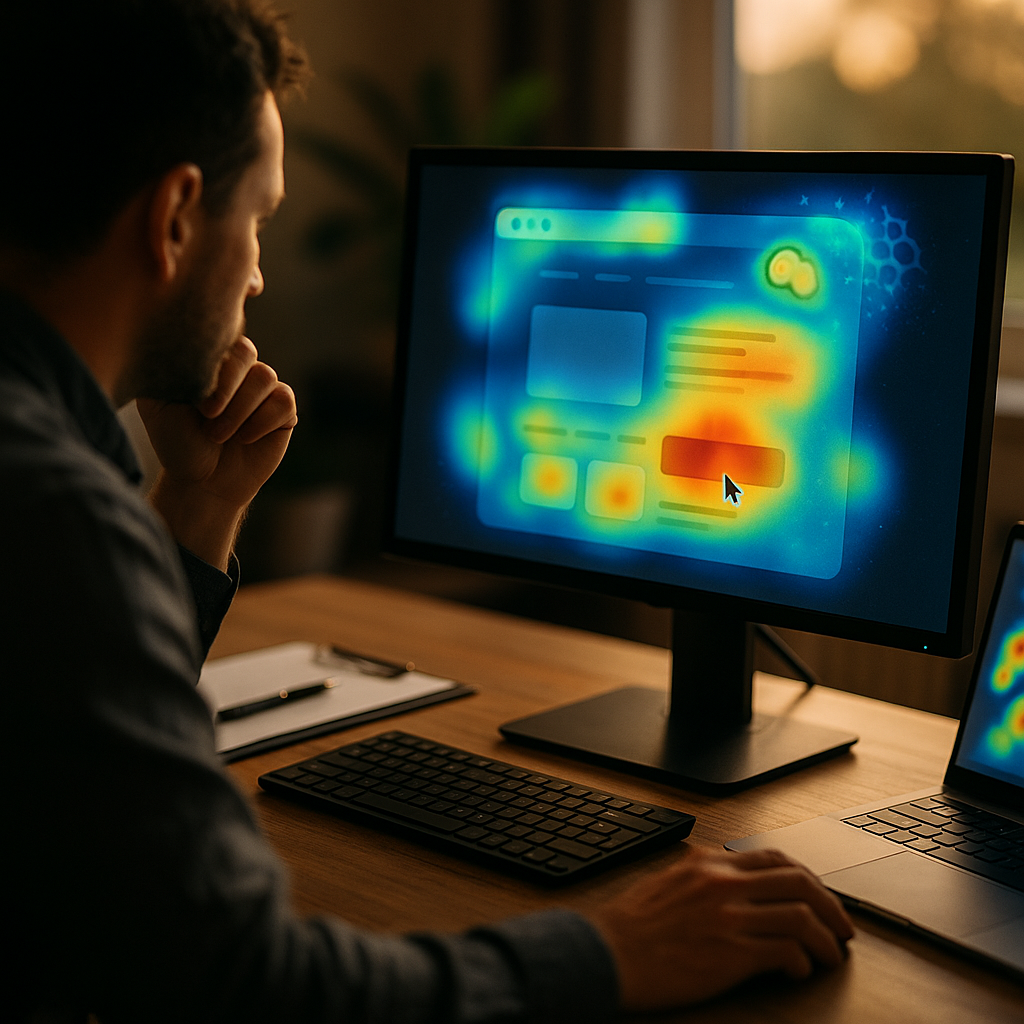
Using AI to analyze heatmaps and identify user attention patterns is revolutionizing how organizations understand web and app behavior. With AI-driven insights, teams are optimizing digital experiences more intelligently than ever before. Ready to discover how this new era of analytics can boost conversions, engagement, and user satisfaction? Let’s explore the transformative impact of AI-enabled heatmap analysis.
AI-Powered Heatmap Analysis: How It Works
Traditional heatmaps visually represent where users click, scroll, or hover on a webpage. While helpful, these tools often leave teams interpreting patterns manually. In contrast, AI-powered heatmap analysis leverages machine learning to process vast interaction datasets, revealing consistent user attention patterns with speed and precision.
AI models ingest behavioral data such as mouse movements, clicks, scroll depth, and even gaze tracking captured by compatible devices. They then classify attention hotspots, predict intent, and flag usability bottlenecks—all without requiring data scientists to build algorithms from scratch. This automated approach uncovers subtle insights traditional tools may miss.
Understanding User Attention Patterns for UX Optimization
Today’s web users demand seamless, intuitive experiences. With AI mapping user attention patterns, UX designers can proactively address friction points. For example, if users consistently ignore a call-to-action (CTA), AI can correlate this with positioning, size, or contextual relevance to recommend improvements.
- Scroll Analysis: AI pinpoints exactly where attention drops, helping content strategists reposition or shorten content to retain interest.
- Click Heatmaps: Advanced analytics identify both intended and unintended click zones, distinguishing purposeful engagement from confusion.
- Visual Hierarchy: AI detects when critical elements are overlooked, prompting layout adjustments that align with natural user attention flows.
Ultimately, these insights empower design teams to iterate confidently, yielding interfaces optimized for real-world use.
AI and Behavioral Segmentation in Heatmaps
One major leap forward in 2025 is the integration of behavioral segmentation with AI-analyzed heatmaps. Rather than treating all users the same, AI clusters visitors by shared traits—such as new vs. returning, device type, or navigation path. This nuanced understanding enables much more relevant, personalized optimizations.
For instance, AI might reveal that mobile users consistently miss a menu button, while desktop users have no such issue. By segmenting heatmap data, product teams can customize solutions for each audience, increasing user satisfaction and conversion rates.
Real-Time Insights and Continuous Improvement
Real-time AI heatmap analysis offers a competitive edge. Instead of waiting days or weeks for reports, site owners receive actionable feedback instantly as user behaviors shift—be it in response to a marketing campaign or a design tweak.
Continuous data collection fuels iterative experimentation. When AI reveals a new pattern, teams can test a solution and immediately see its impact, dramatically speeding up the optimization loop. This ongoing cycle of insight, action, and refinement fosters more agile, user-centric digital products.
Integrating AI Heatmap Tools with Broader Analytics
The power of AI heatmap analysis multiplies when integrated with comprehensive analytics platforms. By linking attention data to metrics like conversions, bounce rates, and funnel progression, businesses gain a holistic view of user journeys. This context clarifies which interface changes truly drive business goals.
- Session Replay: Watch AI-selected replays of sessions where users struggled, to combine quantitative and qualitative findings.
- Conversion Attribution: Attribute conversion changes to specific interface tweaks illuminated by heatmap attention shifts.
- A/B Testing: Pair AI-detected attention hotspots with testing platforms to validate hypotheses and prioritize high-impact experiments.
This integrated, data-driven approach is essential for digital leaders seeking sustainable, measurable growth in 2025.
Best Practices for Effective AI-Driven Heatmap Analysis
To maximize the benefits of using AI for user attention pattern analysis, follow key best practices in 2025:
- Set Clear Objectives: Define what success looks like for your digital experience before deploying AI heatmap tools.
- Ensure Data Privacy: Use platforms that comply with privacy laws, anonymize user identifiers, and require minimal invasive tracking.
- Cross-Disciplinary Collaboration: Involve designers, marketers, and developers in interpreting and acting on AI-driven insights.
- Combine Quantitative and Qualitative: Supplement AI findings with user surveys and interviews to validate observed patterns.
- Iterate Rapidly: Use real-time feedback from AI analysis to test, learn, and refine your UX continuously.
With these strategies, organizations can confidently harness AI, driving stronger user engagement and business outcomes.
Conclusion
AI is transforming heatmap analysis and user attention pattern detection, empowering teams to build user-focused digital experiences with speed and precision. Embracing these AI-driven insights leads to more intuitive, engaging interfaces—and ultimately, better business performance. Now is the time to integrate AI into your analytics stack and unlock the next generation of UX optimization.
Frequently Asked Questions
-
What are AI heatmaps?
AI heatmaps are visual representations of user interactions—such as clicks, scrolls, or gaze—analyzed and interpreted by artificial intelligence algorithms to reveal actionable patterns and attention hotspots across digital interfaces.
-
How does AI improve traditional heatmap analysis?
AI automates data processing, uncovers subtle patterns, segments users by behavior, and provides real-time insights. This leads to faster and deeper understanding of user attention compared to manual, traditional heatmap methods.
-
Are AI-powered heatmaps privacy compliant?
Reputable AI heatmap platforms in 2025 follow strict privacy protocols: they anonymize data, do not record sensitive input fields, and comply with regulations like GDPR and CCPA, ensuring safe and ethical user tracking.
-
How can AI heatmap analysis boost conversions?
By revealing where users engage or lose interest, AI-driven heatmaps help optimize layouts, CTAs, and content positioning, directly leading to higher engagement and conversion rates through data-backed decision making.
-
What’s the best way to get started with AI heatmap analysis?
Begin by defining clear goals for UX improvements, choose a privacy-first AI heatmap tool, integrate it with your analytics stack, and foster collaboration among relevant teams to iterate and act on insights for continuous improvement.
Top Influencer Marketing Agencies
The leading agencies shaping influencer marketing in 2026
Agencies ranked by campaign performance, client diversity, platform expertise, proven ROI, industry recognition, and client satisfaction. Assessed through verified case studies, reviews, and industry consultations.
Moburst

-
2

The Shelf
Boutique Beauty & Lifestyle Influencer AgencyA data-driven boutique agency specializing exclusively in beauty, wellness, and lifestyle influencer campaigns on Instagram and TikTok. Best for brands already focused on the beauty/personal care space that need curated, aesthetic-driven content.Clients: Pepsi, The Honest Company, Hims, Elf Cosmetics, Pure LeafVisit The Shelf → -
3

Audiencly
Niche Gaming & Esports Influencer AgencyA specialized agency focused exclusively on gaming and esports creators on YouTube, Twitch, and TikTok. Ideal if your campaign is 100% gaming-focused — from game launches to hardware and esports events.Clients: Epic Games, NordVPN, Ubisoft, Wargaming, Tencent GamesVisit Audiencly → -
4

Viral Nation
Global Influencer Marketing & Talent AgencyA dual talent management and marketing agency with proprietary brand safety tools and a global creator network spanning nano-influencers to celebrities across all major platforms.Clients: Meta, Activision Blizzard, Energizer, Aston Martin, WalmartVisit Viral Nation → -
5

The Influencer Marketing Factory
TikTok, Instagram & YouTube CampaignsA full-service agency with strong TikTok expertise, offering end-to-end campaign management from influencer discovery through performance reporting with a focus on platform-native content.Clients: Google, Snapchat, Universal Music, Bumble, YelpVisit TIMF → -
6

NeoReach
Enterprise Analytics & Influencer CampaignsAn enterprise-focused agency combining managed campaigns with a powerful self-service data platform for influencer search, audience analytics, and attribution modeling.Clients: Amazon, Airbnb, Netflix, Honda, The New York TimesVisit NeoReach → -
7

Ubiquitous
Creator-First Marketing PlatformA tech-driven platform combining self-service tools with managed campaign options, emphasizing speed and scalability for brands managing multiple influencer relationships.Clients: Lyft, Disney, Target, American Eagle, NetflixVisit Ubiquitous → -
8

Obviously
Scalable Enterprise Influencer CampaignsA tech-enabled agency built for high-volume campaigns, coordinating hundreds of creators simultaneously with end-to-end logistics, content rights management, and product seeding.Clients: Google, Ulta Beauty, Converse, AmazonVisit Obviously →