


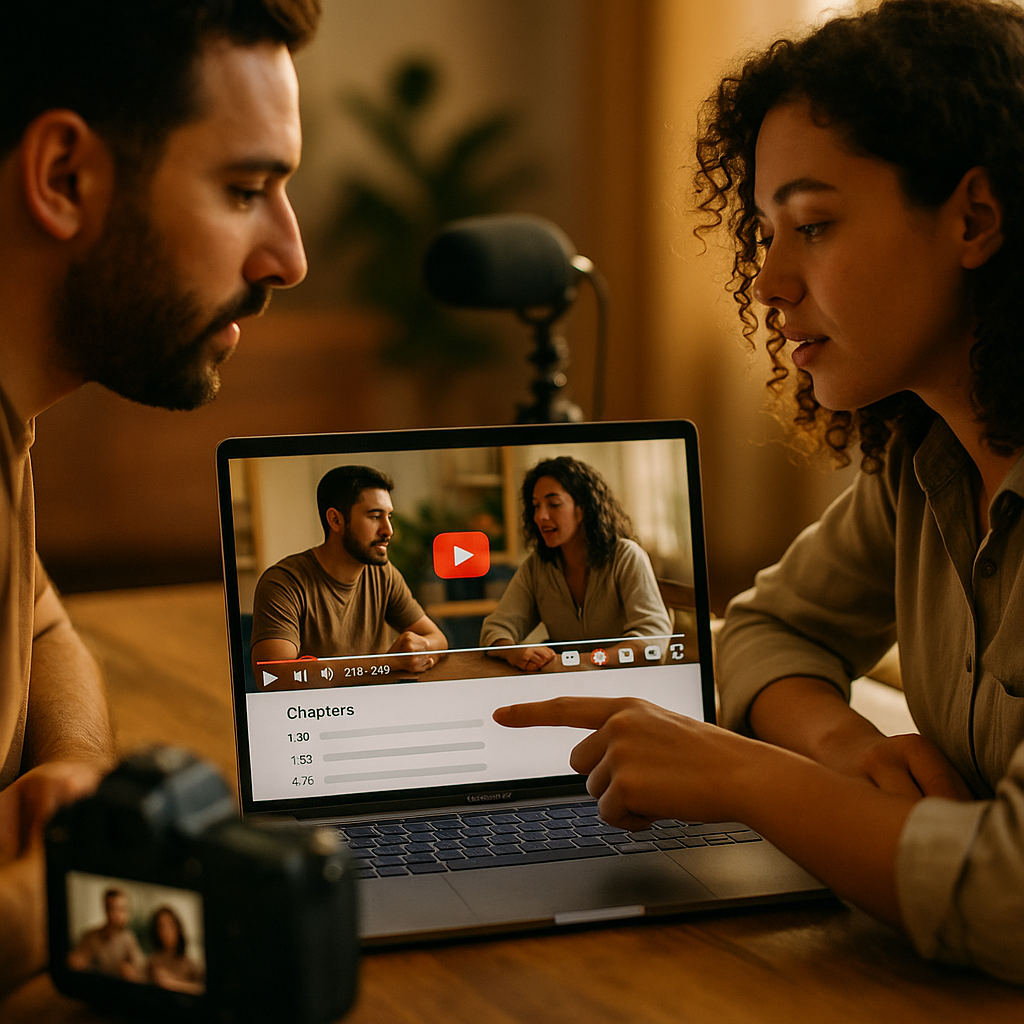
YouTube Chapters offer creators new ways to structure videos and enhance viewer experience, but their true potential is unlocked during creator collaborations. Learn how to use YouTube Chapters in creator collaborations to maximize engagement, spotlight partners, and create clearer, more engaging content. Let’s explore practical techniques that turn collaborative sessions into powerful audience-building tools.
What Are YouTube Chapters and Why Use Them in Collaborations?
YouTube Chapters segment a video using time-stamped markers, allowing viewers to easily navigate through different topics or scenes. In the context of creator collaborations, chapters become invaluable by:
- Organizing content: Segment contributions by each creator or topic for seamless viewing.
- Highlighting partners: Give collaborators dedicated chapter visibility, enhancing mutual promotion.
- Improving discoverability: Google indexes chapters, making collaborative content easier to find via search.
- Boosting engagement: Viewers can quickly access interviews, product demos, Q&As, or behind-the-scenes segments.
Using chapters demonstrates expertise and transparency—two pillars of Google’s EEAT guidelines for helpful content.
Setting Up YouTube Chapters: Step-by-Step Collaboration Guide
Implementing YouTube Chapters in a collaboration requires a strategic approach. Follow these actionable steps:
- Plan your collaboration’s structure: Outline segments, assigning specific topics, guests, or activities. For example, list intro, Creator A segment, Creator B Q&A, and joint wrap-up.
- Note timestamps during editing: As you edit, mark when each collaborator appears or when the topic shifts.
-
Format chapter markers correctly: Add at least three time-stamped markers in your video description. Example:
00:00 Introduction
02:12 Sam joins for unboxing
07:45 Alex’s coding demo
14:32 Joint Q&A session
20:15 Conclusion - Use chapter titles for visibility: Clearly name each collaborator or segment. This makes it easier for viewers and search engines to recognize contributions.
- Test chapter functionality before publishing: Preview your video to ensure chapters display accurately, especially on mobile devices where most YouTube consumption occurs in 2025.
Proper chapter setup supports a smooth viewing experience and helps partners’ content get the spotlight it deserves.
Maximizing Engagement and Discoverability with Collaborative Chapters
YouTube and Google now use chapter data to improve video indexing and user navigation. To leverage chapters for collaborative work, consider these strategies:
- SEO Optimize Each Chapter Title: Use relevant keywords in chapter headings, such as guest names, topics, or trending themes, to capture search intent.
- Add Links and Social Handles: In your video description and chapters, briefly plug each partner’s channel or profile, fostering cross-promotion and increased traffic.
- Tag Collaborators in Chapters: If your format allows, reference each creator directly (“12:15 Sam’s Marketing Tips”) to boost recognition and external search traffic.
- Create Standalone Moments: Design your collaboration so each chapter can function as an independent value segment, encouraging viewers to share or revisit specific chapters.
These steps align with the “Experience” and “Expertise” requirements for quality content in current YouTube and search guidelines.
Best Practices for Transparent and Effective Creator Collaborations
Transparent collaboration strengthens your channel’s credibility and audience trust—and YouTube chapters can play a big role in that. Here are the latest recommended practices:
- Disclose partnerships: Always note in video and chapter descriptions when a segment is part of a paid or sponsored partnership. This aligns with both YouTube policies and current consumer protection regulations.
- Respect audience time: Use chapter descriptions to signal lengthy segments or detail what viewers can expect, so they can navigate to content most relevant to them.
- Promote diverse voices: Feature multiple creators by giving each a distinct, named chapter segment, ensuring everyone gets clear credit and exposure.
- Update chapters dynamically: If collaboration topics evolve (e.g., a follow-up or live Q&A), update the chapters even after initial publishing—YouTube’s tools now allow real-time description edits in 2025.
These best practices help establish your content as trustworthy, transparent, and user-first—key elements of Google’s EEAT framework.
Analyzing Performance: Measuring Collaborative Success with Chapters
After publishing a collaborative video with chapters, it’s essential to measure its impact. Here’s how you can use YouTube Analytics to assess and improve future collaborations:
- Chapter engagement: Track which chapters receive the most clicks or highest retention rates. This demonstrates which collaborator segments or topics are most valuable to your audience.
- Traffic sources: Identify if collaborating creators’ audiences are discovering your video through chapters or external promotion.
- Keyword impact: Analyze how chapter titles with targeted keywords affect your search rankings and click-through rates (CTR).
- User feedback: Encourage viewers to comment their favorite segments, informing which chapter formats work best for future collaborations.
Use this performance data to refine your strategy, optimize future chapter titles, and strengthen relationships with creator partners.
Conclusion: Chapters Drive Better and More Transparent Collaborations
Leveraging YouTube Chapters in creator collaborations not only enriches viewer experience but also builds transparency, trust, and discoverability. With strategic planning and smart chapter optimization, your collaborations in 2025 can reach wider audiences—boosting growth for all creators involved and setting a standard for helpful, well-structured content.
FAQs About Using YouTube Chapters in Creator Collaborations
-
How do I add chapters to a collaborative YouTube video?
Add chapters by including time-stamped titles (with “00:00” as the start) in your video description. Each timestamp should correspond to a specific collaborator, topic, or segment. -
Can chapters increase views and retention for collaboration videos?
Yes. Chapters make it easier for viewers to find the segments that most interest them, improving watch time, retention, and engagement—especially in multi-topic collaborations. -
What if a collaboration changes after publishing the video?
YouTube now allows you to edit chapter markers and descriptions at any time. Update your timestamps or segment titles to reflect any new or revised content. -
Should I mention collaborators in chapter titles?
Absolutely. Using names and relevant keywords in chapter titles boosts both recognition for partners and keyword searchability for your video. -
Are there minimum or maximum limits for chapters?
You need at least three time-stamped chapters and chapter markers must start at “00:00”. There isn’t a strict maximum, but keep chapters relevant and descriptive for viewer ease.
Top Influencer Marketing Agencies
The leading agencies shaping influencer marketing in 2026
Agencies ranked by campaign performance, client diversity, platform expertise, proven ROI, industry recognition, and client satisfaction. Assessed through verified case studies, reviews, and industry consultations.
Moburst

-
2

The Shelf
Boutique Beauty & Lifestyle Influencer AgencyA data-driven boutique agency specializing exclusively in beauty, wellness, and lifestyle influencer campaigns on Instagram and TikTok. Best for brands already focused on the beauty/personal care space that need curated, aesthetic-driven content.Clients: Pepsi, The Honest Company, Hims, Elf Cosmetics, Pure LeafVisit The Shelf → -
3

Audiencly
Niche Gaming & Esports Influencer AgencyA specialized agency focused exclusively on gaming and esports creators on YouTube, Twitch, and TikTok. Ideal if your campaign is 100% gaming-focused — from game launches to hardware and esports events.Clients: Epic Games, NordVPN, Ubisoft, Wargaming, Tencent GamesVisit Audiencly → -
4

Viral Nation
Global Influencer Marketing & Talent AgencyA dual talent management and marketing agency with proprietary brand safety tools and a global creator network spanning nano-influencers to celebrities across all major platforms.Clients: Meta, Activision Blizzard, Energizer, Aston Martin, WalmartVisit Viral Nation → -
5

The Influencer Marketing Factory
TikTok, Instagram & YouTube CampaignsA full-service agency with strong TikTok expertise, offering end-to-end campaign management from influencer discovery through performance reporting with a focus on platform-native content.Clients: Google, Snapchat, Universal Music, Bumble, YelpVisit TIMF → -
6

NeoReach
Enterprise Analytics & Influencer CampaignsAn enterprise-focused agency combining managed campaigns with a powerful self-service data platform for influencer search, audience analytics, and attribution modeling.Clients: Amazon, Airbnb, Netflix, Honda, The New York TimesVisit NeoReach → -
7

Ubiquitous
Creator-First Marketing PlatformA tech-driven platform combining self-service tools with managed campaign options, emphasizing speed and scalability for brands managing multiple influencer relationships.Clients: Lyft, Disney, Target, American Eagle, NetflixVisit Ubiquitous → -
8

Obviously
Scalable Enterprise Influencer CampaignsA tech-enabled agency built for high-volume campaigns, coordinating hundreds of creators simultaneously with end-to-end logistics, content rights management, and product seeding.Clients: Google, Ulta Beauty, Converse, AmazonVisit Obviously →