


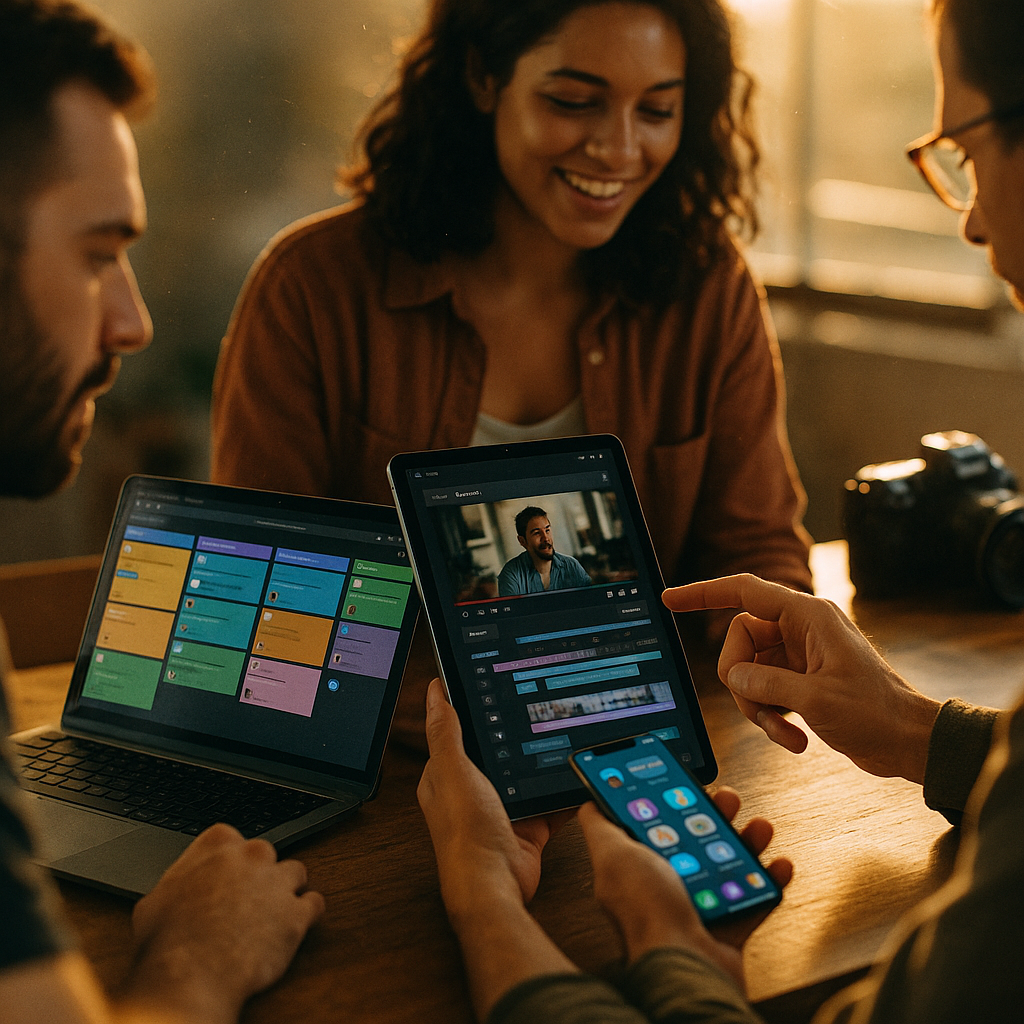
Effective tools for creator collaboration workflows are essential for today’s digital content teams striving for efficiency and quality. As creators increasingly work remotely and across time zones, streamlined project management and robust communication make all the difference. If you want to supercharge your collaborative output in 2025, here’s how leading-edge solutions can empower your team.
Project Management Platforms for Creative Teams
Staying organized is the foundation of any successful creator collaboration workflow. In 2025, platforms like Trello, Asana, and ClickUp are go-to options for visual project management. These tools offer customizable boards, timelines, and calendars, making it easy for creators to coordinate tasks, set priorities, and maintain visibility across all stages of content development.
Key benefits of using robust project management software include:
- Task Assignment: Quickly allocate responsibilities and set deadlines.
- Progress Tracking: See at a glance what’s done, in progress, or overdue.
- Centralized Files: Attach documents, visual resources, and feedback directly to tasks to reduce information silos.
- Integrations: Seamlessly connect with other creative tools, such as Google Drive, Slack, or Adobe Creative Cloud, for frictionless workflows.
Tip: Choose a platform that matches your team’s size—simpler solutions for small teams, feature-rich platforms for larger organizations.
Real-Time Communication Tools for Creators
Instant, clear communication is the backbone of creative collaboration. In 2025, Slack and Microsoft Teams remain industry standards with threaded conversations, group channels, and powerful search functions that ensure nobody misses key information. These platforms allow creators to:
- Share multimedia content and project links instantly
- Host huddles or quick audio calls for rapid brainstorming
- Create topic-specific channels for focused discussions (e.g., for video production, copywriting, or social media strategy)
- Archive conversations for easy reference in future projects
Effective collaboration tools also respect work-life balance. Features like notification scheduling and focus modes minimize distractions and promote deep work.
Cloud-Based Asset Management for Content Creators
Content creators deal with massive files and complex digital assets—including videos, images, and large documents. In 2025, cloud-based asset management platforms like Dropbox, Google Drive, or Frame.io are essential for securely storing, sharing, and reviewing files.
The right digital asset management (DAM) tool provides:
- Version Control: Access previous and current versions of your content—essential to avoid confusion or lost files.
- Role-Based Permissions: Control who can view, edit, or comment on assets, keeping your intellectual property safe.
- Seamless Collaboration: Collect feedback and approvals within the platform without endless email threads.
Recent studies show that streamlined DAM platforms reduce project turnaround times by up to 27%, speeding up everything from social content design to video post-production.
Collaborative Editing and Co-Creation Software
Today’s content is co-authored and co-designed in real time. Collaborative editing tools like Google Workspace (Docs, Sheets, Slides), Miro for whiteboarding, and Figma for design enable multiple creators to work simultaneously—no matter where they are.
Key features that drive productivity:
- Real-time cursor tracking and change suggestions for fast, accurate revisions
- In-context commenting for direct, actionable feedback
- Templates and shared libraries to maintain brand consistency
- Instant sharing with clients or external collaborators via secure links
Embracing these collaborative solutions ensures faster turnaround, higher creativity, and fewer bottlenecks in content development cycles.
Workflow Automation and Integration Solutions
High-performing creative teams automate repetitive tasks to focus on high-value work. Tools like Zapier and Make (formerly Integromat) dominate the 2025 automation landscape, connecting your favorite collaborative tools without a line of code. Workflow automation can:
- Trigger notifications in your messaging app when a file is approved
- Auto-update project management cards when assets are delivered
- Push finished resources to a shared drive or client portal instantly
- Report on project status via automated dashboards
Research from Content Marketing Institute in 2024 found that teams leveraging no-code automation were 32% more likely to finish projects ahead of schedule, showing the tangible benefits of streamlined collaboration.
Choosing the Right Collaboration Workflow Tools for Your Team
Selecting the best tools for creator collaboration workflows depends on your team’s structure, creative output, and goals. Consider:
- Scalability: Does the platform handle growing team size and asset volume?
- User Experience: Is it intuitive for all contributors, from designers to editors?
- Security: Does it include encryption, back-ups, and permissions controls?
- Integration: Can it seamlessly connect with your existing stack, or is migration required?
Trial periods, robust customer support, and community forums are also signs of a solution worth adopting. Always prioritize platforms with transparent data security and up-to-date compliance certification.
Conclusion
Optimized tools for creator collaboration workflows drive efficiency and creative excellence. By choosing project management, communication, asset management, and automation platforms that match your needs, your team can collaborate seamlessly from concept to delivery. In 2025, leveraging these innovations ensures content quality and helps you outpace the competition.
FAQs: Tools For Creator Collaboration Workflows
-
What is a creator collaboration workflow?
A creator collaboration workflow is a structured process using digital tools for team members to plan, create, edit, approve, and deliver creative content collaboratively and efficiently.
-
Which tools are essential for remote creative teams?
Key tools include project management platforms (Asana, ClickUp), communication hubs (Slack, Microsoft Teams), cloud storage (Google Drive, Dropbox), collaborative editing (Google Docs, Figma), and automation solutions (Zapier).
-
How do integration tools like Zapier benefit creators?
Integration tools automate repetitive processes, reduce manual errors, and link disparate apps—enabling creators to focus more time on innovative work and less on administration.
-
Are cloud-based tools secure for creative assets?
Top cloud-based asset management platforms in 2025 use advanced encryption and granular access controls to protect IP, complying with leading industry standards.
-
How do I choose the best collaboration tool for my team?
Identify your workflow needs, required integrations, scalability, user experience, and security priorities. Compare features and utilize free trials before committing to a platform.
Top Influencer Marketing Agencies
The leading agencies shaping influencer marketing in 2026
Agencies ranked by campaign performance, client diversity, platform expertise, proven ROI, industry recognition, and client satisfaction. Assessed through verified case studies, reviews, and industry consultations.
Moburst

-
2

The Shelf
Boutique Beauty & Lifestyle Influencer AgencyA data-driven boutique agency specializing exclusively in beauty, wellness, and lifestyle influencer campaigns on Instagram and TikTok. Best for brands already focused on the beauty/personal care space that need curated, aesthetic-driven content.Clients: Pepsi, The Honest Company, Hims, Elf Cosmetics, Pure LeafVisit The Shelf → -
3

Audiencly
Niche Gaming & Esports Influencer AgencyA specialized agency focused exclusively on gaming and esports creators on YouTube, Twitch, and TikTok. Ideal if your campaign is 100% gaming-focused — from game launches to hardware and esports events.Clients: Epic Games, NordVPN, Ubisoft, Wargaming, Tencent GamesVisit Audiencly → -
4

Viral Nation
Global Influencer Marketing & Talent AgencyA dual talent management and marketing agency with proprietary brand safety tools and a global creator network spanning nano-influencers to celebrities across all major platforms.Clients: Meta, Activision Blizzard, Energizer, Aston Martin, WalmartVisit Viral Nation → -
5

The Influencer Marketing Factory
TikTok, Instagram & YouTube CampaignsA full-service agency with strong TikTok expertise, offering end-to-end campaign management from influencer discovery through performance reporting with a focus on platform-native content.Clients: Google, Snapchat, Universal Music, Bumble, YelpVisit TIMF → -
6

NeoReach
Enterprise Analytics & Influencer CampaignsAn enterprise-focused agency combining managed campaigns with a powerful self-service data platform for influencer search, audience analytics, and attribution modeling.Clients: Amazon, Airbnb, Netflix, Honda, The New York TimesVisit NeoReach → -
7

Ubiquitous
Creator-First Marketing PlatformA tech-driven platform combining self-service tools with managed campaign options, emphasizing speed and scalability for brands managing multiple influencer relationships.Clients: Lyft, Disney, Target, American Eagle, NetflixVisit Ubiquitous → -
8

Obviously
Scalable Enterprise Influencer CampaignsA tech-enabled agency built for high-volume campaigns, coordinating hundreds of creators simultaneously with end-to-end logistics, content rights management, and product seeding.Clients: Google, Ulta Beauty, Converse, AmazonVisit Obviously →