


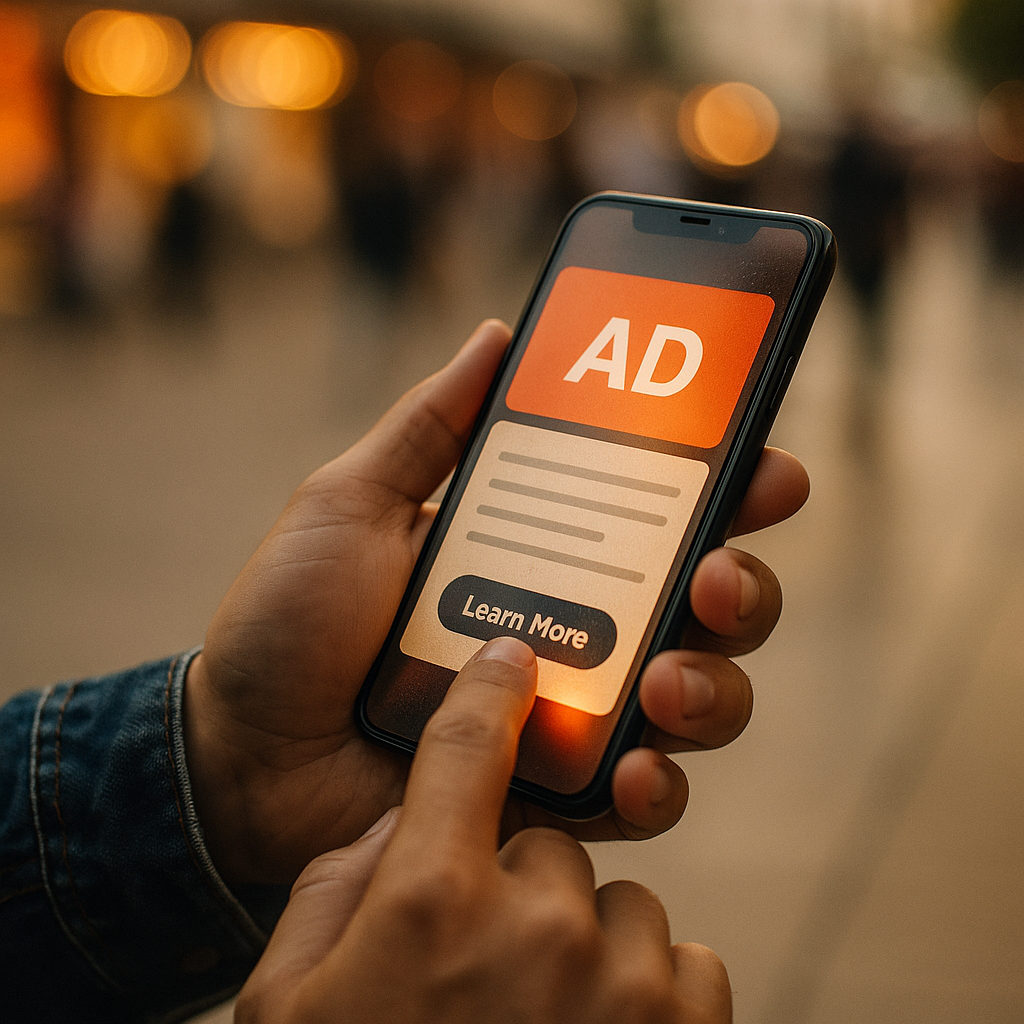
In 2025, mobile advertising competes for attention in a crowded, swipe-first world. Visual and audio cues still matter, but touch is becoming the next persuasive channel. The Impact Of Haptic Feedback On Future Mobile Ad Conversion is no longer a niche UX topic; it is a practical lever for shaping intent, reducing friction, and improving user confidence. The question is: how do you use it without annoying people?
What haptic feedback means for mobile advertising performance
Haptic feedback is the use of vibration patterns to confirm actions, guide attention, or convey state changes on a device. In apps, it already reinforces common behaviors—tapping a button, pulling to refresh, or confirming a payment. In advertising, the same mechanism can strengthen the connection between an ad and a user’s decision, especially when the ad asks for a high-intent action such as Get Offer, Add to Cart, or Book Now.
The performance upside comes from two places:
- Clarity: A subtle “confirmation pulse” can tell users their tap was received, reducing repeat taps and misclick frustration—common causes of drop-off on mobile landing flows.
- Attention guidance: A brief, well-timed haptic can direct focus toward a key moment (for example, the reveal of a discount code or the final step of a checkout), without forcing louder visuals.
However, haptics are not a shortcut for weak targeting or poor creative. They amplify what already works. If your message is irrelevant or your landing page loads slowly, vibration will not rescue conversion—and may increase irritation. The practical goal is to use touch as a micro-confirmation layer that makes the user feel in control.
Neuromarketing and haptic UX: why touch increases intent
Touch adds a physical signal to a digital interaction. From a user-experience perspective, it reduces uncertainty: “Did my tap register?” From a persuasion perspective, it can increase perceived responsiveness and trust, which matters at the moment a user moves from interest to action.
Mobile conversion flows are full of “micro-decisions” that can derail intent: selecting a size, choosing a plan, verifying delivery, or confirming a subscription. When the interface provides multi-sensory confirmation, people tend to complete tasks faster and with fewer errors. That makes haptics especially relevant for ads optimized to outcomes (purchases, leads, bookings) rather than clicks.
To keep this grounded in practice, treat haptics as:
- Progress reinforcement: A light tick when a step completes (like applying a promo code) can reassure users that they are moving forward.
- Error prevention: A distinct “warning” haptic for invalid input (like an incomplete phone number) can reduce form abandonment when paired with clear visual text.
- Choice confirmation: A short confirmation pulse after selecting a plan or seat can reduce second-guessing and backtracking.
Readers often ask, “Will this feel manipulative?” It depends on intent and transparency. Haptics should confirm the user’s action, not coerce it. If vibration triggers without user initiation, many people interpret it as intrusive. In 2025, respectful design is also a business advantage: it protects brand trust while supporting measurable conversion gains.
Mobile ad conversion optimization with haptics: where it works best
Not every ad format can access haptic features in the same way. Still, there are several high-impact points where haptic feedback can improve outcomes without adding friction.
1) Interactive ad units and playable experiences
Interactive formats—such as product configurators, swipeable carousels, and short “try it” demos—benefit from haptics because the user is already engaged. A soft tick on each successful interaction can increase perceived smoothness and reduce accidental exits.
2) Click-to-action moments
The biggest haptic opportunity often sits at the CTA moment. A micro-confirmation pulse on Tap to claim or Start free trial can reduce uncertainty, especially on devices with varying touch sensitivity. This works best when the landing experience loads quickly; otherwise, users may feel tricked if feedback suggests progress but the page stalls.
3) In-app checkout and payment confirmation
If your ad drives into an app flow (rather than a browser landing page), haptics can support the most delicate part of the journey: payment. A distinct confirmation haptic paired with clear text (for example, “Order placed”) can increase confidence and reduce support contacts like “Did my order go through?”
4) Lead forms and appointment scheduling
For service businesses, the form is the conversion. Haptic cues on field completion, date selection, and final submission can reduce errors and abandonment—especially when the form is longer than a single screen.
To answer a common follow-up: “Should I add haptics everywhere?” No. Overuse trains users to ignore it and can feel noisy. Limit haptic moments to high-intent checkpoints where reassurance or guidance is most valuable.
Haptic design patterns for CTA buttons and landing pages
Effective haptics require thoughtful patterns, not random vibration. In 2025, the best-performing implementations generally follow three rules: subtle, consistent, and user-initiated.
Recommended haptic patterns
- Confirmation pulse for primary CTAs: One short, light pulse on tap. Pair it with immediate visual state change (button press animation) to avoid “phantom confirmation.”
- Progress tick for step completion: A gentle tick when a user completes a step in a multi-step flow (like selecting a plan, then continuing).
- Warning haptic for errors: A distinct, slightly longer pattern only when an error occurs, paired with precise guidance text. Avoid repeated warnings that feel punitive.
- Success haptic on conversion: A clear success pattern at the final conversion event (purchase complete, booking confirmed). Keep it brief; the success message should do the communicating.
Landing page considerations
Many mobile ads still route to mobile web. Web haptics support varies by platform and browser, and capabilities can be restricted. When haptic support is limited, you can still apply the same principles using visual and motion feedback. If you control the post-click experience in-app, you gain more consistent access to haptic APIs and can standardize patterns across devices.
How to avoid user backlash
- Never trigger haptics on ad load: It can feel like an alert or spam, and it violates user expectations.
- Respect system settings: If a user has disabled vibration or reduced haptics, your experience should honor that preference.
- Match intensity to importance: A checkout confirmation can justify a clearer haptic than a carousel swipe.
- Keep it accessible: Haptics should supplement, not replace, visible feedback and readable text.
If you’re wondering how to sell this internally, frame it as conversion risk reduction. Haptics reduce ambiguity at the exact moments where confusion causes abandonment.
Measurement and attribution for haptic A/B tests
Haptic feedback is only valuable if it improves outcomes you can verify. Treat it like any other conversion optimization hypothesis: test, measure, and roll out only what lifts results without harming user sentiment.
What to test
- Presence vs. absence: CTA haptic on tap versus no haptic.
- Pattern intensity: Light pulse versus stronger confirmation (within reasonable bounds).
- Placement: CTA-only versus CTA + step completion tick in multi-step flows.
- Error handling: Visual-only error versus visual + haptic warning.
Primary metrics for mobile ad conversion
- Conversion rate (CVR): Purchases, leads, bookings, or subscriptions, depending on the goal.
- Drop-off rate by step: Especially useful for multi-step funnels and form completion.
- Time to complete: Faster completion with the same or better CVR suggests reduced friction.
- Rage taps and repeat taps: A decrease indicates better clarity and responsiveness.
- Refunds/cancellations and support tickets: For commerce, improved confirmation can reduce “accidental purchase” claims if implemented responsibly.
Attribution and practical constraints
Haptics rarely operate in isolation. When you change the tactile layer, you often also change animation timing, button states, or step transitions. To preserve test integrity, keep everything else constant and document exactly what changed. For ad platforms that optimize delivery algorithmically, ensure your test runs long enough to stabilize learning and segment results by device type, OS, and placement.
EEAT note: Conversion teams should involve UX and accessibility stakeholders in test planning. That cross-functional input improves validity, reduces brand risk, and creates implementation standards that scale.
Privacy, accessibility, and brand trust in haptic advertising
In 2025, performance marketing succeeds when it earns trust. Haptic feedback can support trust—if it respects privacy, accessibility, and user control.
Privacy
Haptics generally do not require personal data. Still, the broader experience often does (retargeting, personalization, measurement). Keep consent flows clear and avoid tying “tactile delight” to dark patterns like forced continuity. If users feel tricked into a subscription, even a perfect haptic implementation will backfire through churn, chargebacks, and negative reviews.
Accessibility
Some users rely on haptics as an assistive signal; others find vibration uncomfortable or distracting. Good practice includes honoring device-level settings and offering consistent alternatives—clear labels, high-contrast states, and readable confirmation messages.
Brand alignment
Haptic tone should match brand tone. A premium finance app may use restrained confirmation cues, while a game may use richer tactile effects. Consistency matters: if one screen “feels” different from another, users perceive the experience as less reliable.
The key follow-up question is, “How do I ensure haptics don’t reduce trust?” Use them to confirm user intent, never to simulate progress or urgency. Touch should clarify reality, not create artificial pressure.
FAQs
Can haptic feedback really increase mobile ad conversion?
Yes, when it reduces ambiguity at high-intent moments (CTA taps, step completion, payment confirmation) and is paired with immediate visual feedback. It is most effective as a friction-reduction tool, not as a novelty effect.
Which ad formats benefit most from haptics?
Interactive and in-app experiences benefit the most: playable or demo-style units, app deep links into purchase flows, and lead forms inside apps. Mobile web can benefit too, but technical support varies by platform and browser.
Should haptics trigger when an ad appears on screen?
No. Unprompted vibration feels intrusive and can be interpreted as an alert or spam. Trigger haptics only on user-initiated actions like taps, selections, or confirmations.
How do I A/B test haptics without skewing results?
Change only the haptic layer while keeping visuals, copy, and timing as consistent as possible. Measure conversion rate, step drop-off, repeat taps, and time to complete. Segment by device/OS because haptic behavior can differ.
Are haptics accessible for everyone?
They can improve accessibility when used as an optional supplement. Always provide visual confirmation and respect system settings for reduced vibration or accessibility preferences.
What’s the biggest mistake brands make with haptic advertising?
Overuse. Too many vibrations feel noisy and can reduce trust. Restrict haptics to moments where confirmation or error prevention clearly helps the user complete a task.
Haptic feedback can turn mobile ads from “seen” into “felt,” but the conversion lift comes from clarity, not spectacle. In 2025, the smartest teams use haptics to confirm user intent, prevent errors, and reinforce progress at high-stakes steps like forms and checkout. Test it like any performance lever, honor accessibility and device settings, and keep it subtle. Done well, touch becomes a measurable advantage.
Top Influencer Marketing Agencies
The leading agencies shaping influencer marketing in 2026
Agencies ranked by campaign performance, client diversity, platform expertise, proven ROI, industry recognition, and client satisfaction. Assessed through verified case studies, reviews, and industry consultations.
Moburst

-
2

The Shelf
Boutique Beauty & Lifestyle Influencer AgencyA data-driven boutique agency specializing exclusively in beauty, wellness, and lifestyle influencer campaigns on Instagram and TikTok. Best for brands already focused on the beauty/personal care space that need curated, aesthetic-driven content.Clients: Pepsi, The Honest Company, Hims, Elf Cosmetics, Pure LeafVisit The Shelf → -
3

Audiencly
Niche Gaming & Esports Influencer AgencyA specialized agency focused exclusively on gaming and esports creators on YouTube, Twitch, and TikTok. Ideal if your campaign is 100% gaming-focused — from game launches to hardware and esports events.Clients: Epic Games, NordVPN, Ubisoft, Wargaming, Tencent GamesVisit Audiencly → -
4

Viral Nation
Global Influencer Marketing & Talent AgencyA dual talent management and marketing agency with proprietary brand safety tools and a global creator network spanning nano-influencers to celebrities across all major platforms.Clients: Meta, Activision Blizzard, Energizer, Aston Martin, WalmartVisit Viral Nation → -
5

The Influencer Marketing Factory
TikTok, Instagram & YouTube CampaignsA full-service agency with strong TikTok expertise, offering end-to-end campaign management from influencer discovery through performance reporting with a focus on platform-native content.Clients: Google, Snapchat, Universal Music, Bumble, YelpVisit TIMF → -
6

NeoReach
Enterprise Analytics & Influencer CampaignsAn enterprise-focused agency combining managed campaigns with a powerful self-service data platform for influencer search, audience analytics, and attribution modeling.Clients: Amazon, Airbnb, Netflix, Honda, The New York TimesVisit NeoReach → -
7

Ubiquitous
Creator-First Marketing PlatformA tech-driven platform combining self-service tools with managed campaign options, emphasizing speed and scalability for brands managing multiple influencer relationships.Clients: Lyft, Disney, Target, American Eagle, NetflixVisit Ubiquitous → -
8

Obviously
Scalable Enterprise Influencer CampaignsA tech-enabled agency built for high-volume campaigns, coordinating hundreds of creators simultaneously with end-to-end logistics, content rights management, and product seeding.Clients: Google, Ulta Beauty, Converse, AmazonVisit Obviously →