


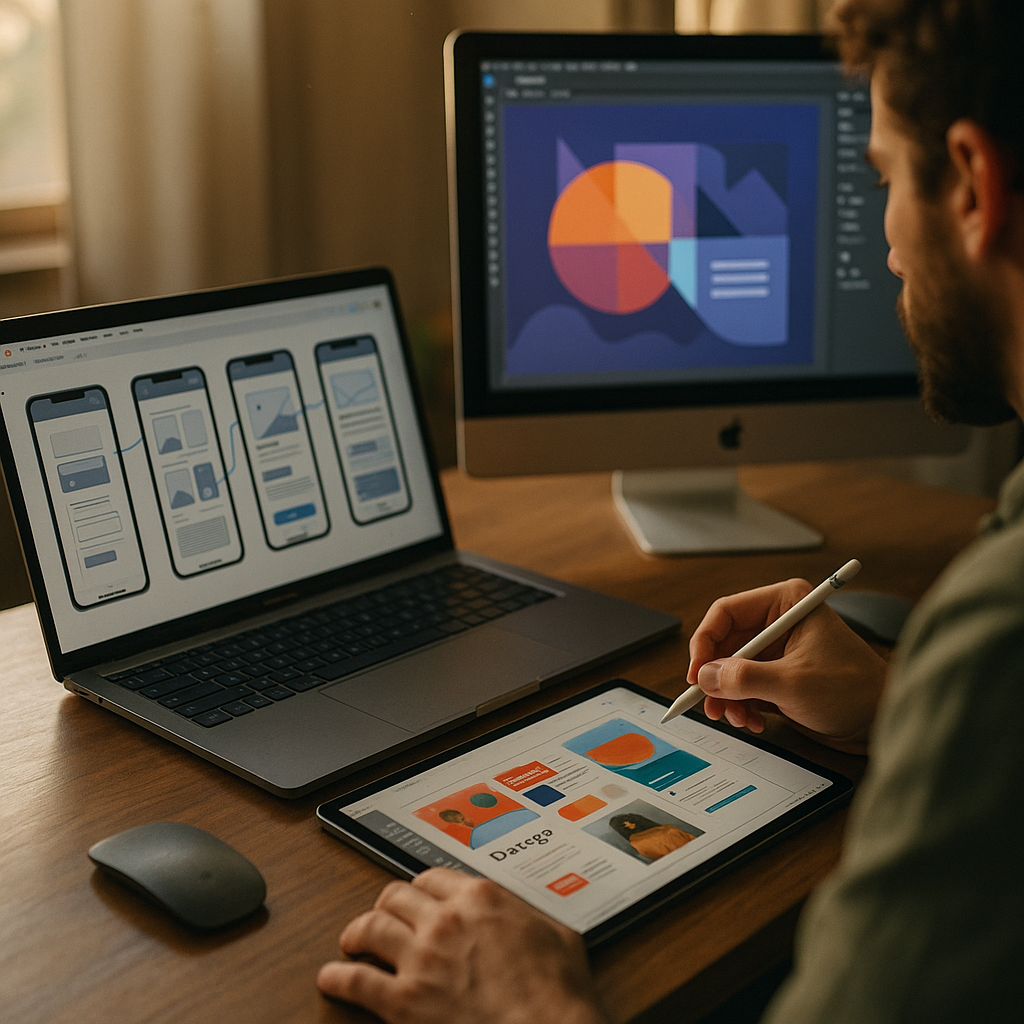
Remote teams move fast in 2025, and design work can’t wait for long email threads or lost file versions. The best collaborative design platforms for remote creative workflows combine real-time co-editing, clear feedback loops, and secure sharing—without slowing down creativity. This guide compares top options, explains how to choose, and shows how to build a workflow that actually scales. Which platform fits your team best?
Real-time co-editing tools for UI/UX teams
If your team designs digital products, you need a platform that supports simultaneous editing, structured components, and fast handoff to engineering. The strongest UI/UX platforms in 2025 focus on live collaboration, consistent design systems, and predictable version history, so multiple designers can work without stepping on each other’s changes.
Figma remains a leading choice for distributed product teams because it’s built around multiplayer editing, shared libraries, and integrated prototyping. It works well when you need to align product, design, and engineering around a single source of truth. Typical strengths include:
- Multiplayer editing with reliable presence indicators and conflict avoidance
- Design systems through components, variables, and shared libraries
- Commenting and @mentions that keep decisions attached to the artifact
- Developer handoff via inspect modes, tokens/variables workflows, and plugins
Penpot is a strong alternative if you value open standards and self-hosting options. Many remote organizations like it for governance: you can reduce vendor lock-in while still offering modern collaborative design and prototyping features. It’s especially relevant for teams with strict data requirements or a preference for open-source ecosystems.
Sketch can still work for teams standardized on macOS that prefer a mature ecosystem and local-first control, but remote collaboration becomes easier when your workflow uses a shared workspace and disciplined file management. If you choose Sketch, set rules for branching, version naming, and review gates to avoid “which file is the latest?” confusion.
Follow-up question: What matters most for remote UX velocity? Prioritize a platform that supports: (1) one shared component library, (2) in-context feedback, and (3) a clear path from design decisions to build-ready specs. The best platform is the one your team can use consistently under deadline pressure.
Cloud-based design collaboration for cross-functional feedback
Remote creative workflows break down when feedback is scattered across chat, email, and screenshots. A cloud-based collaboration layer should make review fast, structured, and traceable—so stakeholders can respond without derailing the design team.
Adobe Creative Cloud with Frame.io is widely used for video-centric teams and brand studios that already live inside Adobe apps. Frame.io centralizes review with time-stamped comments and approval flows, reducing the back-and-forth that usually slows remote feedback. It’s a strong fit when your deliverables include video, motion, or multi-format campaigns.
Canva is highly effective for marketing teams producing high volume, on-brand assets. It shines when non-designers need to collaborate without creating production risk. Brand kits, templates, and controlled permissions help keep output consistent while allowing asynchronous contribution.
InVision Freehand-style whiteboarding has largely shifted toward platforms that combine whiteboard, docs, and tasks. If you’re comparing options, look for collaboration surfaces where feedback can become decisions and decisions can become tasks—without retyping everything elsewhere.
How to prevent “feedback overload” remotely:
- Define reviewer roles: deciders vs. contributors vs. FYI viewers
- Set feedback windows: e.g., 24–48 hours, then lock changes
- Use structured prompts: “What problem do you see? What outcome do you want?”
- Capture decisions next to the artifact (not in a separate thread)
Cloud collaboration works best when the platform supports both quick reactions and accountable approvals. Aim for fewer, higher-quality review cycles—not more comments.
Design system management software for consistent remote output
Remote teams often produce inconsistent UI and brand assets because components, tokens, and guidelines live in different places. Design system management software brings order: it ties components to documentation, clarifies ownership, and reduces duplicated work across time zones.
Zeroheight is popular for publishing design system documentation that stays readable for non-designers. It helps connect components, usage guidelines, and accessibility notes into a navigable source of truth. This is valuable when product managers, QA, and engineers need clarity without joining every design meeting.
Storybook (often paired with design platforms) is essential when you want a living UI library connected to real code. For remote collaboration, it reduces ambiguity: engineering can validate states and edge cases early, and designers can align on what’s actually shippable.
Supernova supports design-system workflows that bridge design tokens and multi-platform outputs (web and native). It’s useful when your team needs consistency across multiple products or platforms and wants automation around tokens and documentation.
Follow-up question: Do we need a dedicated design-system tool if we already use a design platform? If your product has more than one squad, more than one platform (web + mobile), or recurring inconsistencies, a dedicated system layer pays off. The goal is not another tool—it’s fewer arguments, fewer regressions, and faster onboarding.
Practical governance that works remotely:
- Assign ownership (system maintainers) and a lightweight review process
- Define contribution rules for new components and token changes
- Document accessibility requirements at component level
- Track deprecations so old components don’t linger in files and code
Consistency is a collaboration feature. It reduces meetings because your artifacts answer questions before they’re asked.
Async review and annotation platforms for faster approvals
Remote creative work thrives when teams can review asynchronously. The best async review and annotation platforms keep feedback attached to the exact frame, screen, or timestamp—so creators spend time improving the work, not deciphering it.
Frame.io leads for video and motion review because it supports time-coded comments, versions, and approvals. It’s especially helpful when stakeholders are in different time zones and need to review without scheduling calls.
Filestage and Ziflow are common choices for broader creative operations—campaign assets, packaging, static ads, and multi-step approvals. They tend to work well for teams with formal review chains, where compliance or brand approval must be documented.
Miro and Mural can complement annotation tools when you need synthesis: turning scattered feedback into a clear plan, mapping user journeys, or aligning on concepts before high-fidelity design begins.
How to choose an async review tool:
- Annotation precision: Can reviewers pin comments exactly where needed?
- Version control: Can you compare versions and preserve history?
- Approval workflow: Can you require explicit sign-off and track it?
- Notifications: Can you avoid spamming creators while still staying timely?
Follow-up question: What’s the simplest approval workflow for remote teams? Use a two-lane model: (1) creative review (design quality, clarity), then (2) stakeholder approval (brand/legal/product). Keep lanes separate so subjective taste doesn’t reopen solved requirements.
Enterprise security and compliance in collaborative design platforms
Remote collaboration increases exposure: links get forwarded, contractors come and go, and sensitive product work travels across networks. In 2025, selecting a collaborative design platform requires a security-first mindset—especially for enterprise teams or regulated industries.
Security capabilities to prioritize:
- Single sign-on (SSO) and strong authentication options
- Role-based access control with granular permissions
- Link sharing controls (expiration, domain restrictions, view-only modes)
- Audit logs for accountability and incident investigation
- Data residency options if your organization requires it
Vendor due diligence that supports EEAT: ask for current security documentation, confirm how data is encrypted in transit and at rest, and review how the vendor handles subcontractors and incident response. If your team works with clients, align tool choices with contract requirements so you don’t renegotiate tool access mid-project.
Follow-up question: How do we collaborate with external partners safely? Create guest roles with least-privilege permissions, separate client workspaces when possible, and enforce link policies. Most security issues come from convenience defaults, not sophisticated attacks.
Remote creative workflow integration with project management
A design platform is only as effective as the workflow around it. Remote teams need integration with project management and communication so assets move from ideation to production without manual copying, broken links, or forgotten decisions.
Common integration patterns that work:
- Design-to-task linking: Attach frames, prototypes, or review links directly to Jira, Asana, or Linear tasks
- Decision capture: Summarize outcomes in a shared doc (or inside the design file) and link it to the task
- Handoff checklists: Ensure accessibility notes, edge cases, and responsive states are included before dev starts
- Automated notifications: Keep updates in Slack/Teams focused on status changes, not every minor comment
A proven remote workflow template:
- Kickoff: Define the problem, constraints, and success metrics in a single brief
- Exploration: Collaborate in low-fidelity artifacts and whiteboards first
- Design: Build with shared components and documented decisions
- Async review: Use structured feedback windows and named approvers
- Handoff: Provide specs, tokens, and acceptance criteria linked to tasks
- Post-ship: Capture learnings and update the design system
Follow-up question: What should we standardize first? Standardize naming conventions, component usage rules, and review stages. Those three reduce confusion immediately and make tool choice less painful because the workflow does the heavy lifting.
FAQs
What are the best collaborative design platforms for remote creative workflows in 2025?
Figma is a top choice for real-time UI/UX collaboration. Adobe Creative Cloud with Frame.io is strong for video and motion review. Canva works well for high-volume marketing design with non-designers. For design systems, teams often pair a design tool with Zeroheight, Storybook, or Supernova depending on their needs.
How do I choose between Figma and an open-source option like Penpot?
Choose based on governance and constraints. If you need broad integrations, mature multiplayer workflows, and a large plugin ecosystem, Figma is a strong fit. If you prioritize open standards, self-hosting, or reducing vendor lock-in, Penpot can be the better match—especially for security-conscious organizations.
Do remote teams need a separate tool for approvals and annotations?
Often, yes. Design tools handle creation, but dedicated review tools (like Frame.io, Filestage, or Ziflow) reduce friction when approvals require traceability, version comparison, or time-coded comments. If your stakeholders frequently say “I approved the wrong version,” a review tool will likely pay for itself.
How can we prevent version confusion when multiple designers collaborate?
Use one shared source of truth, enforce naming conventions, and adopt a clear review cadence. Prefer platforms with strong version history and branching support where appropriate. Also, set rules: no exporting assets or specs from drafts; only from “reviewed” or “approved” pages.
What security features matter most for remote creative collaboration?
SSO, role-based permissions, audit logs, and controlled link sharing matter most. If you work with clients or regulated data, also evaluate data residency options and the vendor’s security documentation and incident response process.
How do we integrate design collaboration with project management effectively?
Link design artifacts directly to tasks, capture decisions where everyone can find them, and use handoff checklists. Keep notifications focused on stage changes (ready for review, approved, ready for build) rather than every comment to prevent alert fatigue.
Remote creative teams succeed when their tools reduce ambiguity, not just enable editing. Pick platforms that support real-time collaboration, structured async review, and reliable system governance, then connect them to your delivery process with clear roles and approval stages. In 2025, the winning stack is the one your team can secure, standardize, and use daily. Ready to streamline your workflow?
Top Influencer Marketing Agencies
The leading agencies shaping influencer marketing in 2026
Agencies ranked by campaign performance, client diversity, platform expertise, proven ROI, industry recognition, and client satisfaction. Assessed through verified case studies, reviews, and industry consultations.
Moburst

-
2

The Shelf
Boutique Beauty & Lifestyle Influencer AgencyA data-driven boutique agency specializing exclusively in beauty, wellness, and lifestyle influencer campaigns on Instagram and TikTok. Best for brands already focused on the beauty/personal care space that need curated, aesthetic-driven content.Clients: Pepsi, The Honest Company, Hims, Elf Cosmetics, Pure LeafVisit The Shelf → -
3

Audiencly
Niche Gaming & Esports Influencer AgencyA specialized agency focused exclusively on gaming and esports creators on YouTube, Twitch, and TikTok. Ideal if your campaign is 100% gaming-focused — from game launches to hardware and esports events.Clients: Epic Games, NordVPN, Ubisoft, Wargaming, Tencent GamesVisit Audiencly → -
4

Viral Nation
Global Influencer Marketing & Talent AgencyA dual talent management and marketing agency with proprietary brand safety tools and a global creator network spanning nano-influencers to celebrities across all major platforms.Clients: Meta, Activision Blizzard, Energizer, Aston Martin, WalmartVisit Viral Nation → -
5

The Influencer Marketing Factory
TikTok, Instagram & YouTube CampaignsA full-service agency with strong TikTok expertise, offering end-to-end campaign management from influencer discovery through performance reporting with a focus on platform-native content.Clients: Google, Snapchat, Universal Music, Bumble, YelpVisit TIMF → -
6

NeoReach
Enterprise Analytics & Influencer CampaignsAn enterprise-focused agency combining managed campaigns with a powerful self-service data platform for influencer search, audience analytics, and attribution modeling.Clients: Amazon, Airbnb, Netflix, Honda, The New York TimesVisit NeoReach → -
7

Ubiquitous
Creator-First Marketing PlatformA tech-driven platform combining self-service tools with managed campaign options, emphasizing speed and scalability for brands managing multiple influencer relationships.Clients: Lyft, Disney, Target, American Eagle, NetflixVisit Ubiquitous → -
8

Obviously
Scalable Enterprise Influencer CampaignsA tech-enabled agency built for high-volume campaigns, coordinating hundreds of creators simultaneously with end-to-end logistics, content rights management, and product seeding.Clients: Google, Ulta Beauty, Converse, AmazonVisit Obviously →