


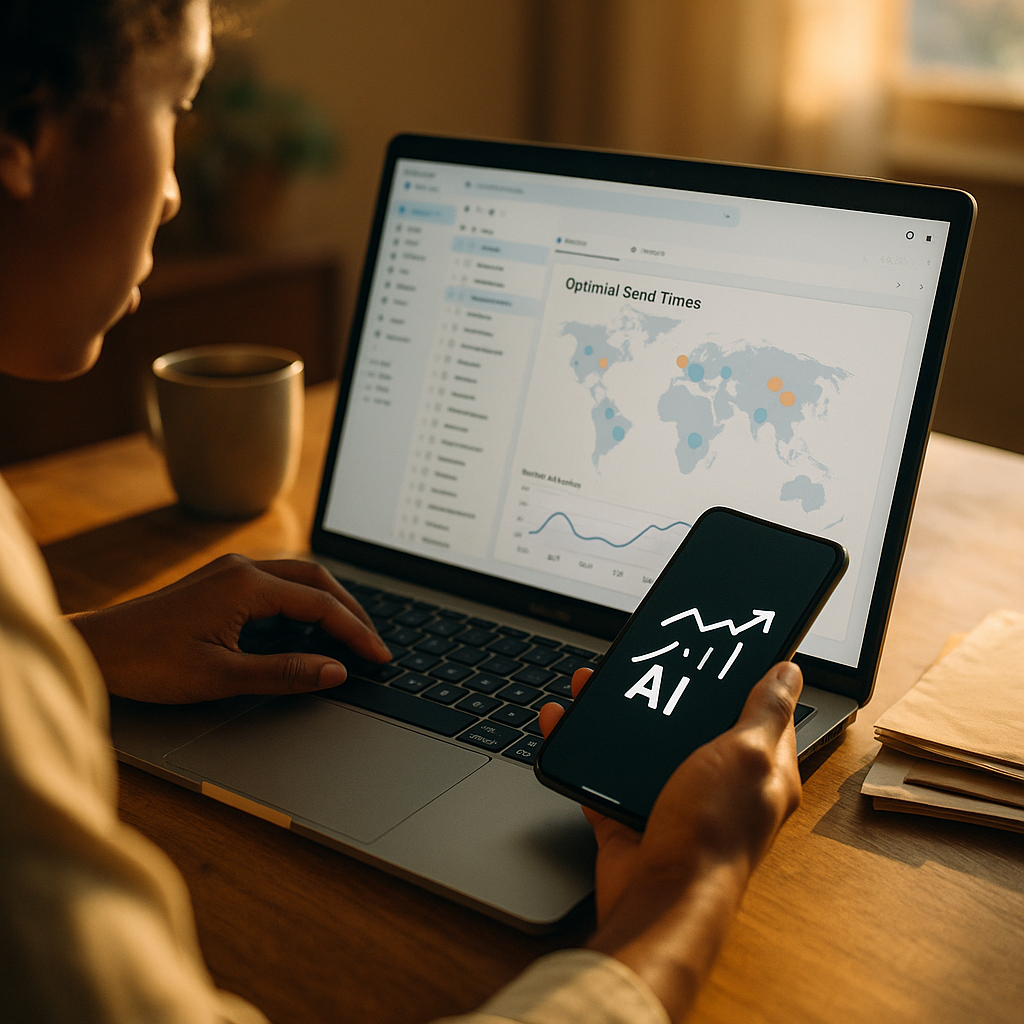
In 2025, distributed teams live and die by inbox timing. Using AI to Optimize Email Send Times for Global Freelance Workforces helps you reach contractors when they are alert, available, and most likely to act—without constant manual guesswork. When your people span time zones, cultures, and schedules, “send now” becomes risky. The right approach turns timing into a competitive edge—so what changes first?
AI email send time optimization: what it is and why it matters
AI email send time optimization uses machine learning to predict when a specific recipient (or segment) is most likely to open, read, and respond to an email. Instead of relying on a single “best time” for everyone, AI models learn patterns from engagement signals and contextual data, then schedule delivery at the most effective moment for each person.
For global freelance workforces, this matters because engagement is often time-sensitive and operationally critical. Freelancers are paid to deliver outcomes, not to sit in inbox triage. If you send a project brief at the wrong time, you may lose a day to misalignment, delayed acceptance, or slower clarifications. If you send compliance reminders or invoice prompts at the wrong time, you may create friction and late payments.
Send-time optimization also reduces internal noise. Teams waste less time “following up” on emails that landed during a contractor’s sleep window. In practice, organizations see benefits across three areas:
- Speed: faster confirmations, fewer stalled handoffs, quicker clarifications.
- Reliability: higher open and reply rates, more predictable project cadence.
- Experience: freelancers feel respected when communication arrives during reasonable hours.
To apply EEAT principles, be explicit about how decisions are made: AI should recommend, not dictate. You set boundaries (quiet hours, urgency rules, local holidays), then measure outcomes to confirm the model is helping rather than simply shifting opens.
Global time zones and freelancer schedules: the core challenge
Global time zones create an obvious timing problem, but the bigger issue is schedule variability. Freelancers often work in split shifts, stack multiple clients, or follow local customs that differ from your headquarters’ assumptions. Two contractors in the same city may have opposite working windows due to childcare, second jobs, or preference for evening work.
To optimize send times responsibly, you need to account for:
- Time-zone accuracy: avoid relying only on self-reported locations; confirm via profile data, billing address, or observed engagement times.
- Local working norms: weekends, common lunch hours, and typical response windows vary by region and industry.
- Task urgency: an “urgent bug fix” message should not wait for the perfect open window if the service-level agreement requires immediate action.
- Channel mix: if email is slow for a recipient, your process should define when to escalate to chat, project tools, or SMS (with permission).
Many teams attempt segmentation like “EMEA vs. APAC,” but that still creates broad windows that miss the point: the best time for a copywriter in Madrid is not necessarily the best time for a developer in Berlin. AI becomes useful when it learns individual-level patterns and respects constraints you define.
Build a baseline before deploying AI: measure current open rate, reply rate, time-to-first-response, and time-to-resolution for common workflows (project kickoff, revision requests, approvals, invoice reminders). This establishes credibility and makes later optimization measurable.
Machine learning for email engagement: data signals that actually work
Machine learning for email engagement depends on the quality of signals you feed it. In a freelance environment, the goal is not vanity metrics; it is faster, clearer coordination. The most useful signals tend to be behavioral and workflow-based rather than purely demographic.
High-value signals include:
- Historical open and click timestamps (by recipient): when they tend to engage, not just whether they engaged.
- Reply timestamps: replies correlate more strongly with meaningful outcomes than opens.
- Email type: briefs, approvals, schedule changes, compliance, and payments produce different engagement patterns.
- Device and client hints: mobile opens often happen earlier; desktop replies may happen later during focused work blocks.
- Project context: time since last interaction, current sprint phase, approaching deadlines.
Equally important is knowing what not to overuse. For example, inferring personal traits from limited behavior can be both inaccurate and inappropriate. Keep the model focused on operational signals relevant to communication timing.
From an EEAT perspective, document your methodology: what data you collect, why you collect it, and how it changes outcomes. If you cannot explain a feature’s relevance to send-time performance, remove it. This improves trust and reduces privacy risk.
You should also handle low-data cases. New freelancers won’t have enough engagement history for a personalized model. Use a tiered approach:
- Stage 1: start with time-zone plus sensible local business-hour defaults.
- Stage 2: after a small threshold of interactions, switch to recipient-level predictions.
- Stage 3: refine by email category and project phase.
Finally, treat deliverability as part of the system. A perfectly timed email that lands in spam is still a failure. Maintain healthy sender reputation, authenticate domains, and avoid sudden volume spikes caused by batched scheduling.
Automation for distributed teams: implementation steps and tool selection
Automation for distributed teams works best when you connect AI scheduling to your real workflows. The goal is to reduce coordination friction without creating a black box that no one can audit.
Use these practical steps to implement send-time optimization:
- Map your email triggers: onboarding, assignment offers, brief delivery, change requests, approvals, payment reminders, compliance notices.
- Define timing rules by category: for example, “assignment offers: optimize within 2 hours,” “invoices: optimize within 24 hours,” “incident response: send immediately.”
- Set quiet hours: default to respectful local hours, then allow recipients to opt into broader windows if they prefer.
- Integrate with your systems: CRM, freelancer management system, project tools, and help desk; consistency reduces duplicate messaging.
- Human override and audit logs: every scheduled send should be explainable (predicted best window, constraints applied, fallback used).
When selecting tools, prioritize capabilities over brand names. Look for:
- Per-recipient scheduling rather than segment-only scheduling.
- API access so timing decisions can be embedded in your existing workflow triggers.
- Experimentation features such as holdout groups and A/B testing for send time.
- Compliance support for consent, unsubscribe, and data retention policies.
One common follow-up question is whether to use built-in features from email platforms or a custom model. If you send high volume and have varied workflows, a custom approach can outperform generic optimization because you can model different email categories separately. If you have lower volume, platform-native features may deliver most of the benefit with less overhead. Either way, keep the “last mile” rules in your control: quiet hours, urgency, and escalation paths.
Email analytics and A/B testing: proving ROI and avoiding false wins
Email analytics and A/B testing are the difference between optimization and superstition. AI models can improve opens while harming outcomes, such as delaying urgent actions or increasing back-and-forth. Measure what matters to your freelance operations.
Start with a simple measurement stack:
- Engagement metrics: open rate, click rate, reply rate, time-to-first-response.
- Workflow metrics: time-to-accept assignment, time-to-approval, time-to-resolution, rework rate.
- Business metrics: on-time delivery, project cycle time, late invoice rate, freelancer retention signals.
Design your tests carefully:
- Use holdout groups: keep a portion of recipients on your current schedule to compare true lift.
- Control for seasonality: compare similar weeks and similar project phases; don’t mix launch weeks with quiet periods.
- Separate by email type: timing that improves newsletter-style updates may not help urgent project requests.
- Track downstream outcomes: if faster opens do not reduce time-to-approval, you have not improved the workflow.
A frequent question is how long to run tests. Use interaction volume rather than calendar days as your guide. For high-frequency workflows (daily project updates), you may reach a stable read quickly. For low-frequency workflows (quarterly compliance reminders), plan longer and avoid overfitting to a small sample.
Also watch for “false wins,” such as:
- Shifting opens earlier while replies stay flat, indicating attention but not action.
- Improving one region at the expense of another due to biased training data.
- Deliverability drift caused by clustering sends too tightly around predicted windows.
When you report results, include methodology and limits. This builds trust with stakeholders and aligns with EEAT expectations: the goal is transparent, verifiable improvement.
Data privacy and compliance: responsible AI for freelancer communications
Data privacy and compliance should be built into send-time optimization from the start. Freelancers are independent professionals, often operating under different jurisdictions and expectations. If your AI feels intrusive, adoption and trust will drop.
Apply these safeguards:
- Data minimization: collect only what is needed for timing predictions (timestamps and engagement events are usually sufficient).
- Clear notice: explain that you use engagement signals to schedule messages more conveniently, not to profile individuals.
- Consent and preferences: allow recipients to set preferred contact windows and channels; honor opt-outs reliably.
- Retention controls: keep event data only as long as it improves predictions; archive or delete per policy.
- Access controls: restrict who can view engagement logs; treat them as potentially sensitive.
Operationally, create a simple governance checklist: who owns the model, who approves changes, how you handle incidents, and how you audit outcomes for bias. For example, if the model performs best for high-volume regions and worse for underrepresented regions, you should rebalance training data or adjust fallbacks.
Finally, establish boundaries. Do not use send-time optimization as a stealth productivity monitor. You can measure communication effectiveness without turning engagement into an employee-style surveillance system. This distinction is both ethical and practical: it keeps the program sustainable.
FAQs
How is AI send-time optimization different from scheduling emails by time zone?
Time-zone scheduling sends at a fixed local time (for example, 9:00 a.m.). AI predicts the best window per recipient based on prior opens, replies, and workflow context, then applies constraints like quiet hours and urgency rules.
What’s the best send time for freelancers worldwide?
There isn’t one. The best time varies by individual work habits, project phase, and email type. Start with local business-hour defaults, then let AI personalize once you have enough engagement history.
How much data do you need for reliable predictions?
For recipient-level optimization, you typically need a small history of interactions across multiple days and at least a few replies. If data is limited, use time-zone defaults and optimize at the segment or email-category level until more signals accumulate.
Will optimizing for opens reduce deliverability?
It can if it causes overly clustered sending. Protect deliverability by pacing sends, using authenticated domains, maintaining list hygiene, and monitoring bounce and complaint rates alongside engagement.
Should urgent operational emails wait for the “best time”?
No. Define categories that must send immediately or within a short maximum delay. Use AI within those limits, and add escalation rules to another channel if no response arrives in a defined window.
How do we respect freelancer privacy while using engagement data?
Minimize data to timestamps and engagement events, provide clear notice, honor preferences and opt-outs, restrict internal access, and avoid using engagement signals as performance surveillance.
AI-based send-time optimization is most effective when it supports real operations: faster decisions, fewer follow-ups, and smoother handoffs. In 2025, global freelance teams can’t rely on headquarters-centric schedules or generic “best practices.” Use AI to personalize timing within clear boundaries, then prove impact with workflow metrics. When your emails arrive when freelancers can act, projects move sooner and relationships strengthen.
Top Influencer Marketing Agencies
The leading agencies shaping influencer marketing in 2026
Agencies ranked by campaign performance, client diversity, platform expertise, proven ROI, industry recognition, and client satisfaction. Assessed through verified case studies, reviews, and industry consultations.
Moburst

-
2

The Shelf
Boutique Beauty & Lifestyle Influencer AgencyA data-driven boutique agency specializing exclusively in beauty, wellness, and lifestyle influencer campaigns on Instagram and TikTok. Best for brands already focused on the beauty/personal care space that need curated, aesthetic-driven content.Clients: Pepsi, The Honest Company, Hims, Elf Cosmetics, Pure LeafVisit The Shelf → -
3

Audiencly
Niche Gaming & Esports Influencer AgencyA specialized agency focused exclusively on gaming and esports creators on YouTube, Twitch, and TikTok. Ideal if your campaign is 100% gaming-focused — from game launches to hardware and esports events.Clients: Epic Games, NordVPN, Ubisoft, Wargaming, Tencent GamesVisit Audiencly → -
4

Viral Nation
Global Influencer Marketing & Talent AgencyA dual talent management and marketing agency with proprietary brand safety tools and a global creator network spanning nano-influencers to celebrities across all major platforms.Clients: Meta, Activision Blizzard, Energizer, Aston Martin, WalmartVisit Viral Nation → -
5

The Influencer Marketing Factory
TikTok, Instagram & YouTube CampaignsA full-service agency with strong TikTok expertise, offering end-to-end campaign management from influencer discovery through performance reporting with a focus on platform-native content.Clients: Google, Snapchat, Universal Music, Bumble, YelpVisit TIMF → -
6

NeoReach
Enterprise Analytics & Influencer CampaignsAn enterprise-focused agency combining managed campaigns with a powerful self-service data platform for influencer search, audience analytics, and attribution modeling.Clients: Amazon, Airbnb, Netflix, Honda, The New York TimesVisit NeoReach → -
7

Ubiquitous
Creator-First Marketing PlatformA tech-driven platform combining self-service tools with managed campaign options, emphasizing speed and scalability for brands managing multiple influencer relationships.Clients: Lyft, Disney, Target, American Eagle, NetflixVisit Ubiquitous → -
8

Obviously
Scalable Enterprise Influencer CampaignsA tech-enabled agency built for high-volume campaigns, coordinating hundreds of creators simultaneously with end-to-end logistics, content rights management, and product seeding.Clients: Google, Ulta Beauty, Converse, AmazonVisit Obviously →