


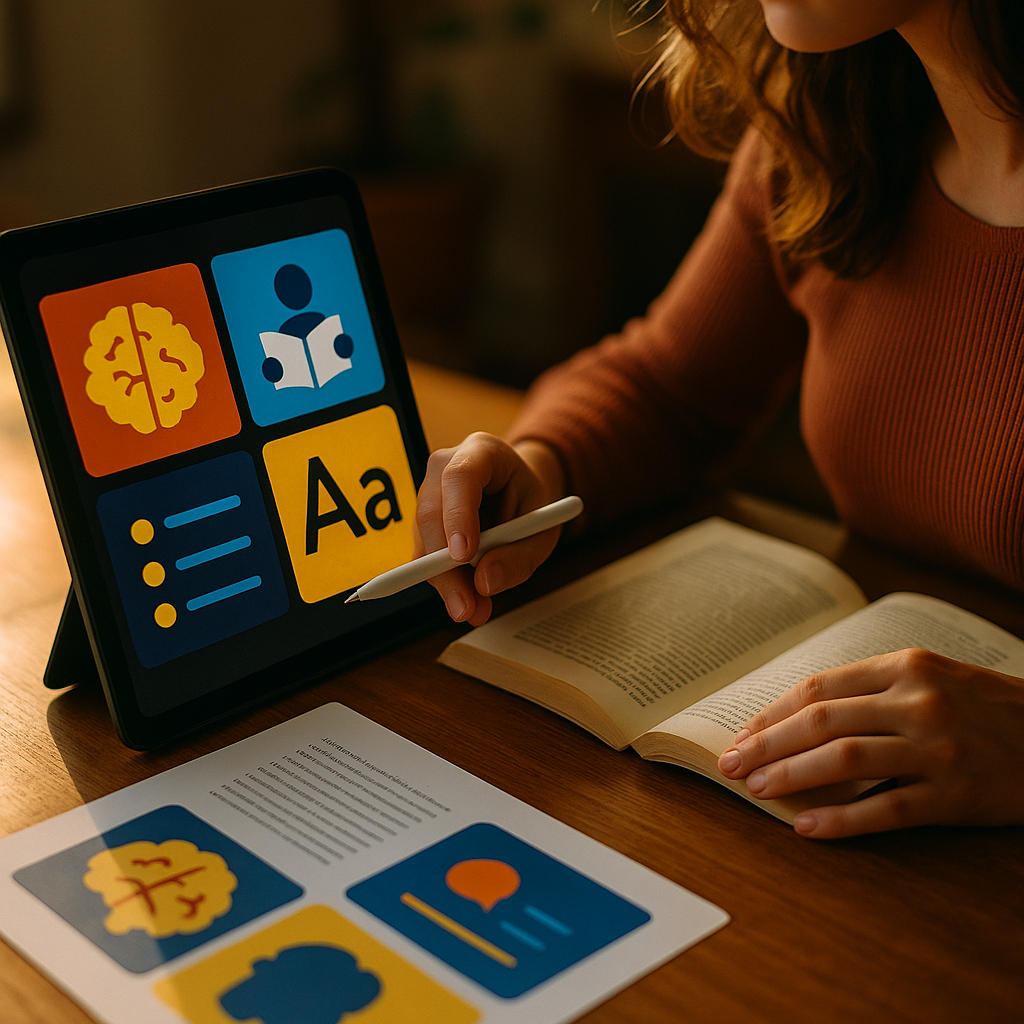
Designing for Neuro Inclusion helps content work for more brains, not fewer. ADHD and dyslexic readers often face avoidable friction: dense paragraphs, unclear hierarchy, distracting layouts, and jargon that hides meaning. In 2025, inclusive design is a measurable advantage for engagement, comprehension, and trust. This guide translates research-backed practices into practical steps you can apply today—starting with what to change first.
Neurodiversity and ADHD-friendly content: what readers need
Neuroinclusion means designing information so people with different cognitive profiles can access it with less effort. For ADHD, challenges often involve attention regulation, working memory, and susceptibility to distraction. For dyslexia, challenges often involve decoding written text, phonological processing, and slow, effortful reading—especially when formatting and typography add extra noise.
When you design for ADHD and dyslexia, you generally improve usability for everyone. Clear structure benefits skimmers, non-native speakers, mobile readers, and people reading under stress. This aligns with Google’s helpful content approach: reduce friction, satisfy intent quickly, and make information easy to verify and act on.
Practical implication: treat clarity as a feature. The goal is not to “simplify ideas,” but to simplify access to the ideas—through layout, language, and predictable navigation.
Quick self-check: can a reader understand your page’s purpose in under 10 seconds, locate the next step without scrolling aimlessly, and resume where they left off after a distraction? If not, start with structure and hierarchy.
Readable typography and dyslexia-friendly fonts: reduce visual noise
Typography is not decoration; it’s a decoding aid. Dyslexic readers often report that certain letterforms, spacing, and line lengths can cause letters to appear crowded or “swim.” ADHD readers benefit from typography that supports fast scanning and stable focus.
Use these typography defaults:
- Font choice: pick a highly legible, widely supported sans-serif or a modern, readable serif with clear letter differentiation. Specialized “dyslexia fonts” may help some people, but they are not universally preferred; always allow user choice rather than forcing a niche typeface.
- Font size: aim for comfortable body text sizing (commonly 16–20px for web). Smaller text increases decoding load and scroll fatigue.
- Line length: keep lines reasonably short (often 55–80 characters). Overlong lines increase tracking errors and rereading.
- Line height: use generous spacing (often 1.5–1.8). Tight leading makes lines blend together and slows reading.
- Paragraph spacing: separate paragraphs with space rather than heavy indentation. This makes “place-finding” easier after interruptions.
- Avoid all caps: it reduces word shape recognition and is harder to read at length.
Color and contrast: keep contrast high enough for accessibility, but avoid harsh glare. Pure black on pure white can be fatiguing for some readers; consider a slightly off-white background and very dark gray text while still meeting accessibility contrast requirements.
Answering the common follow-up: “Should we use a dyslexia-specific font?” Provide a readable default and a user-controlled toggle for font and spacing if possible. User preference varies widely, so flexibility outperforms a single “best” font.
Accessible layout and visual hierarchy: make scanning effortless
ADHD readers often scan first, then decide whether to commit attention. Dyslexic readers benefit from predictable structure because it reduces rereading and helps them locate key points quickly. Strong hierarchy acts like a map.
Build hierarchy with these elements:
- Descriptive headings: headings should state what the section does, not tease. This supports skimming and reduces cognitive load.
- Short sections: keep chunks focused. If a section needs multiple ideas, split it.
- Bullet lists: use lists for steps, options, and criteria. Lists are easier to parse than dense paragraphs.
- Bold with restraint: highlight key terms or actions. Too much emphasis becomes visual clutter and defeats the purpose.
- Consistent patterns: repeated formatting for definitions, examples, and takeaways helps readers learn how to read your page.
Layout pitfalls to avoid: multi-column body text on desktop, excessive sidebars, auto-playing elements, and unpredictable in-page navigation. Each can split attention and create “where am I?” moments.
Design for resuming: ADHD readers frequently return after a distraction. Use clear section headings, logical progression, and visible progress cues (like step numbers in a process) so readers can pick up quickly without rereading entire blocks.
Plain language writing and content clarity: improve comprehension fast
Plain language is not “dumbing down.” It is professional communication that respects the reader’s time and working memory. For ADHD, clear writing reduces task initiation friction. For dyslexia, it reduces decoding effort and misinterpretation.
Use these writing practices:
- Front-load meaning: put the conclusion or action first, then explain. Readers should not work to discover your point.
- Prefer concrete verbs: “Download the checklist” beats “Access our resources.”
- Define terms once: if jargon is necessary, define it in the first mention using simple wording.
- One idea per sentence: reduce nested clauses and long sentence chains.
- Use examples: show what “good” looks like with a short sample line, template, or mini scenario.
Answering the follow-up: “How short should paragraphs be?” Aim for 1–4 sentences per paragraph for web content, with natural breaks. If a paragraph approaches six lines on a phone screen, it likely needs a split.
Microcopy matters: button labels, form instructions, and error messages should be direct and reassuring. Replace vague errors like “Invalid input” with “Enter a 10-digit phone number (numbers only).” This prevents spirals of confusion and repeated attempts.
Focus and attention design for ADHD users: reduce distraction, increase control
Attention-friendly design reduces involuntary detours. For ADHD readers, the difference between finishing and abandoning can be a single distracting element: a moving banner, a cluttered sidebar, or a confusing call-to-action stack.
Make attention the default:
- Limit competing calls to action: prioritize one primary action per screen section. Secondary actions can exist, but they should not visually compete.
- Remove motion where possible: avoid auto-rotating carousels and animated backgrounds. Motion pulls attention even when it adds no value.
- Use predictable navigation: keep menus stable across pages. Changing locations of key links increases working memory demands.
- Provide “save progress” options: allow bookmarking, email-to-self, or “continue later” features when content is long or multi-step.
- Support active reading: include checklists, summaries, and step-by-step instructions that convert reading into doing.
Helpful pattern for long pages: include brief “What you’ll get” lines near the top and “Next step” prompts at natural stopping points. ADHD readers often need explicit closure cues: a clear signal that a section is complete and what to do next.
Be careful with personalization: recommendations and pop-ups can increase engagement metrics while harming comprehension. Use them only when they support the user’s current intent, not the site’s internal goals.
WCAG accessibility and inclusive UX testing: prove it works
Neuroinclusion improves when you validate it, not when you assume it. Pair accessibility standards with real-user feedback. WCAG helps with readability fundamentals like contrast, text resizing, keyboard access, and focus states. Neuroinclusive design adds cognitive considerations: predictability, reduced distraction, and clear language.
EEAT-aligned approach: demonstrate experience through documented practices, show expertise with tested guidelines, convey authoritativeness by citing reputable standards (like WCAG) and known UX methods, and build trust with transparent updates and feedback channels.
Testing methods that work well:
- Readability review: check headings, summaries, and the first sentence of each paragraph. If these alone don’t tell the story, restructure.
- Task-based usability testing: ask participants to find a specific answer, complete a form, or compare options. Measure time, errors, and frustration points.
- Distraction audit: list every moving, sticky, or interruptive element and justify it. Remove what doesn’t help the user complete their task.
- Accessibility checks: verify keyboard navigation, focus visibility, zoom behavior, and contrast. If your content breaks at 200% zoom, it will frustrate many readers, including those with dyslexia.
- Preference controls: where feasible, offer settings for text size, line spacing, and reduced motion. The best “universal” design includes user agency.
Answering the follow-up: “Do we need to disclose neurodivergent testing?” You don’t need personal medical details, but you can state that your usability testing included readers with ADHD and dyslexia and summarize what you changed. That transparency supports trust.
FAQs about neuroinclusive content design
What is neuroinclusive content design?
It is the practice of writing and designing content so people with different cognitive needs—including ADHD and dyslexia—can understand, navigate, and act on it with less effort. It prioritizes clear structure, legible typography, predictable layouts, and reduced distraction.
How can I make my content easier for dyslexic readers without changing the message?
Improve typography (size, spacing, line length), break content into short sections, use descriptive headings, and write in plain language. Add examples and lists so readers can confirm meaning quickly without rereading.
What helps ADHD readers stay engaged on a page?
Strong hierarchy for scanning, fewer competing calls to action, minimal motion, clear next steps, and content chunking. Features that help readers resume—like step numbers and summaries—also reduce abandonment.
Are dyslexia-friendly fonts required?
No. Many dyslexic readers prefer standard, highly legible fonts and consistent spacing. The most inclusive approach is to use a strong default and provide user controls for font size, spacing, and reduced motion when possible.
How do I balance SEO with neuroinclusive readability?
Use keywords naturally in descriptive headings, write direct answers early, and structure content so it matches user intent. Clear organization improves dwell time, reduces pogo-sticking, and increases the likelihood that readers find what they need—signals that often align with strong search performance.
What standards should I follow?
Use WCAG-based accessibility practices for contrast, text resizing, focus states, and keyboard navigation, then add cognitive-friendly UX patterns: predictable layout, plain language, distraction reduction, and user preference controls.
Designing for Neuro Inclusion is a practical way to reduce friction for ADHD and dyslexic readers while improving clarity for everyone. Prioritize legible typography, strong hierarchy, plain language, and attention-friendly layouts that support scanning and resuming. Validate changes with accessibility checks and real task testing, then iterate. The takeaway: design for control and clarity, and your content will earn trust.
Top Influencer Marketing Agencies
The leading agencies shaping influencer marketing in 2026
Agencies ranked by campaign performance, client diversity, platform expertise, proven ROI, industry recognition, and client satisfaction. Assessed through verified case studies, reviews, and industry consultations.
Moburst

-
2

The Shelf
Boutique Beauty & Lifestyle Influencer AgencyA data-driven boutique agency specializing exclusively in beauty, wellness, and lifestyle influencer campaigns on Instagram and TikTok. Best for brands already focused on the beauty/personal care space that need curated, aesthetic-driven content.Clients: Pepsi, The Honest Company, Hims, Elf Cosmetics, Pure LeafVisit The Shelf → -
3

Audiencly
Niche Gaming & Esports Influencer AgencyA specialized agency focused exclusively on gaming and esports creators on YouTube, Twitch, and TikTok. Ideal if your campaign is 100% gaming-focused — from game launches to hardware and esports events.Clients: Epic Games, NordVPN, Ubisoft, Wargaming, Tencent GamesVisit Audiencly → -
4

Viral Nation
Global Influencer Marketing & Talent AgencyA dual talent management and marketing agency with proprietary brand safety tools and a global creator network spanning nano-influencers to celebrities across all major platforms.Clients: Meta, Activision Blizzard, Energizer, Aston Martin, WalmartVisit Viral Nation → -
5

The Influencer Marketing Factory
TikTok, Instagram & YouTube CampaignsA full-service agency with strong TikTok expertise, offering end-to-end campaign management from influencer discovery through performance reporting with a focus on platform-native content.Clients: Google, Snapchat, Universal Music, Bumble, YelpVisit TIMF → -
6

NeoReach
Enterprise Analytics & Influencer CampaignsAn enterprise-focused agency combining managed campaigns with a powerful self-service data platform for influencer search, audience analytics, and attribution modeling.Clients: Amazon, Airbnb, Netflix, Honda, The New York TimesVisit NeoReach → -
7

Ubiquitous
Creator-First Marketing PlatformA tech-driven platform combining self-service tools with managed campaign options, emphasizing speed and scalability for brands managing multiple influencer relationships.Clients: Lyft, Disney, Target, American Eagle, NetflixVisit Ubiquitous → -
8

Obviously
Scalable Enterprise Influencer CampaignsA tech-enabled agency built for high-volume campaigns, coordinating hundreds of creators simultaneously with end-to-end logistics, content rights management, and product seeding.Clients: Google, Ulta Beauty, Converse, AmazonVisit Obviously →