


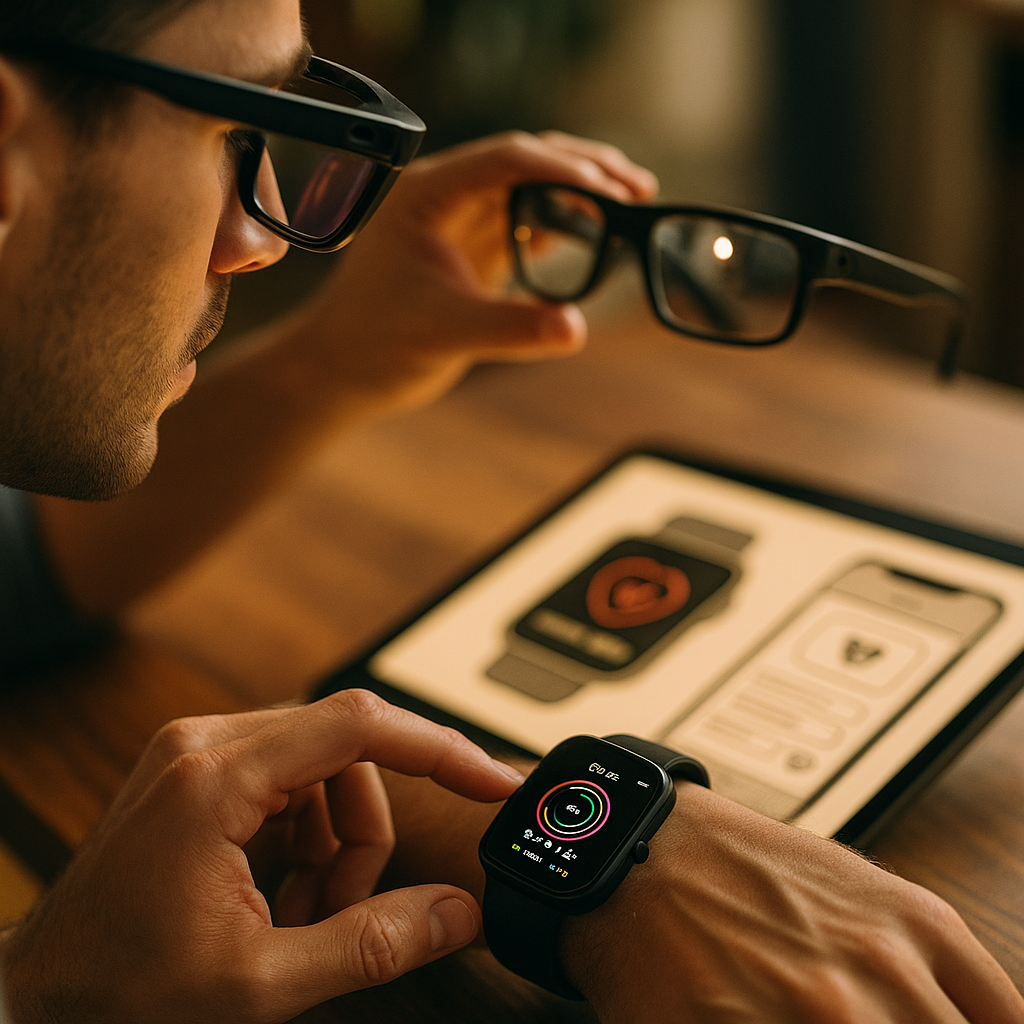
Designing for the wearable web now means creating experiences for tiny screens, glanceable interactions, voice input, sensors, and moments when users are moving. In 2026, smart watches and smart glasses are not novelty devices; they are practical touchpoints in daily life. Brands that adapt content and UX to these contexts can earn attention quickly, but only if they respect human limits and intent.
Wearable UX principles for smart watches and glasses
Wearables demand a different mindset from desktop and mobile design. A user checking a watch during a meeting, workout, or commute has only seconds of attention. A glasses user may be walking, navigating, or viewing layered information in the real world. That means interface decisions must reduce effort, not add friction.
The strongest wearable experiences begin with one question: What is the fastest useful action a person can complete here? If the answer requires too many taps, too much reading, or careful concentration, the experience is not ready for a wearable device.
Core design principles include:
- Glanceability: Users should understand the key message in one to two seconds.
- Low interaction cost: Keep steps short and obvious.
- Context awareness: Use location, motion, time, and user state when helpful and permission-based.
- Accessibility: Support clear typography, strong contrast, haptics, and voice interaction.
- Continuity: Let users move smoothly between wearable, phone, and web experiences.
For smart watches, the interface should favor short labels, large touch targets, clear status updates, and optional voice actions. For smart glasses, the challenge is even more delicate. Content must stay unobtrusive, readable in variable lighting, and relevant to the user’s immediate task. Overloading a glasses display can become distracting or even unsafe.
From an EEAT perspective, practical experience matters here. Teams that test wearable interfaces in real settings, not only in design tools, make better decisions. A weather card that looks clean in a mockup may fail in bright sunlight. A voice action that seems convenient in the office may feel awkward on public transit. Helpful content and usable design both improve when they are grounded in observed behavior.
Content strategy for smart watches that drives engagement
Content for smart watches should be purposeful, compressed, and action-oriented. Unlike traditional web pages, a wearable experience rarely exists to explain everything at once. It exists to help users check, decide, respond, or continue an activity.
The best content strategy starts by sorting information into three layers:
- Immediate layer: The one fact or action visible at a glance.
- Expanded layer: A few supporting details if the user taps or speaks.
- Hand-off layer: Deeper content opened on a phone or larger screen when needed.
This layered model keeps the watch useful without forcing it to behave like a phone. For example, a retail brand could show an order status update on the watch, provide pickup timing in an expanded view, and send the full order details to the user’s phone. A health app could show heart rate zones and workout time on the watch, while the complete training analysis lives elsewhere.
To make smartwatch content effective:
- Lead with the answer: Put the most important information first.
- Write shorter than mobile copy: Every word must earn its place.
- Use verbs: “Reply,” “Start,” “Pay,” and “Navigate” work better than vague labels.
- Design for notifications carefully: Alerts should be useful, timely, and easy to dismiss.
- Prioritize utility over promotion: Promotional content on a watch often feels intrusive.
Many teams ask whether wearable SEO is a separate discipline. The answer is no, but discoverability still matters. Wearable content often depends on structured systems behind the scenes: indexed app content, semantic markup on the web, voice-friendly phrasing, and clear content architecture. If your content is easy for search engines, assistants, and connected devices to interpret, it is more likely to surface in the right moment.
Follow-up questions usually center on content length. As a rule, the smaller the wearable interaction, the smaller the content unit should be. Think phrases, not paragraphs. Status, not story. Confirmation, not explanation. If explanation is necessary, let the user continue on another device.
Smart glasses content design for real-world context
Smart glasses introduce a major shift: content appears alongside the physical environment. That changes not only layout but also ethics, cognitive load, and timing. The goal is not to fill the user’s field of view. The goal is to support a real-world task with minimal disruption.
Effective content design for smart glasses depends on environmental context. Navigation prompts, live translation, step-by-step instructions, field service guidance, and accessibility support are strong use cases because they provide immediate utility in the moment. General browsing, dense reading, and promotional overlays are much weaker fits.
When creating content for glasses, focus on these factors:
- Spatial relevance: Show information tied to where the user is or what they are doing.
- Minimal visual density: Keep overlays sparse and easy to scan.
- Audio and voice balance: Some tasks work better with spoken prompts than visual text.
- Interruptibility: Users must be able to pause, dismiss, or defer content instantly.
- Safety and privacy: Never block awareness or expose sensitive information casually.
Content creators also need to adapt tone and format. On glasses, users often need micro-instructions: “Turn left in 20 meters,” “Confirm item A12,” or “Meeting starts in 5 minutes.” This is not the place for long-form branded messaging. Strong wearable content meets the moment with precision.
EEAT is especially important here because users trust wearables in practical, sometimes high-stakes scenarios. If content supports navigation, health, workplace procedures, or accessibility, it must be accurate, current, and clearly sourced. Brands should have review processes for critical content, especially when legal, medical, or safety implications exist.
Another common concern is privacy. Smart glasses can raise user anxiety if they appear to collect, display, or transmit data without clear consent. Good design makes permissions understandable, indicators visible, and data usage transparent. Trust is not a secondary issue in wearable design; it is part of usability.
Wearable web performance and technical SEO foundations
Wearable experiences fail quickly when they lag. People using watches or glasses expect near-instant results because interactions are short and often tied to movement. Speed, reliability, and lightweight delivery are not just engineering goals; they are user experience essentials.
From a wearable web perspective, teams should optimize:
- Fast-loading APIs and endpoints: Glanceable data must arrive quickly.
- Compressed assets: Avoid heavy images, animations, and unnecessary scripts.
- Efficient state handling: Show cached or last-known data when possible.
- Battery-aware design: Reduce constant polling and unnecessary background activity.
- Progressive enhancement: Core information should remain usable across device capabilities.
Technical SEO still plays a role, especially when wearable content is connected to web pages, voice assistants, app indexing, and search-driven journeys. Structured content helps systems interpret key facts such as hours, location, product status, event timing, or how-to steps. Clean information architecture also improves continuity between search, mobile, and wearable touchpoints.
For example, if a user asks a voice assistant for a flight update and then sees that update on a watch, the data chain needs to be consistent. If a shopper checks pickup readiness from a wearable after finding the product through search, your product data, local information, and status messaging need to stay aligned.
Testing is where expertise becomes visible. Do not rely only on emulators. Test in sunlight, in motion, with different connection strengths, with voice enabled, and in edge cases such as poor battery state or interrupted sessions. Helpful content is not only well written. It is reliably delivered in the exact circumstances where people need it.
Accessibility and microcopy for wearable interfaces
Accessibility is central to wearable success because these devices are used in constrained environments. A runner cannot stop to parse tiny text. A commuter may need haptic feedback instead of audio. A user with low vision may depend on contrast, text scaling, or voice summaries. Designing for these needs improves usability for everyone.
Practical accessibility considerations include:
- High contrast text and controls for variable lighting conditions.
- Readable type sizes that do not force squinting.
- Haptic cues for alerts, confirmations, and navigation.
- Voice input and output for hands-free interaction.
- Clear error recovery when a command fails or a connection drops.
Microcopy matters even more on wearables than on larger screens. Because space is limited, labels and messages must be exact. “Payment failed” is weaker than “Card declined. Try another card on phone.” The second version tells the user what happened and what to do next.
Use these microcopy guidelines:
- Be direct: State the status and next step.
- Avoid jargon: Users do not have room to decode technical language.
- Reduce ambiguity: “Now,” “Today,” and “Nearby” should reflect real context.
- Support confidence: Confirm successful actions with concise feedback.
Content teams often ask how brand voice fits into such short messages. The answer is restraint. Brand personality should never obscure meaning. On a watch or glasses display, clarity wins. A distinct tone can still come through in word choice and consistency, but not at the expense of speed or comprehension.
Cross-device journeys and analytics for wearable content
Most wearable interactions are part of a larger journey. A person receives a reminder on a watch, checks details on a phone, completes a purchase on the web, and gets a delivery alert back on the watch. Smart glasses may guide an on-site workflow, while a dashboard on another device captures history, settings, or deeper reporting.
This means success should not be measured only by what happens on the wearable itself. Teams need analytics that track continuation, completion, and drop-off across devices. The key question is not simply “Did the user tap?” but “Did the wearable help the user complete the next meaningful step?”
Useful metrics include:
- Glance-to-action rate: How often a quick view leads to useful engagement.
- Notification response quality: Whether alerts drive completion rather than annoyance.
- Cross-device continuation rate: How often users move successfully to phone or web.
- Task completion time: Whether the wearable shortens the journey.
- Dismissal and opt-out patterns: Signals of overload or poor relevance.
Teams should also segment by context. A walking user may behave differently from a stationary one. Morning interactions may differ from evening ones. Voice usage may vary by environment. These patterns can reveal whether content truly fits the moment.
There is also a governance angle. Wearable experiences become noisy fast if every team wants to send alerts or surface updates. Strong organizations create rules for priority, frequency, and escalation. Decide which messages belong on the wearable, which should wait for the phone, and which should not be sent at all.
In 2026, the brands that stand out are not the ones pushing the most content to wearable devices. They are the ones designing the most useful moments. That requires collaboration between UX, content, engineering, analytics, legal, and accessibility teams. Wearable design is not a smaller version of digital; it is a more disciplined one.
FAQs about wearable web design and content
What is the wearable web?
The wearable web refers to web-connected experiences designed for devices such as smart watches and smart glasses. These experiences often rely on compact interfaces, voice, notifications, sensors, and fast access to key information in real-world situations.
How is designing for wearables different from mobile design?
Wearables have smaller displays, shorter interaction windows, and stronger dependence on context. Users often interact while moving or multitasking, so content must be glanceable, actions must be simple, and hand-off to a phone or larger device should be seamless.
What type of content works best on a smart watch?
Status updates, reminders, confirmations, health metrics, navigation cues, quick replies, and time-sensitive alerts work well. Long articles, dense product information, and complex forms generally do not belong on a smart watch.
What type of content works best on smart glasses?
Real-time, task-based content performs best, such as directions, live translation, field instructions, accessibility assistance, and contextual prompts. Content should support the user’s immediate environment rather than compete with it.
Is SEO important for wearable content?
Yes, but indirectly. Wearable discovery often depends on strong content structure, semantic clarity, indexed app or web content, and compatibility with voice assistants and connected ecosystems. Technical SEO and structured data help systems deliver the right information at the right moment.
How do you make wearable content accessible?
Use high contrast, readable text, haptic feedback, voice support, concise microcopy, and clear error states. Test in real conditions, including bright light, motion, and noisy environments, to ensure the experience remains usable.
How often should brands send notifications to wearables?
Only when the message is timely, relevant, and easy to act on. Wearables are intimate devices, so unnecessary alerts quickly create fatigue. Establish rules for frequency, priority, and opt-in preferences.
What is the biggest mistake in wearable design?
The biggest mistake is treating a wearable like a tiny phone. Successful wearable experiences focus on one useful moment, reduce friction, and respect the user’s attention, environment, and privacy.
Wearable web design and content strategy succeed when they are fast, focused, and context-aware. Smart watches and glasses reward clarity, utility, accessibility, and trust far more than visual complexity. Build for glanceable moments, connect them to larger cross-device journeys, and test in real conditions. The clearest takeaway is simple: on wearables, the best experience is the one that helps instantly and gets out of the way.
Top Influencer Marketing Agencies
The leading agencies shaping influencer marketing in 2026
Agencies ranked by campaign performance, client diversity, platform expertise, proven ROI, industry recognition, and client satisfaction. Assessed through verified case studies, reviews, and industry consultations.
Moburst

-
2

The Shelf
Boutique Beauty & Lifestyle Influencer AgencyA data-driven boutique agency specializing exclusively in beauty, wellness, and lifestyle influencer campaigns on Instagram and TikTok. Best for brands already focused on the beauty/personal care space that need curated, aesthetic-driven content.Clients: Pepsi, The Honest Company, Hims, Elf Cosmetics, Pure LeafVisit The Shelf → -
3

Audiencly
Niche Gaming & Esports Influencer AgencyA specialized agency focused exclusively on gaming and esports creators on YouTube, Twitch, and TikTok. Ideal if your campaign is 100% gaming-focused — from game launches to hardware and esports events.Clients: Epic Games, NordVPN, Ubisoft, Wargaming, Tencent GamesVisit Audiencly → -
4

Viral Nation
Global Influencer Marketing & Talent AgencyA dual talent management and marketing agency with proprietary brand safety tools and a global creator network spanning nano-influencers to celebrities across all major platforms.Clients: Meta, Activision Blizzard, Energizer, Aston Martin, WalmartVisit Viral Nation → -
5

The Influencer Marketing Factory
TikTok, Instagram & YouTube CampaignsA full-service agency with strong TikTok expertise, offering end-to-end campaign management from influencer discovery through performance reporting with a focus on platform-native content.Clients: Google, Snapchat, Universal Music, Bumble, YelpVisit TIMF → -
6

NeoReach
Enterprise Analytics & Influencer CampaignsAn enterprise-focused agency combining managed campaigns with a powerful self-service data platform for influencer search, audience analytics, and attribution modeling.Clients: Amazon, Airbnb, Netflix, Honda, The New York TimesVisit NeoReach → -
7

Ubiquitous
Creator-First Marketing PlatformA tech-driven platform combining self-service tools with managed campaign options, emphasizing speed and scalability for brands managing multiple influencer relationships.Clients: Lyft, Disney, Target, American Eagle, NetflixVisit Ubiquitous → -
8

Obviously
Scalable Enterprise Influencer CampaignsA tech-enabled agency built for high-volume campaigns, coordinating hundreds of creators simultaneously with end-to-end logistics, content rights management, and product seeding.Clients: Google, Ulta Beauty, Converse, AmazonVisit Obviously →