


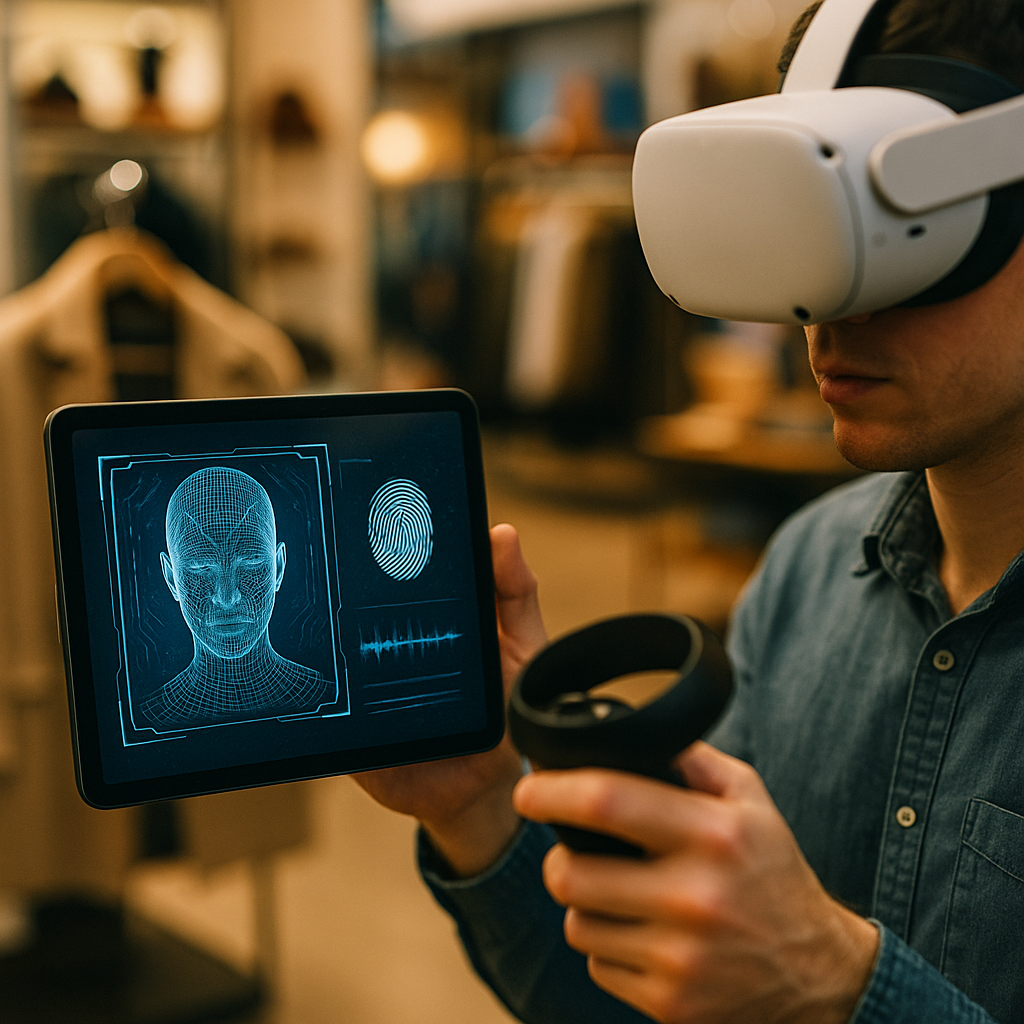
Navigating Biometric Data Privacy in Virtual Reality Shopping Hubs is now a practical skill for anyone who buys, sells, or builds in immersive commerce. VR stores can measure gaze, gestures, voice, and even inferred emotions, turning shopping into a data-rich experience. That same richness creates new privacy and security risks. Know what’s collected, why, and how to control it—before you enter.
Virtual reality shopping privacy: what biometric data is collected
Virtual reality shopping hubs do more than track clicks. They observe bodies in motion and translate those signals into data points that can identify you or reveal sensitive traits. In 2025, most mainstream VR commerce experiences can collect some combination of:
- Eye tracking and gaze patterns: where you look, for how long, what you ignore, and what draws attention. This can reveal preferences, intent to purchase, and inferences about mood or cognitive load.
- Facial expressions: micro-expressions used to animate avatars, measure reactions to products, or estimate satisfaction and sentiment.
- Voice prints and speech content: audio commands, conversation with support, and potentially biometrics derived from voice characteristics.
- Head and hand movement: gait-like signatures, motor patterns, reach, tremor, and habitual gestures that can be unique identifiers.
- Body measurements: height, arm span, and proportions used for avatar fitting and virtual try-ons; these can become identifying when combined with other signals.
- Physiological signals (device-dependent): heart rate, skin temperature, or other sensor streams from wearables paired to the headset.
- Environmental mapping: scans of your room and nearby objects to place virtual items safely; this can expose details about your home.
People often ask whether these signals count as “biometric data.” In many privacy frameworks, biometrics include data used to uniquely identify a person, such as facial templates, iris patterns, and voiceprints. Even when a VR platform claims it does not “store biometrics,” it may still process biometric-like signals in real time, create derived profiles (for example, “high purchase intent”), or link movement patterns to an account. The privacy impact comes from the combination of signals and the ability to connect them back to you.
Biometric identifiers in VR: why it’s sensitive in commerce settings
Biometric identifiers are hard to change. You can reset a password, but you cannot reset your face, voice, or natural movement. That makes misuse more consequential, especially in shopping hubs where data influences prices, offers, and product visibility.
Key risks to understand:
- Re-identification and linkage: “Anonymous” telemetry becomes identifiable when combined with account details, device IDs, location, payment records, or social graphs.
- Inferences about health or disability: tremor, eye movement irregularities, or stress signals can expose sensitive information even if the platform never asks about health.
- Manipulative personalization: gaze and emotion inferences can drive highly targeted persuasion—what you see first, how discounts appear, or when prompts arrive.
- Fraud and impersonation: voiceprints or facial templates, if compromised, can enable account takeover or synthetic impersonation attempts.
- Household exposure: room mapping and pass-through video may inadvertently capture other people, children, or personal items in the background.
A practical follow-up is whether “derived data” matters. It does. Many privacy harms come from inferred attributes—such as predicted income tier, impulsivity, or brand affinity—built from biometric signals. These inferences can shape what you pay, what you’re offered, and what you never see, without being obvious or easy to contest.
VR consumer consent management: transparency, choice, and control
Consent in VR needs to be more than a single pop-up. Because VR interactions are continuous, platforms should use layered, contextual consent that appears when a feature is activated (for example, enabling eye tracking for a virtual try-on). As a shopper, you can push for better control by knowing what “good consent” looks like.
What to look for before you enter a shopping hub:
- Clear data categories: separate toggles for eye tracking, voice recording, facial expression tracking, room mapping, and analytics.
- Purpose-specific options: ability to allow a feature for “fit and comfort” but not for “ads personalization” or “third-party measurement.”
- Just-in-time notices: prompts that appear when a new sensor is used, not buried in a long policy.
- Easy revocation: turning off a permission should not break basic shopping, and it should take effect immediately.
- Data access and deletion: a straightforward way to view what was stored, download it, and delete it without friction.
If a platform offers “Improve experiences” or “Personalize recommendations” toggles, treat them as potentially broad. A reasonable approach is to keep personalization off unless you need it, then selectively enable it for a limited time. Also check whether voice interactions are processed on-device or sent to cloud services; cloud processing increases exposure.
For businesses operating VR storefronts, the takeaway is direct: if you rely on biometric-enabled features, explain why they are necessary, provide a non-biometric alternative path to purchase, and document how you minimize data. These steps reduce customer drop-off and strengthen trust.
Data minimization in VR retail: security, retention, and vendor oversight
Data minimization is the most reliable privacy strategy: collect less, keep it briefly, protect it well, and restrict who touches it. In VR retail, minimization should be designed into the experience, not added after launch.
Security and governance practices that signal maturity:
- Process on-device when possible: compute gaze-based selection or hand tracking locally and send only the outcome (for example, “selected item”) rather than raw streams.
- Use coarse or aggregated analytics: prefer session-level metrics over second-by-second gaze heatmaps tied to accounts.
- Short retention defaults: store raw sensor streams only when essential (for example, fraud investigation), with strict time limits.
- Strong encryption and key management: encrypt in transit and at rest, with separation of duties and auditable access.
- Role-based access: limit internal access to biometric-related data to trained staff with a business need.
- Third-party controls: require vendors and ad tech partners to meet equivalent standards, prohibit onward sale, and enforce deletion.
- Privacy testing: run threat modeling for biometric abuse cases, including re-identification risk and data leakage through logs.
Shoppers often wonder what happens when a VR hub uses multiple partners (payment, customer support, analytics, ad measurement). The risk rises because each integration can expand data sharing. If you can’t find a simple explanation of who receives what data, assume it is broader than you expect and reduce permissions accordingly.
For operators, a useful benchmark is to treat biometric streams as high-risk data: maintain a data inventory, document lawful basis, and conduct regular security reviews. If you cannot justify collecting a signal, don’t collect it.
Privacy laws for biometric data: compliance duties for VR shopping hubs
In 2025, biometric privacy is governed by a patchwork of laws and sector rules, but the direction is consistent: more transparency, stricter limits on processing, and stronger individual rights. While specific obligations vary by jurisdiction, VR shopping hubs commonly need to address:
- Notice requirements: explain categories of biometric and sensor data, purposes, and sharing practices in plain language.
- Consent or lawful basis: obtain valid permission where required, especially for biometric identifiers used for recognition or profiling.
- Data subject rights: access, deletion, correction, portability, and objection to certain processing such as targeted advertising.
- Children’s safeguards: heightened protections when minors may be present in immersive environments.
- Cross-border transfers: safeguards and documentation if data moves across regions.
- Automated decision-making transparency: meaningful explanations when profiling materially affects offers, eligibility, or pricing.
If you are a consumer, the practical question is: “What can I do if I don’t like their terms?” Start by using in-app privacy controls, then use the platform’s privacy request tools to access or delete data. If the hub operates in regions with strong privacy rights, you may also have the right to opt out of targeted advertising or certain profiling. The most effective pressure, however, often comes from choosing platforms that offer genuine non-biometric options.
If you are a retailer or platform owner, treat compliance as an experience design issue. Put privacy controls inside the VR flow, not only on a website. Make sure your staff can answer questions about eye tracking, voice data, and room mapping without defaulting to vague statements.
Best practices for immersive commerce: shopper checklist and business playbook
This section answers the immediate “What should I do next?” question—first for shoppers, then for businesses building VR shopping hubs.
Shopper checklist (fast, practical steps):
- Audit permissions before shopping: disable eye tracking, microphone access, and room mapping unless needed for a specific feature.
- Prefer guest checkout when available: reduce linkage between biometric-like telemetry and your long-term identity.
- Limit voice interactions: use text or controller input for sensitive issues like billing or returns when possible.
- Review ad and personalization toggles: opt out of targeted ads and “measurement” where the platform allows it.
- Separate accounts: consider a dedicated shopping account that isn’t tied to social profiles.
- Watch for environmental capture: use a clear play space; avoid shopping with sensitive items or documents visible to cameras or pass-through views.
- Use privacy requests: access and delete stored data periodically, especially after trying new biometric-heavy features.
Business playbook (trust-building by design):
- Default to privacy: ship with biometric tracking off unless the feature truly requires it.
- Offer a “no-biometric mode”: let users browse and buy with controller-only interactions.
- Separate functional vs marketing uses: do not reuse fit, safety, or accessibility sensor data for ads without explicit, separate permission.
- Explain data use in VR: a short, readable in-world panel beats a long policy link.
- Reduce raw data retention: store outcomes, not streams; if you must retain, justify and time-limit it.
- Contractually restrict partners: prohibit onward sale, require deletion, and audit compliance.
- Train teams: customer support should know what eye tracking does, what is stored, and how to honor deletion requests.
When immersive commerce works well, privacy and personalization are not opposites. Good design uses the minimum data needed to deliver a feature, gives users real choices, and makes those choices easy to revisit.
FAQs
Is eye tracking in VR considered biometric data?
Eye tracking can be biometric when it is used to identify you (directly or indirectly) or when it creates unique templates or profiles linked to your identity. Even if it is not used for identification, it can still be sensitive because it reveals attention, preferences, and potential inferences about your state.
Can a VR shopping hub record my voice and store a voiceprint?
Some systems may store audio recordings for quality or support, and some may derive voice characteristics for recognition or fraud prevention. Check microphone permissions, voice settings, and the privacy policy for retention and sharing details. If there is a “voice model,” “voice ID,” or similar feature, treat it as high sensitivity.
What’s the difference between “room mapping” and pass-through video?
Room mapping typically captures spatial geometry (walls, floor, objects) to place virtual items safely. Pass-through video shows camera views of your environment. Both can expose home details. Prefer systems that process mapping locally and allow you to clear maps easily.
Will opting out of biometric tracking break the shopping experience?
It should not break core browsing and checkout. Well-designed VR hubs provide alternatives, such as controller-based selection instead of gaze-based selection. If a platform makes basic shopping contingent on broad biometric permissions, consider it a red flag.
How can I tell if my data is being shared with advertisers or partners?
Look for in-app settings related to ads, measurement, “partners,” or “third-party analytics,” plus any vendor lists in privacy centers. If the hub provides only vague statements, assume broader sharing and disable optional permissions and personalization.
What should businesses do first to reduce biometric privacy risk?
Start with a data inventory and minimization plan: identify every sensor signal collected, the purpose, where it flows, who receives it, and how long it’s retained. Then implement default-off biometric settings, purpose-specific consent, short retention, and strict partner contracts.
Can biometric data be deleted once collected?
Often yes, but it depends on what was stored. Raw recordings and templates may be deletable; aggregated analytics may be harder to unwind. Use the platform’s deletion tools and request confirmation. Businesses should design systems so deletions propagate to backups and vendors within defined timelines.
Biometric-enabled VR commerce can be useful, but it demands stronger privacy habits and better platform design. Focus on three moves: limit permissions to what you need, prefer platforms that process data locally and retain less, and use access/deletion tools regularly. For businesses, minimize collection, separate functional features from marketing, and make consent clear inside VR. Control builds trust—and trust drives sales.