


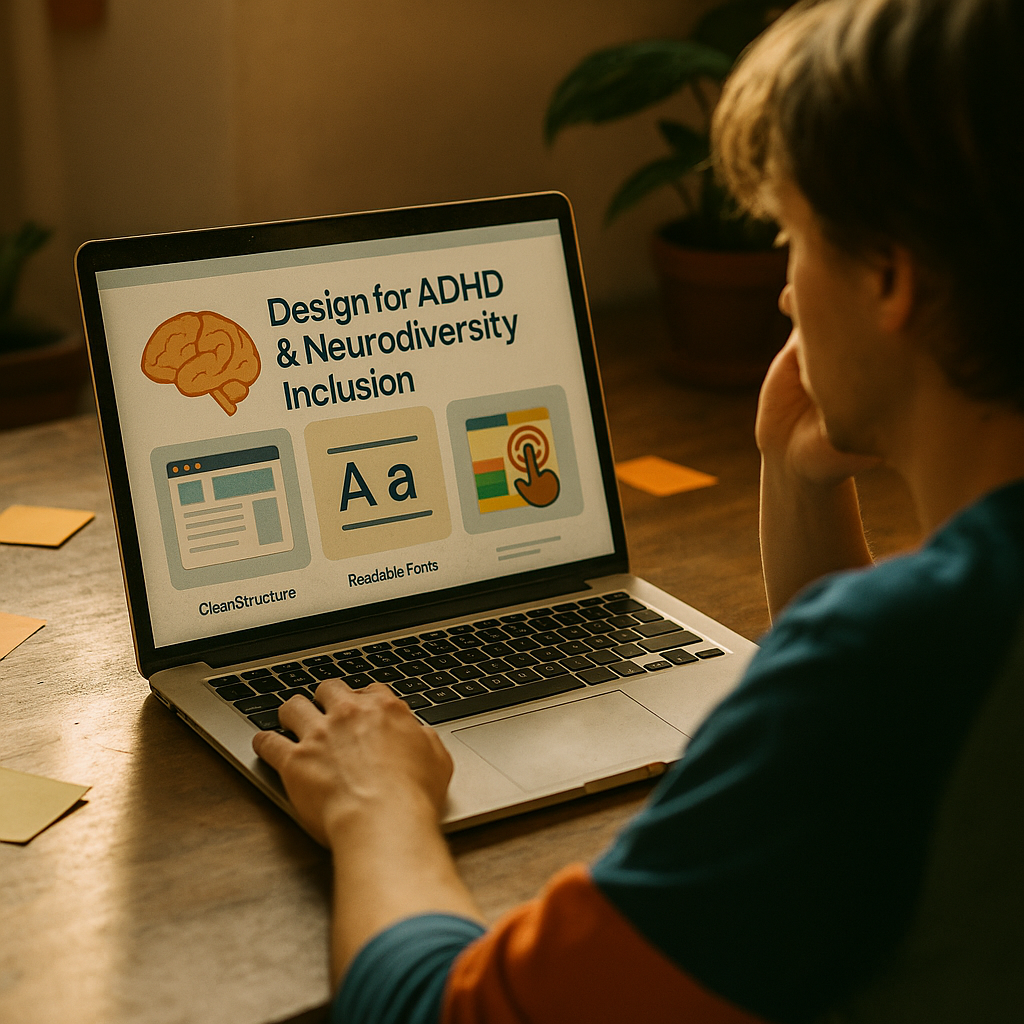
Designing for neuro inclusion helps more people read, decide, and act without feeling overwhelmed or excluded. In 2025, audiences expect content that respects different attention styles, sensory needs, and working-memory limits. When you build pages for ADHD readers, you also improve clarity for everyone. The best part: small, measurable changes can lift comprehension and conversions—if you know where to start.
Neurodiversity-inclusive design principles
Neuro inclusion means your product or content works for a wide range of cognitive styles, including ADHD, autism, dyslexia, anxiety, and brain injury. It is not a “special mode.” It is a set of design decisions that reduce unnecessary effort and remove avoidable friction.
Start with three principles:
- Reduce cognitive load: remove non-essential choices, simplify navigation, and limit competing visual elements.
- Support self-regulation: give users control over pace (pause, save, resume), intensity (motion, sound), and density (summaries, progressive disclosure).
- Make meaning obvious: clear labels, predictable layouts, and immediate feedback reduce “interpretation work.”
These principles align with widely accepted accessibility practice. They also match what many ADHD readers need: fewer distractions, clearer next steps, and the ability to re-engage after an interruption. If your team asks, “Is this just accessibility?” the practical answer is: it overlaps, but neuro inclusion goes further by addressing attention, working memory, and sensory overwhelm in everyday reading experiences.
Build for interruptions as a default. ADHD readers often pause mid-task due to notifications, environment, or fluctuating focus. Design that supports “stop and resume” (saved progress, clear sectioning, visible state) prevents abandonment and improves completion rates across the board.
ADHD-friendly content structure
ADHD readers can be highly engaged when content is scannable and goal-oriented. The fastest win is structural: make it easy to find the point, follow the argument, and take action without rereading.
Use predictable hierarchy. Every section should answer one question and lead to the next. Think in modules: “what it is,” “why it matters,” “how to do it,” and “what to do next.”
Practical structure checklist:
- Lead with a one-sentence takeaway in each major section so readers get value even if they skim.
- Keep paragraphs short (often 2–4 sentences) and avoid burying the main point in the middle.
- Use lists for processes and requirements so steps do not blend together.
- Make transitions explicit: write “Next,” “Now,” “If that happens,” and “This means” to guide attention.
- One idea per paragraph: if you change topics, start a new paragraph.
Anticipate the reader’s next question inside the flow. For example, after recommending short paragraphs, address the follow-up: “Will this feel simplistic?” It will not if your content stays specific. Replace filler with details: numbers, examples, and clear criteria.
Avoid “mystery relevance.” ADHD readers may disengage when they cannot quickly see why a section matters. Use micro-context lines such as: “Use this when your article has multiple audiences” or “This reduces rereading during onboarding”.
Readable typography and visual hierarchy
Typography and layout can either support focus or continually steal it. Neuro-inclusive design favors calm, consistent patterns that let readers invest attention in meaning, not deciphering.
Optimize for readability first:
- Use a clear typeface with distinct letterforms; avoid overly stylized fonts for body text.
- Increase line-height enough to prevent lines from blending, and keep line length comfortable so the eye does not get lost.
- Use strong contrast between text and background, but avoid harsh glare; off-white backgrounds can reduce fatigue for some readers.
- Keep alignment consistent and avoid frequent center-aligned body text, which increases tracking effort.
Create visual hierarchy that signals priority. ADHD readers benefit when the page clearly answers: “What should I read first?” Make headings informative (not clever), and use consistent styling for the same level of importance. If everything is bold, nothing is.
Be careful with emphasis. Use bold for key decisions, constraints, and actions. Use italics sparingly for nuance or examples. Over-highlighting becomes visual noise and can increase distractibility.
Design for scanning without punishing deep reading. A page should work in two modes: quick scan for orientation, and sustained reading for comprehension. You do this by placing summaries early, then supporting detail beneath. It respects different attention states without forcing a “one pace fits all” experience.
Sensory-friendly UX and distraction reduction
Many ADHD users struggle with competing stimuli: motion, autoplay media, cluttered sidebars, and unpredictable pop-ups. Neuro-inclusive UX reduces these triggers while keeping the experience engaging.
Remove avoidable distractions:
- Disable autoplay for video and audio, or provide clear controls and default to muted.
- Limit animated elements and avoid attention-grabbing loops near primary reading areas.
- Use consistent navigation so users do not have to relearn the interface across pages.
- Avoid surprise interruptions like pop-ups that cover content before the reader has context.
Offer user control where it matters. Add options such as “reduce motion,” “reading mode,” adjustable text size, and a persistent table of contents. Even small controls can lower stress and increase time on page because users feel in charge of the environment.
Support task completion with clear next steps. ADHD readers often benefit from explicit calls to action that are easy to identify and limited in number. Instead of presenting five competing buttons, choose the primary action and place secondary actions behind less prominent links.
Design feedback to be immediate and specific. If a form has errors, highlight the exact field and explain how to fix it. If a process takes time, show progress. Uncertainty increases drop-off, especially for users already spending more effort to stay on task.
Address a common concern: “Will reducing motion make the page less modern?” Not if you apply restraint. Calm design reads as premium and intentional. You can still use visual interest through spacing, imagery that supports meaning, and a clear content rhythm.
Plain language writing and scannable formatting
Plain language is not “dumbing down.” It is precision writing: fewer words, clearer meaning, and less chance the reader must infer what you meant. That is particularly helpful for ADHD readers who may lose the thread when sentences run long or abstract.
Write for fast comprehension:
- Use concrete verbs and name the subject: “Send the invoice,” not “The invoice should be sent.”
- Prefer short, direct sentences and break long explanations into numbered steps.
- Define acronyms on first use and avoid jargon when a common term works.
- Put key constraints up front: time, cost, prerequisites, and exceptions should be easy to spot.
Use formatting to guide action. Readers with ADHD often do best when tasks are explicit and chunked. If you are teaching a process, use a short intro sentence, then a list that begins with verbs. If you are comparing options, list criteria first, then evaluate each option against the same criteria.
Replace vague promises with specific outcomes. Instead of “improves engagement,” say “reduces rereading and helps readers find the next step in under 10 seconds.” You may not always have exact timing, but you can define what “better” looks like and how you will validate it.
Include “resume points.” A resume point is a line that helps a returning reader re-enter the content after distraction. Examples include mini-summaries, repeated section labels, or a “Where you are” sentence at the start of longer segments.
Testing for accessibility and measurable outcomes
Neuro inclusion improves when you test with real users and evaluate behavioral signals. EEAT-focused content also benefits from transparency: explain what you did, how you validated it, and what to do if the reader’s context differs.
Combine three types of validation:
- Heuristic review: check structure, clarity, and distraction triggers against a documented checklist.
- Accessibility checks: confirm contrast, focus states, keyboard navigation, and motion settings where relevant.
- User testing: include neurodivergent participants when possible and ask about overwhelm, wayfinding, and “resume after interruption.”
Measure outcomes that map to attention and comprehension:
- Scroll depth with time context: deep scrolling in a few seconds can signal skimming, not reading.
- Task completion rate: form completion, sign-ups, or successful checkout steps.
- Error rate and time to recover: how often users hit validation issues and how quickly they fix them.
- Content findability: on-page search usage, table-of-contents clicks, and bounce rate on long pages.
Document decisions to strengthen trust. If you publish guidance, cite credible sources when you use statistics, describe your testing approach, and be clear about limits. For example: “This layout reduced support tickets about ‘where to click next’ in our onboarding flow,” is a stronger, more trustworthy claim than “Users loved it.”
Close the loop with iteration. Neuro-inclusive design is rarely a one-time project. Update templates, create a short editorial style guide, and train contributors so improvements persist as new content ships.
FAQs
What is neuro inclusion in web design?
Neuro inclusion is designing content and interfaces that work for different cognitive styles and sensory needs. It focuses on reducing overload, supporting attention and working memory, and giving users control over pace and intensity, while still meeting general usability and accessibility standards.
What makes content ADHD-friendly?
ADHD-friendly content is structured for scanning and easy re-entry: clear headings, short paragraphs, meaningful lists, explicit transitions, and obvious next steps. It also avoids unnecessary distractions and uses plain language so readers do not spend effort decoding the writing.
Does designing for ADHD help all users?
Yes. Improvements like clearer hierarchy, simpler navigation, fewer interruptions, and more predictable layouts typically increase comprehension and reduce drop-off for everyone, especially mobile users and people reading under time pressure.
How do I reduce distractions without making my site feel boring?
Use restraint instead of removing personality. Keep motion purposeful, avoid autoplay, and limit competing elements near the main content. Add interest through strong examples, helpful visuals that support the text, and a consistent rhythm of headings, summaries, and detail.
What are quick changes I can make today?
Shorten paragraphs, add informative h2 headings, convert complex sections into bullet lists, remove or delay pop-ups, and add a table of contents for long pages. Make the primary call to action unmistakable and reduce the number of competing buttons.
How should I test neuro-inclusive content?
Start with a checklist-based review for structure and distraction triggers, then validate with accessibility checks. If possible, run user testing that includes neurodivergent participants and measure task completion, error recovery, and engagement patterns that indicate comprehension rather than just clicks.
Can I claim my content is “neuro-inclusive”?
You can describe the specific practices you implemented and the outcomes you measured. Avoid absolute claims. A trustworthy approach is to state what you changed, why, and how you tested it, and invite feedback for continuous improvement.
Conclusion: Neuro-inclusive design succeeds when it reduces cognitive load, limits distractions, and supports readers who start, stop, and resume. Build clear structure, calm hierarchy, and plain language into every template, then validate with accessibility checks and real user feedback. In 2025, the most effective content is the most usable: make focus easier, and more readers will finish, understand, and act.