


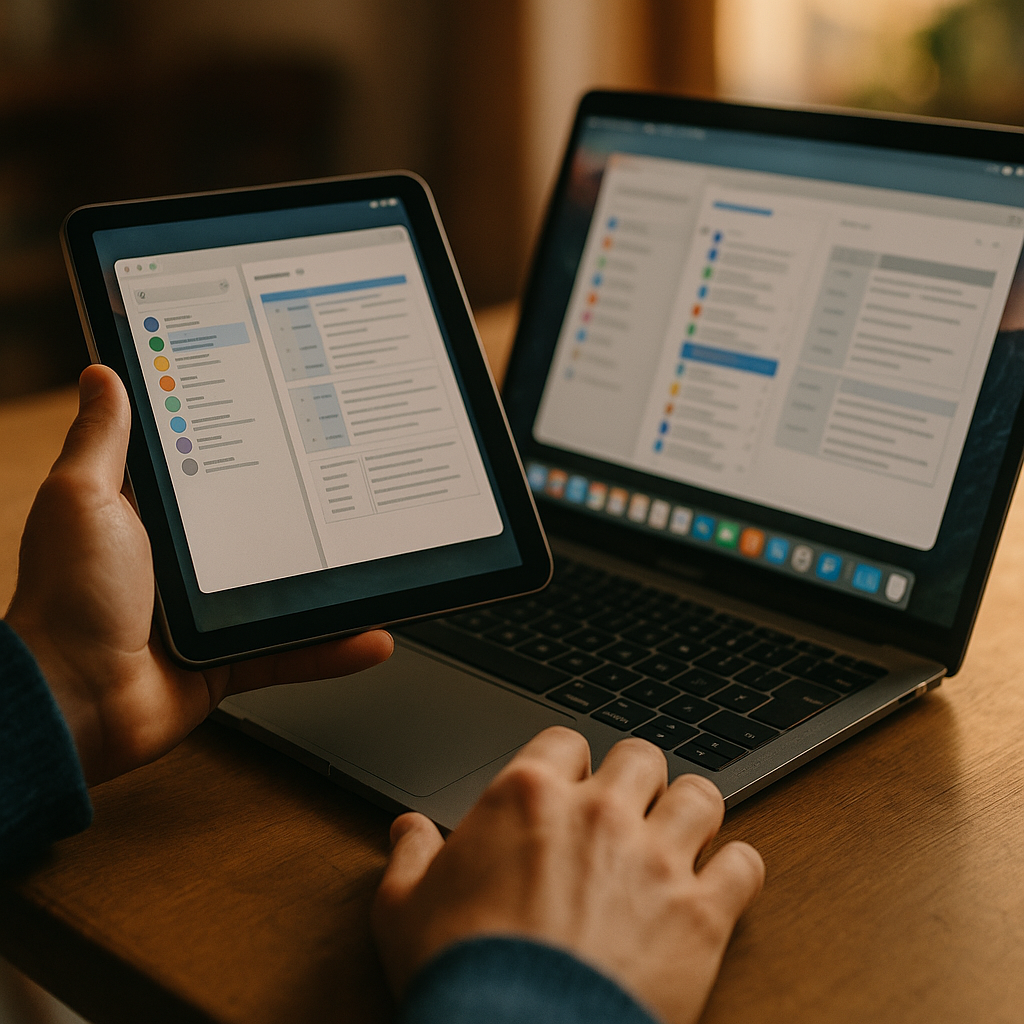
In 2025, many people watch, shop, learn, and message across two devices at once. This split attention changes how interfaces are discovered, trusted, and used. Designing For The Dual-Screen User Experience Habit means planning for journeys that begin on one screen and finish on another, with context switching in between. Get it right and users stay oriented—get it wrong and they vanish.
Understanding dual-screen behavior and user intent
Dual-screen behavior usually follows a simple pattern: one device is the “primary” screen (often a TV or laptop) and the other is the “companion” screen (often a phone). People aren’t just multitasking for fun; they’re pursuing a goal while managing uncertainty. They might fact-check a claim, compare prices, message friends, or look up instructions while content runs on the main screen.
Design decisions should start with intent, not device. The same person can be:
- Leaning back on a couch watching video while leaning forward to search on a phone.
- Exploring on a large screen while confirming details on a small screen.
- Browsing casually until a trigger (price, recommendation, urgency) pushes them into task mode.
To design for this habit, map the “micro-moments” that cause switching: confusion (“What did they say?”), curiosity (“Is that true?”), social proof (“Is this legit?”), and transaction readiness (“Can I buy it now?”). Then ensure the next screen answers the question faster than competing options. This is where helpful content and clear UI beat cleverness.
Also plan for the reality of partial attention. Users will miss prompts, skim copy, and ignore subtle controls. If your flow depends on a single small link, it will break. If your value is obvious within seconds, it will survive the switch.
Cross-device continuity and seamless handoff
Cross-device continuity is the core promise of dual-screen design: users should be able to start on one device and continue on another without redoing work. In practice, continuity fails because of broken states, inconsistent content, and identity friction.
Prioritize these continuity fundamentals:
- State persistence: keep progress, filters, and selections consistent. A cart, watchlist, reading position, or form should persist across devices.
- Link hygiene: every shared link should open the correct screen and state, not a generic homepage. Use deep links when possible.
- Account clarity: allow guest paths for low-commitment actions, but make sign-in easy when users are ready to commit.
- Session resilience: avoid timeouts that punish switching. If security requires shorter sessions, provide graceful re-authentication that restores context.
Handoff patterns that work well in 2025 include:
- “Send to phone” from TV or desktop for checkout, verification, or long forms.
- QR-based continuation for quick transfer from a large screen to a personal device (use when accounts aren’t guaranteed).
- Magic links and one-tap confirmations that reduce password friction while respecting security expectations.
Answer the follow-up question users don’t ask out loud: “If I switch screens, will I lose my place?” Make the answer “no” through visible cues: a persistent “Continue on your phone” option, a “Resume where you left off” banner, or a clear activity history. Continuity is a trust signal as much as a usability feature.
Second-screen UX patterns for attention management
Second-screen UX must compete with the primary screen for attention, so it should reduce cognitive load and compress decision-making. That doesn’t mean removing detail; it means staging detail so users can grab what they need in a glance and dive deeper only when they choose.
Reliable second-screen patterns include:
- Glanceable cards: short modules with a headline, one key value, and a single next action.
- Progressive disclosure: show essentials first (price, availability, rating, key spec), then expand into full detail.
- One-thumb controls: keep primary actions within easy reach and avoid cramped tap targets.
- Smart defaults: preselect common options and let users confirm rather than configure from scratch.
Design for interruption as a normal state. The companion device will be put down, locked, and reopened. Help users recover instantly:
- Save automatically when users pause typing or switch apps.
- Use clear checkpoints in multi-step flows (“Shipping,” “Payment,” “Review”) with visible completion status.
- Provide an “Undo” or easy edit path so users feel safe acting quickly.
Keep prompts direct and contextual. If a TV app asks users to confirm something on a phone, show exactly what to look for (“Open the notification titled ‘Confirm your purchase’”). If you rely on notifications, ensure the action remains accessible in-app for users who have them disabled.
Finally, avoid “dual-screen noise.” If both screens demand reading and decision-making at the same time, users will choose one and abandon the other. Make the primary screen the story and the second screen the control panel, not a second story.
Responsive design for multi-device ecosystems
Responsive design is no longer just about screen size; it’s about device roles, input modes, and environmental constraints. A laptop might be used with a mouse, a phone with a thumb, and a TV across the room with a remote. The same layout rules cannot serve all contexts equally.
Build a role-aware responsive system:
- Primary-screen layouts should prioritize readability, immersion, and shared viewing. Use larger typography, high-contrast controls, and simple navigation.
- Companion-screen layouts should prioritize speed, confirmation, and personal actions like authentication, payment, messaging, and saving.
- Consistent design language across devices (colors, icon meanings, terminology) so users don’t relearn the interface mid-journey.
Answer a common implementation question: should you build separate experiences or one adaptive experience? If the device roles are very different (TV remote vs phone touch), separate UI layers with shared backend logic often produce better outcomes. If roles are similar (tablet and desktop), a unified adaptive approach is usually sufficient. Either way, keep these consistent:
- Information architecture: categories and labels should match across devices.
- Content parity: avoid hiding critical info on one device (like fees, constraints, or cancellation terms).
- Action parity: if users can “save,” “share,” or “return” on one device, they should find the same capability elsewhere, even if the placement changes.
Plan for privacy and social context. A TV is often shared; a phone is personal. Put sensitive steps—login codes, payment confirmations, personal messages—on the personal device by default. Use the large screen for status and reassurance (“Payment confirmed”) without exposing details.
Accessibility and inclusive UX for dual-screen journeys
Inclusive design becomes more complex when a task spans two devices. Accessibility isn’t a checklist; it’s a continuity promise for people who use assistive technologies, have situational limitations, or need more time and clarity.
Key inclusive practices for dual-screen journeys:
- Readable, high-contrast UI on the primary screen for distance viewing and varied lighting.
- Accessible touch targets and clear focus states on the companion screen for quick, accurate interaction.
- Screen reader compatibility with meaningful labels, logical heading order (within the UI), and clear error messages.
- Time flexibility: avoid rushed timeouts and provide recovery when interruptions happen.
Be careful with QR codes and “scan to continue” flows. They can be efficient, but they can also exclude users with low vision, motor challenges, or older devices. Offer alternatives such as:
- Short, easy-to-type codes with sufficient time to enter them.
- Direct sign-in options on the companion device (email link, passkey, or verified number, depending on your product).
- Clear fallback paths like “Continue on this device instead.”
Inclusive dual-screen design also supports different cognitive loads. Use plain language, avoid ambiguous labels (“Proceed” vs “Pay”), and keep error states constructive. If something fails during handoff, don’t blame the user—explain what happened and what to do next in one step.
Measuring success with analytics, testing, and trust signals
Dual-screen experiences fail quietly: users don’t always report friction; they simply switch to a competitor. Measure success with metrics that reflect cross-device reality, then validate findings with user research.
Set up measurement around these questions:
- Where do users switch? Track entry device, exit device, and the steps completed before switching.
- Does handoff complete? Measure conversion rates for “send to phone,” QR scans, and deep link opens.
- What’s the recovery rate? If users drop, how often do they resume within a reasonable time window?
- Where does trust break? Watch for abandonment around permissions, login, payment, or unclear fees.
Combine quantitative and qualitative methods:
- Cross-device funnel analysis to locate where continuity breaks.
- Session recordings (with privacy safeguards) to see hesitation, mis-taps, and repeated actions.
- Moderated usability tests that force real switching (TV-to-phone, laptop-to-phone) and simulate interruptions.
- Post-task surveys focused on confidence: “Did you feel in control?” “Did you know what would happen next?”
Use trust signals proactively. Dual-screen flows often trigger security concerns (“Is this prompt real?”). Reduce doubt with:
- Consistent brand cues across devices.
- Transparent explanations for why a step is on the phone (privacy, security, convenience).
- Visible confirmation on both screens after critical actions, without exposing sensitive data on shared displays.
Apply EEAT in product content as well as marketing content: cite sources for claims inside the experience when relevant, keep support documentation clear and current, and make it easy to verify legitimacy (official domains, verified sender IDs, and clear account activity logs).
FAQs about dual-screen user experience design
-
What is a dual-screen user experience?
A dual-screen user experience describes a single journey that spans two devices, such as watching on a TV while searching or purchasing on a phone. The goal is continuity: the user should keep context, progress, and confidence while switching between screens.
-
How do I choose which tasks belong on the primary screen vs the companion screen?
Put shared, high-visibility content on the primary screen (video, overview, navigation) and personal or sensitive actions on the companion screen (login, payment, messaging, saving). Use the companion screen for precise input and confirmation, especially when the primary screen is distant or controlled by a remote.
-
Are QR codes the best way to connect two screens?
QR codes are fast when users are co-located and able to scan, but they are not universal. Provide alternatives like short codes, deep links, or “send to device” options, and always include an on-screen explanation of what the user should expect after scanning.
-
How can I prevent users from losing their place when they switch devices?
Persist state (progress, cart, selections), support deep links to the correct step, and show “resume” entry points on both devices. If re-authentication is required, restore users to the same screen after verification instead of restarting the flow.
-
What metrics matter most for dual-screen UX?
Track cross-device funnels, handoff completion rates, time-to-resume, abandonment at trust checkpoints (login, permissions, payment), and repeat actions that suggest confusion. Pair analytics with usability testing that includes real interruptions and device switching.
-
How do I design dual-screen experiences that are accessible?
Use high-contrast, readable UI on large screens; accessible touch targets and focus indicators on phones; screen reader-friendly labels; flexible timeouts; and alternative handoff methods beyond QR. Ensure errors explain what happened and provide a single clear next step.
Dual-screen habits are now a default way people live online, so your product must feel continuous across devices. Design around intent, not screen size: keep the primary screen immersive and the companion screen efficient, personal, and interruption-proof. Measure handoffs, recoveries, and trust breaks, then iterate. The takeaway: continuity is the feature that earns attention twice.