


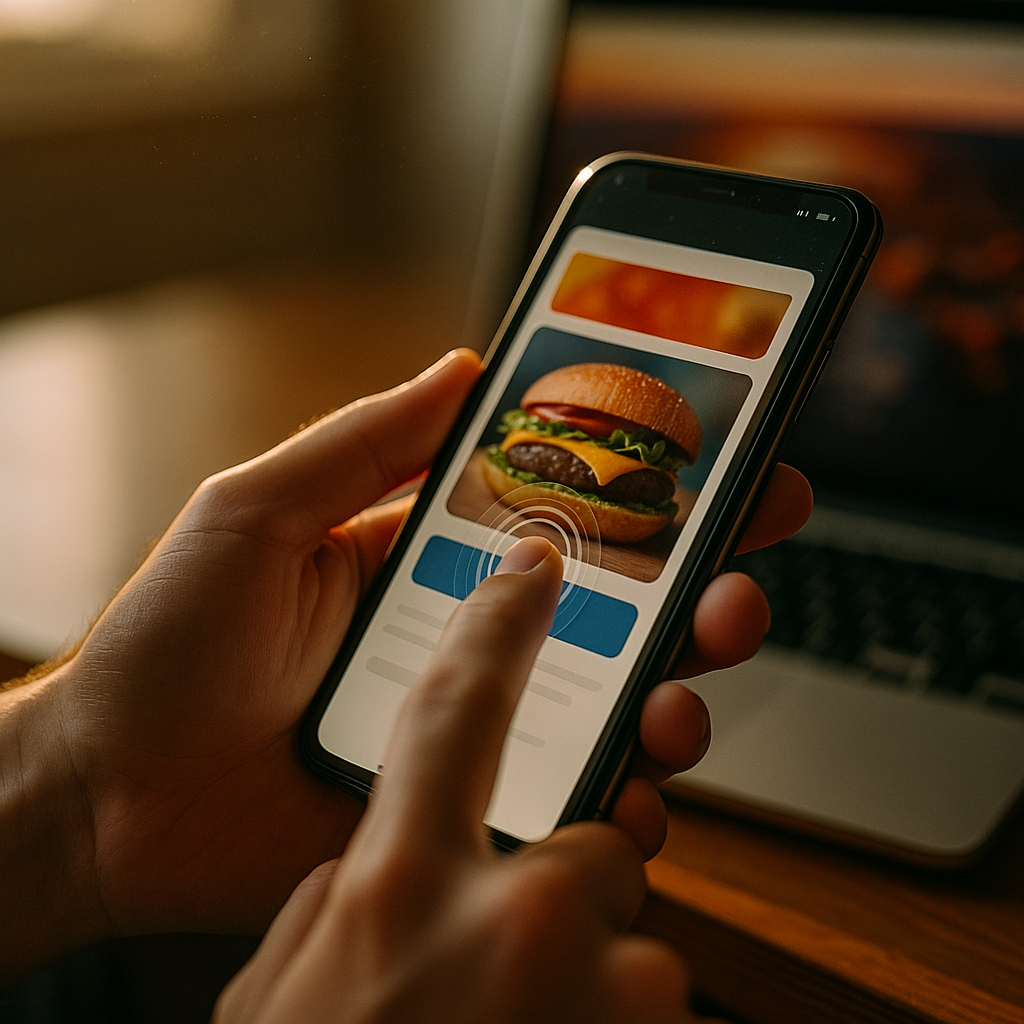
The Impact Of Haptic Feedback Technology On Mobile Ad Engagement is reshaping how people notice, understand, and act on ads in 2025. By adding tactile cues—taps, pulses, and textures—brands can turn passive scrolling into a moment of interaction that feels intentional. But haptics can also backfire when overused or poorly timed. What does “good” haptic advertising actually look like in practice?
Haptic advertising: what it is and why it matters for mobile
Haptic feedback on mobile refers to controlled vibrations and tactile patterns delivered through a phone’s haptic engine. In advertising, haptic advertising uses those patterns to reinforce a message, guide an action, or simulate a product experience. Unlike sound (often muted) or visuals (easy to ignore), a well-placed tactile cue can cut through distraction without demanding extra screen space.
In 2025, mobile attention is fragmented: people scroll quickly, multi-task, and frequently watch with audio off. Haptics offers a new sensory channel that can support two outcomes marketers care about:
- Attention anchoring: a brief vibration can signal “something changed” (e.g., a reveal, a reward, a time-limited offer).
- Action reinforcement: tactile confirmation can make a tap feel more decisive, improving confidence and reducing mis-taps.
However, haptics is not inherently “better.” It works when it aligns with user intent (e.g., confirming an interaction) and fails when it interrupts or feels manipulative. If a user experiences haptics as an unwanted buzz, they may disable vibration system-wide—hurting not only the ad but their overall experience.
Mobile ad engagement: where haptics moves the needle
Mobile ad engagement typically includes measurable behaviors such as view-through completion, swipe depth, time in unit, click/tap-through, store visits, add-to-cart events, and purchases. Haptics influences engagement by changing how an ad feels at key decision points.
Common engagement lift mechanisms include:
- Micro-interaction clarity: a gentle “tick” when a carousel snaps into place can reduce confusion and encourage continued exploration.
- Reward signaling: tactile feedback paired with a visual reward (e.g., “Unlocked 10% off”) can make incentives feel more tangible.
- Guided gestures: subtle pulses can cue “swipe to reveal” or “press and hold,” increasing interaction rates for richer ad formats.
For performance teams, the practical question is where haptics best supports the funnel. In many cases, the most reliable use is post-action confirmation (after a tap, selection, or successful interaction). This reduces uncertainty and can increase completion on multi-step ad experiences, such as quizzes, product selectors, or lead forms. Pre-action vibration (“buzz to get attention”) can work, but it is higher risk and more dependent on creative context, user settings, and platform rules.
If you expect follow-up questions like “Will this increase CTR?” the honest answer is: it can, but haptics tends to have a stronger impact on interaction quality (time-in-ad, completion, reduced drop-off) than on raw clicks alone—especially when clicks are already constrained by ad placement or platform UI.
User experience and ad UX: balancing delight and intrusion
The biggest determinant of outcomes is ad UX. Haptics must feel like a natural extension of the interface, not an attention hack. In 2025, users are increasingly sensitive to interruptions, and mobile OS settings make it easy to disable vibration or enable focus modes. If haptics feels spammy, the long-term cost can be higher than the short-term gain.
Use haptics when it supports one of these UX-friendly goals:
- Confirmation: “Your choice was registered,” “Added to cart,” “Form step completed.”
- Progress feedback: a light pulse at 25/50/75/100% completion on a short interactive journey.
- Realistic product cues: a soft texture-like sequence for fabric, a firm “click” sensation for a button-like UI, or a controlled “thump” for a product drop reveal.
Avoid haptics when it creates friction:
- Unprompted vibration on load: often perceived as intrusive, especially in quiet settings.
- Overly strong or long patterns: can feel like an error state or a notification, not a brand experience.
- High frequency repetition: repeated buzzing during scroll or animation trains people to ignore it or disable vibration.
Practical creative guidance: keep most patterns short, subtle, and purposeful. Tie them to a visible cause-and-effect. If a user can’t immediately understand why the phone vibrated, assume it was a negative experience.
Interactive mobile ads: creative patterns that benefit from haptics
Interactive mobile ads are where haptics can justify its complexity, because interaction provides a natural trigger. The best-performing concepts tend to use haptics to make digital actions feel physical.
High-fit ad experiences include:
- Product try-outs: a “press to feel the click” demo for a gadget button, a “tap to test” keypad, or a simulated camera shutter feedback aligned with a feature callout.
- Mini-games and playable ads: light collision bumps, success “ticks,” or escalating pulses as time runs out—kept subtle to avoid fatigue.
- Guided configurators: each selection produces a distinct light feedback, making it easier to compare options and commit.
- Coupon reveals: a single crisp pulse when the offer is unlocked, reinforcing the value moment.
To answer a common follow-up—“Does haptics only help gaming-style ads?”—no. It often helps utility interactions more: selectors, maps, store locators, quizzes, and product finders. These formats already depend on user input, so haptics can increase confidence and reduce abandonment without feeling like a gimmick.
Creative discipline matters. Pair haptics with:
- Clear on-screen cues (microcopy such as “Tap to reveal” or a visible affordance like a slider).
- Single-purpose feedback (one pattern for success, another for error, and avoid extra patterns).
- Consistent timing (trigger immediately on action; delays make it feel broken or unrelated).
Haptic feedback technology: implementation, testing, and measurement
Haptic feedback technology is constrained by device hardware, OS settings, and browser/app environments. In practical terms, you should plan for a range of outcomes: some users will feel nuanced feedback; others will feel a basic vibration; some will feel nothing because vibration is disabled, the device lacks a strong haptic engine, or the environment restricts haptics.
Implementation guidelines in 2025:
- Design for graceful degradation: the ad must still work with zero haptics. Treat haptics as an enhancement, not a dependency.
- Respect system settings: never try to “force” vibration behavior; assume users who turned it off had a reason.
- Use a small pattern vocabulary: a few distinct cues mapped to key events (confirm, success, error) to avoid confusion.
Measurement and experimentation should focus on both outcomes and experience signals. Recommended metrics:
- Primary conversion KPIs: CTR, CVR, add-to-cart rate, lead completion, purchase, store visits (where available).
- Engagement quality: interaction rate, time in unit, completion rate, repeat interactions, scroll depth within the unit.
- Negative signals: rapid exits, swipe-away rate, hides/report feedback, drop-offs at the moment haptics triggers.
Run structured A/B tests with:
- Haptics vs. no haptics (baseline lift).
- Subtle vs. strong patterns (find the threshold where it becomes intrusive).
- Pre-action vs. post-action triggers (usually post-action wins for UX).
- Frequency caps (e.g., only first interaction, or once per step).
To keep results credible, segment reporting by device class where possible and watch for confounds such as placement differences, creative fatigue, and differing vibration settings across audiences. If you can’t measure device support directly, treat it as a hidden variable and prioritize larger samples and repeated tests across placements.
Privacy, accessibility, and brand trust: the EEAT essentials
Haptics touches the user in a literal way, so it can amplify both delight and distrust. Following EEAT best practices means prioritizing safety, accessibility, transparency, and user control—especially when the ad introduces new sensory cues.
Key trust-building practices:
- Consent and expectations: don’t surprise users with strong vibrations. If the experience is haptic-led (like a demo), set expectations with simple copy such as “Tap to feel the difference.”
- Accessibility considerations: some users are sensitive to vibration or use assistive settings. Keep patterns optional, brief, and avoid rapid repetitive pulses.
- Context awareness: an ad that vibrates during late-night browsing or in quiet environments can feel inappropriate. Default to subtle patterns and post-action confirmation.
- Brand-fit restraint: luxury, health, and finance brands often benefit from minimal, precise cues rather than playful, frequent patterns.
For teams asking “Is haptics manipulative?”—it becomes manipulative when it tries to coerce attention without user intent. It remains helpful when it improves clarity, reduces friction, and confirms user actions. In other words, align haptics with usability principles and you strengthen trust while improving performance.
FAQs about haptic feedback and mobile ad engagement
Does haptic feedback work if users have vibration turned off?
No. Many users disable vibration or use focus modes, so treat haptics as an enhancement. Your ad should remain fully understandable and usable with no tactile feedback.
Which ad formats benefit most from haptics?
Interactive formats benefit most: playable ads, product configurators, quizzes, coupon reveals, and step-by-step selectors. Static banners rarely gain enough value to justify haptics.
Will haptics increase click-through rate?
It can, but haptics more reliably improves interaction quality—time in unit, completion rate, and reduced drop-off—especially when used as post-action confirmation rather than an attention grab.
How strong should haptic feedback be in an ad?
Keep it subtle and short. Strong, long, or frequent patterns are more likely to feel like an error or unwanted notification. Reserve stronger cues for rare, high-value moments like “offer unlocked.”
Is haptic advertising safe and accessible?
It can be, if you avoid rapid repetitive patterns, provide clear user-triggered interactions, and respect device settings. Design with accessibility in mind and never make core content dependent on vibration.
What’s the best way to test haptics in a campaign?
Run A/B tests against a no-haptics baseline, then iterate on trigger timing (pre vs. post action), frequency caps, and pattern intensity. Track both conversions and negative signals such as rapid exits and hides.
Do haptic ads work better in apps than on mobile web?
Often yes, because apps can provide more consistent interaction contexts and access to device capabilities, while mobile web behavior can vary by browser and user permissions. Still, you should validate with channel-specific tests.
Haptics can make mobile ads feel more responsive, more understandable, and more rewarding—when it supports user intent instead of interrupting it. In 2025, the strongest gains come from subtle, post-action feedback inside interactive formats, measured with disciplined A/B testing and monitored for negative signals. Use haptics sparingly, design for users who feel nothing, and you’ll improve engagement without sacrificing trust.