


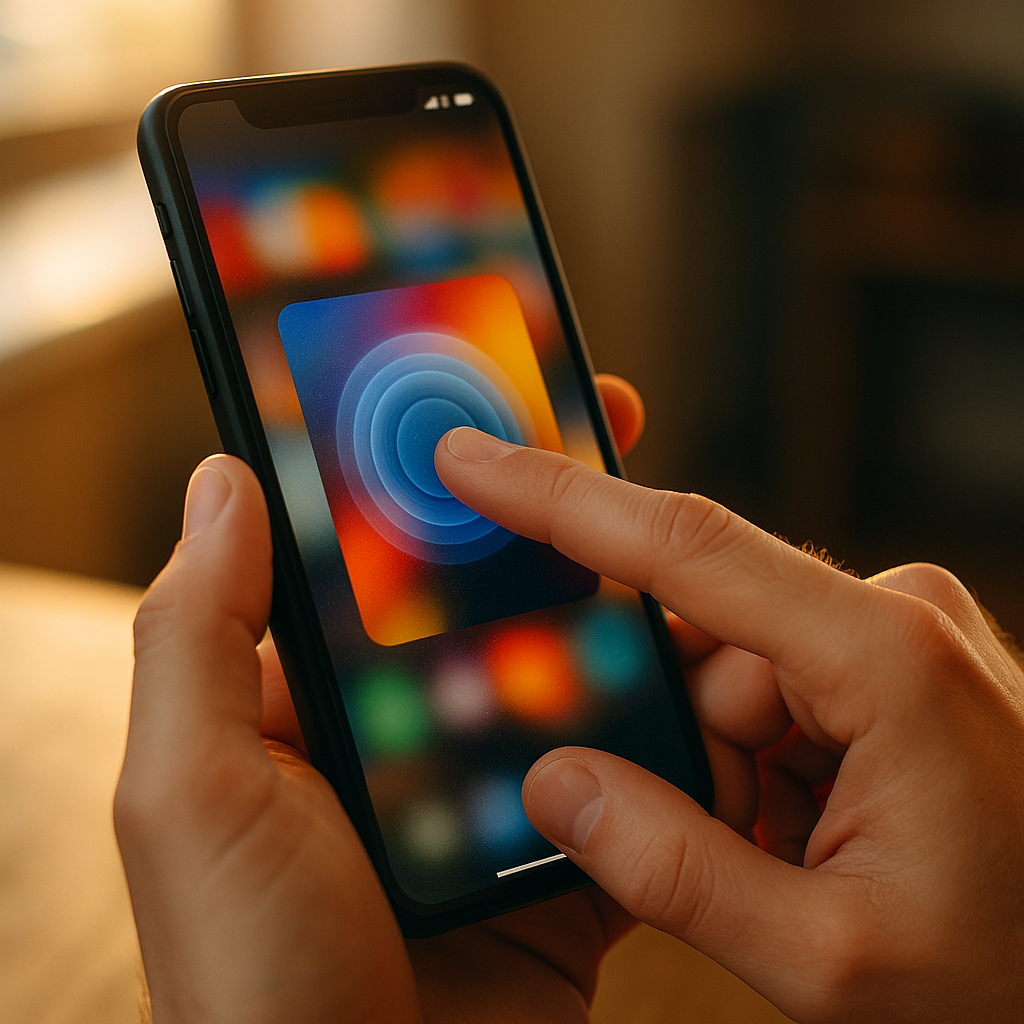
In 2025, brands compete on tiny screens where attention is scarce and differentiation is hard. The Future Of Haptic Marketing: Integrating Touch Into Mobile Content points to a new advantage: making digital experiences physically felt through vibration, pressure, and motion cues. When touch supports meaning—not novelty—it builds clarity and trust, not noise. The next question is simple: are you designing for fingers or for feelings?
Haptic marketing trends in mobile experiences
Haptics have moved from “nice-to-have” to a practical layer of user experience. Mobile operating systems and modern devices increasingly support precise vibration patterns, and users have learned to interpret them as signals: a confirmation, an alert, a boundary, or a moment of emphasis. The shift in 2025 is not about stronger vibrations—it’s about intentional touch that matches what the user sees, hears, and expects.
Several trends are shaping where haptic marketing is headed:
- Micro-interaction haptics: short, quiet pulses for confirmations, toggles, and progress changes. These reduce uncertainty, especially when visual attention is split.
- Storytelling haptics: patterns that reinforce narrative beats in content—like a subtle rumble during a product “reveal” or a heartbeat-like pulse in wellness journeys.
- Commerce haptics: tactile reinforcement at key conversion points, such as “added to cart,” saved preferences, or delivery status updates—used carefully to avoid feeling manipulative.
- Context-aware touch: haptics adjusted for user settings (silent mode, accessibility needs), device capabilities, and environment. What works on a high-end phone may feel harsh on a budget device.
- Standardization inside brands: companies building “haptic style guides” so touch feedback stays consistent across apps, mobile web, and notifications.
Readers often ask: “Is this only for apps?” No. App experiences offer richer control, but mobile web can still use limited vibration features where supported, while messaging platforms, wallets, and notifications provide other touchpoints. The larger opportunity is cross-channel consistency—making touch feel like part of the brand, not a one-off effect.
Mobile haptics and sensory branding fundamentals
Sensory branding works when every sensory cue communicates the same message. In mobile environments, touch can become a brand asset—similar to a sonic logo—if it’s consistent, recognizable, and tied to outcomes users value. The goal is not to “add vibration,” but to translate brand personality into tactile language.
Start with the fundamentals:
- Meaning before sensation: each haptic cue must map to a clear user state (success, warning, progress, boundary, reward). If users can’t learn it quickly, remove it.
- Consistency across journeys: a “success” pulse should feel the same whether it happens in onboarding, checkout, or account settings.
- Restraint signals professionalism: subtlety usually performs better than intensity. Strong vibrations are best reserved for urgent alerts, and even then must respect user settings.
- Brand fit: a luxury brand might use softer, shorter pulses; a gaming brand may use more dynamic patterns; a health brand should avoid patterns that resemble alarms unless required.
To build memorability without annoyance, treat touch like typography: a system with rules. Define a small library of patterns (for example: confirm, error, warning, completion, and emphasis) and document when each is allowed. This helps product teams avoid “haptic creep,” where effects multiply until the experience feels jittery.
Another common follow-up: “Will haptics improve conversion?” Haptics can improve confidence, which can improve conversion, but only when they reduce friction or clarify feedback. If they interrupt reading or create surprise, they can backfire. Design for comprehension first; measure outcomes second.
Tactile feedback design for user experience and accessibility
Great tactile feedback is felt as clarity. Poor tactile feedback is felt as interruption. In mobile content—especially short-form video, interactive articles, product pages, and onboarding—haptics should support what the user is trying to do: understand, decide, or complete an action.
Use these UX principles to keep haptics helpful:
- Pair haptics with a visible change: a pulse should reinforce a state change the user can also see (button press, slider snap, selection confirmed). Avoid “mystery vibrations.”
- Keep latency low: touch feedback must happen immediately. Delayed vibration feels like a bug, not a feature.
- Respect attention: in reading experiences, use haptics sparingly. Consider confining them to intentional actions (taps, long-press, checkout steps) rather than passive scrolling.
- Offer user control: align with device settings and provide in-app options for reducing or disabling haptics, especially in content-heavy experiences.
Accessibility is not optional in 2025; it’s a quality signal. Haptics can help users who benefit from non-visual cues, but they must be designed with care:
- Don’t rely on haptics alone: always provide redundant cues (visual text, icons, sound optional). Haptics should supplement, not replace, critical information.
- Avoid patterns that mimic emergency alerts: these can create unnecessary stress or confusion.
- Consider sensory sensitivity: some users experience discomfort from frequent vibration. Default to minimal patterns and let users opt into richer feedback.
If you publish mobile content, a practical question is: “Where should haptics appear in the funnel?” The best moments are those where uncertainty is high: confirming a purchase step, validating input, acknowledging a successful scan, or marking content milestones (“saved,” “downloaded,” “subscribed”). In contrast, constant vibration during browsing tends to reduce trust.
Interactive mobile content with haptic storytelling
Haptic marketing becomes most powerful when it supports a story the user is already engaged in. Interactive mobile content—quizzes, configurators, product demos, short-form video, AR try-ons—creates opportunities to make meaning feel physical. The key is to treat touch as a narrative cue, not a gimmick.
High-performing use cases include:
- Product exploration: a subtle “click” when snapping a configurable option into place, or a soft pulse when a color choice applies successfully.
- Milestone reinforcement: a distinct completion pattern when the user finishes a quiz, reaches a goal, or unlocks a benefit.
- Guided attention: a light cue when a user’s input is needed, such as during step-by-step tutorials—used sparingly to avoid nagging.
- AR and spatial experiences: touch cues paired with motion and visuals can make virtual placement or “fit” feel more credible.
For content teams, the most relevant follow-up is: “How do we keep haptics from feeling like manipulation?” Use three checks:
- Transparency: haptics should correspond to user actions and clear outcomes, not covert persuasion.
- Proportionality: the intensity should match the importance of the event. A minor UI change should not feel like a jackpot.
- Choice: let users reduce or turn off haptics without degrading core functionality.
When these checks are met, haptic storytelling can do something valuable: increase perceived responsiveness. Users often interpret responsive systems as more trustworthy and higher quality. In competitive categories, that perception can influence preference even when features are similar.
Privacy, ethics, and trust in haptic advertising
Touch is intimate. That makes haptic advertising a trust-sensitive channel. In 2025, consumers expect brands to respect boundaries, minimize data collection, and avoid dark patterns. Haptics can strengthen trust when they communicate clearly; they can damage trust when they surprise users or push them into decisions.
Ethical haptic marketing practices include:
- Consent-aware design: don’t activate strong haptics without clear user interaction. Avoid “auto-play” vibration in ads or embedded content.
- Frequency limits: cap haptic events per session to prevent fatigue. A good rule is to use touch only when it reduces uncertainty or confirms an intentional action.
- Honest reinforcement: use a “success” pattern only when something genuinely succeeded (payment authorized, order placed, file saved). Misusing confirmation haptics erodes credibility fast.
- Data minimization: you rarely need sensitive data to deliver effective haptics. Measure performance with aggregated, privacy-respecting analytics.
Marketers also ask: “Can haptics be considered intrusive?” Yes, if it triggers unexpectedly, feels too intense, or occurs in quiet contexts. The safest approach is to make haptics user-driven: tied to tap, press, or completion. For campaign compliance and brand safety, document where haptics appear, why they exist, and how users can control them.
Trust also depends on technical reliability. If haptics behave inconsistently across devices, users may suspect the app is buggy or the brand is careless. That perception undermines campaign performance more than most creative teams expect.
Measuring haptic engagement and ROI in mobile campaigns
Haptics feel subjective, but you can measure their business impact with disciplined experimentation. The measurement goal is not “more vibration.” It’s better outcomes: fewer errors, faster completion, higher satisfaction, and sustained engagement that doesn’t spike churn.
Use a structured approach:
- Define the job-to-be-done: what problem is haptics solving? Examples: reduce form abandonment, confirm checkout steps, improve comprehension in tutorials, increase save/share actions.
- Instrument meaningful events: measure task completion rate, time-to-complete, error rate, rage taps, and drop-off at key steps.
- A/B test patterns, not just on/off: compare subtle confirmation vs. stronger confirmation, or single pulse vs. double pulse, with guardrails for user satisfaction.
- Include qualitative signals: app store reviews, customer support tags, and short in-app surveys can reveal whether haptics feel helpful or annoying.
- Segment carefully: effects may differ by device type, accessibility settings, user familiarity, and context (commuting vs. at home).
To follow Google’s EEAT expectations for helpful content, document your haptic decisions like any other product choice: include rationale, user testing notes, accessibility considerations, and measurement results. This strengthens internal alignment and ensures future iterations stay grounded in evidence rather than taste.
If you need a practical starting point, pick one high-friction moment (like “payment confirmed” or “address validated”) and test a minimal, consistent haptic cue. Measure whether errors and drop-offs decrease. Expand only after you can show clear value.
FAQs about haptic marketing and touch in mobile content
-
What is haptic marketing in mobile content?
Haptic marketing uses tactile feedback—usually vibration patterns—to reinforce messages and interactions on smartphones. In mobile content, it can confirm actions, highlight key moments, and make digital experiences feel more responsive, as long as it’s used sparingly and tied to clear user outcomes.
-
Do haptics work on the mobile web or only in apps?
Apps typically offer the most reliable control over haptics. Mobile web support varies by browser and device, so web implementations require careful fallback design. Many brands use haptics primarily in apps and reserve web experiences for visual and audio cues, ensuring consistent meaning across channels.
-
How do you design haptic patterns that feel “on brand”?
Create a small, documented library of patterns mapped to user states (success, error, warning, completion, emphasis). Keep intensity and duration aligned with brand personality and the importance of the event. Consistency matters more than complexity.
-
Can haptics improve conversions?
They can, indirectly, by reducing uncertainty and making key steps feel confirmed and reliable. The best results come from improving clarity in high-friction moments like form validation and checkout. Overuse can reduce trust and increase abandonment, so testing and restraint are essential.
-
Are haptics accessible for all users?
Haptics can improve accessibility for users who benefit from non-visual feedback, but they are not universally comfortable. Always provide redundant cues, respect device accessibility settings, and offer in-app controls. Avoid frequent or intense patterns that could cause discomfort.
-
What metrics should I track to evaluate haptic marketing?
Track task completion rate, time-to-complete, error rate, drop-off at key steps, and signals of frustration such as repeated taps. Pair quantitative results with qualitative feedback from surveys, reviews, and support tickets to confirm whether haptics feel helpful.
Haptics will shape mobile experiences in 2025 because they make digital interactions feel more certain, more human, and easier to trust—when designed with restraint. Build a small system of meaningful touch cues, align it with accessibility and user control, and test it against real funnel friction. The takeaway: treat haptics as functional sensory branding, not a special effect, and your content will feel smarter.